

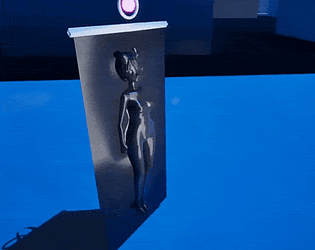
Hey still doing lots of optimizations so you may not be out of the water yet. I mostly have been flushign out content as best as possible, but the more tedious work I'm slowly catching up to. There may be a few things to try, please let me know how it goes. Everything post v17 should start low settings, but there a few settings a missed I'll be fixing these for post-v19.02 and adding a few extra things to help.
Here is a quick blurb, hopefully it helps you!
METHOD 1 - LAUNCH SHORTCUT
1. Open your version game folder and find the game's .exe
(the file you normally double-click to play).
2. Right-click it -> "Create shortcut"
3. Right-click the new shortcut -> Properties
4. In the "Target" box, click at the very END (outside the
quotes), add a space, then paste:
-dx11 -windowed -ResX=1280 -ResY=720
5. OK, then always launch from that shortcut. This runs the game
in a lighter graphics mode that uses much less video memory.
METHOD 2 - CONFIG FILE (if Method 1 isn't enough)
1. Press Windows key + R, paste this and press Enter:
%LOCALAPPDATA%\DamselRace_Multi\Saved\Config\Windows
(If that folder doesn't exist, look in %LOCALAPPDATA% for a
folder with DamselRace in the name and go to
Saved\Config\Windows inside it. Still nothing? Run the game
once first, even if it crashes - that creates it.)
2. Open (or create) Engine.ini there with Notepad and paste:
[SystemSettings]
r.RayTracing=0
r.Lumen.HardwareRayTracing=0
r.Streaming.PoolSize=400
r.ScreenPercentage=60
3. If a GameUserSettings.ini is in that folder, delete it - the
game rebuilds it at low settings.
4. Save the file and launch the game normally.
----
Updating graphics cards might help too, also feel free to play with these settings if it doesn't look to nice. Really those should help alot since i didn't know until now taht they frontload alot of resources that freaks out lower graphic cards.