

I would love to have a panel in the app where I can see the precise position, scale, and rotation of a selected object. As far as I know this doesn't currently exist in AssetForge. It would be incredibly useful.
A member registered Dec 03, 2023
Recent community posts
Asset Forge community » Meta » Feature requests · Created a new topic Panel for setting position, scale, and rotation
Asset Forge community » Meta » Support · Created a new topic After exporting the model, changing material color in game engines such as Godot or Unity
Hey all,
I've been using AssetForge to create simple models for my game, such as the example airplane seen in the image below:
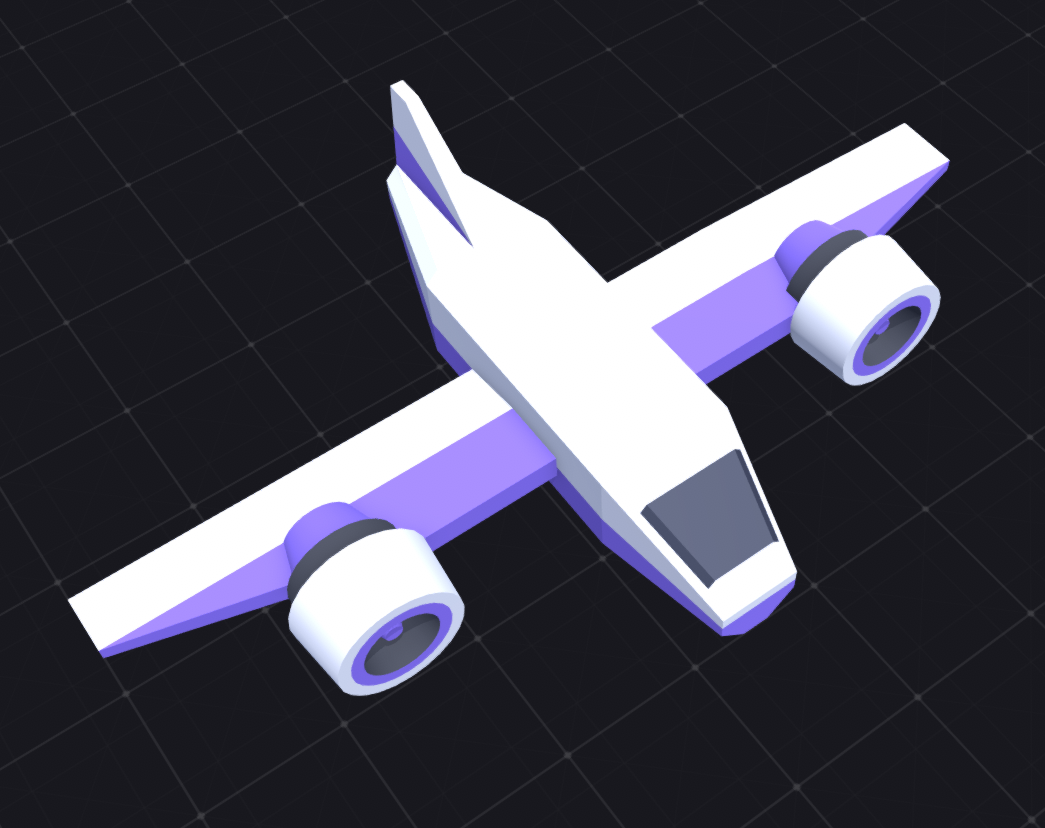
Now, I would like players of my game to choose between different "skins" or "color schemes". So, for example, this airplane currently has a white/purple color scheme by default. In my game, I'd like them to be able to select another color pair combination. Examples could be white/orange, black/red, blue/yellow, etc etc etc etc.
I decided to ask this question here since the models are created in AssetForge, but I may try the Godot forums as well. Is there any way to easily access only the "purple" pieces of this model in a game engine such as Godot/Unity and selectively change their color to something else?