Hello Realbarghest, thank you! I’m currently working on additional animations, including sword and knife attacks. I’m hoping to release an update with these soon!
A member registered Oct 29, 2024 · View creator page →
Creator of
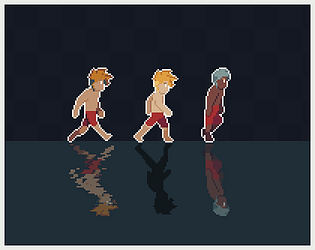
Pixel art character template for your platformer games.
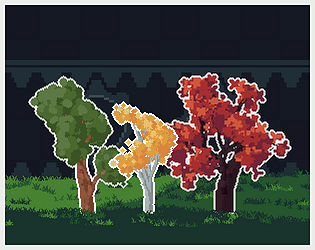
80 Tree Variations Across 8 Types For Your Games
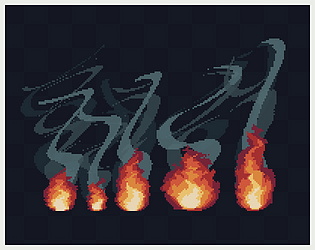
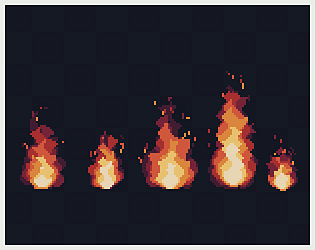
Smoky wavy flames for Your Games
Slow and Calm Fire Effects for Your Games
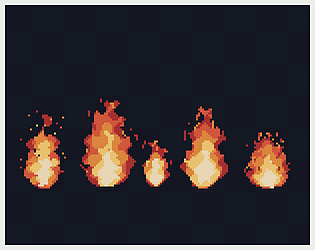
Fluid Pixel Fire effect for your games
220 Tree Variations Across 11 Types For Your Games
Recent community posts
Sorry about that. I’ve experimented with it a bit on my end. To maintain a 1px branch thickness, you can adjust the Branch Levels under the Adjustment tab and also adjust the Branch Length.
On my end, I got better results using 3 Branch Levels and 10 Branch Length. You can also experiment with the Branch Forks settings to get the shape you’re looking for. 😊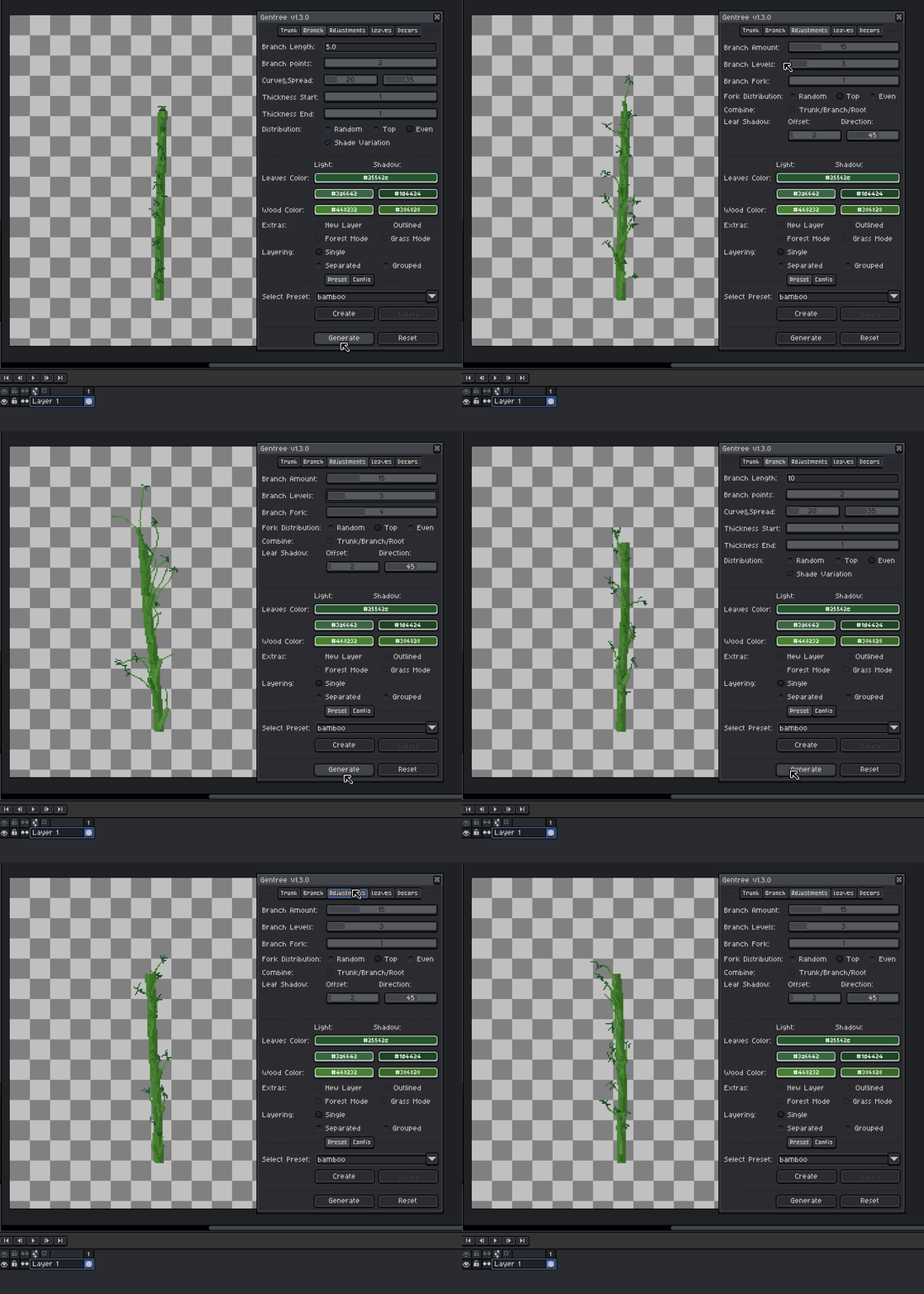
Glad that helped! 😊
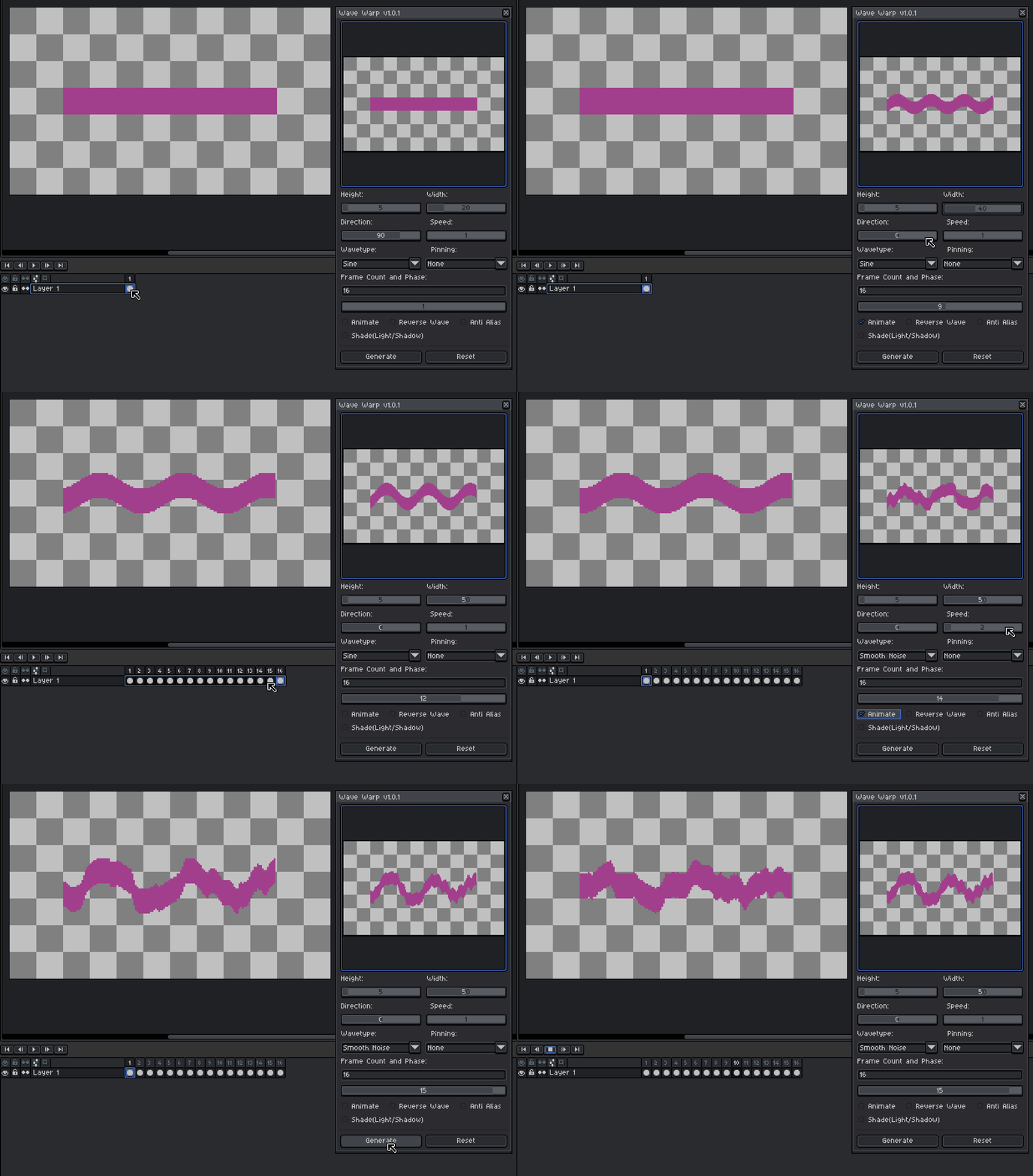
I'm not sure if it's a bug either, but I tried to reproduce it.
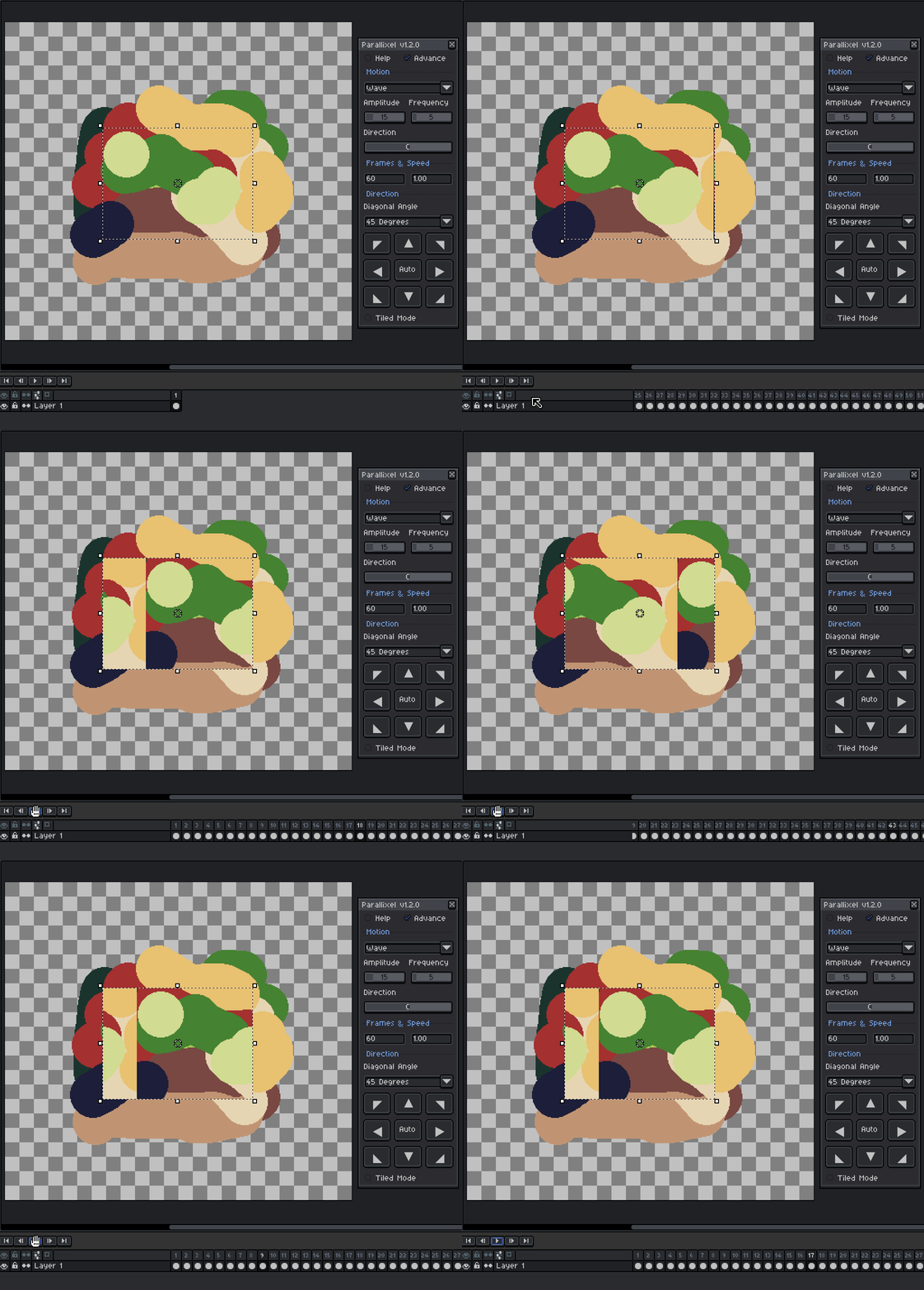
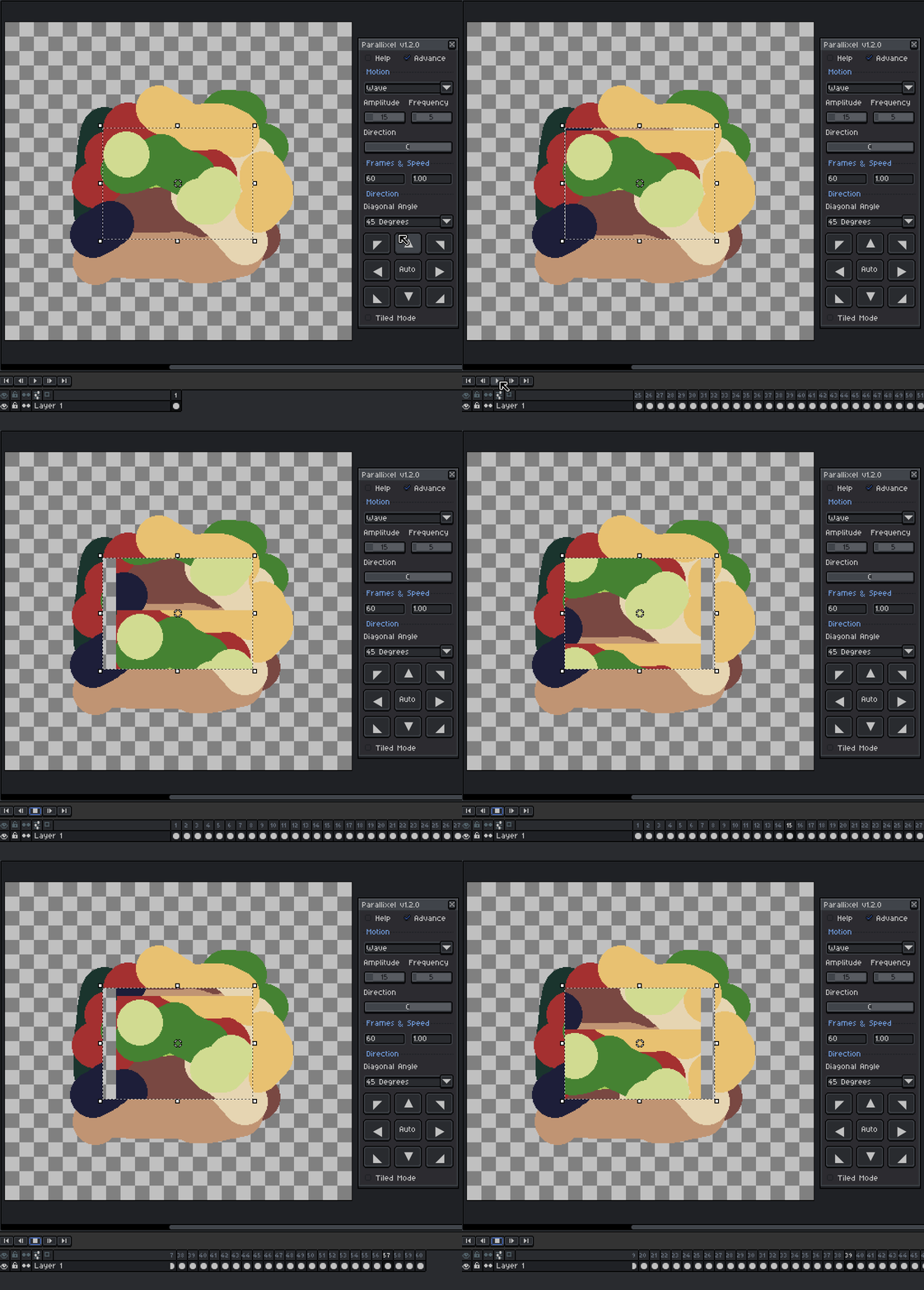
From what I can tell, it seems to happen when the wave direction is set to 0° and the scroll direction is left or right. Since the wave is also moving horizontally at 0°, the two motions may combine and make it look like it's drifting.
Could you show me your settings so I can try to match your setup?
Here are the combinations I tested:
0° wave + scroll right
0° wave + scroll up
90° wave + scroll right
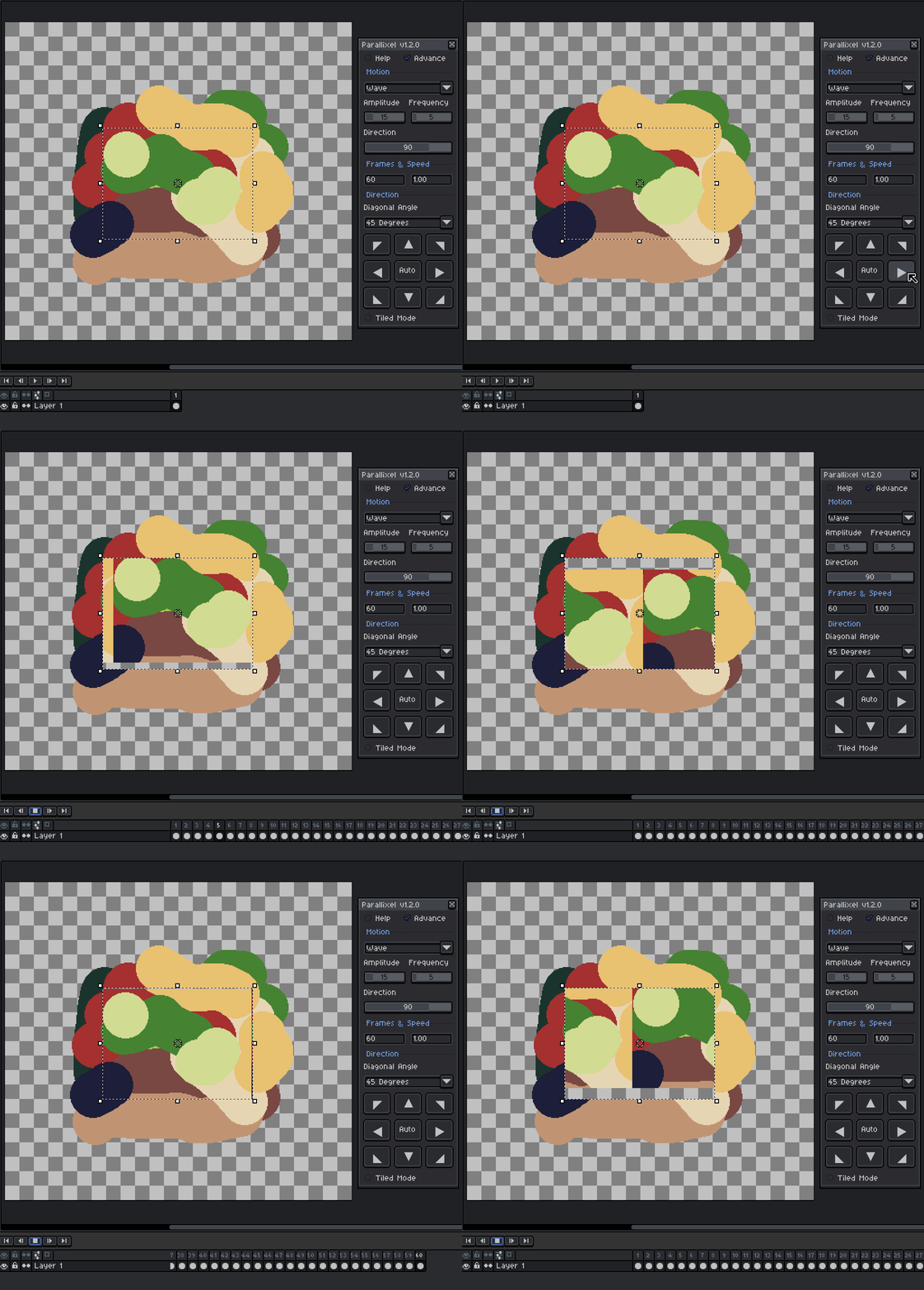
That should help me figure out whether it's expected behavior or an actual bug.
Hi cybebe! Thanks for picking it up 🙏
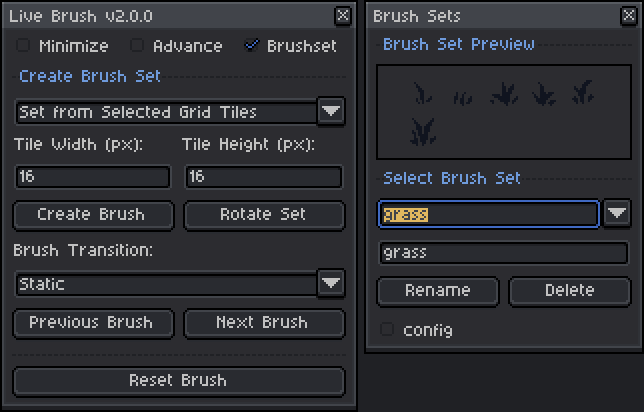
Just to clarify, you can't manually select a brush from a list or preview. Instead, you switch between brushes in the brush set using the assigned hotkey (Space + W).
The preview should appear after the brush set is created, so I'm curious how you created your brush set. Did you use:
- Grid Tiles (for tilesets)
- Separate Selections
- Selected Cels
Since you're using an 8x8 tileset, I'm guessing you're using the Grid Tiles method, but let me know your steps so I can try to reproduce the issue.
I also made a GIF demo showing the workflow in case it helps.
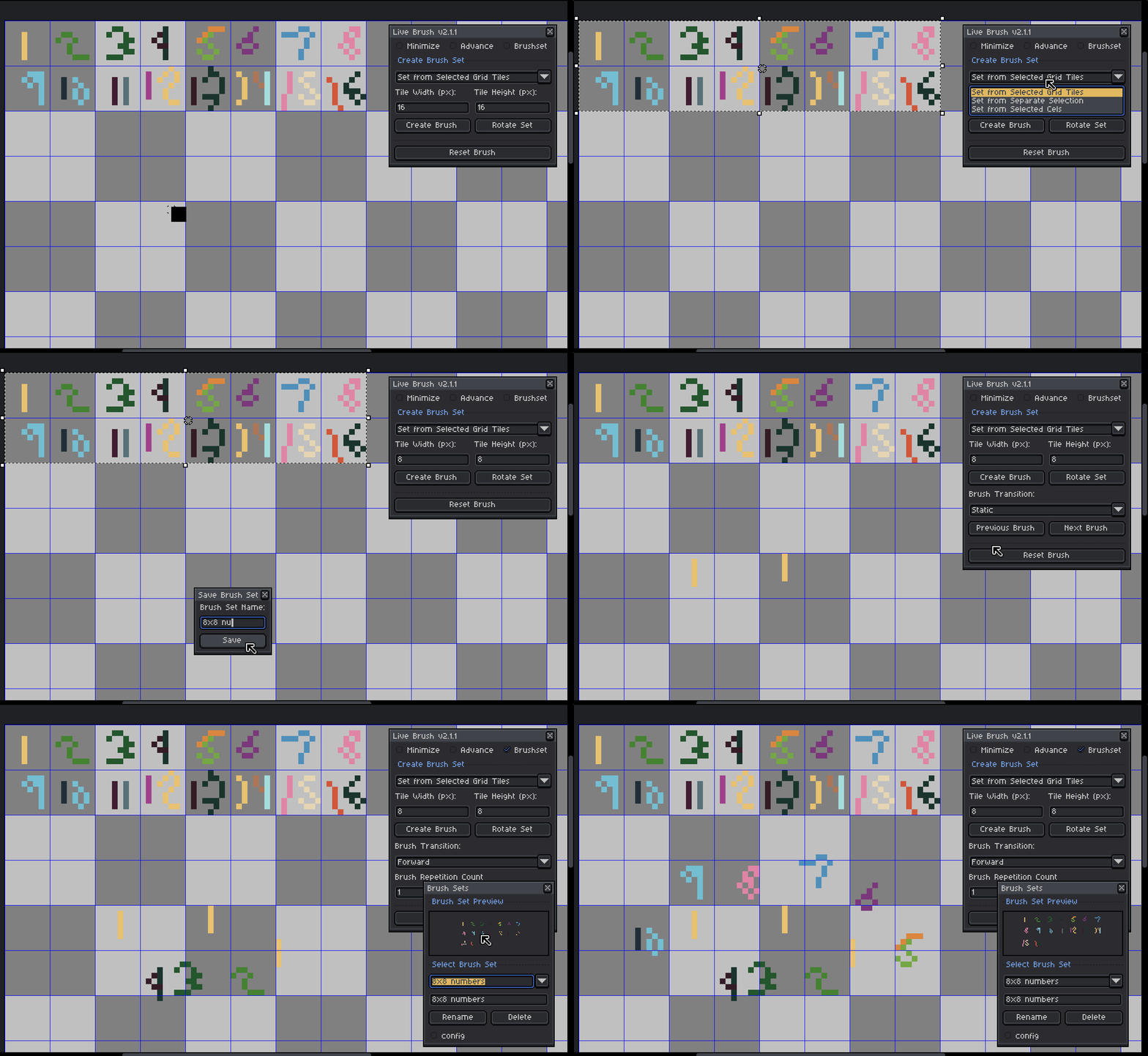
For reference, I'm using Live Brush v2.1.1 with Aseprite v1.3.16.1. Could you also let me know which version of Aseprite you're using?
Ahh I see what’s happening now, thanks for the video, that helped a lot!
The behavior you’re getting is actually expected based on your setup. The Create button only works when you have exactly 2 cels selected with no existing cels in between them. Its purpose is to generate new in-between frames from those two endpoints.
In your case, you’re selecting a range that already has cels in between, so Create won’t do anything there. That’s why Update works instead, because it’s designed to modify an already existing generated range.
So the correct workflow is:
- Use Create > when you only have 2 key cels (start and end, nothing in between)
- Use Update > when you already have existing cels and want to adjust them
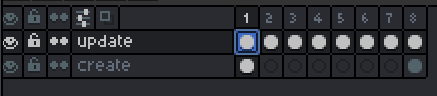
I might improve this behavior or add a warning in a future update.
Hi khatri3d ! That’s actually not the expected behavior. The Create and Update buttons have different purposes:
- Create is meant to generate new in-between cels between the two selected cels
- Update is used to modify an already existing generated range
So ideally, Create should already work on the first click.
I’ve tested it on my end and it’s working correctly (Aseprite v1.3.16.1 with Tweencel v2.2.2), so this might be a version issue or something specific in your setup.
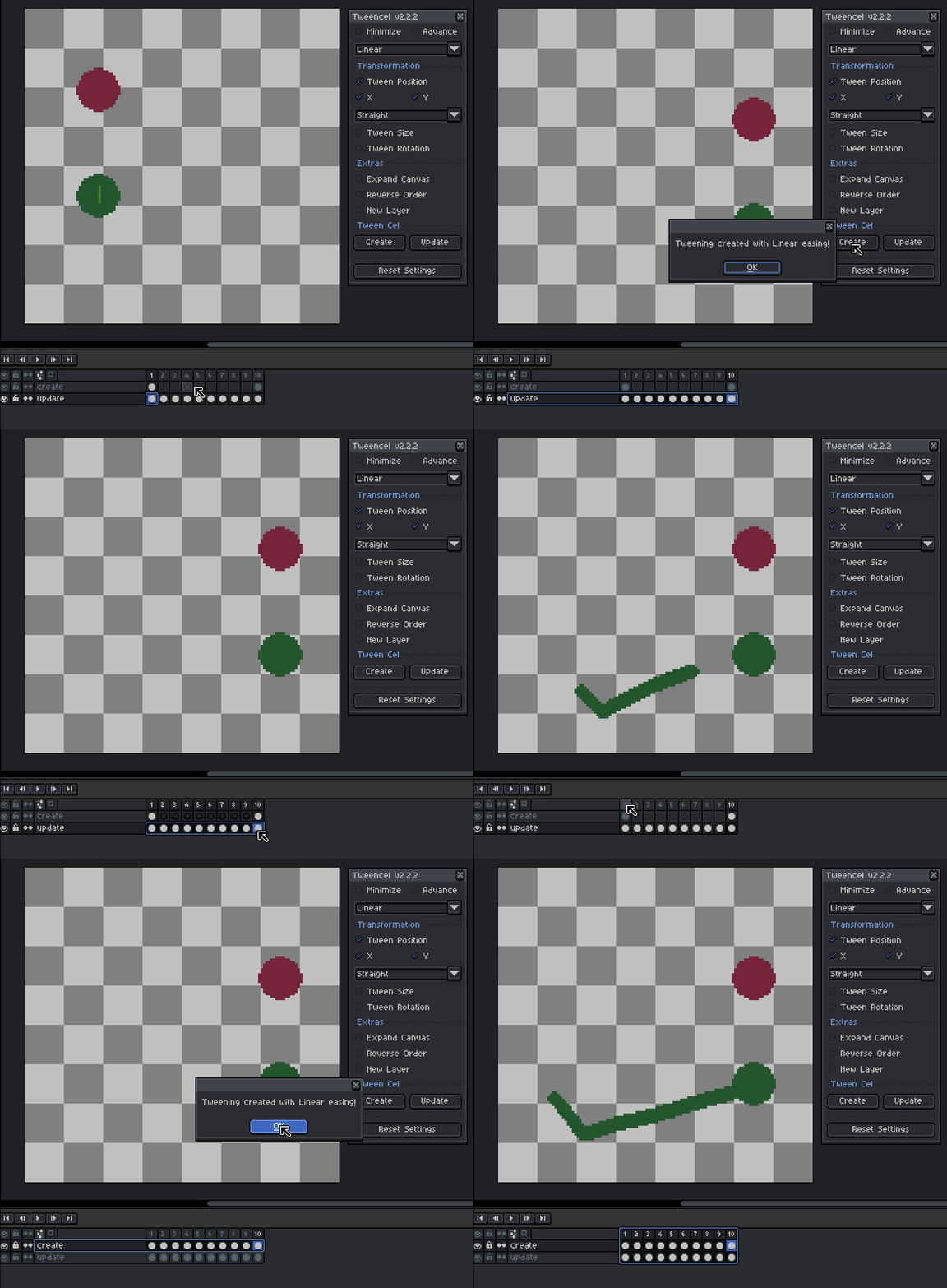
If you can, could you share a quick screenshot or short video of what you’re doing? That would really help me understand what’s going wrong and give you a proper fix.
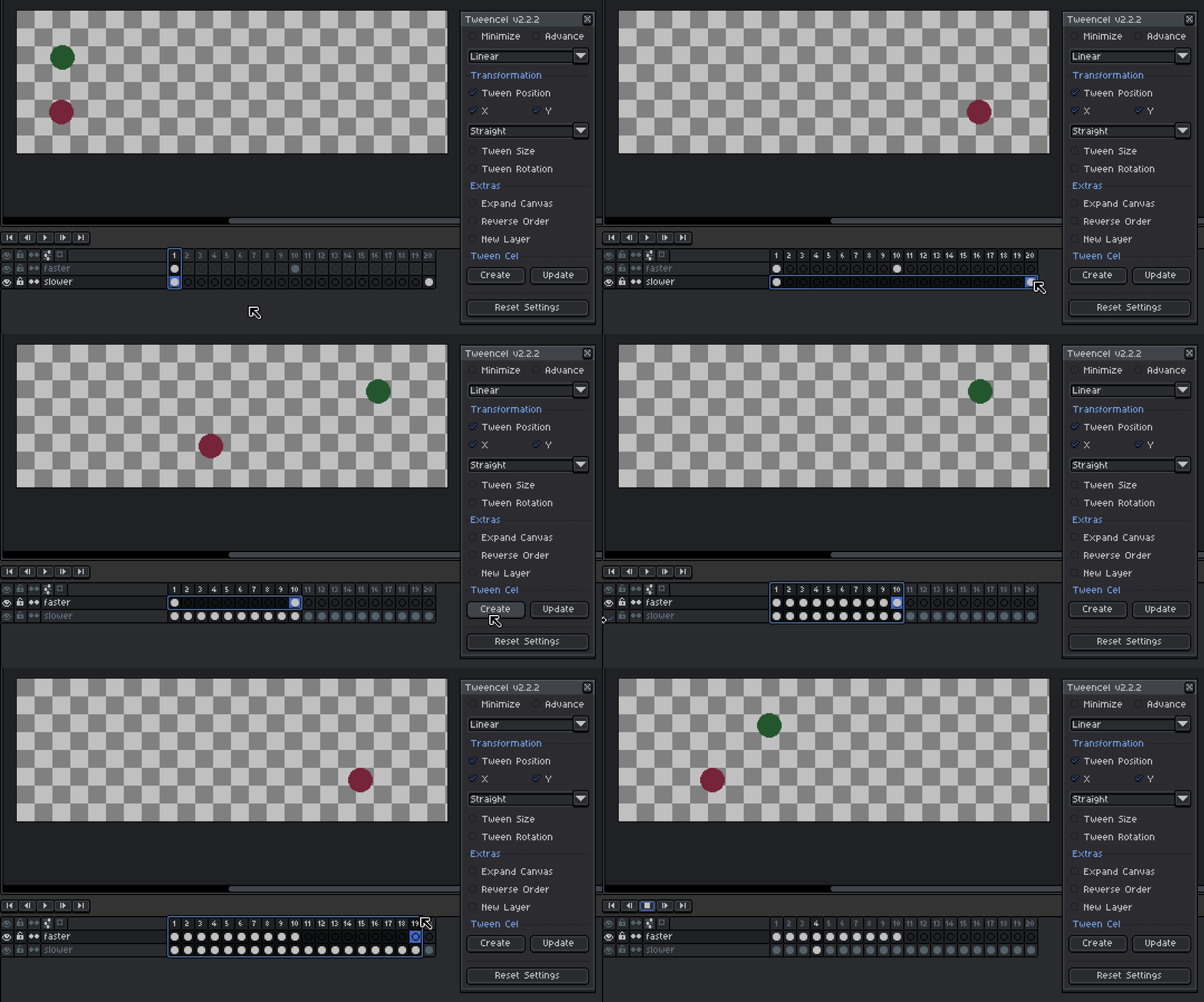
Hi Golios, yes, that’s possible without changing the animation FPS 😊
The speed of the tween depends on how many frames you have between the two cels.
- More in-between frames = slower, smoother animation
- Fewer frames = faster animation
So you can control the speed by adjusting the number of frames used for the tween.
I’ve attached a quick demo GIF to show how it works
Hey ddcd, thanks for trying it out!
It should work with animated sprites 😊 Just make sure to click the ‘Update’ button when working with animations.
Also check that:
- You’ve selected a range of cels (or select the whole layer to include all frames)
- The first and last frames are properly set up, since those are used for the tweening
I’m currently using aseprite version 1.3.16.1 and it’s working on my end.
To better understand the issue, could you share what aseprite version you’re using and maybe a screenshot of your setup? I’ll be happy to help.
I’ve also attached a quick demo GIF so you can see it working.
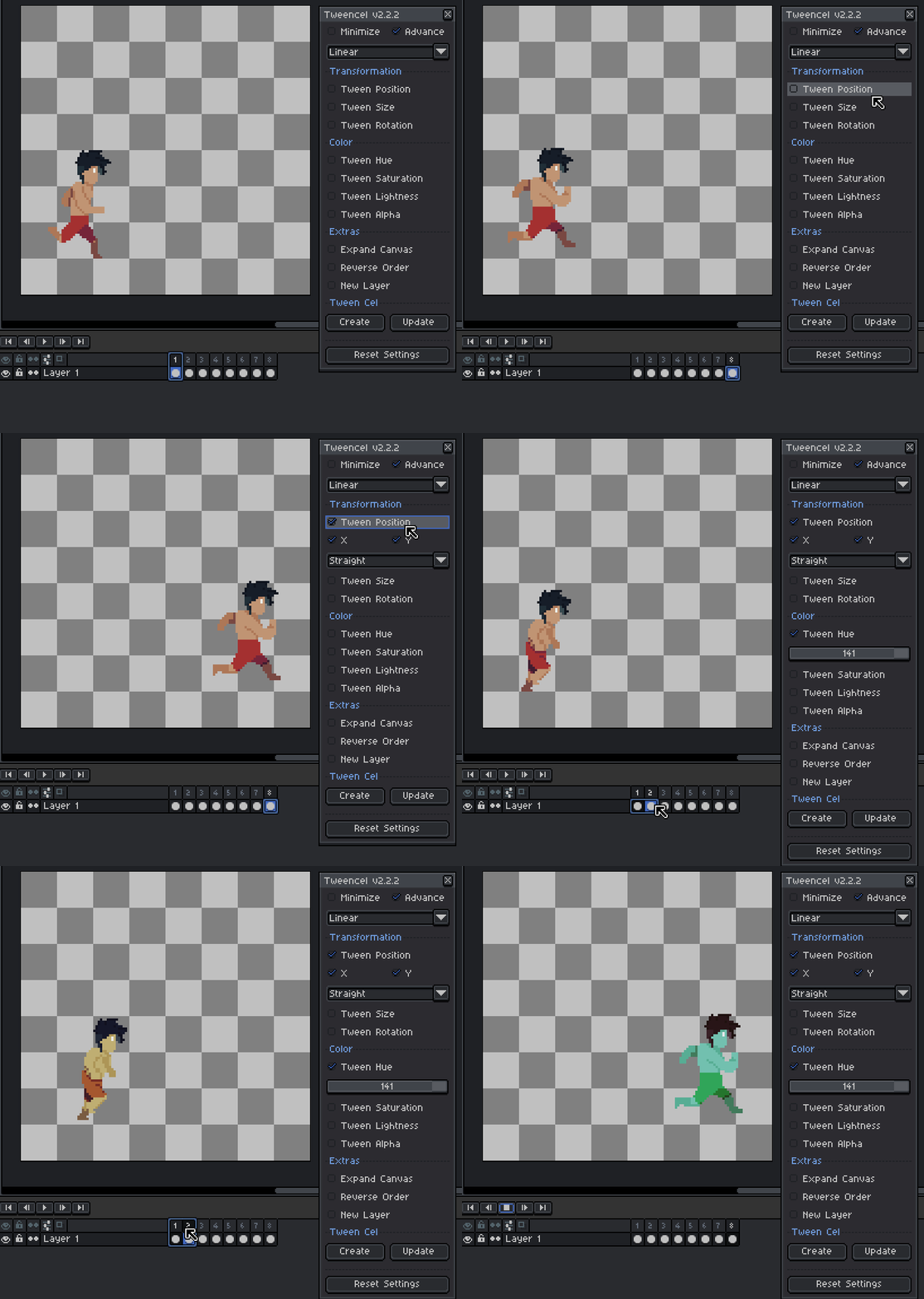
Hi dannybaws, thanks for reaching out! Yes, this is actually possible.
What you need to do is generate the first effect normally. After that, select the first cel again, apply the second effect, and generate it.
I've made a simple example, is this the effect you're looking for? If not, could you share an example or the steps you tried so I can better understand what you mean?
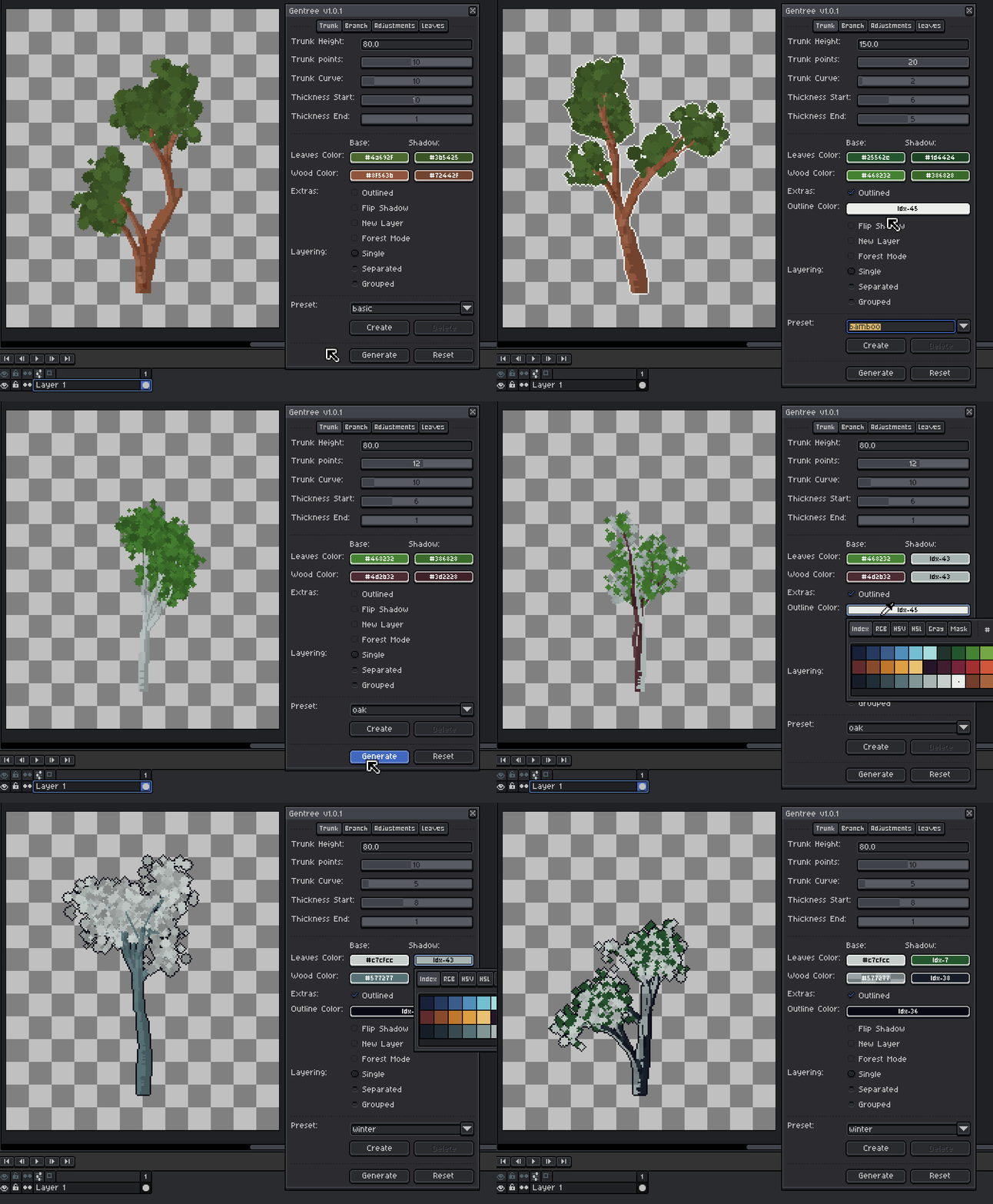
Hi Teebor9, just a quick update, I’ve already pushed a patch with outline color support, a fix for color transparency, and a new option to change the shadow color.
Thanks again for the feedback, it helped a lot!
Hi Hyperkvlt, just a follow-up 🙂 Live Brush version 2.0.0 can now store created brush sets, with live previews and import/export support.
Feel free to check it out if you’re interested. Thanks!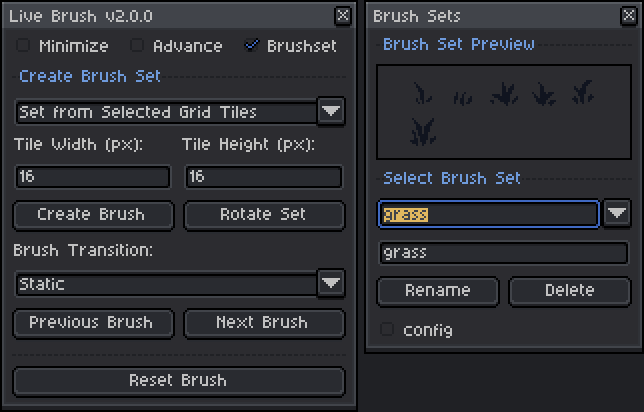
Hi smaiderman, just a follow-up 🙂 Live Brush version 2.0.0 can now store created brush sets, with live previews and import/export support.
Feel free to check it out if you’re interested. Thanks!