Shhhh don't tell them ;)

Dezue
Creator of
Recent community posts
Heyho, Gregorious!
Thank you for your feedback and for playing! 🥰
I understand your points and I'll take them into consideration for the next updates. The Rosa's Challenge minigames are meant to be little teasers for the 'full' Pizza Pig game in a way, but I understand after all the tries required the payoff should be bigger indeed.
Could you do me a little favor and tell me more about what you mean with 'the power between jumps'? That would help a lot!
Thanks again and stay funky!
Dez
Woah! This is exactly what I'm looking for.
But I'm new to 3D. I could bring the given Texture to "run" with the UV-Calls. However, I was not able to change the Texture and don't know what I am doing wrong.
Would you mind sharing your project or blender file for me to check where the difference come from?
Thanks a lot!
Heyho and thanks!
2 out of 3 is a pretty good rate XD
I think the web export is particularly useful to have just because it makes playing so much easier for potential players.
Re-working your engine to fit Spine animations is too much, I agree with that.
As for the cutscenes (with or without dialogue), I was heavily thinking of Skald: Against the Black Priory, if you happen to know that game:
https://store.steampowered.com/app/1069160/SKALD_Against_the_Black_Priory/
For example these ones:
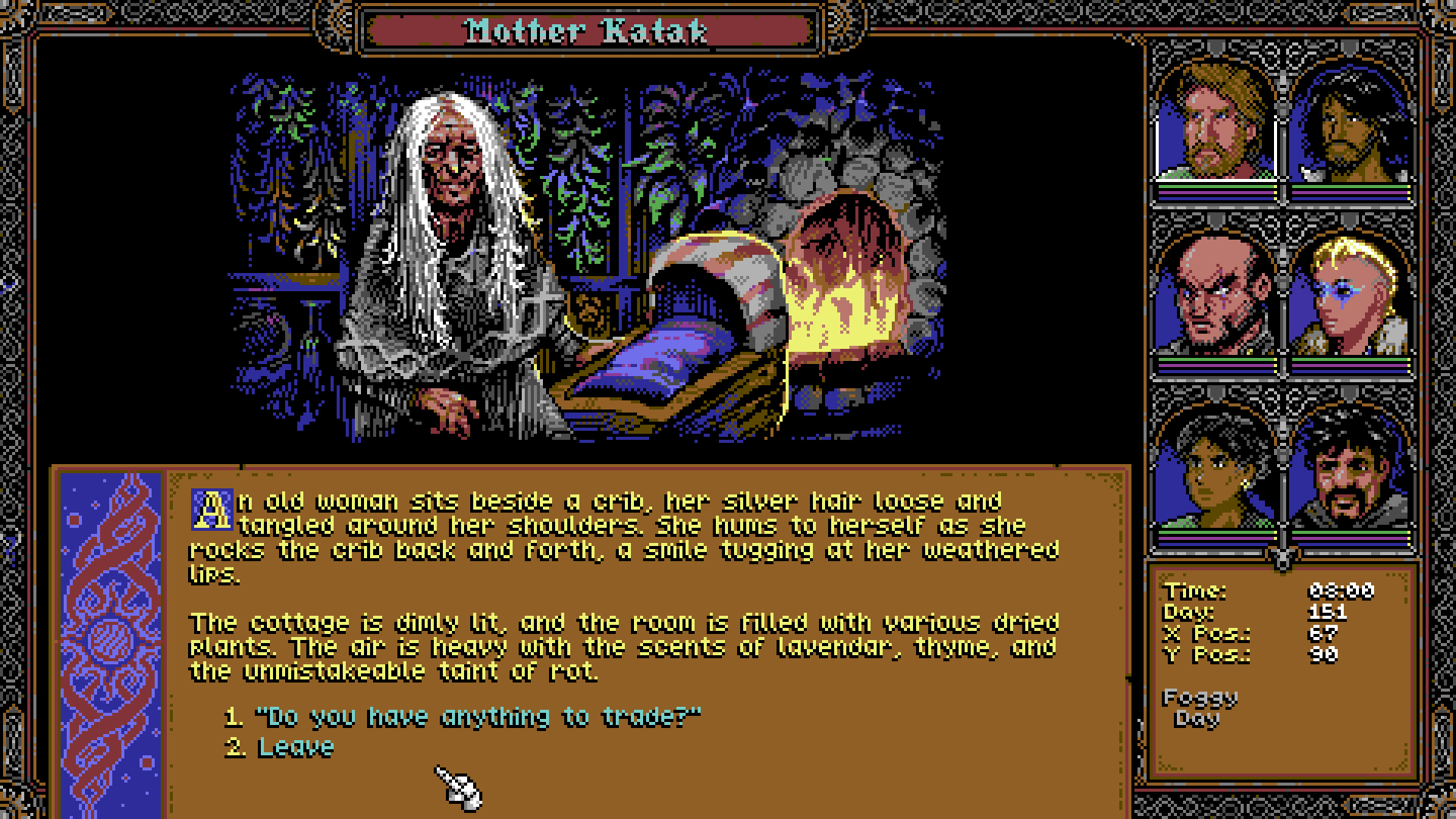
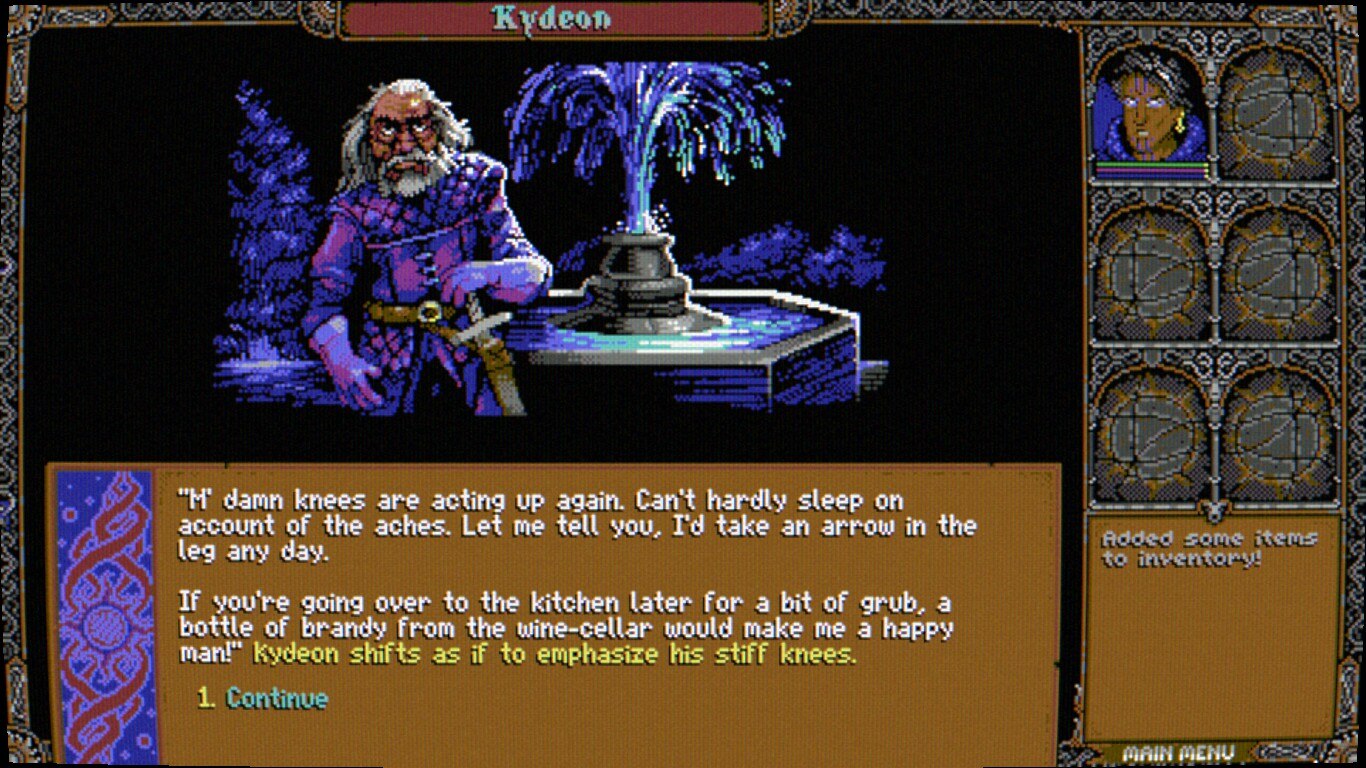
That's the first game that came to mind mind when I learned about your engine :D
Stay funky!
Dez
Heyho!
Just wanted to throw in my top 3 feature requests here as well :)
- Sprite sizes bigger than 64x64
- Export for web (HTML5 style, very important for gathering interest in an indie project)
- Support for Spine animation files (that one is not as important, but useful nonetheless)
I haven't found it in the feature list, but I assume the engine will be able to display cutscenes/full screen pictures, maybe with a dialogue window or something like that?
Happy deving and stay funky,
Dez
Heyho, C3realK1ller!
The first thing to do is to re-arrange the blue tiles in the small screen so the big lines on them match up. After that, 5 of the blue tiles sorta connect to the symbols in the circles (the teeth patterns, a coin and a slime helmet). These are the things you have to place in certain spots in the big screen.
On the blue tiles, there also are little symbols. They give you a hint about where to place the things (little hint: It's an 'edge' case ;).
Hope this helps!
Thanks for playing and stay funky,
Dez