
I’m sorry to hear that. At which point in the game did it froze?
A member registered Dec 26, 2022 · View creator page →
Creator of
A flappy-style game where you’re a bee collecting flowers and dodging wasps. Simple, fun, and endlessly replayable.
Platformer
Play in browser
Recent community posts
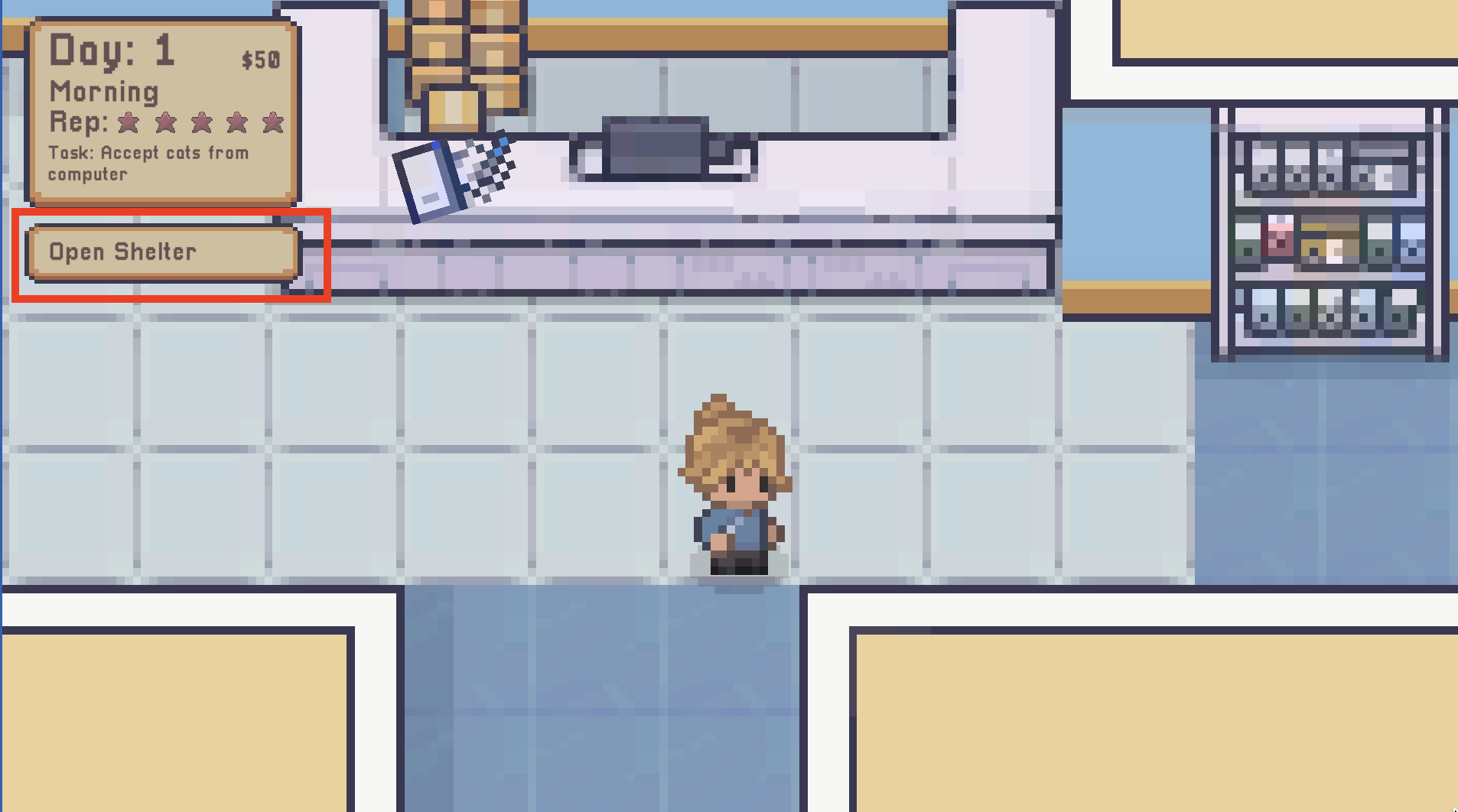
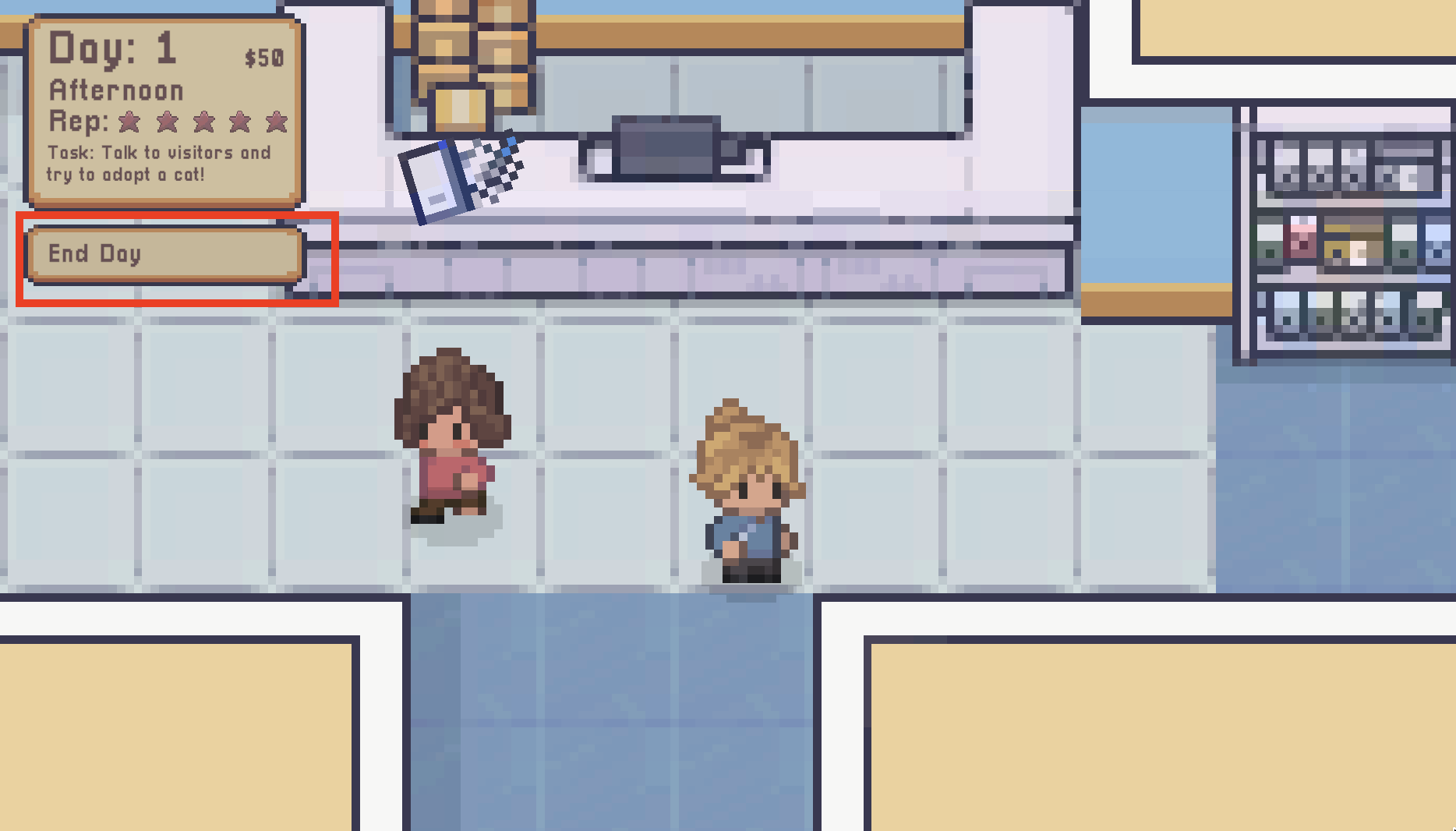
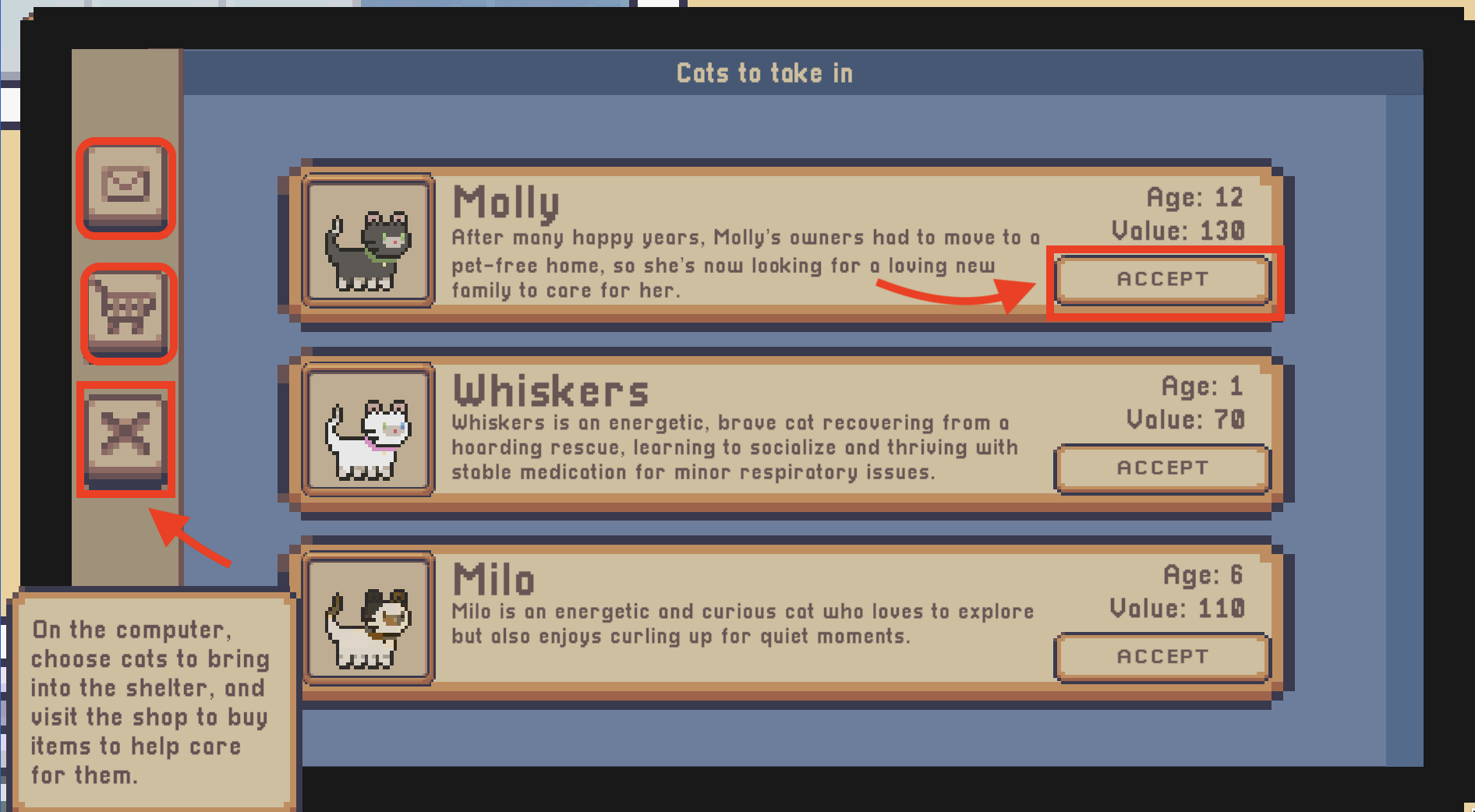
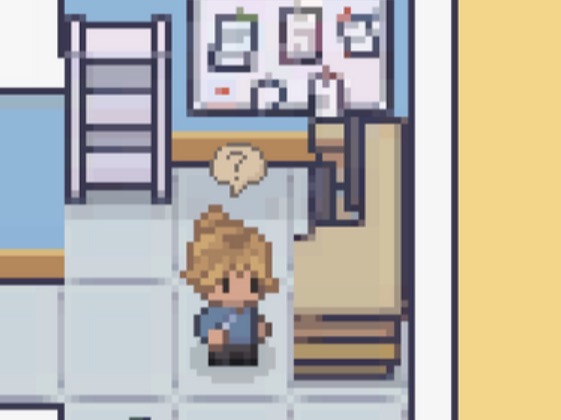
Once you press E on the computer, you should see a screen. The area’s I have highlighted in red are clickable buttons. The mail icon displays the cats you can adopt, the shopping kart will display items you can buy for the cat. The X is to close the computer screen and to move on. To interactive with the computer, you have to use click with your left mouse button. I hope this helps :)