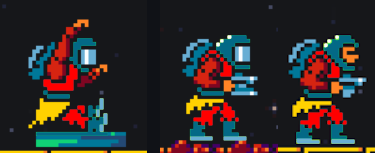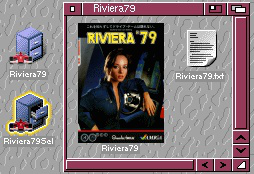
Icons redone for Monaco'79 -> Riviera'79
Yeah, probably... but if final result looks a bit unpleasant I'd change it (or add an option at least)... Would be possible to increase just the speed of road lines to give an illusion of more speed and compensate the side effect of the new better framerate?
EDIT: just made a simple experiment and set YT video gameplay to 1.50x speed and it looks definitely better (sense of speed)
Ignore Defender: for unknown reasons the ZIP gets deleted as a false positive, but if you download it (temporary disable Defender) and just extract the files with 7zip, BandiZIP, NanaZip... then re-enable Defender and analyze the extracted files... well, it will report 0 threats.
MS has a report false positive form: Submit a file for malware analysis - Microsoft Security Intelligence
SCANLINES
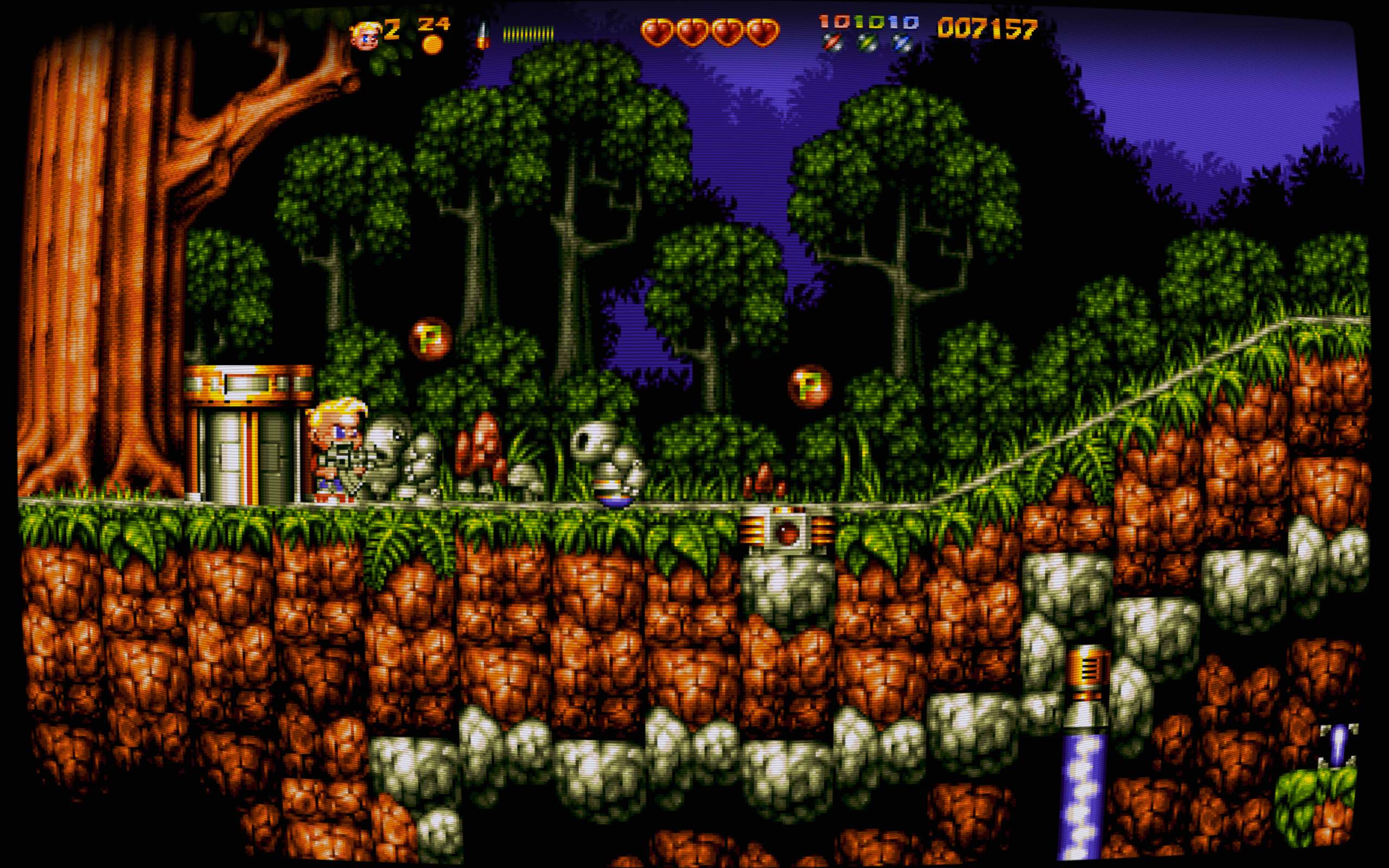
I've created a scanline+geometry profile for this game (Reshade).
All-in-one package: RuffScanlinesReShade.zip
Access Reshade with CTRL+HOME, and load the "Ruff 'n' Tumble scanlines" profile!
BUG (1.2): while playing 1. Pause the game, 2. quit to Main Menu, 3. press a key and select R to Redefine keys. Game will accept no input and you'll be stuck... Same after game over.
Redefine keys does work only on first load.
May I also suggest QoL improvements for controls?
a) Avoid player repeated jumps just keeping JUMP button pressed: consecutive jumps should be allowed only after button (re)press, not by keeping JUMP pressed continuously or just too long.
I often end up jumping two or three times just because I hold the jump button down for too long.
b) let player redefine JOY FIRE = JUMP or SWORD FIRE (ATM is == jump). No need to change menu UI, you can just add more options: Joystick=off, fire, jump.
Ah, sorry was introduced by the Deluxe version under MAME... ;)
Other minor things: in game ESC should ask you "Do you want to quit? Y/N", and would be great if it would save hi-scores.
I made a drawer ColorIcon for it: English Amiga Board - View Single Post - Outrun AGA
Per curiosità sto facendo varie prove... e anche Paint.NET fa un ottimo lavoro: salvando in PNG si può specificare il livello di pixel-dithering.
Esempio su Cyberpunk-2077-RTX-screenshot2-1.jpg (3840×2160)
Dithering con Paint.NET (immagine pre-convertita 640x360 per mantenere aspect ratio):