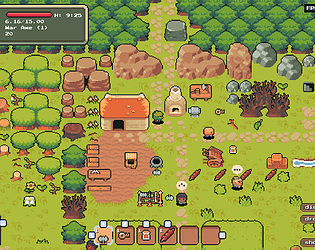
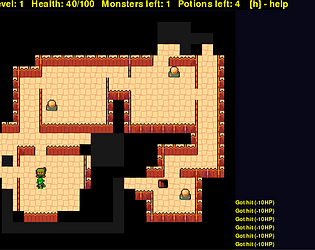
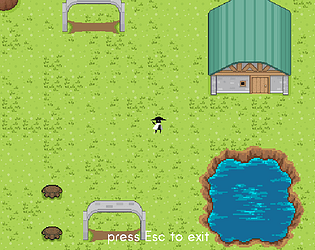
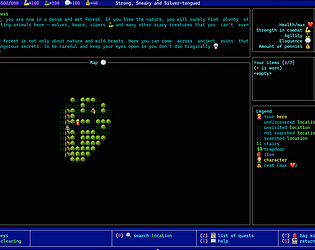
It’s this tileset, right? When I download it looks sharp - not like the last screen in your previous message. I think the whole deal is that you need a sharp pixelated image, not high-resolution image. If you need to make it bigger to match the scale of other elements of the game, be sure to scale it up without smoothing. By default, most graphics programs try to smooth image while scaling, since it’s what you usually expect. Pixel art is different, and there are different scaling methods that won’t smooth the edges. I haven’t used Phaser, but NEAREST filter mode, as you wrote, seems the right method.
From what I can see, this looks like an issue with the tileset - it’s very blurry. Did you process those tilesets in some kind of graphic program before adding them to your game? Try to get the original ones and add them to your game untouched.
Hi 👋
nice project! I’m making a similar game and also use Ninja Adventure asset pack - I love it.
One question - the tiles on the background look blurry. Looks like you’re using smooth image scaling. Is this on purpose? I think this is supposed to be pixel art kind of game, right? If that’s true, perhaps you might want to consider linear scaling of tiles to preserve sharp pixels.