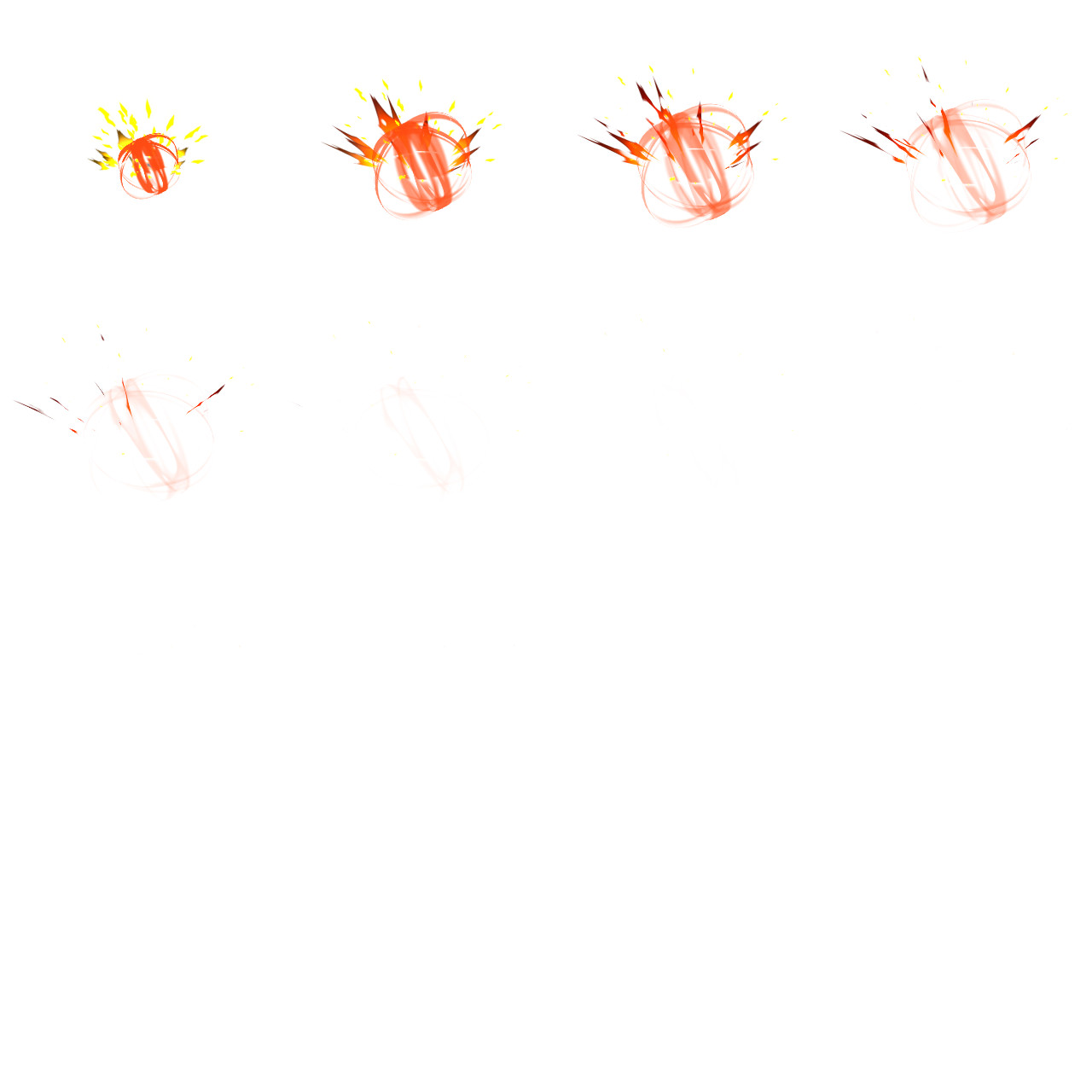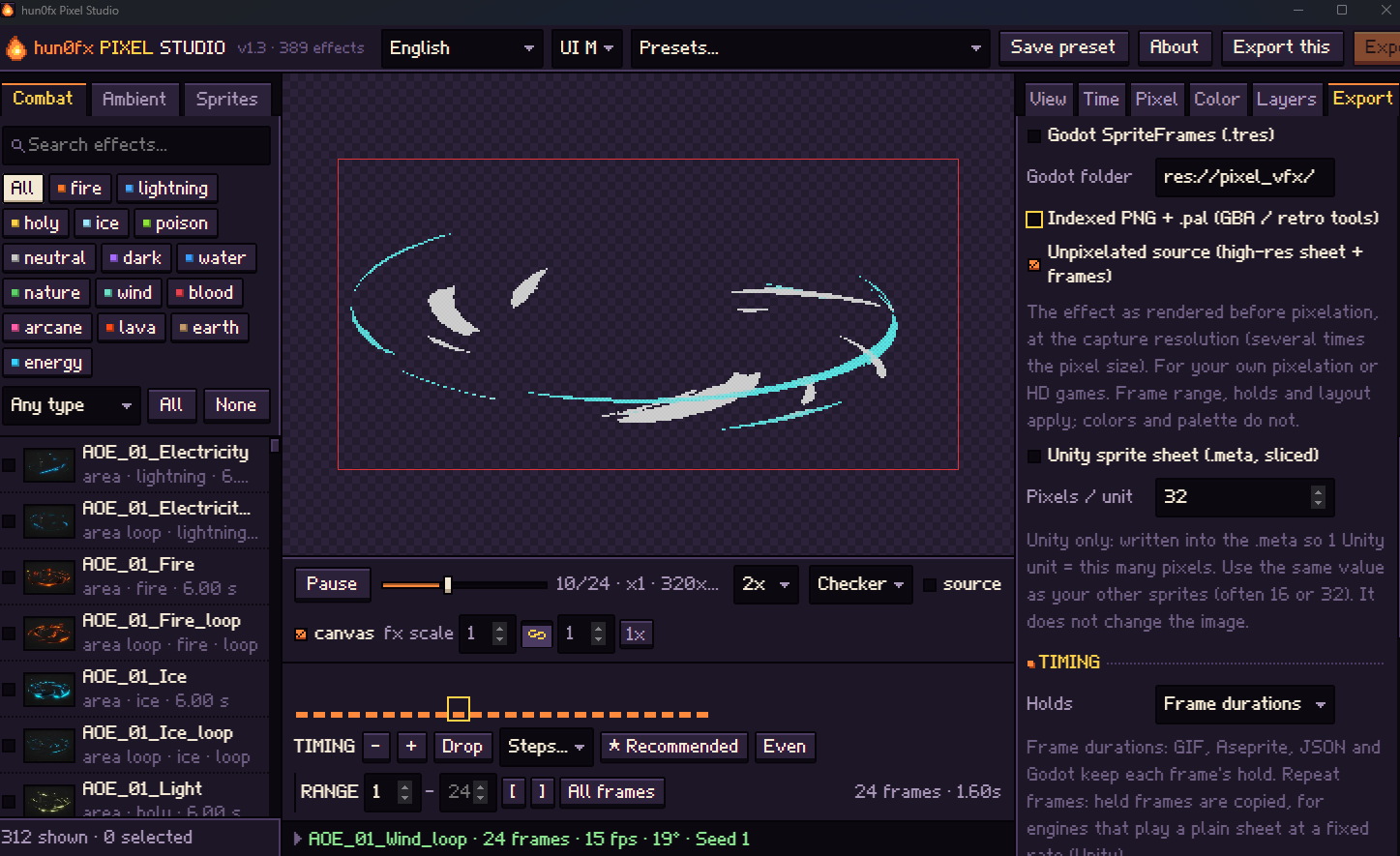

512px is now in the Size list (plus 320 and 384), in the 1.4.1 update. For an illustrated look, try raising Colors in the Pixel tab too. Thanks for the suggestion!
Hun0FX
Creator of
Recent community posts
Hi Victor, thanks a lot for the report and the screenshot, that made it easy to track down!
You're right, it's a bug in the Godot shaders, not intended. Some textures are meant to stop at their border; the shader clamped the coordinates but the texture itself still repeats, so the filtering at the border blended in the opposite edge of the texture. On the inner part of the Slash_simple mesh that shows up as that grey disc. Unity and the three.js build clamp properly, which is why the web demo doesn't have it.
Version 1.1.2 is up with the fix (download it again from your itch library). For this issue you only need to replace these three files in addons/hun0fx/:
hunfx_common.gdshader, hunfx_common_back.gdshader, hunfx_common_front.gdshader
1.1.2 also fixes the C# wrapper build and adds stop(true) for projectiles (see CHANGELOG.md).
Thanks again, and good luck with your project!
Hi, thank you so much for the detailed report — your diagnosis was exactly right.
I reproduced it on Godot 4.3 and 4.7.2: the shader colors (color1, color2, tint, main_color, bg_color) were stored as Color on plain vec4 uniforms, so Material.duplicate() dropped them to the shader defaults, and it even cleared them on the shared original material. It affected every effect in the pack, not just Slash_fire.
Version 1.1.1 is now up on itch.io. All scenes store these values as Vector4, and I added checks for this to my build tests (tuning back and forth, duplication, and save/reload). Your inherited scene may still hold the default values from before; re-creating it from the new Slash_fire.tscn (or restoring the values as you did) fixes it.
Thanks again for taking the time to dig into this!
Sorry for the trouble! The app isn't actually damaged — macOS shows this message because the app isn't registered (signed) with Apple yet, so it gets blocked the first time you open it.
Here's how to open it:
Move the app into your Applications folder.
Open Terminal (Applications → Utilities → Terminal) and paste this, then press Enter:
xattr -dr com.apple.quarantine "/Applications/hun0fx Pixel Studio.app"
Open the app again — it should start normally from now on.
Please also check that you downloaded the right zip: arm64 for Apple Silicon Macs (M1–M4), x64 for Intel Macs. (Apple menu → About This Mac shows which one you have.)
If it still doesn't work, or you'd rather not use it, I'm happy to refund you at any time — just reply here or send me a message and I'll take care of it right away.


Actually, that is available at my other asset: Pixel Studio. you can export raw images