



hello jurgel,
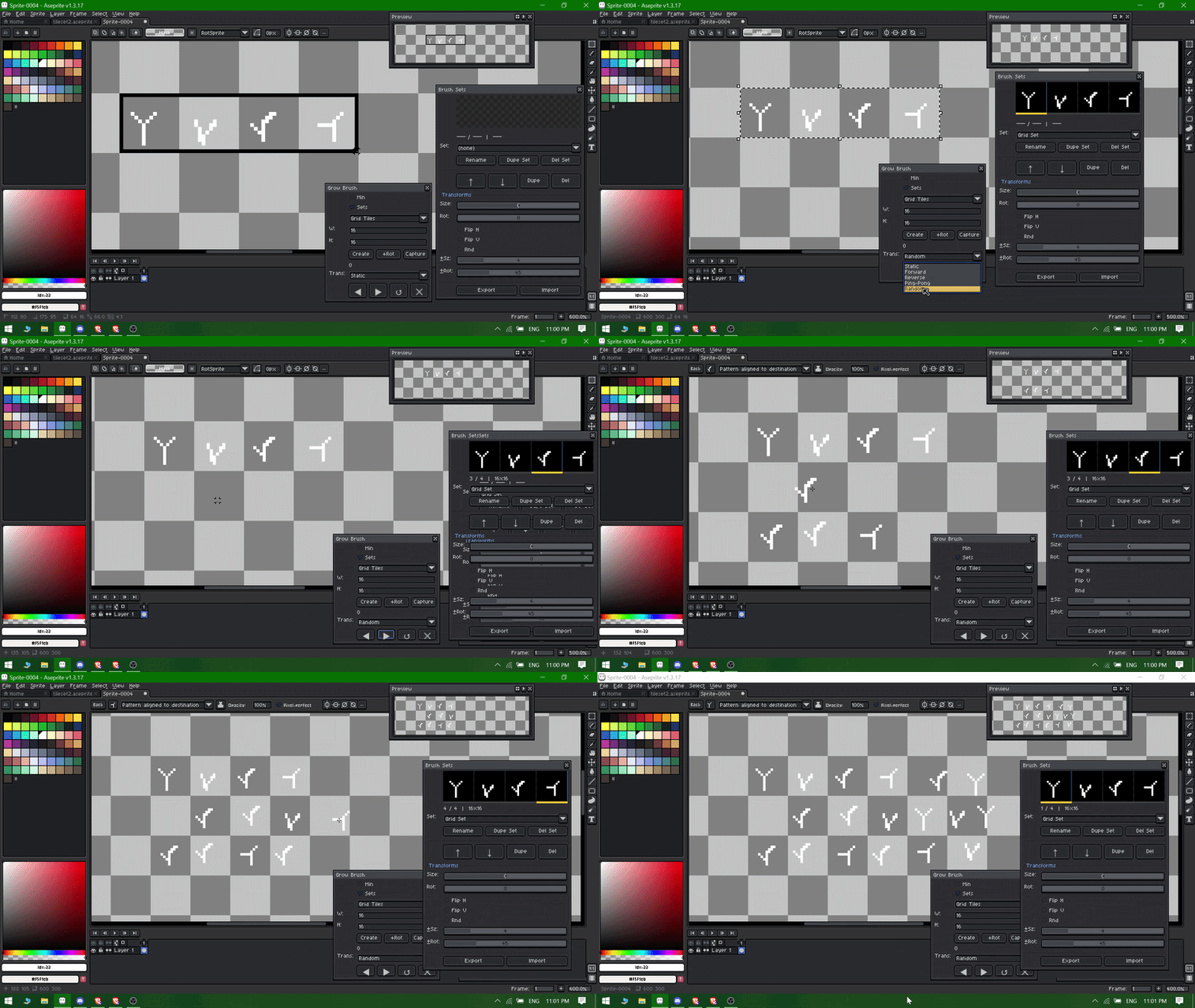
Yes I tried implementing that mechanic into the brush but the aseprite api was not letting me , even if I tried to code it manually , it freezes the whole aseprite which can lead to loss of your work. So i removed it and made it change the brush for manual clicking that can be assigned through the shortcut key that u can use easily!
A member registered Dec 28, 2023 · View creator page →
Creator of
Perspective Grid Generator Extension for Aseprite
A extension for Aseprite to generate normal maps.
Refviewer - A reference viewer for aseprite
2.5D Platformer Asset Pack
Supercharge your brush workflow with organized brush sets, smooth transitions, and customizable hotkeys.
A very tiny platformer pack
Free 32x32 pixel planes pack featuring 8 detailed aircraft!
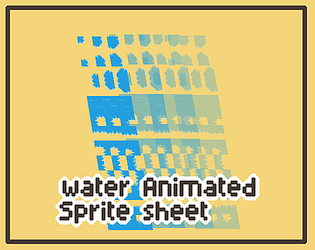
Full Tileset for animated water !!
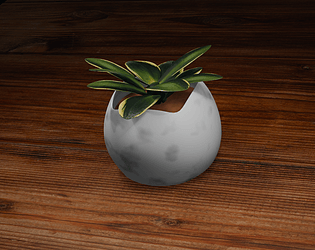
Decorative Indoor Pot Plant game Asset 3d
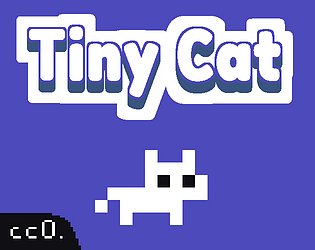
Free Tiny animated cat sprite with alots of animations
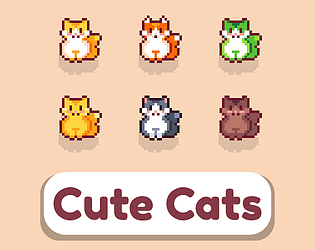
🐈Cute sprite art cat badges in a variety of fun colors! 🐈
A very vibrant atmosheric tileset
winter colouring cards printable
A winter based top-down tile set and asset pack
A asset pack use to make mobile and pc games
basic pixel art character
Sound effects for Game Development
Recent community posts
Grow Brush - A Custom Brush Toolbar for Aseprite comments · Replied to Edward Neave in Grow Brush - A Custom Brush Toolbar for Aseprite comments
you will need to select the random option and use the next brush key it will automatically pick the random brush from the brush set.
and if u press the next key again it will again pick the random brush from the current brush set.
You can check the short gif tutorial here!
Also the GUI issue i will be checking as soon as possible! I will try to recreate in my system and see how to resolve it !
Thanks if you have any issues let me know!