yo Daily
if im not wrong theres a minecraft server right?
can i get the modpack for it the previous link is / was broken i think
Level10academic
Recent community posts
heres the chat i used (chatgpt | )
\/
How to Extract Images from Ren'Py Games (Windows)
If you are trying to datamine image assets (sprites, backgrounds, GUI elements) from a Ren'Py visual novel, they are usually packed inside .rpa archive files (like archive.rpa).
Here is how to extract them using Python:
Step 1: Install Python
- Download Python from
- <a href="https://www.python.org/downloads/" _ngcontent-ng-c1329584940="" target="_blank" rel="noopener" externallink="" _nghost-ng-c1038224998="" jslog="197247;track:generic_click,impression,attention;BardVeMetadataKey:[[" r_523b741061788bae","c_822fafad7a63349b",null,"rc_90cbf69e129281ce",null,null,"en",null,1,null,null,1,0]]"="" class="ng-star-inserted" data-hveid="0" decode-data-ved="1" data-ved="0CAAQ_4QMahgKEwjT4ff9_MqWAxUAAAAAHQAAAAAQkgE">python.org</a> or the Microsoft Store.
- Important: If using the web installer, check the box that says "Add python.exe to PATH" on the first setup screen before clicking Install.
Step 2: Install unrpa
- Open PowerShell or Command Prompt.
- Run the following command:
PowerShellpy -m pip install unrpa
Step 3: Extract the Archive
In PowerShell, navigate to the game'sgame/folder wherearchive.rpais stored:PowerShellcd "C:\Path\To\Your\Game\game"
Rununrpaon the archive file:PowerShellpy -m unrpa archive.rpa
Once the terminal displays Extracting files from archive.rpa... and finishes, open the game/ folder in File Explorer. You will see newly extracted subfolders (such as images/ or gui/) containing all .png and .jpg image assets.
if you want this then first unpack the game (it should be renpy so idk ask chatgpt)
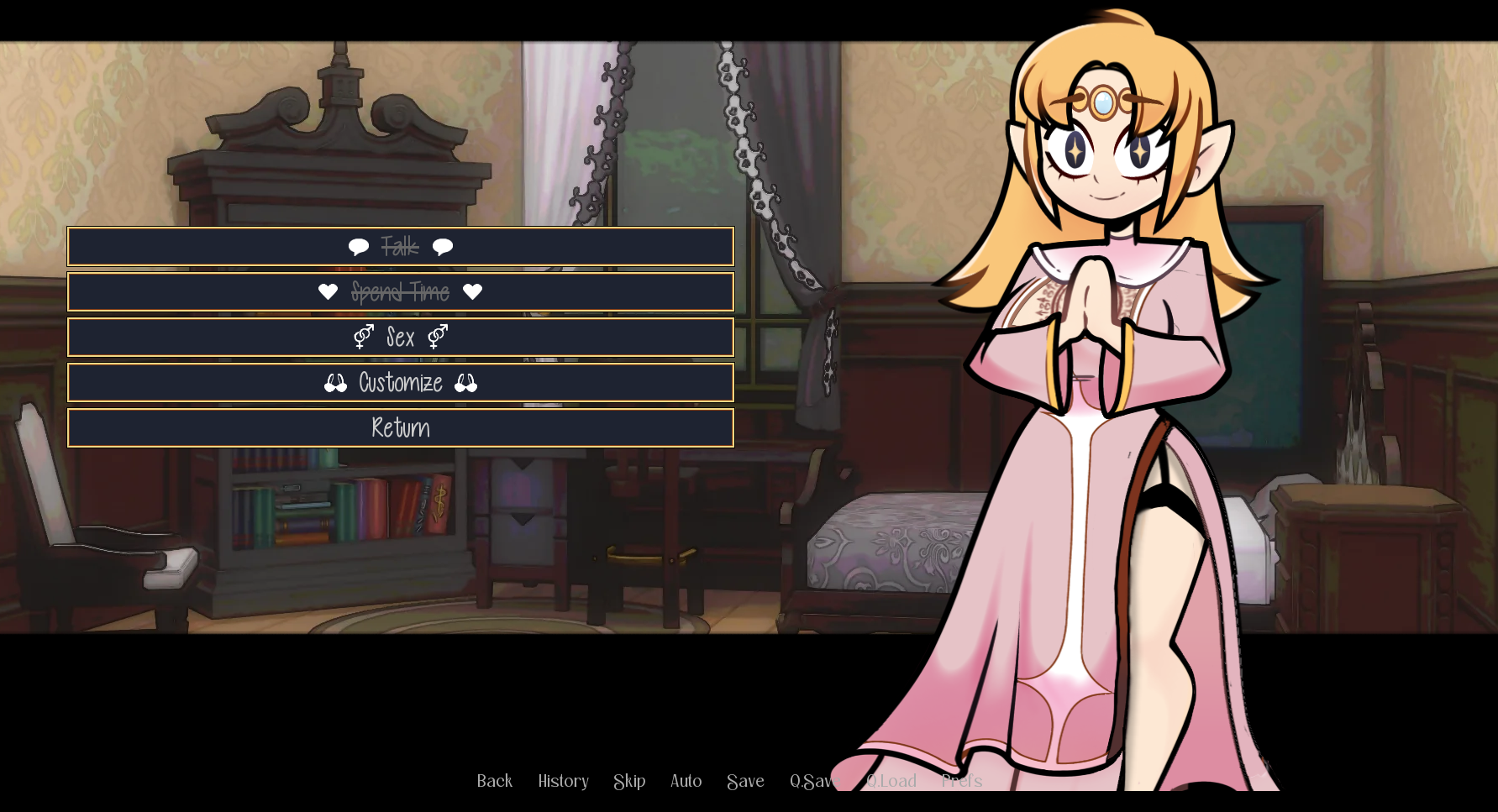
second go to the "game" folder, then to images, then to characters, then to elena then elena og outfit
elenas dress should be part A and C final, not the clear/lineart ones (you can see that the one you are looking for is the later one)
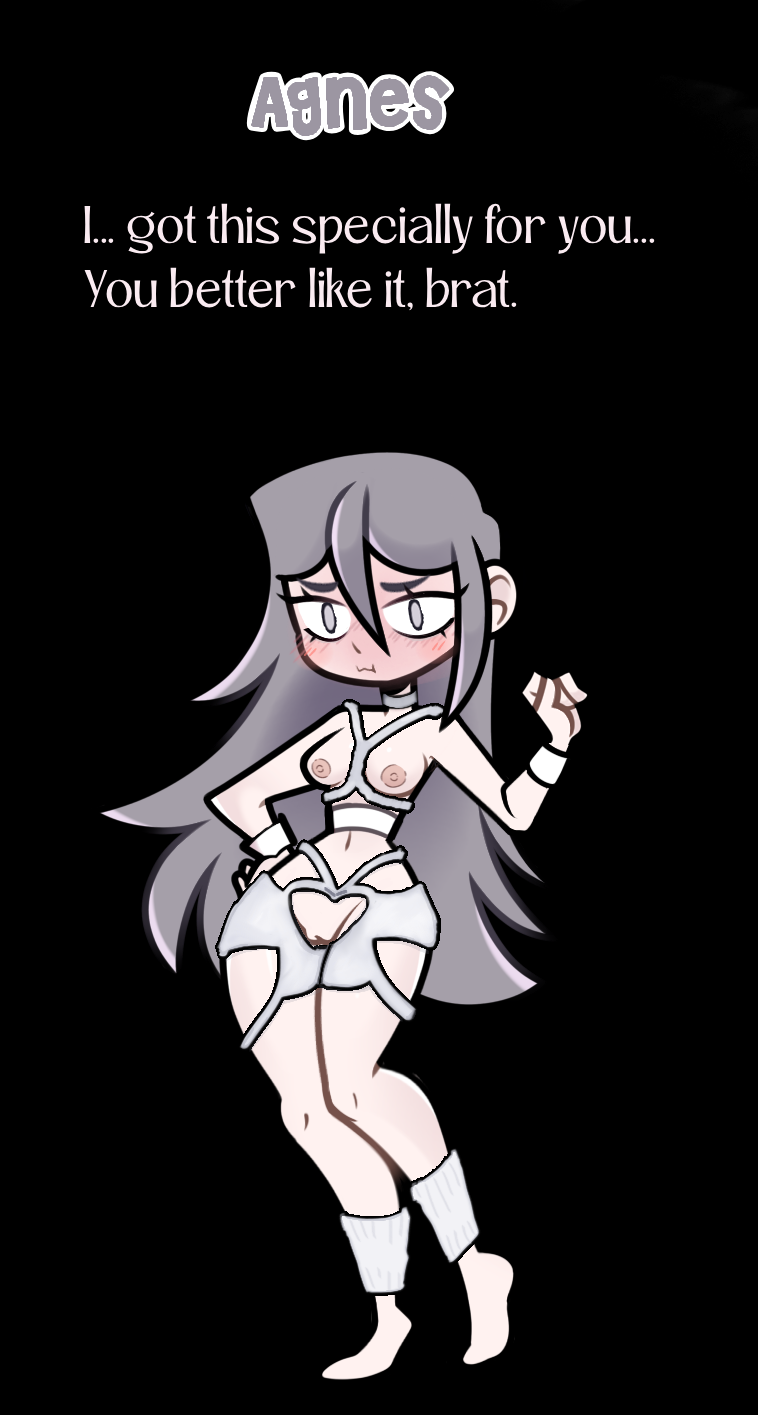
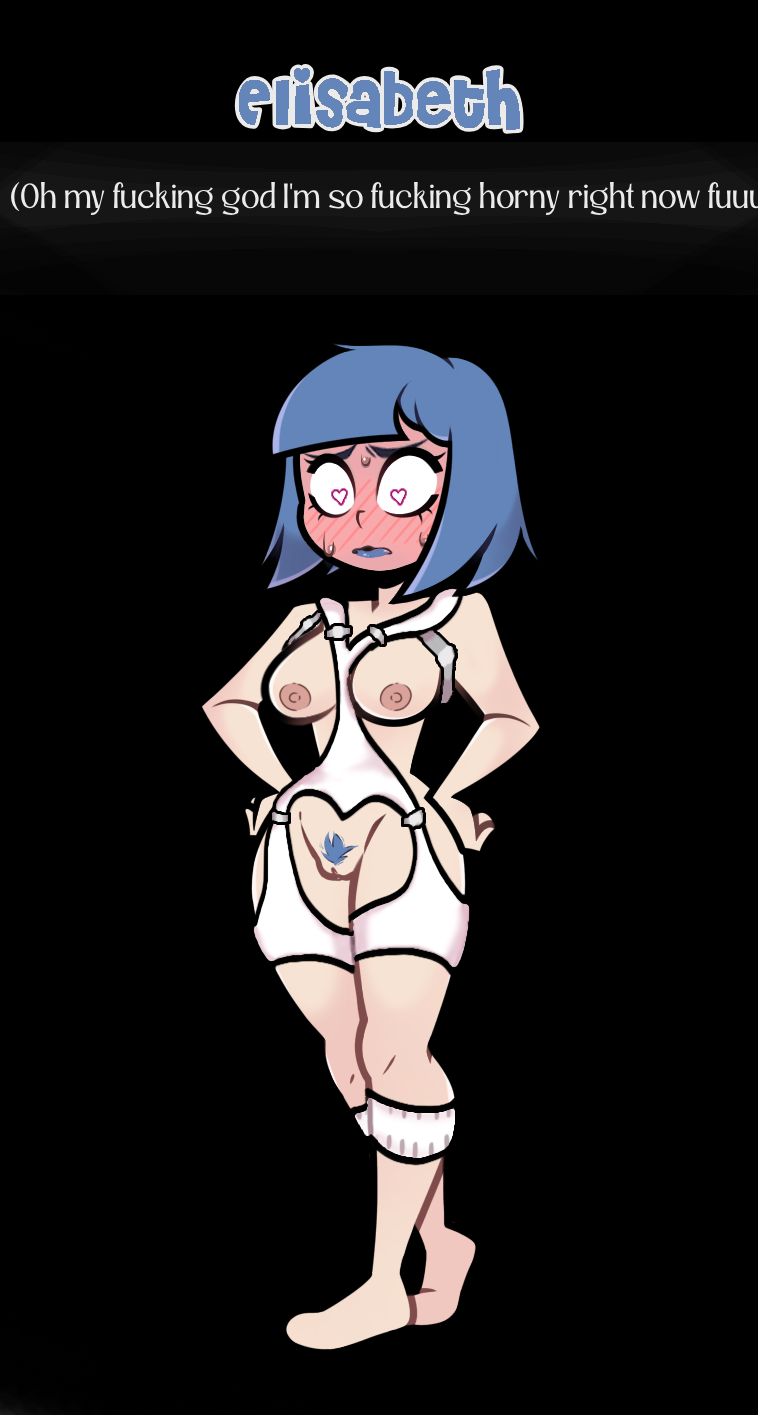
last replace with these images
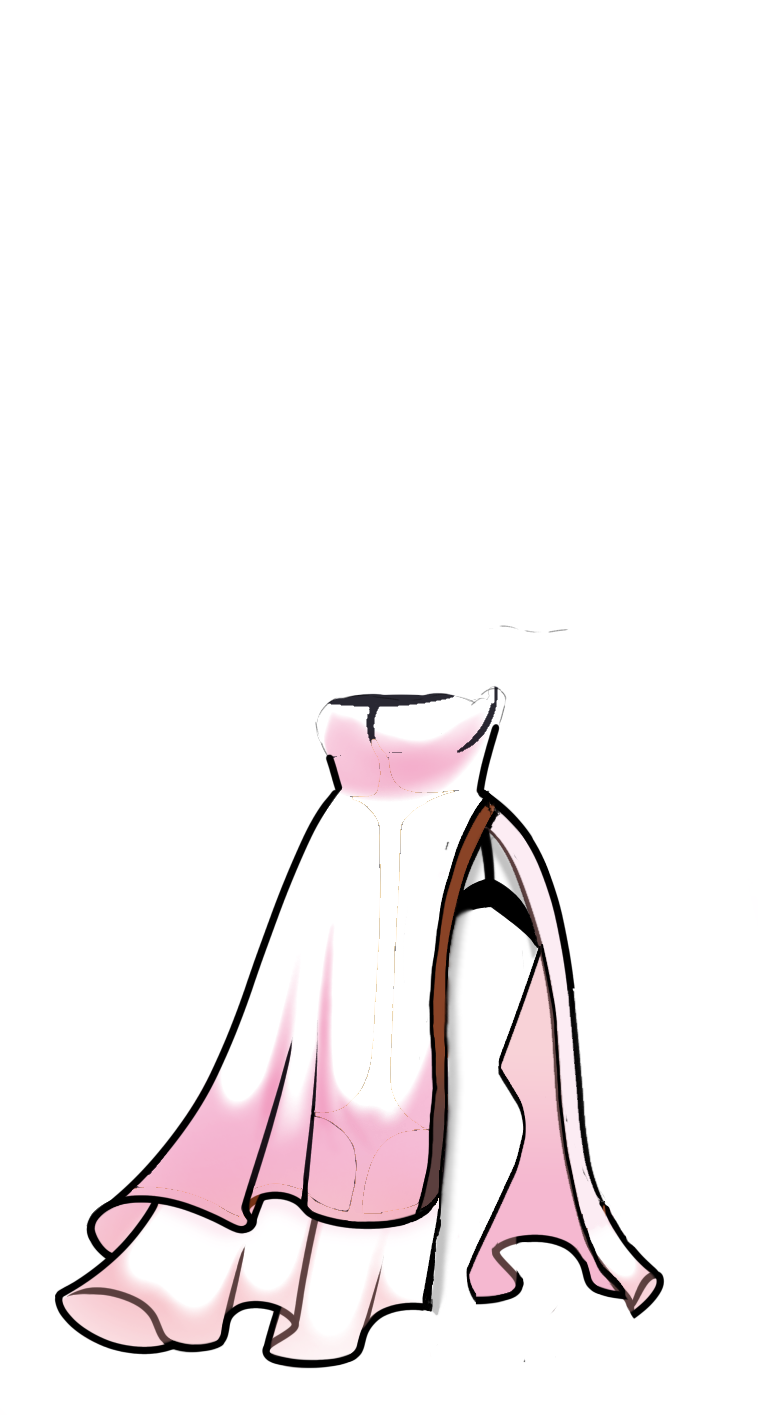
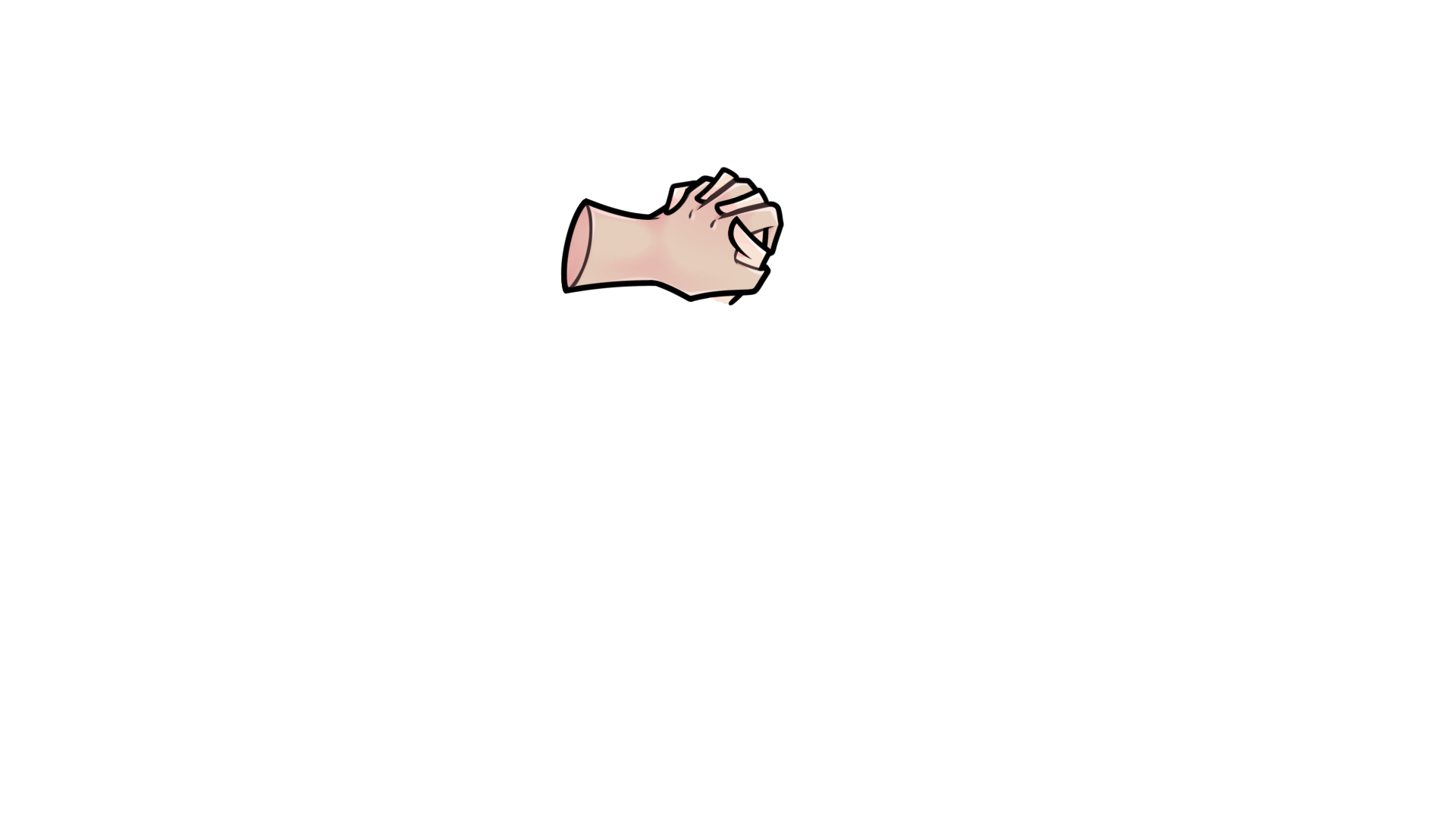
Image A ^
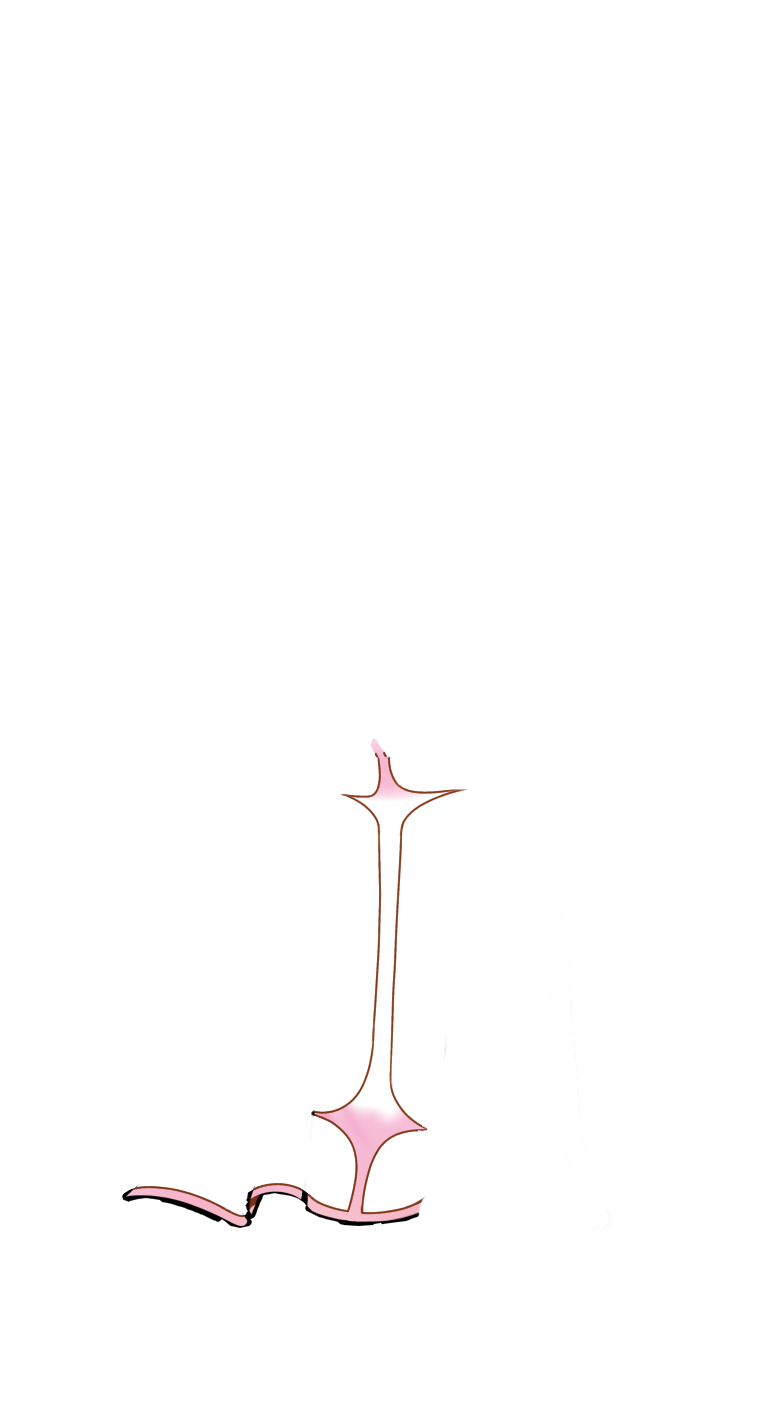
image c ^
boom
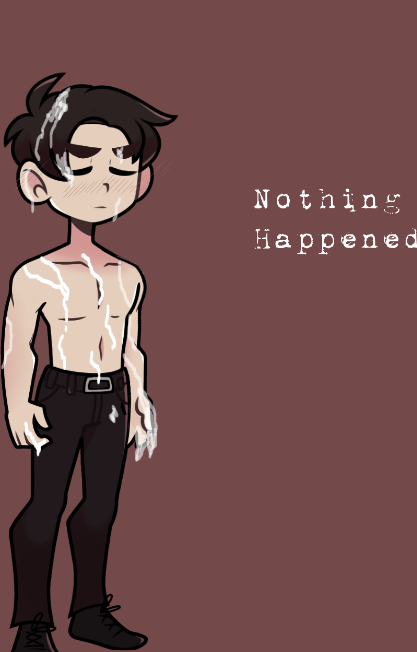
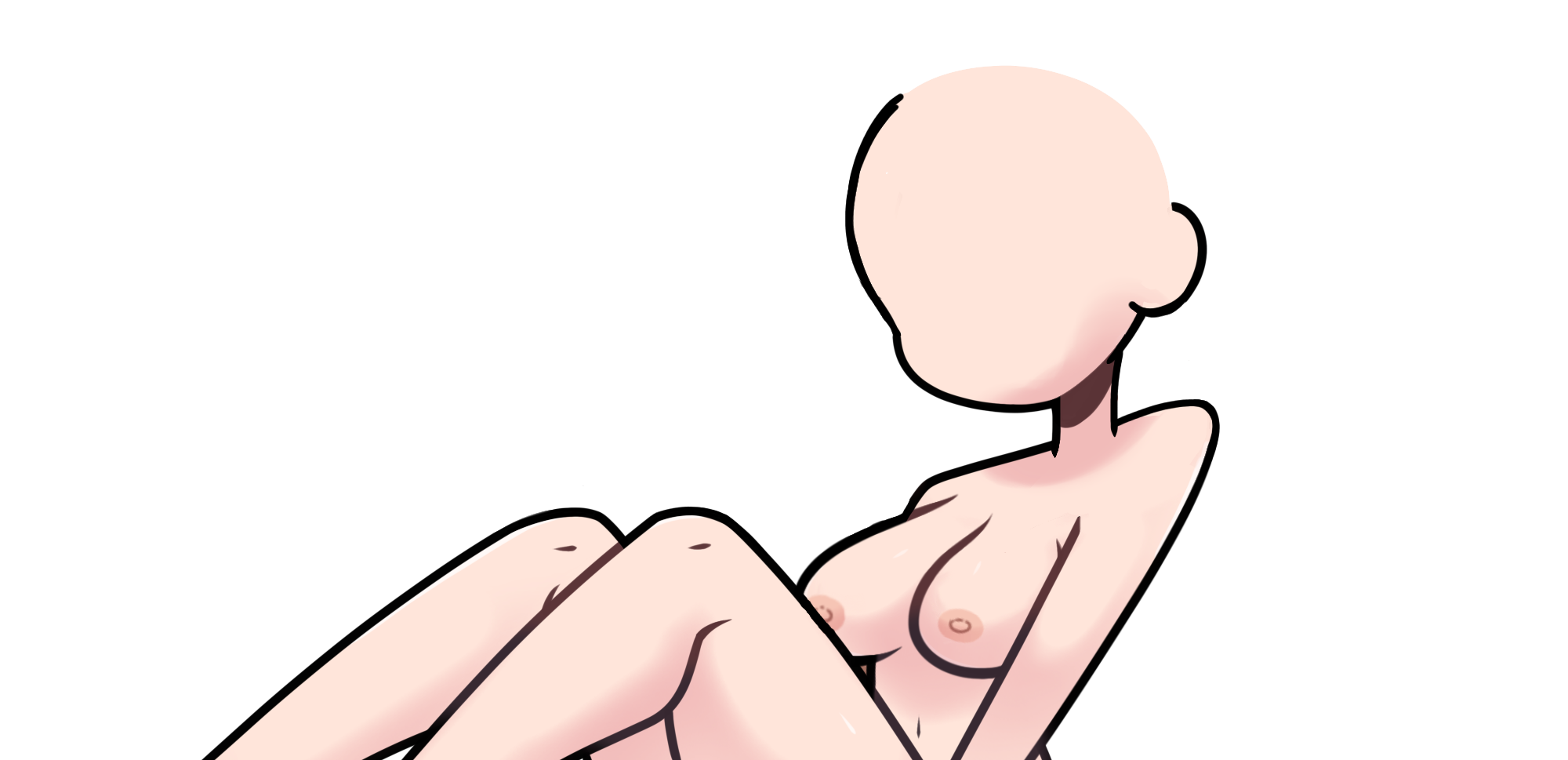
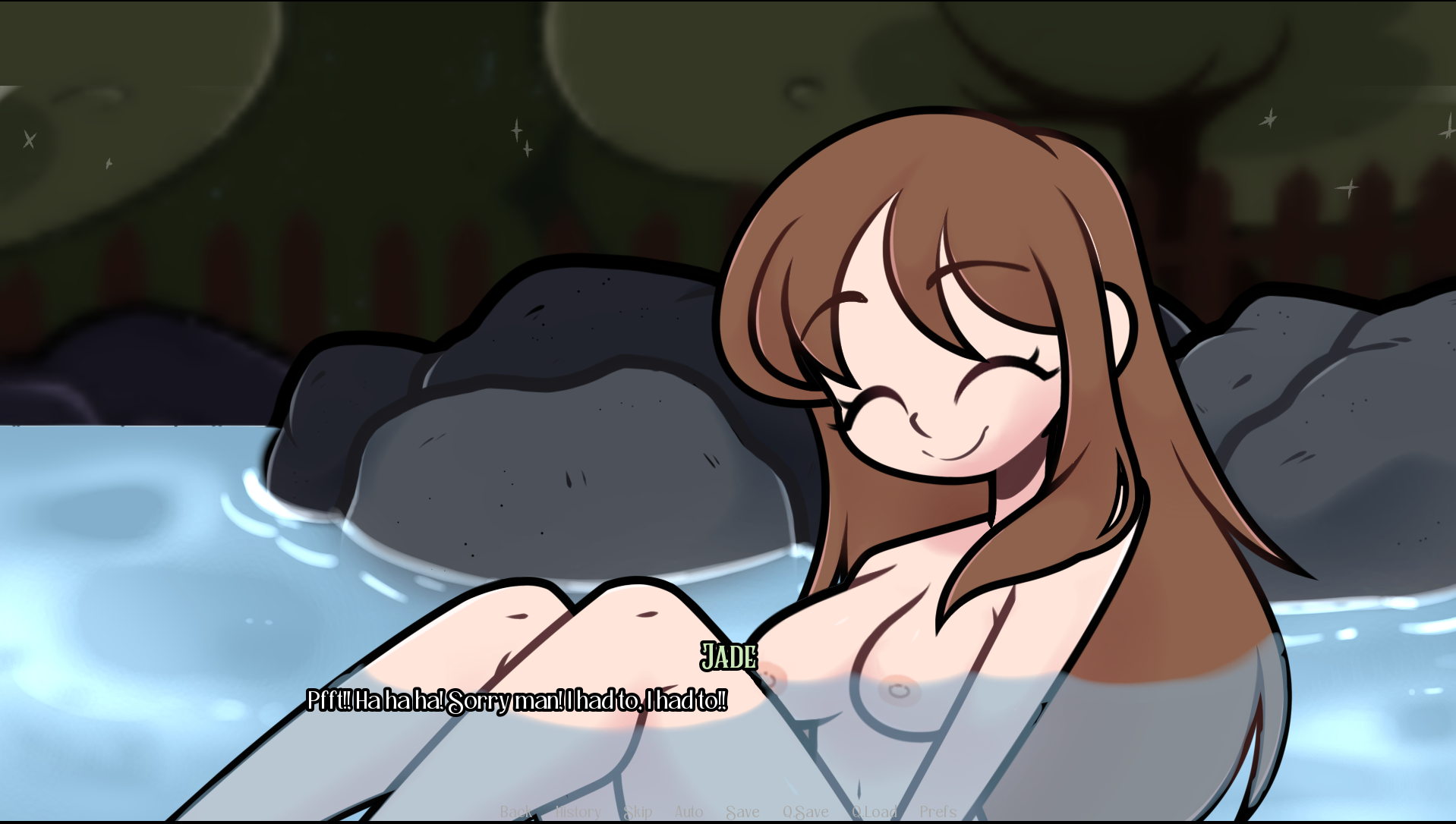
first unpack the game (ask chatgpt to open renpy game) go to game then images, go to folder called Jade Sex (without underscore), then jade bath scene, then replace Jade_Bathbody or something with this, and also go to the bath steam image and erase everything there with mspaint