

Thanks for checking both the invalid crop and recovery, and for the AI-test disclosure. You’re right: edits to an existing frame only take effect after Apply edits. Preview atlas uses the last applied values. I’ve recorded an unapplied-edits notice to make that distinction clearer; it is not in the current build yet.
A member registered Jun 06, 2022 · View creator page →
Creator of
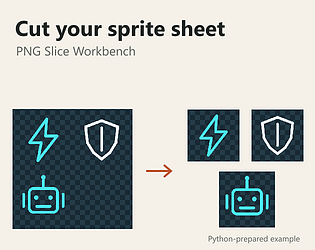
Cut irregular PNG sprite sheets with exact rectangles. Preview frames; export PNG crops, an atlas and coordinate JSON.
Run in browser
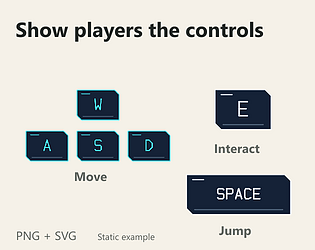
Keyboard and mouse hints in cyan/white for tutorial popups and sci-fi HUDs. Free PNG + SVG, commercial use.
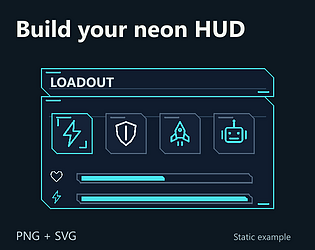
24 HUD icons + matching buttons, panels, slots and bars. Cyan/white PNG + SVG. Commercial use. Try 4 icons free.
Recent community posts
itch.io Community » General » Release Announcements · Created a new topic Cut irregular sprite sheets into named PNGs — PNG Slice Workbench (free browser trial)
Have a sprite sheet whose frames don’t fit one grid? PNG Slice Workbench lets you choose each rectangle, refine its pixel bounds, name and order the frames, then download separate PNGs plus a uniform-cell atlas and coordinate JSON.
It uses the included sheets only; custom imports and exports are disabled. You can also inspect a free source-and-output example in the Download demo section.
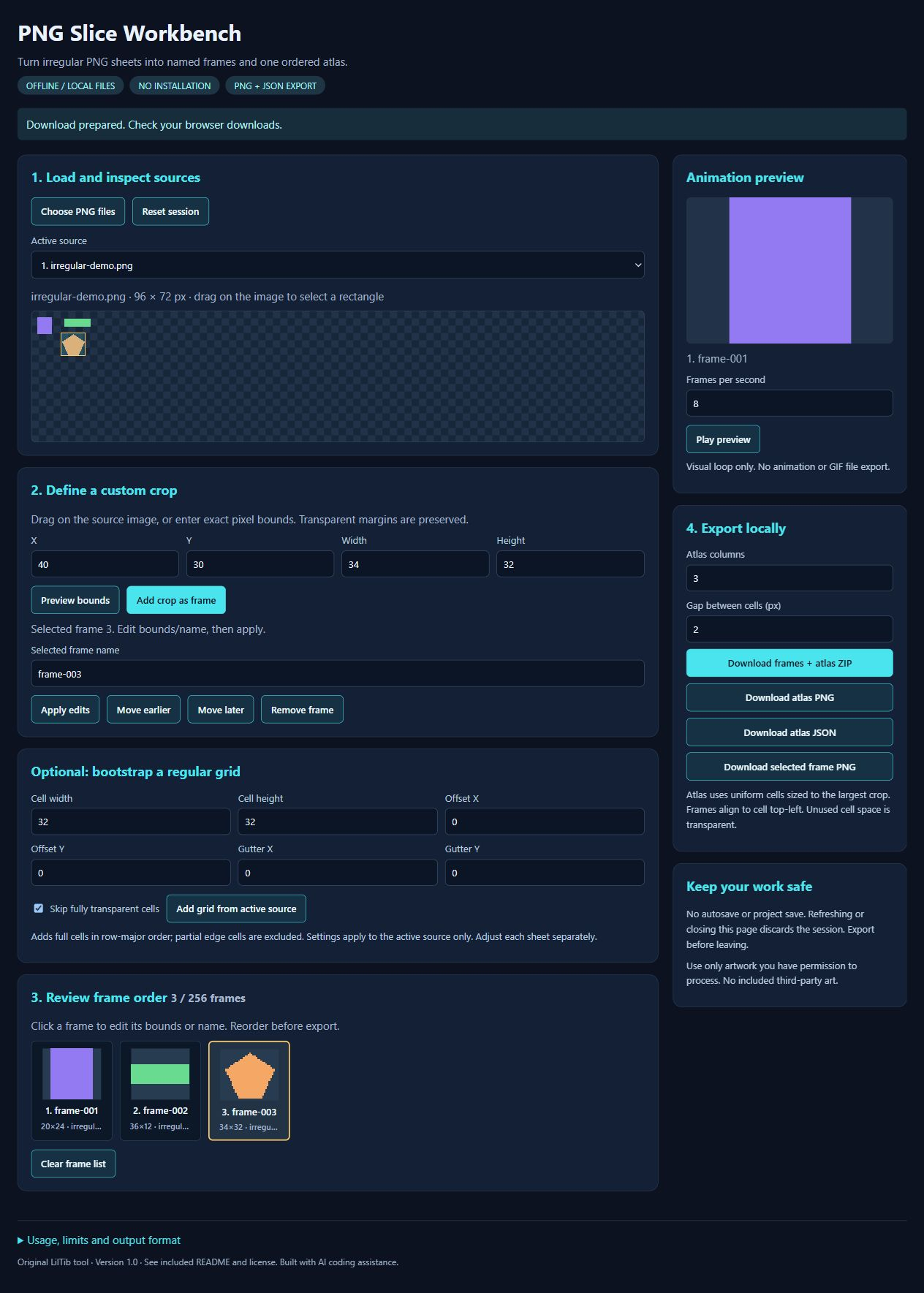
For a quick test, select irregular-demo.png, draw a rectangle and click Add crop as frame, then refine numeric bounds and Apply edits.
The full local HTML download is $2.99 and accepts your PNGs. Atlas cells follow the largest crop with top-left alignment; no tight packing, engine importer or project save. Export before closing. Built with AI-assisted scripting and reviewed examples.
Actual full-tool interface using the original sample sheet:
itch.io Community » Game Development » Get Feedback · Created a new topic PNG Slice Workbench: is the first custom crop easy to understand?
itch.io Community » Game Development » Help Wanted or Offered · Created a new topic [PAID][PNG] I'll split your sprite sheet into named frames and an atlas — $15
Hi! If your sprite sheet has mixed-size frames and you'd rather skip cutting and naming them one by one, I can prepare the files for you.
The $15 starter covers one PNG (up to 2048 × 2048 pixels and 16 MB), up to 16 rectangular crops, named PNG files, a uniform-cell atlas, coordinate JSON and a ZIP with a numbered preview. One revision covers crop boundaries, names or order on the same source.
Here's an original example I made for this offer, not client work:
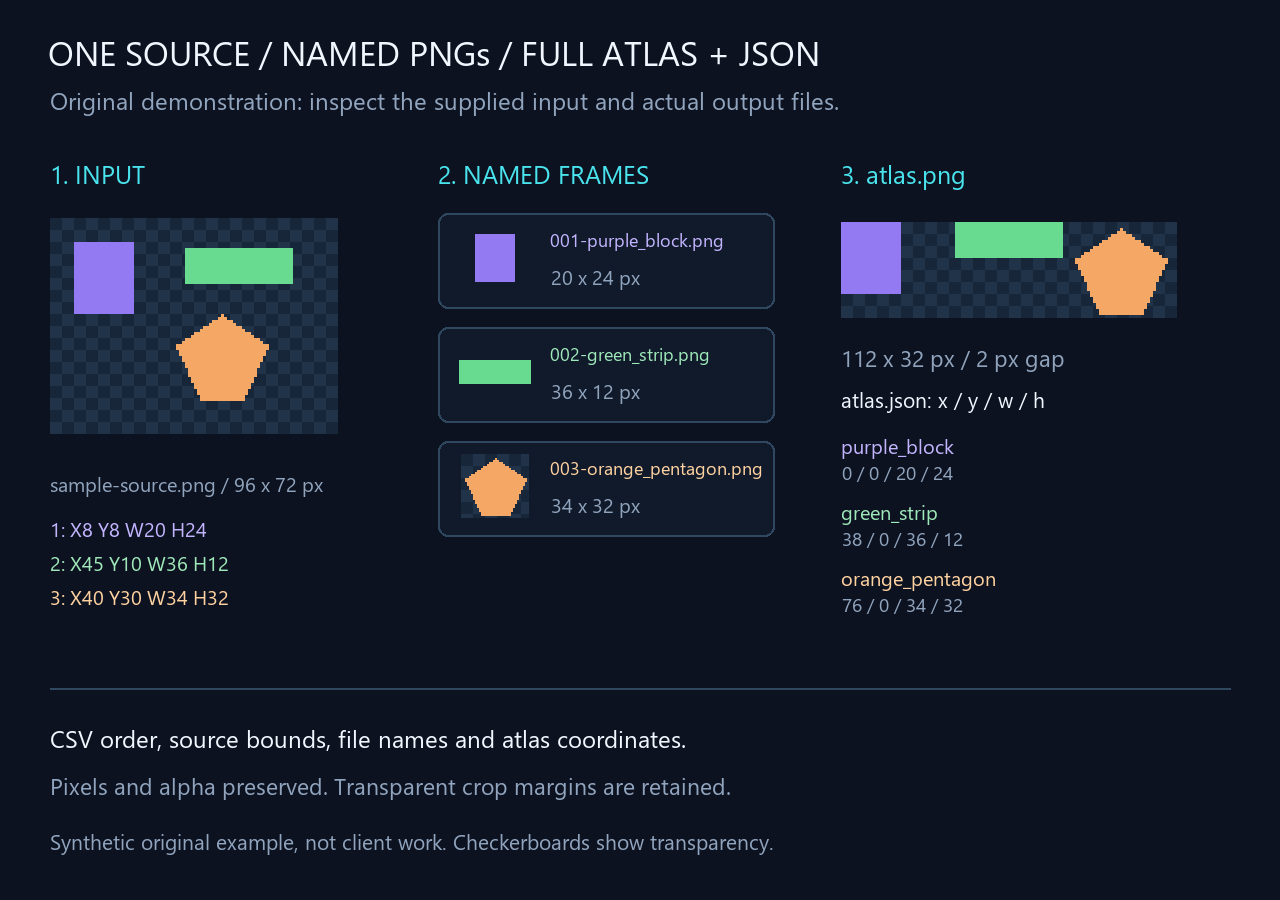
The three frames have different sizes. Their source pixels and transparency are preserved, and the atlas uses a two-pixel gap. You can inspect the source, crop CSV and finished files in the free “Original slicing example” download here.
To get started, tell me how many frames you need and whether you have crop coordinates or a numbered image showing the cuts. We'll agree on names, order, atlas layout, payment and the delivery start before work begins. The starter turnaround is one day from that agreed start. Please only share artwork you have permission to have processed; don't upload anything confidential in a public reply.
This is for preparing existing artwork. It doesn't include drawing new sprites, fixing animation or creating an engine importer. You don't need to buy the tool to use the service.
I use AI-assisted scripting and check the output against the source. If your project has restrictions on that, let me know before we agree to work together.
Happy to look at a description of your sheet and tell you whether this would fit.
If you’d rather use Fiverr for the order, the same $15 starter is available there. Message me there with your PNG dimensions and crop count first so we can check the fit. View the starter on Fiverr.
itch.io Community » General » Release Announcements · Created a new topic Neon HUD Icons — 24 designs in PNG/SVG, with a free 4-icon sample
Hi everyone! Neon HUD Icons is now available: 24 geometric outline designs for menus, inventories, status displays and dashboards.
Project and free sample: https://liltib.itch.io/neon-hud-icons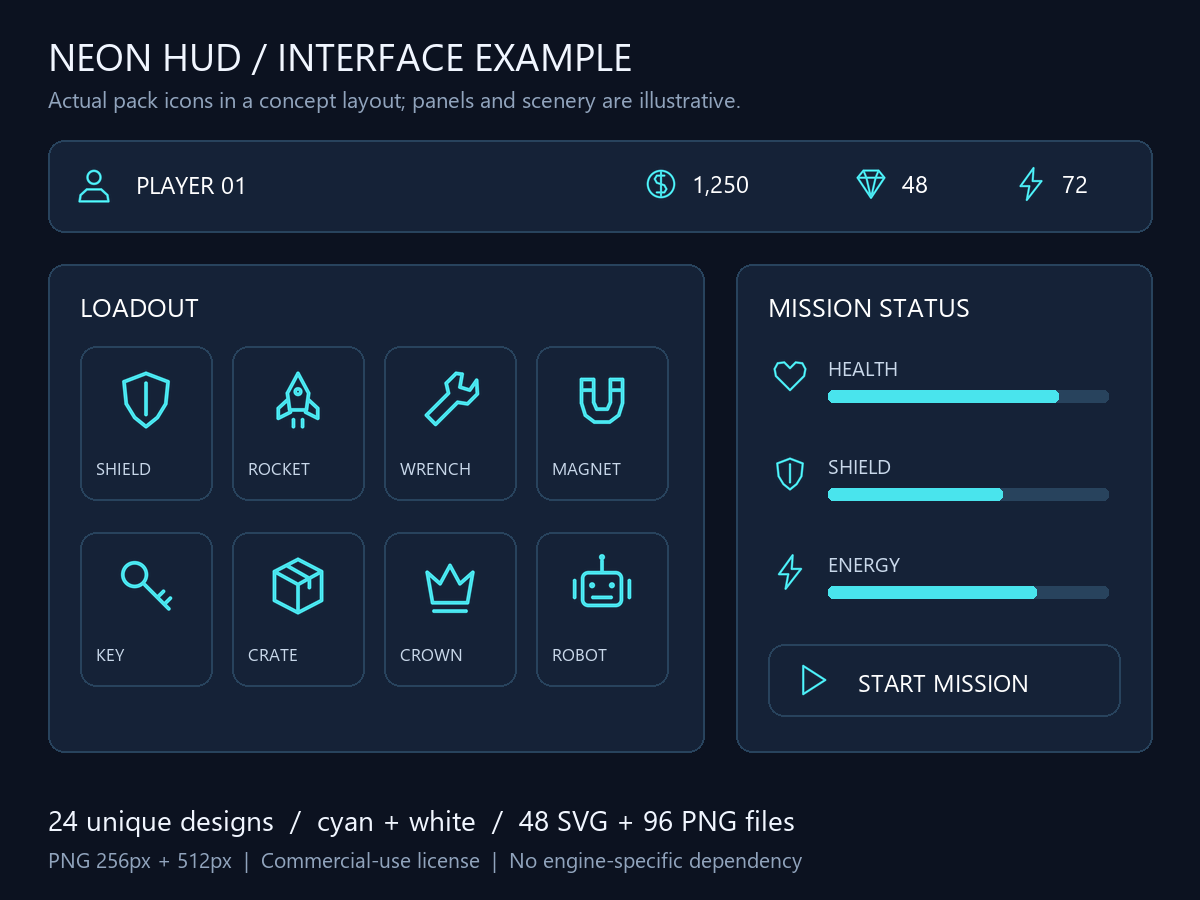
The full pack is $4.99 USD. Every design comes in cyan and white: 48 editable SVG files plus 96 transparent PNG files at 256px and 512px. A README, reviewed category index and commercial-use license are included. Attribution is optional; standalone asset redistribution is not permitted.
The free sample includes coin, heart, shield and play in both colors, with the same commercial-use terms. You can inspect those files before purchasing.
The preview below uses the actual icons in a concept interface. Panels and bars shown are illustrative and are not included. These are standard image files, not an engine project; they have not been tested in a specific engine.
Created from authored geometric shapes with software rendering and AI coding assistance; Jev assisted with the reviewed category index.
Which additional HUD icons would be most useful in your projects? Feedback is welcome.