

Thanks, Cila!
So glad you enjoyed it.
A member registered May 07, 2026 · View creator page →
Creator of
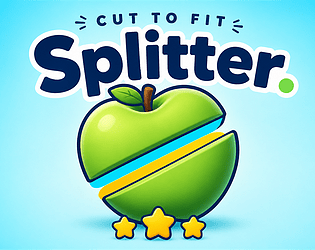
Slice puffy shapes to match target areas. Fewer cuts, fewer scraps — more stars.
Puzzle
Play in browser
Recent community posts
itch.io Community » General » Release Announcements · Created a new topic Browser Splitter — Cut to Fit

Play here: https://ndikabunder.itch.io/splitter-cut-to-fit
Hi itch!
I just released **Splitter — Cut to Fit**, a free browser puzzle about precision cutting.
What is it?
You get a puffy everyday silhouette and a set of target areas. Drag a straight cut through the shape, lock pieces that match the targets, and clear the level before you run out of cuts.
Fewer cuts and fewer leftover scraps = more stars.
How it plays
1. Drag a line from outside the shape, through it, and out the other side
2. Release to split into two pieces
3. Match piece areas to the target chips
4. Clear the level for 1–3 stars based on efficiency
Works with mouse and touch — desktop and mobile browsers. No download needed.
What's in the game
- 100 unique puffy 3D-object silhouettes across themed catalogs
- Hard cut budget per level (plan your splits)
- Star rating for clean clears
- Optional tutorial from the Main Menu
- Progress saved locally in the browser
- Mute toggle for SFX and music
I'd love feedback if you try a few levels — especially first impressions on the cut feel and star difficulty.
Thanks for checking it out!
itch.io Community » General » Release Announcements · Created a new topic MONO — free minimalist Lights Out puzzle
MONO is out — a minimalist Lights Out puzzle you can play in the browser.
Match the board to the target. Flip tiles. Clear the pattern. Every click counts.
- 4 grid sizes: 3×3 → 6×6
- 100 levels per size
- Hint · Undo · Reset
- Desktop & mobile
Play here : https://ndikabunder.itch.io/mono

match. flip. clear.
itch.io Community » General » Release Announcements · Created a new topic Fracture — cozy silhouette puzzle, free in browser
Hi everyone — Fracture is out on itch!
https://ndikabunder.itch.io/fracture
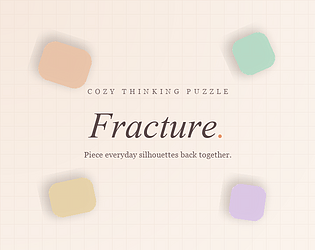
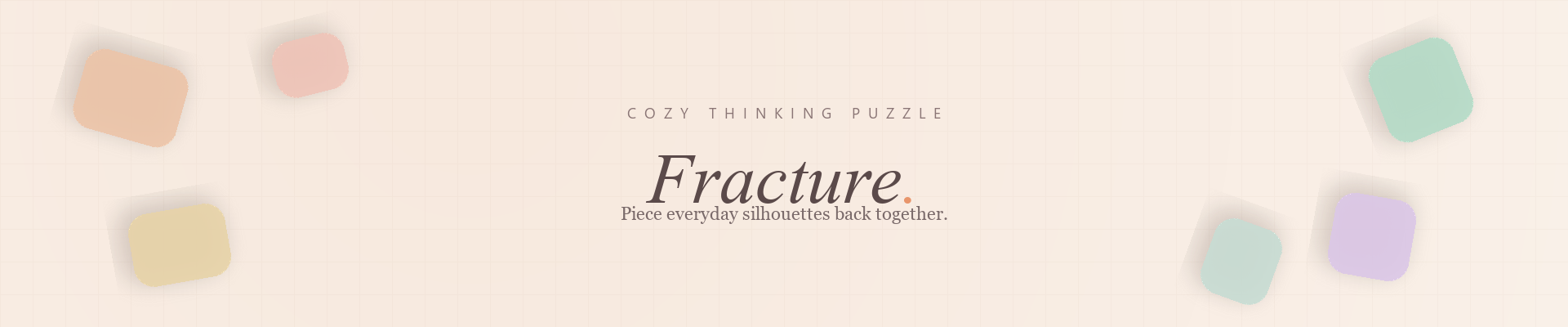
Fracture is a cozy thinking puzzle: everyday silhouettes break into soft pastel pieces, and you drag, rotate, and snap them back together. Slow, quiet, and satisfying — no timers, no pressure.
What you get
• 100 levels, warm-up through expert
• 100 recognizable silhouettes
• Soft audio (mute anytime)
• Play in the browser on desktop and mobile
• Mouse, touch, and keyboard support
• No accounts, no ads in the game build
Controls
• Drag pieces onto the outline
• Scroll / two-finger swipe to rotate (desktop)
• On touch: on-screen ↺ ↻ buttons
• Keyboard: arrows move, Q/E rotate, Enter place
Would love any feedback if you try a few levels — enjoy the quiet puzzle time.