they arent, the desc clearly says they only has 1 direction
Otterisk
Creator of
Recent community posts
Never heard of the 3x3 Godot format before, this project uses the basic(?) Godot tileset system.
The image you included is a blob tileset (47 tiles), but mine is a Wang tileset (16 tiles). You can access the blob tileset (obsolete) at: Hana Caraka - Topdown Tileset\Version 2.0\
Animated tiles in Godot are quite different from static tiles, so I’d recommend checking out their official tutorial or documentation.
Hi, thanks for asking!
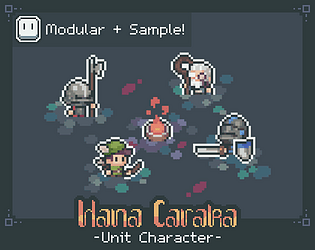
- Variations depend on what you really want and need. If you need frame-by-frame animation, you must draw all parts. If you wanna combine pixel art and skeletal animation, one static part is enough. However, since this pack is frame-by-frame, you’ll need to draw all parts
- Dont overdraw. A 16px character is small and every pixel is expensive. Instead focusing on every body part, I focused on the head (the key feature) for my Unit Character
- KISS principle! The last S hits me in the face every time I start messing around: use blocking, avoid so much pixel noise/orphan, avoid unnecessary micro acc, etc. Keep it simple!
Edit: 4. Use references to make life easier. Keep in mind that referencing is not tracing :)
For tool, Aseprite is enough
You must learn character customization on your game engine. I like composition method. Each body part as a gameobject, animate it on Unity animator, and in runtime just swap the sprite.
Manual method you must do frame-by-frame animation on sprite editor (Aseprite/Pixel Studio/Photoshop) which slower to make and bad in some conditions