Indie game storeFree gamesFun gamesHorror games
Game developmentAssetsComics
SalesBundles
Jobs
TagsGame Engines

Raykit Studio

4
Posts
3
Topics
1
Followers
1
Following
A member registered 26 days ago · View creator page →

Creator of

Recent community posts

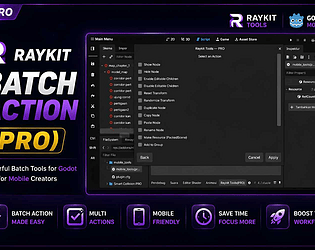
Hey folks! I just launched my first plugin as a solo indie dev — Raykit

Batch Actions, an editor tool for Godot 4.

The idea started from my own frustration: I do all my Godot development

from a mobile touchscreen, and selecting/editing Scene Tree nodes one by

one was painfully slow without a mouse. So I built a tool that lets you

check multiple nodes at once and apply an action to all of them

together.

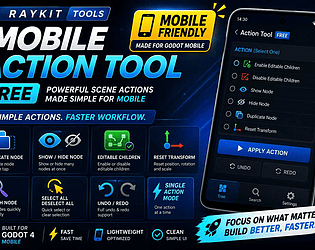
Free version:
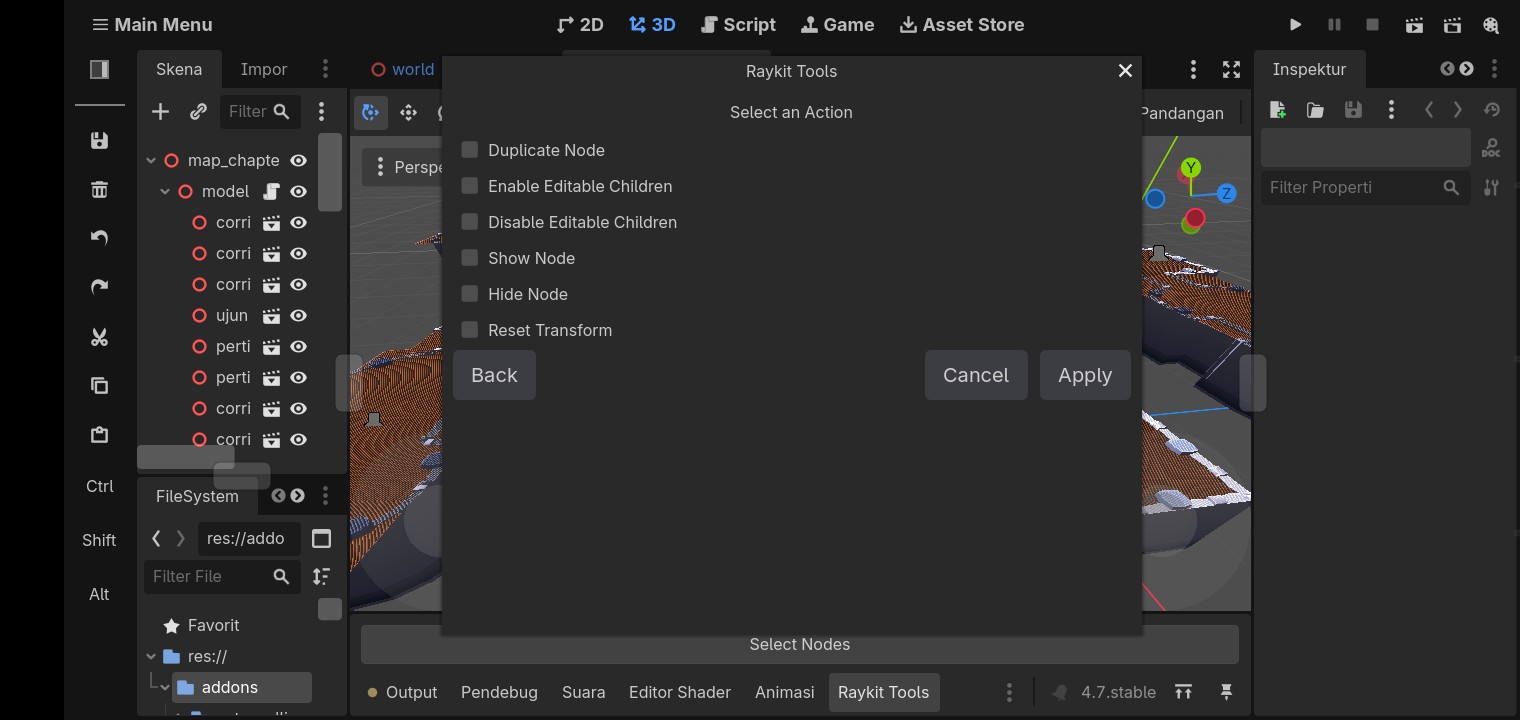
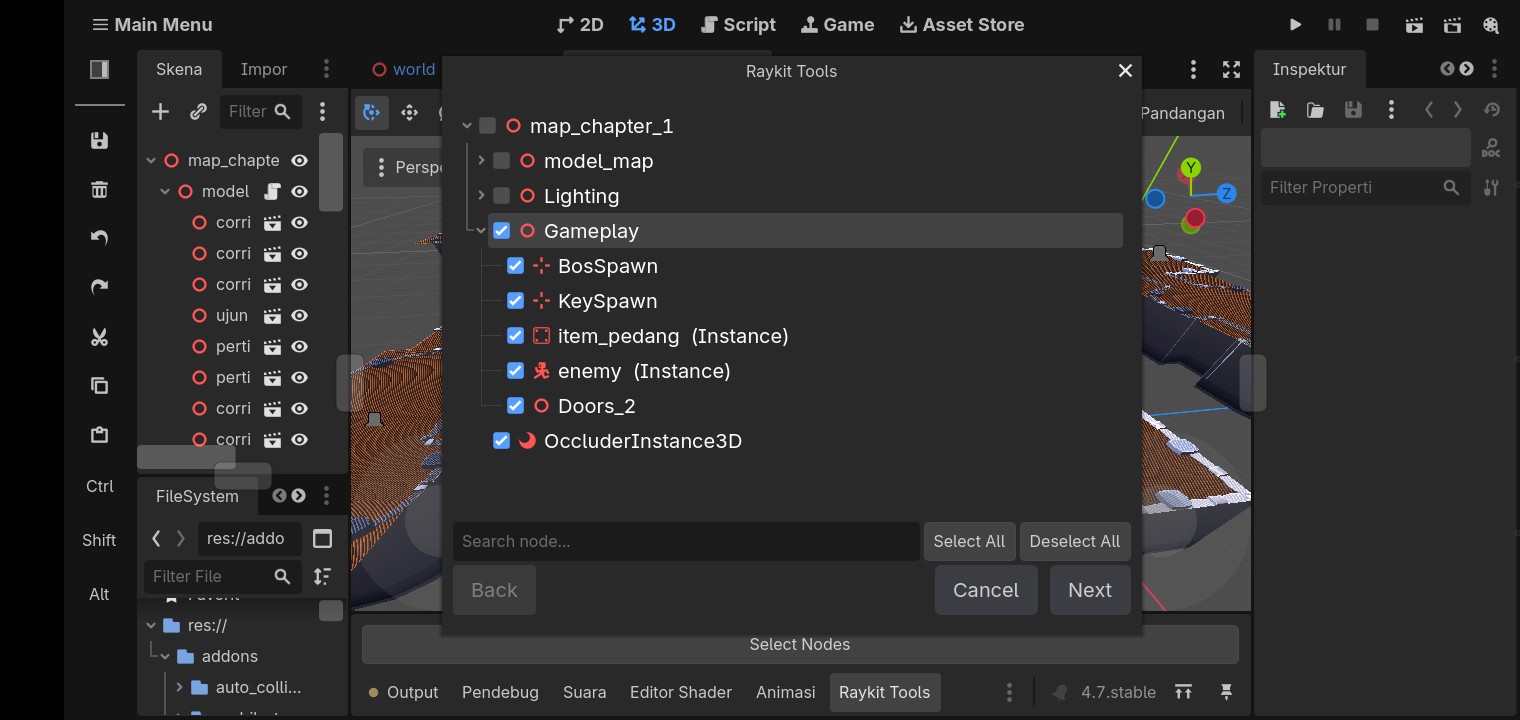
and you can select multiple nodes like this(Selecting multiple nodes works the same way in both versions):
- Show Node / Hide Node

- Enable / Disable Editable Children

- Duplicate Node

- Reset Transform

- One action per Apply

- MIT licensed, free for any project

PRO version:
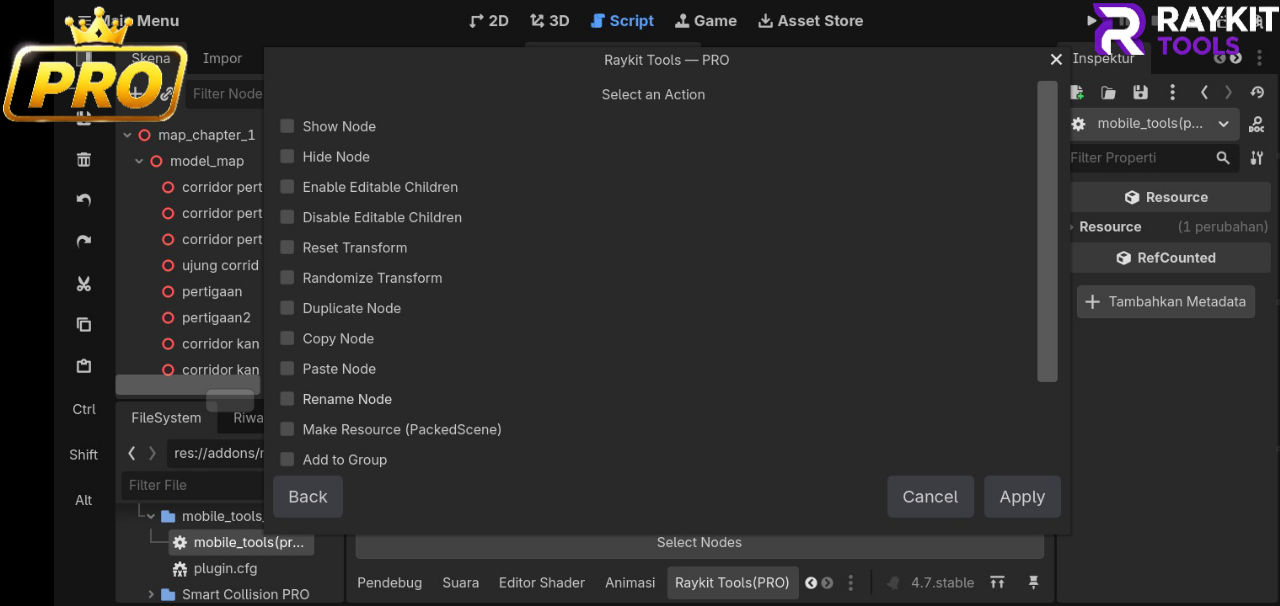

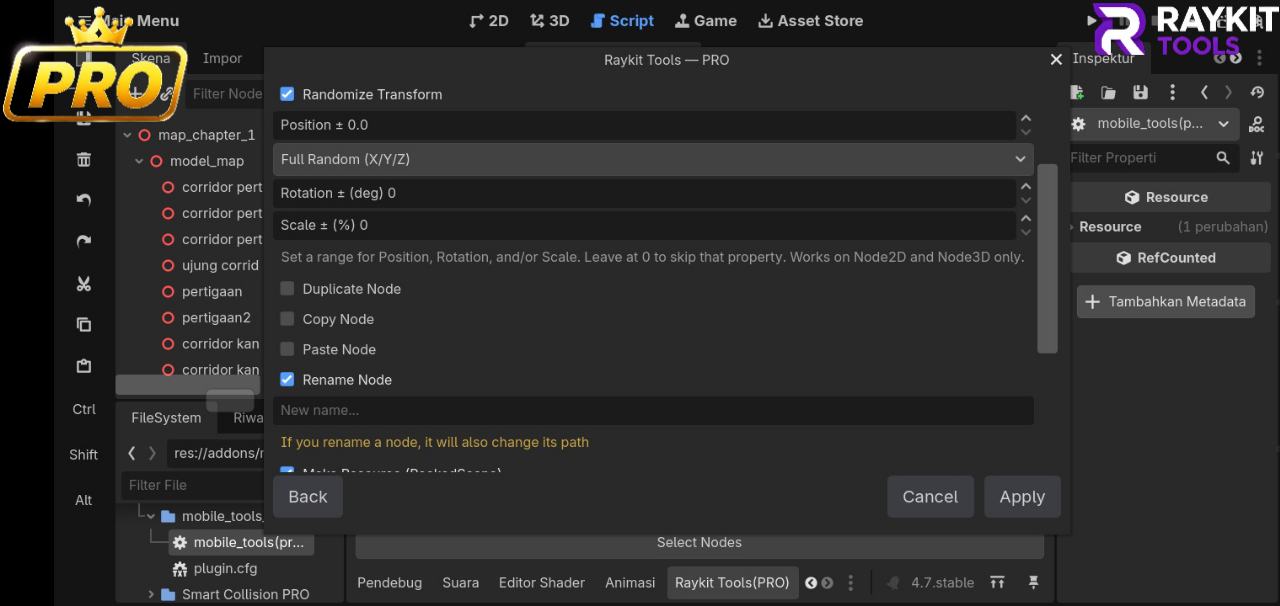
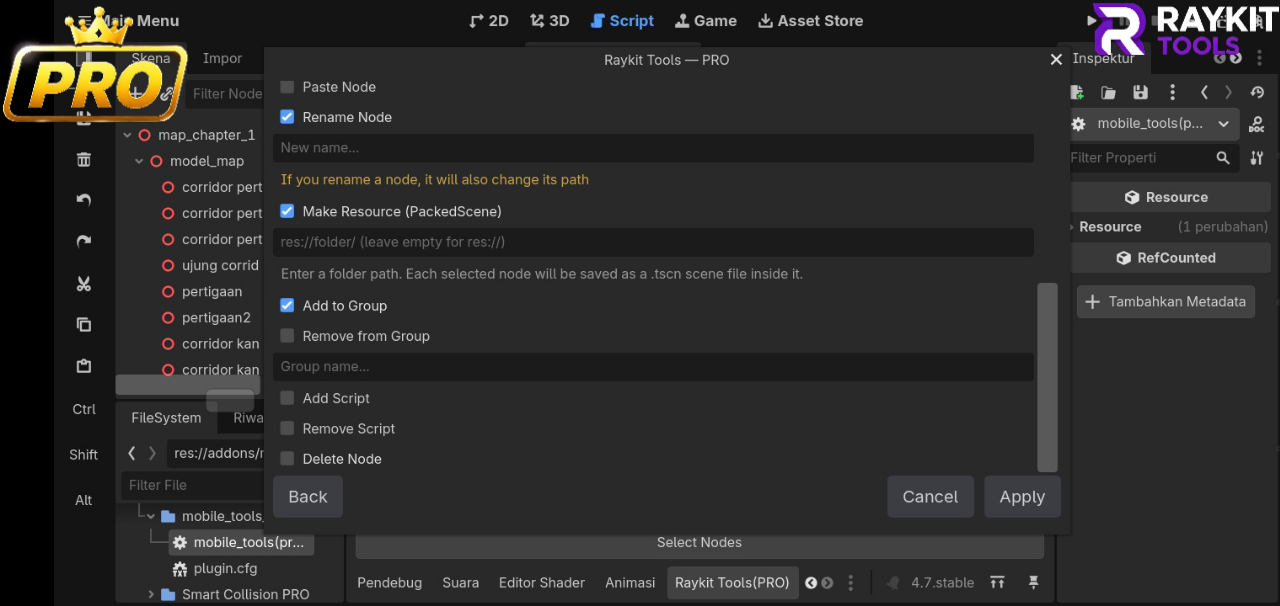
- 16 actions total, and you can combine several in a single Apply

  (e.g. Rename + Add to Group + Randomize Transform all at once)

- Randomize Transform, with an Aligned mode for scattering props

  without them floating or sinking into the ground

- Make Resource, packs any node into its own .tscn file

- Group management, add or remove nodes from a group in bulk

- Batch Add/Remove Script across multiple nodes

- Copy/Paste with As Child or As Sibling modes

- Fully Undo/Redo safe

Everything was designed and tested entirely on a phone, so if you've

ever wanted a Godot workflow that isn't miserable without a keyboard

and mouse, this is for you.

Free: [ https://raykit-studio.itch.io/mobile-quick-action-free] 

PRO: [ https://raykit-studio.itch.io/raykit-batch-actions-pro ]

This is my first public release, so any feedback (bugs, suggestions,

even just "this button placement is weird") would genuinely mean a lot.

Thanks for reading!
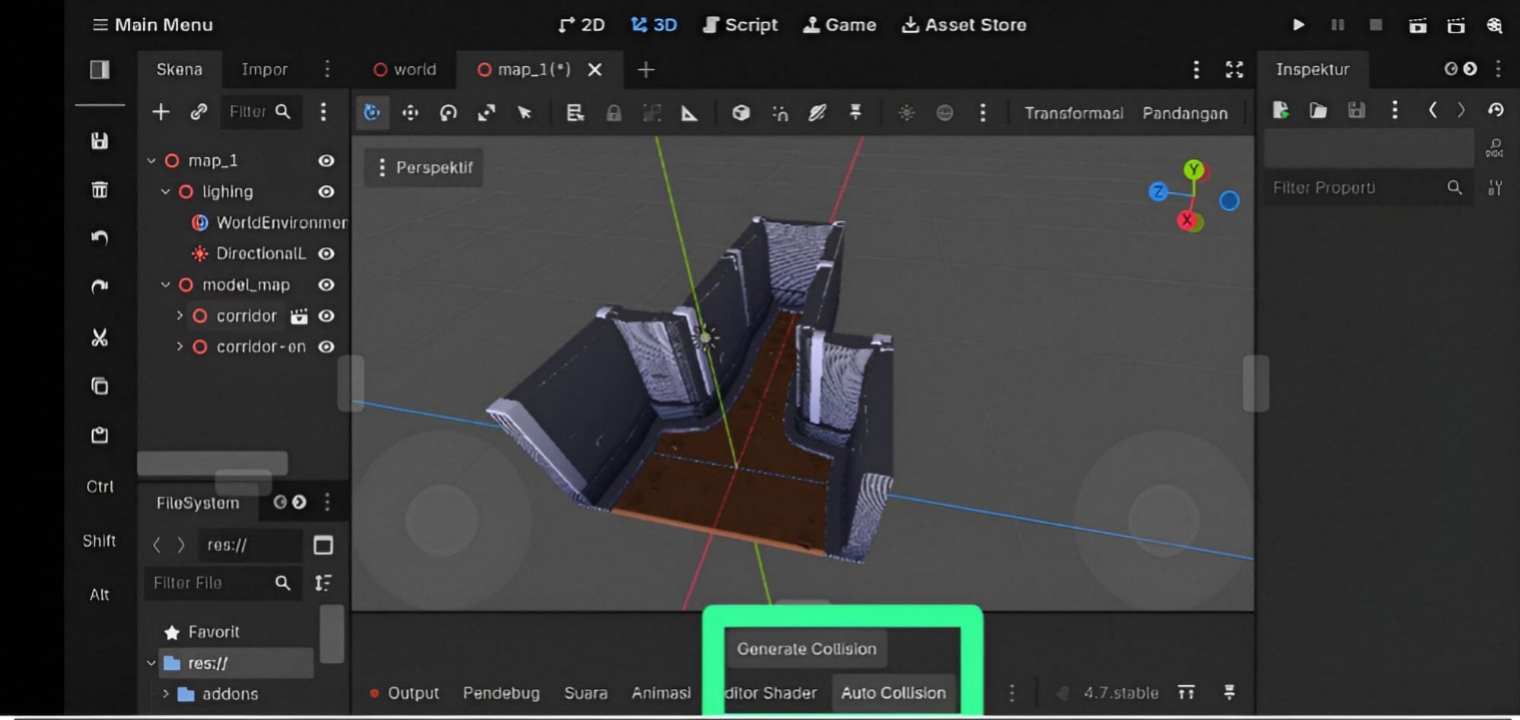
Auto Collision Generator (Free) & Smart Collision PRO — Update + Price Drop!

Hey everyone! Just pushed an update to both my Godot 4 collision generator plugins:

Full English localization (UI, dialogs, everything)

Undo/Redo support — press Ctrl+Z right after generating to instantly revert, no more manually deleting collisions one by one

Also dropped the PRO version price down to just $2 — wanted to make it more accessible for everyone still building their first projects.

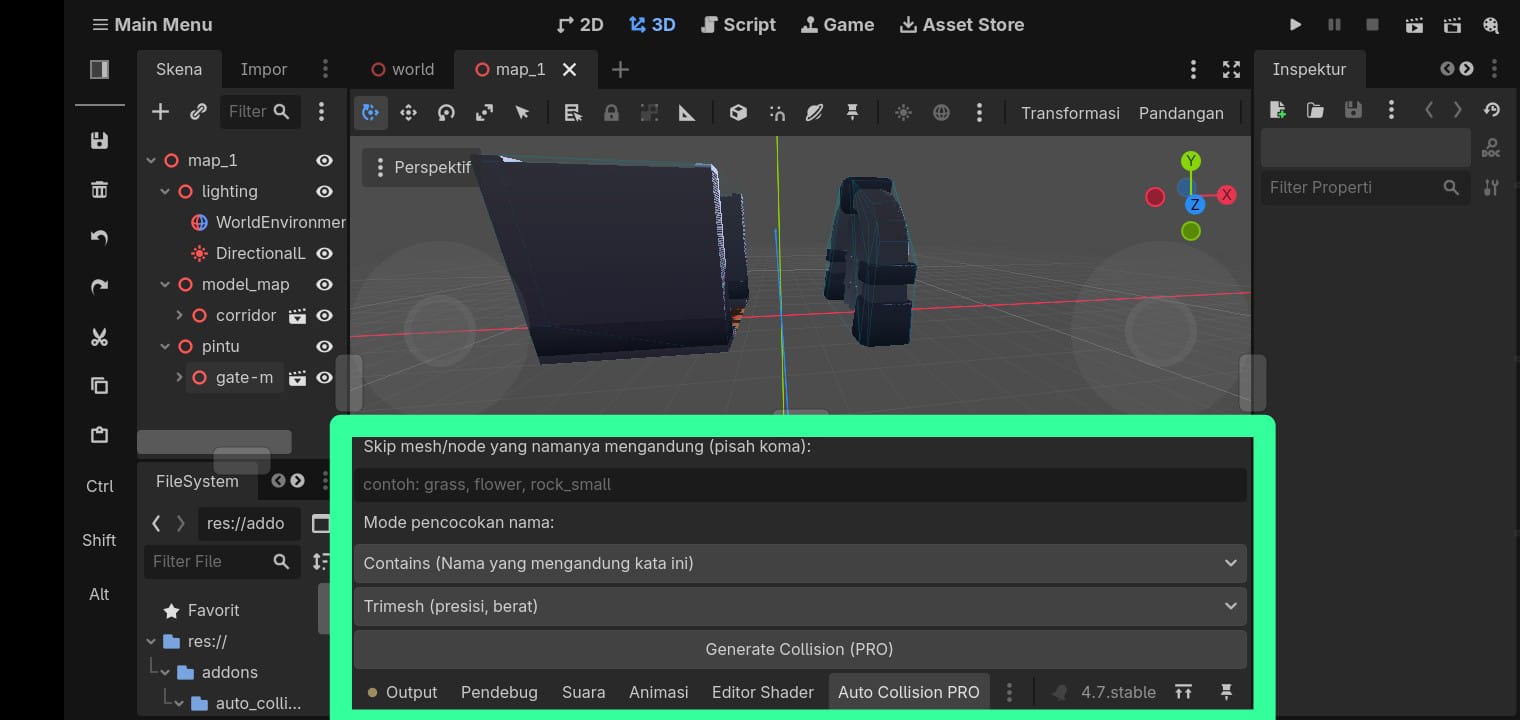
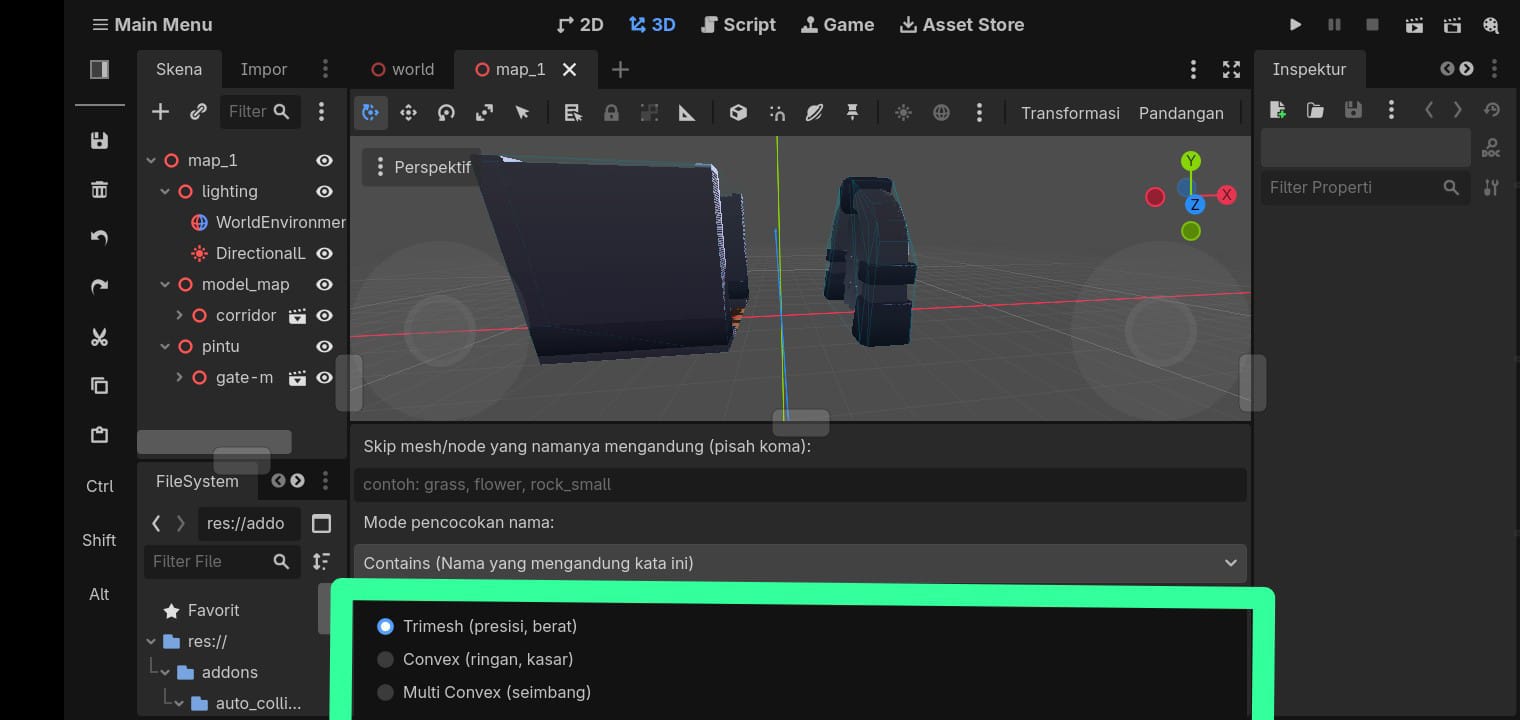
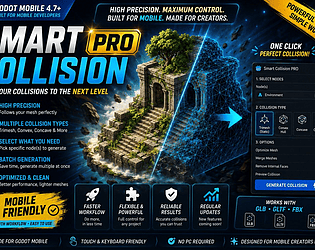
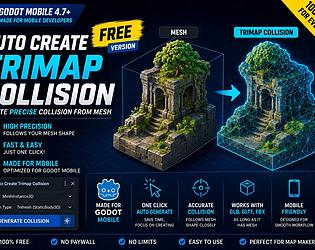
Free version generates Trimesh collisions automatically for your MeshInstance3D nodes. PRO adds Convex/Multi Convex options, skip filters, and batch processing across your whole scene.

Links in the devlog if you want to check it out. Feedback always welcome, still actively improving these based on what people need!

Ah I see, thanks for moving it to the right category! 🙏

(2 edits)

Hi everyone, first time posting here — hope it's okay to share something I made! 🙏 If this kind of post isn't allowed here, please let me know and I'll remove it.

Just released my first plugin for Godot 4 — Auto Collision Generator. I built it because I develop entirely on my phone, and the usual Right Click Create Trimesh Static Body workflow is basically impossible to use on mobile.

Both the Free and PRO versions work on the Godot Mobile Editor as well as desktop.

It originally started as a tool for my own projects before I turned it into a proper editor plugin.

Free version (see 1st screenshot): one tap, generates trimesh collision for your whole scene. Works with instanced GLB, GLTF, and FBX models.

Note: If you're using instanced scenes, enable Editable Children first. This is a Godot requirement, not a limitation of the plugin.

If you need more advanced features, there's also a PRO version (Smart Collision PRO, see screenshots 2 & 3) with collision type options (Convex/Multi Convex), automatic handling of instanced scenes (no need to enable Editable Children manually), skip filters for grass/props, and safe replacement when regenerating collisions.

Comes with bilingual docs (EN + Indonesian) and screenshots. If you try it out, I'd love to hear your feedback or feature suggestions! 🙏

🔗 Itch.io Profile

👉 https://raykit-studio.itch.io

Downloads:

🟢 Free:

https://raykit-studio.itch.io/auto-generate-collision-free

PRO:

 https://raykit-studio.itch.io/smart-collision-pro


free varsionpro version