Indie game storeFree gamesFun gamesHorror games
Game developmentAssetsComics
SalesBundles
Jobs
TagsGame Engines

Dev Reay

16
Posts
4
Topics
9
Followers
13
Following
A member registered Feb 13, 2025 · View creator page →

Creator of

Recent community posts

Hi Lervaz,

Thank you for the quick feedback! It is great to hear you have downloaded the build.

Regarding the issues you mentioned:

  • Menu Layout: I will investigate the UI spacing. It sounds like the toggle for "on/off" is triggering a layout shift that the "gain" and "player number" settings are not. I’ll look into stabilising those line heights.
  • Menu Progression: To help me troubleshoot why you can’t get past the menu, could you confirm a few details?
    1. Operating System: Are you using Windows or macOS?
    2. Controller: Do you have a physical controller plugged in? This build is currently optimised for gamepads, and keyboard support may be limited or unmapped for the "Start" command.

If you are able to take a screenshot or a quick video of the menu glitch, that would be incredibly helpful for the fix!

Thanks again for your help with this playtest.

David.
(1 edit)

🚀 New Playtest Build Available

Thank you for your patience and for the detailed feedback you’ve provided over the last year. I have just uploaded a new release-ready build for Master Blaster for public playtesting.

🎮 Technical Requirements

  • Controllers Required: This build is designed for local multiplayer and requires physical controllers to be attached to your computer.
  • Player Slots: You can play solo with one controller. However, please note that Machine Learning (AI) for empty player slots is currently incomplete, so those slots may not be active during play.

💻 Platform Support

  • Windows: Downloaded and confirmed functional.
  • MacOS: A build is available but has not yet been tested. If you are using Mac, please report any issues or stability bugs.

⚠️ Health & Safety Warning

  • Strobe Effects: This build contains intense flashing lights and strobe effects. If you have a history of epilepsy or photosensitive seizures, please avoid this build.
  • Audio: The game features loud dance music. Please check your volume levels before starting.

🔍 What I’m Looking For

I am specifically interested in feedback regarding the issues previously raised in our community discussions:

  1. UI & Resolution: Does the menu and shop scale correctly on your display (especially on TVs/Large screens)?
  2. Item Spawning: Do items feel balanced across the map?
  3. Controller Input: Are your specific gamepads recognized correctly?

Download here: https://reayd-falmouth.itch.io/masterblaster

  • Please post your feedback, bug reports, or crash logs in the comments below or on the GitHub repository. Your input is what helps this project move toward a full release.

  • (1 edit)

    Hi Lervaz,

    This is David. Thank you for the detailed feedback and for offering to help! It’s really useful to hear about the menu scaling and item spawning issues.

    To answer your question, yes—the project files for the build you are testing are available on GitHub. You can find the source code and the specific branch here:

    I’ve noted your observations about the menu/shop resolution and the item spawn balance. I’m also looking into adding:

    • Key configuration and Gamepad support.
    • Resolution settings and larger maps for TV play.
    • Support for more players.

    If you want to look at the code or have any specific ideas for the fixes, feel free to use the repository. You can also post any crash logs or further suggestions in the issues https://github.com/reayd-falmouth/MasterBlaster-Unity/issues

    Thanks again for your support!

  • Best regards, David

  • Hi Lervaz,

    Yes — I’ve got some time. I’m aiming to have a new working version ready before the New Year.

    David

    Hello Lervaz,

    First of all, I want to apologise for the delay—I know you’ve been patiently waiting and I really appreciate your continued support.

    I also have some very good news: I’ve been in touch with the original developers of Master Blaster, and they’ve given me their permission to continue development of a new version! 🎉

    My plan is to make it very close to version 1.0, and I’m aiming to bring it not only to PC but also to consoles like PlayStation and Xbox. This is a bigger project, so it may take a few more months, and realistically it might not be released until 2026.

    That said, if you’d like, I can make beta testing available to you once the first builds are ready—you’ve been giving such valuable feedback already, and it would be great to have you involved.

    Thanks again for sticking with the project. Your enthusiasm really helps keep it alive!

    Best,
    David

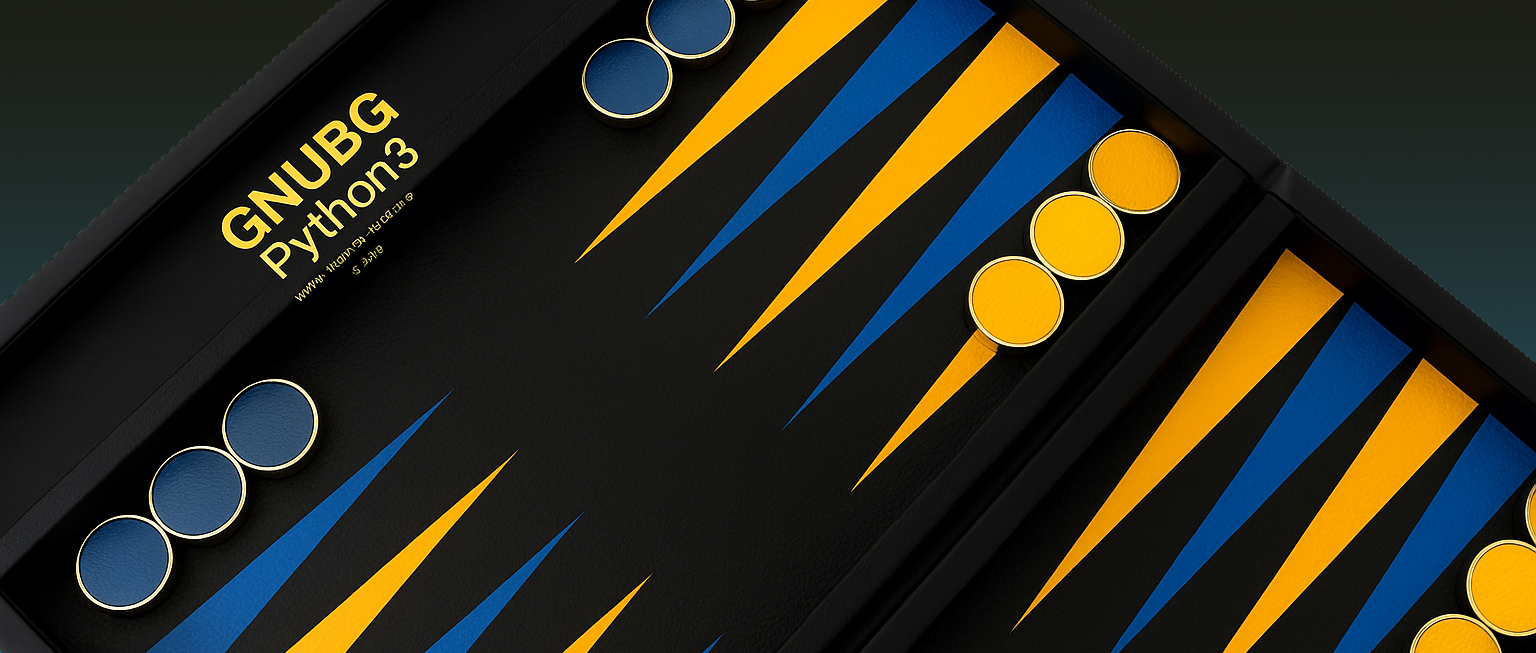
    Today marks the alpha launch of gnubg-nn-pypi, a powerful new Python3 developer tool and extension that brings GNUBG’s neural net engine to modern AI workflows, simulations, and game development.

    🎯 What It Is

    gnubg-nn-pypi is a Python3-native bridge to GNU Backgammon's neural evaluation engine. It gives you programmatic access to high-quality evaluation functions, rollout simulations, cube decisions, equities tables, and much more—directly from your Python code.

    🛠 What's Included in Alpha

    • ✅ Access to all 6 trained GNUBG neural nets
    • 🎲 best_move() and rollout() evaluation methods
    • 🧮 Match equity and cube logic
    • 🔁 Roll dice, classify positions, and simulate games
    • ⚙️ Linux/macOS/Windows (via MinGW) builds
    • 📦 Installable via:
      pip install gnubg   

    🚧 Known Limitations

    This alpha is focused on core functionality. UI bindings, Gym environments, and full documentation are in progress. Expect API refinements, new helper classes, and better error handling in beta.

    💡 Use Cases

    • Build your own backgammon bot
    • Run reinforcement learning agents with accurate evaluations
    • Analyze match decisions and cube play
    • Create next-gen backgammon games and educational tools

    Thank you to everyone who helped make this possible! Please try it out, report bugs, and share feedback on GitHub or via [itch.io comments].

    Stay tuned — more updates, tools, and integrations are coming soon.

    🎉 David Reay Maintainer of 

    (1 edit)

    Cześć zsommk,

    Dziękuję za wiadomość – bardzo mi miło słyszeć, że Masterblaster wciąż żyje w Waszych sercach po tylu latach! Sam jestem równie podekscytowany możliwością stworzenia nowej wersji gry.

    Przepraszam za opóźnienie w pracach – mam obecnie sporo zobowiązań, które spowolniły rozwój projektu.

    Szukam współtwórców – jeśli byłbyś zainteresowany nauką silnika **Godot 4.4** i pomógł mi w tworzeniu gry (albo wsparł projekt w inny sposób), to na pewno przyspieszyłoby to jej wydanie.

    Generatywna sztuczna inteligencja może też pomóc przy kodowaniu, więc nie trzeba być ekspertem od razu. Projekt można znaleźć tutaj:

    👉 https://github.com/reayd-falmouth/masterblaster-godot

    Daj znać, jeśli masz ochotę dołączyć!

    Pozdrawiam serdecznie,

    David

    Hello Lervaz,

    Great to hear from you—and I’m impressed that you’ve been editing the Love2D version with AI, especially without a programming background.

    I have to apologise, as I got a bit sidetracked with another project, so progress on the Godot version has been slower than planned. That said, I’ve now made the Godot project public, so if you’d like to check it out or contribute, you can find it here:

    https://github.com/reayd-falmouth/masterblaster-godot

    It’s still a work in progress, but I’ll continue pushing updates and aiming for an early playable build soon. Thanks again for your interest and support—it really motivates me to keep going!

    Best, David

    Hello Lervaz,

    Thanks again for checking and for your continued support!

    The number of players should update automatically based on how many gamepads are connected. If that’s not happening, it’s likely a bug with the current version—I really appreciate you pointing it out.

    Unfortunately, I’m no longer actively supporting the Love2D version, so I won’t be releasing fixes for it. The good news is that I’m rebuilding the game in Godot, which will support both keyboard and gamepad input, be much more stable, and eventually include more features (and fewer bugs!).

    I’m aiming to release the Godot version within the next month, and I’ll let you know as soon as it’s ready.

    Thanks again for playing and for all your helpful feedback!

    Best, David

    Hello Lervaz,

    Thanks again for testing and for your helpful feedback—really glad the screen scaling is working better now!

    About the issue with the players showing as N/A: the current version requires controllers to be connected in order to select players. Keyboard input isn’t supported at the moment, so if you haven’t already, try plugging in some gamepads before launching the game and see if that helps.

    I know some features from the original game are still missing, like the shop toggle, starting money, difficulty level, and gambling settings. I haven’t had time to add them back in yet, and honestly, this version is still a bit rough around the edges.

    I’d recommend waiting for the Godot version—I’m actively working on it now, and it should be a lot more stable, easier to expand, and eventually include online play too.

    Thanks again for sticking with it—your feedback really helps!

    Best,

    David

    Hello Lervaz,

    Just a quick update—I’ve made changes to the game based on your feedback. The resolution should now scale properly for larger screens, and I’ve also enabled controller support. Thanks again for highlighting those issues!

    A few features have had to be disabled for now, and there are almost certainly some bugs—so please feel free to let me know if you run into anything.

    I'm also currently in the process of porting the game over to Godot, which should allow me to develop a better version more quickly. With that move, I also plan to add online support in the future.

    As always, you can follow progress or contribute on GitHub: https://github.com/reayd-falmouth/masterblaster-love2d

    Thanks again for your support—I really appreciate it!

    Best, David

    Hello Lervaz,

    Thanks for your detailed response! It’s really helpful to understand how you’re playing the game and what improvements would make it a better experience for you.

    I’ll see what I can do to improve things. If you have any more suggestions, feel free to share them! You can also track updates or contribute on GitHub if you're interested:

    https://github.com/reayd-falmouth/masterblaster-love2d

    Thanks again!

    Best, David

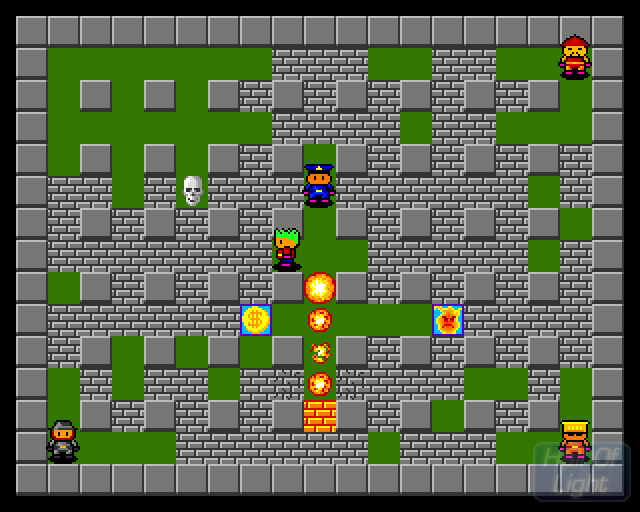
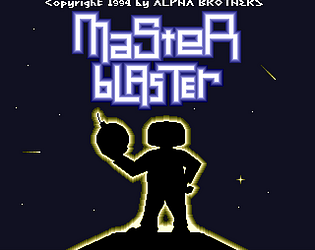
    MasterBlaster V1.0 – Classic Amiga Action, Remade in LÖVE2D!

    Play now on Itch.io

    What is MasterBlaster?

    MasterBlaster V1.0 is a faithful remake of the original competitive arcade game from the mid-'90s, reimagined with the LÖVE2D framework. Relive the nostalgic Bomberman-style gameplay where strategy meets explosive fun—perfect for challenging friends in intense multiplayer battles!

    Key Features

    • Classic Bomberman Action: Experience fast-paced bomb-placing chaos with a strategic twist.
    • Multiplayer Mayhem: Supports up to five players with intuitive keyboard controls.
    • Nostalgic Tribute: A passion project celebrating the original Amiga game developed by the Alpha Brothers.
    • Open-Source: Check out the development process on GitHub and contribute to the community.

    Original Game Tribute

    • Title: MasterBlaster v1.0/v2.0
    • Published: 1994/1995 by neXus Software
    • Developers: Alpha Brothers
    • Key Contributors:
      • Coder: Alexander Ivanof
      • Documentation & Beta Testing: Peter & Volker Elzner
    • Genre: Arcade, Bomberman
    • Magazine Review: Amiga Power 62 (June 1996, Rating: 3/5)
    • More Info & Original Download on Lemon Amiga

    Keyboard Controls

    Player Controls:

    • Player 1: Arrow Keys (Move), Space (Bomb)
    • Player 2: W/A/S/D (Move), Left Ctrl (Bomb)
    • Player 3: I/J/K/L (Move), Right Ctrl (Bomb)
    • Player 4: T/F/G/H (Move), Left Shift (Bomb)
    • Player 5: Y/G/H/J (Move), Right Shift (Bomb)

    Other Controls:

    • M: Toggle Music
    • N: Toggle SFX
    • Esc: Open Menu

    Screenshots & Video


    Download & Play

    Open-Source Code

    Feedback & Support

    Encountered a bug or have an idea for improving the game? Your feedback is invaluable in shaping the future of MasterBlaster. Please share your thoughts and help us make the game even better!

    Thank you for playing and supporting MasterBlaster – let the bomb-astic battles begin! 🚀💣

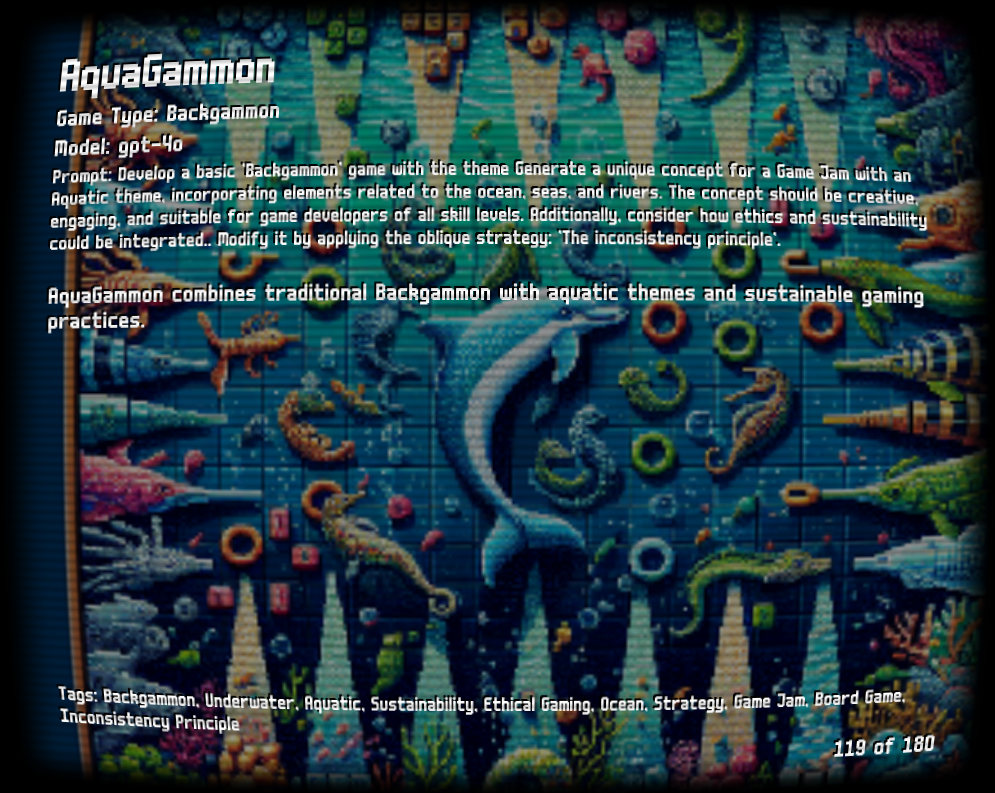
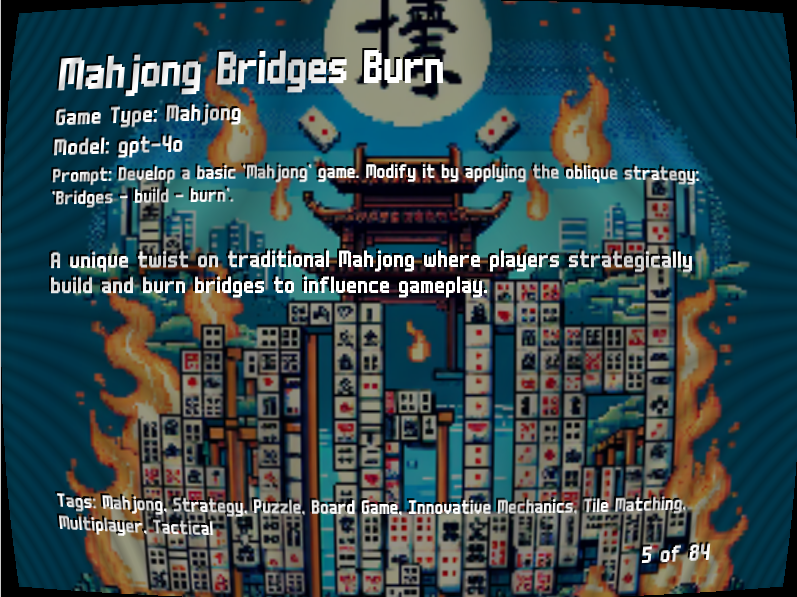
    🌊 Oblique Aquatic Games – A Creative Game Jam Collection! 🎮🐠

    🔗 Play now on Itch.io: Oblique Aquatic Games

    What is Oblique Aquatic Games?

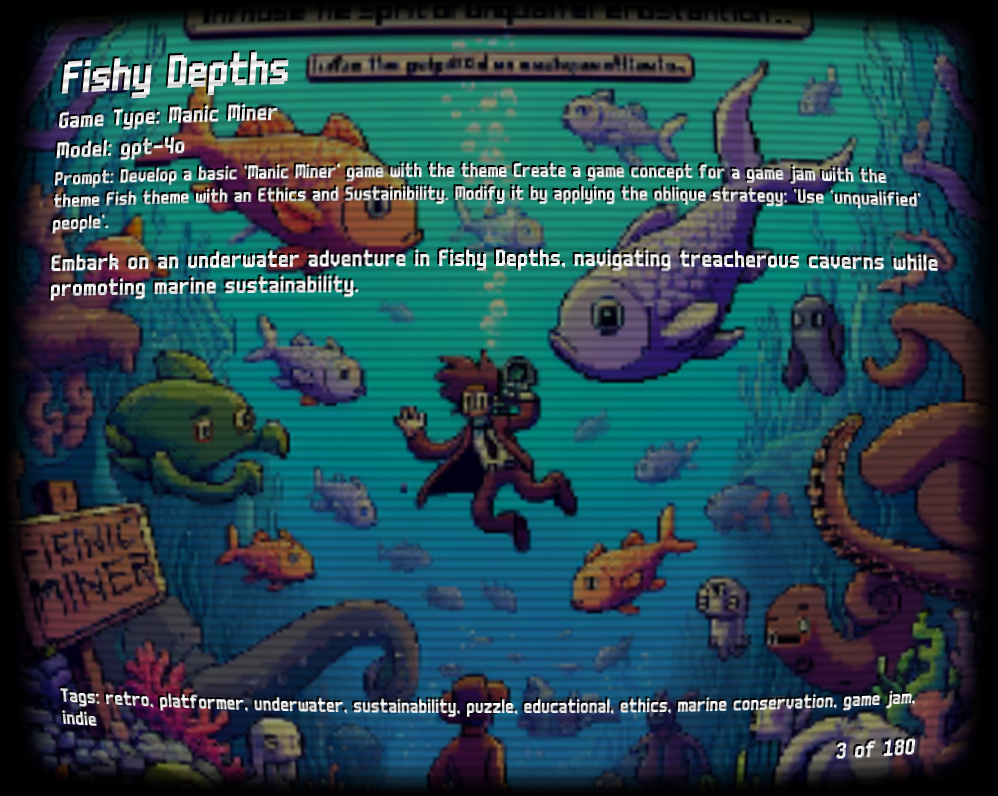
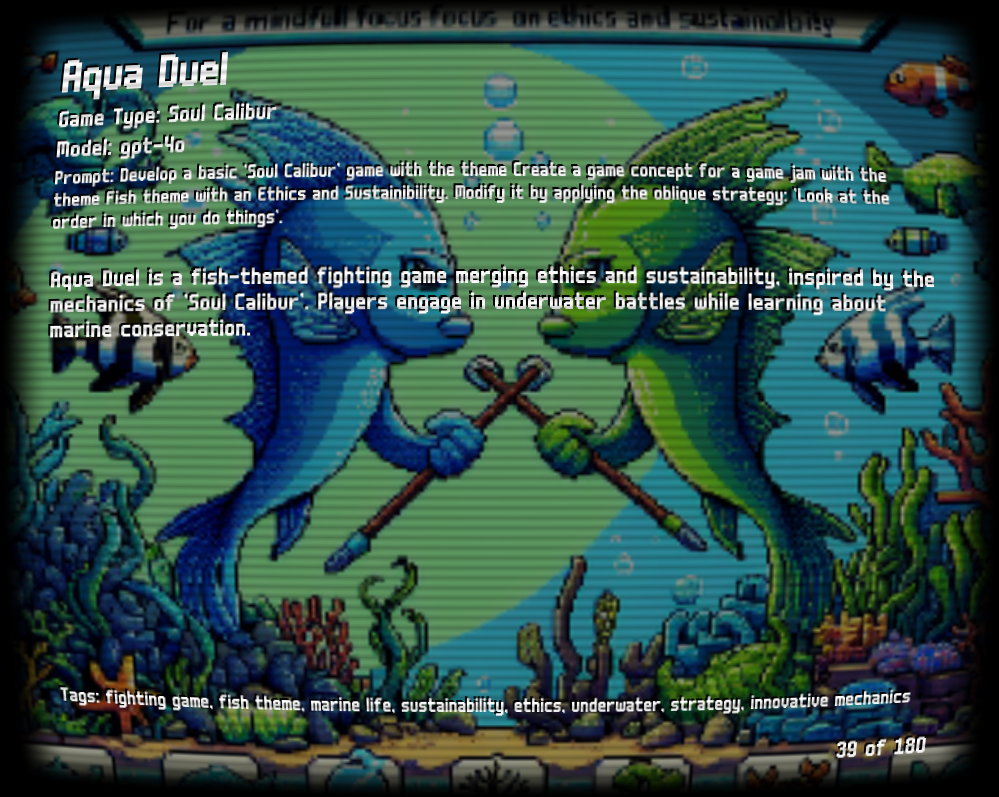
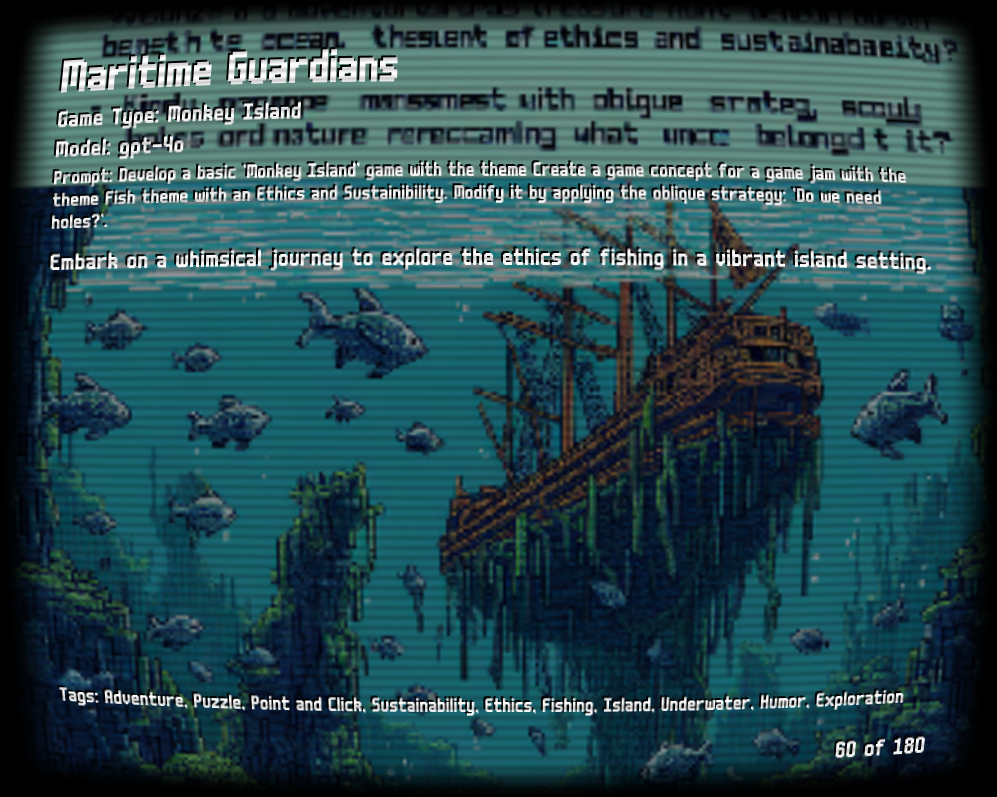
    Oblique Aquatic Games is an experimental collection of game ideas with an oceanic twist, inspired by Brian Eno’s Oblique Strategies! 🌊🐙 This game jam project is designed to push creative boundaries, offering unique mechanics and unexpected design challenges set in an aquatic world.

    🌟 Classic games with a water-themed remix 🎲 Randomized gameplay challenges for fresh ideas 🔍 Perfect for developers, designers, and curious players

    Screenshots & Gameplay Preview


    Download & Play

    🖥️ Windows: Available as a .exe (If you get a SmartScreen warning, follow the provided instructions) 🍏 Mac: Testing in progress! If you try it, let me know how it runs!

    💻 Open-source Code: 

    🔹 Oblique Games Repository 

    🔹 Ideation CLI (used for idea generation)

    📢 Feedback & Bug Reports: Your feedback is super valuable! Let me know if you run into any bugs or have ideas for improvements.

    Thanks for checking it out! 🚀🐬

    Hello Lervaz,

    Thanks for trying out the game! I really appreciate your feedback.

    I’m working on improving the game and making sure settings like screen resolution, keyboard configuration, and gamepad support work well for players like you. If you don’t mind sharing, I have a few quick questions that would help shape these updates:

    • What system are you playing on?

    • Which gamepad are you using?

    • Are there any specific settings you’d like to see for screen resolution, keyboard configuration, or gamepad support?

    I’m also curious to learn more about how you play and what you’d like to see in the game:

    • How many players are typically playing on your setup?

    • Where are you located? (This helps me understand regional preferences for controls and layouts.)

    • Are there any other features you’d like to see added to the game, such as online support?

    • What made you download this game? Are there similar ones you play?

    The project is open source, so if you’re interested in contributing or tracking progress, feel free to check out the GitHub repo:

    https://github.com/reayd-falmouth/masterblaster-love2d

    I’d love to hear your thoughts and suggestions there as well.

    Thanks again for playing—I really appreciate it! Your input helps shape future updates, so let me know if there’s anything specific you’d like to see.

    Best,

    David

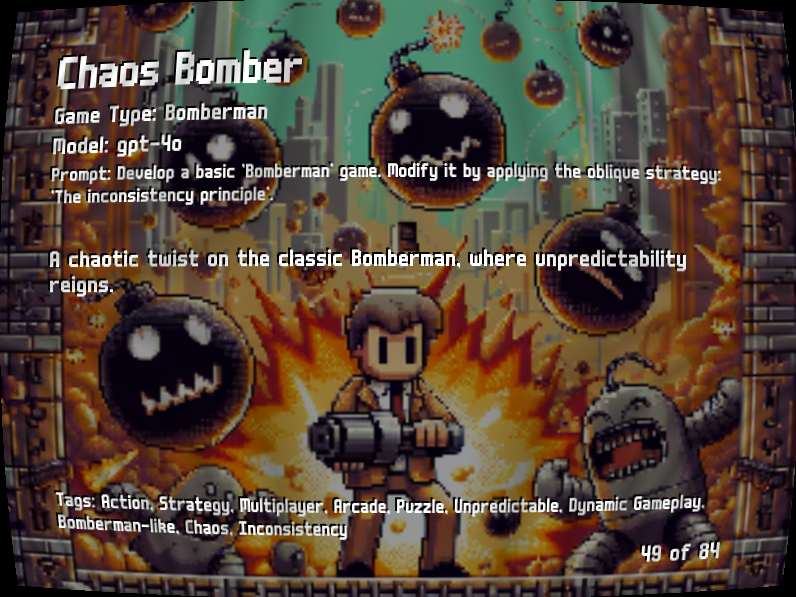
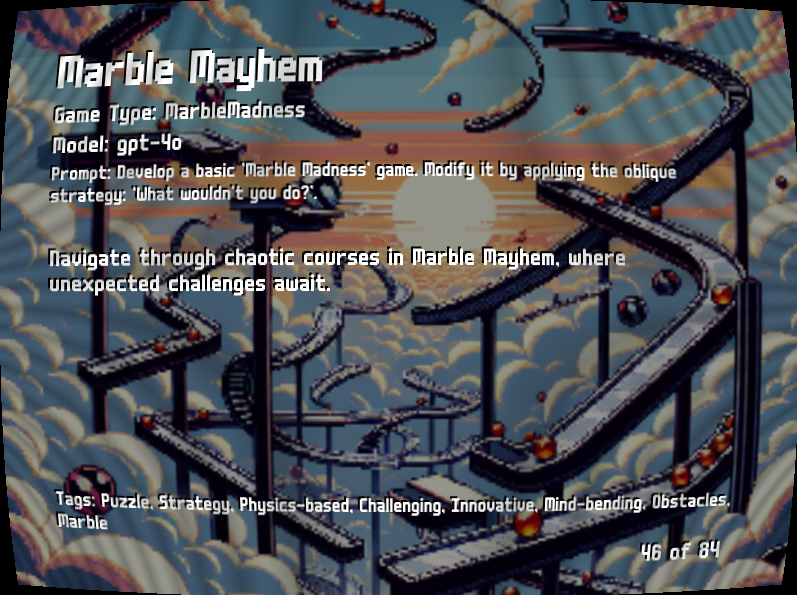
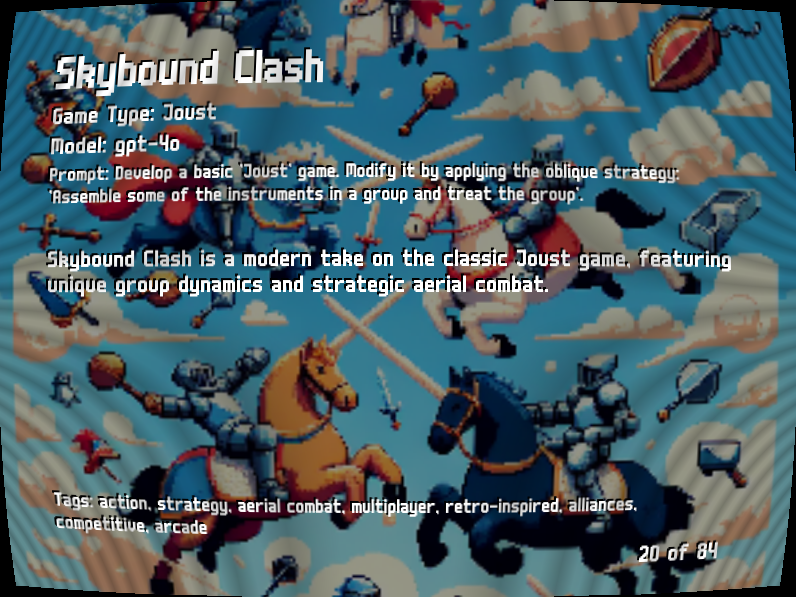
    🎲 Oblique Games – A Game Jam Collection Inspired by Oblique Strategies! 🎮✨

    🔗 Play now on Itch.io: Oblique Games


    What is Oblique Games?

    Oblique Games is a Pygame compendium of experimental game ideas inspired by Brian Eno’s Oblique Strategies! This collection encourages creative thinking by introducing unexpected twists to classic game mechanics. Whether you're a designer looking for inspiration or just want to play something different, this is for you!

    🃏 Randomized gameplay challenges 🎮 Classic games with fresh concepts 💡 Experimental ideas for developers & players

    Screenshots


    Download & Play

    🚀 Windows: Available as a .exe (Follow the Windows instructions if you get a SmartScreen warning) 🍏 Mac: Testing coming soon! Let me know if you try it out!

    💻 Open-source Code: 🔹 Oblique Games Repository 🔹 Ideation CLI (used for idea generation)

    📢 Feedback & Bug Reports: I’d love to hear your thoughts! If you run into any issues, especially on Mac, please let me know.

    Thanks for checking it out! 🎉🎲