
It seems to me that I won't need anything else for creating programs for the Amiga... Does this tool somehow detect a Motorola 68000 processor exception caused by an odd-address access at a word boundary?

Rozsoft
Creator of
Recent community posts
Thank you for this exceptional tool! I have a suggestion: could you add a "Select" tool to the Sprite editor, similar to the one in the main application window? It would allow users to move a selected part of a sprite—and even scale or rotate it! None of the C64 sprite editors I know of have a feature like this.
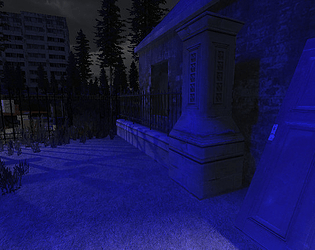
Hey, thanks for the comment - It might be a bit hard to read at first glance—a result of my poor pixel art skills. Right now, I don't have any ideas on how to fix it other than adding more detail to the objects. Just like in the old days, you have to try everything to figure out what a game on a retro computer is all about :)
I've only managed to run AmiBlocks on AmiKit, and it works fine with a Full HD screen resolution. Unfortunately, I get the error message: Incompatible AmiCC23 toolchain. This AmiBlocks build requires AmiCC23 0.28.0 M26.0 r41 or newer, but detected: wrong number of arguments | CD failed return code 20
So no build possible yet..
Free version.
Perhaps it will be possible to run this software on a fancy Amiga 1200 and beyond..
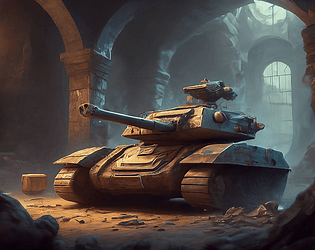
Hi, Try pressing the spacebar on the screen with the captions. If it doesn't work, run the tankindungeon file (show all files). I've noticed a problem where the game doesn't start properly from a bootable diskette (ADF file). So try running it from WB: click on the game icon or the file mentioned earlier. Let me know if it worked.


