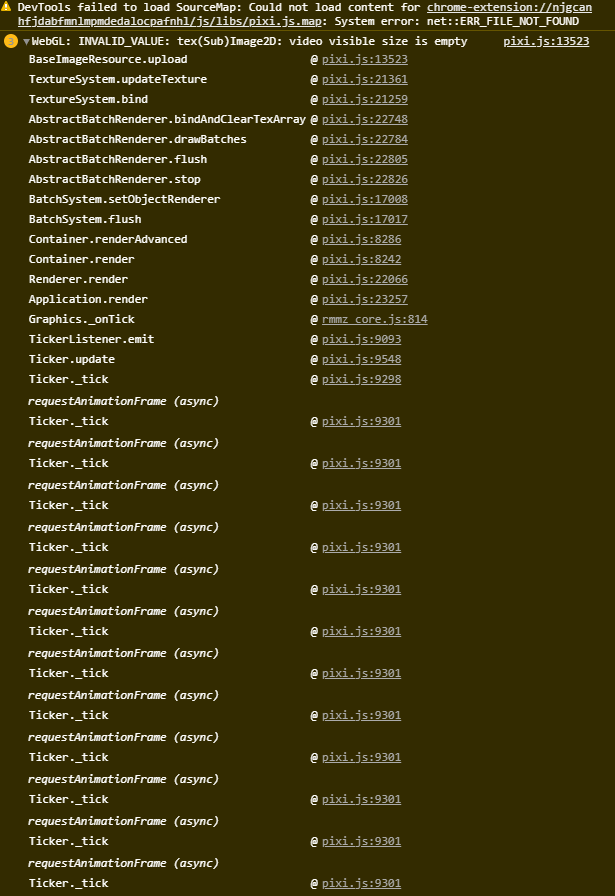
if you have the recommended system requirements, and you have FPS issues, I reccomend making sure your Windows isnt just running the game as an app (which windows loves doing with RPGM games) instead of a game, by going into your display settings, choosing DOTV, and clicking on the "Use GPU" box. (Or if you are still having issues, try running it in compability mode for windows 7, but that only happens in very rare cases. Our discord has a detailed guide in the Info and QnA section.
No, all Patreon exclusives stay Patreon exclusives, Steam instead gets updates more regularly than how they were here. It is also a one time payment and you keep the game and all future updates forever.
You will have to find the text option and change it again to the regular one. If its a linux only bug, I wont be able to help, I am developing the game for windows.
The Brothel has a cutcene replay area, and yea the scenes will be equal to here, if you follow the minimum requirements, they should not lag. The requirements can be found both in the Itchio game page and are present on the steam page as well. Thanks for the support! <3
The Brothel has a cutcene replay area, and yea the scenes will be equal to here, if you follow the minimum requirements, they should not lag. The requirements can be found both in the Itchio game page and are present on the steam page as well. Thanks for the support! <3
Steam version will be updated more regularly, every 3 months minimum, The version here will be abandoned unless Itchio decides to finally do something and allow us to put prices in our games without being hidden from the searches.
Nada se pierde. La entrada te avisa que los save files seran inhabilitados en esa parte del juego. Los save files estan ahi, solo ocultos. Una vez ganes el trial, o te vallas de el de forma normal (sin utilizar objetos como teleportadores de emergencia) se reactivan. Es importante leer el texto que ofrece el juego.
You can follow the steps on the Info and FAQ section of the discord to see if its just using the CPU instead of GPU, but this issue is not tied to the game.
Yes, it is compatible with old saves, the patch notes indicates how to, long story short, start your save on the new version and use the Refresh Save option when talking to the green flame at Lustlands North. While it will make your save compatible with the new version, it could result in some Quest logs going missing (doesn't affect the game) and you may miss the chance to witness some new stuff added to the game in earlier sections.
Since Itchio forced games to be free to exist here, updating the game here now marks monetary losses, I need to offer the game on my Patreon for a while before each update from now on. It will still be updated, but only on round releases, next one being on 0.6.0, which is estimated to be this year between October and December. Do consider joining the patreon to keep the project alive and hopefully get enough support so it can be released on Steam in a future to solve this issue.
There is preg NPCs, not impreg yet. The version here is old, so I can't really remember the extent of it, but preg NPC should include Ruby and The 5th.
Changed the Keycode from E to Space in the JS and it worked. I believe because of plugins, there will be a lot of cases where E is already being used by something else and might conflict. Maybe a way to change the key in the plugin itself might help, while changing it in the JS is super easy I know some might have problems finding how. Anyways, amazing plugin my friend, you are amazing <3
Leaving E pressed does not work for skipping, when video is resized to see what is happening in the background, it seems holding E is just speeding up the map event's animations but nothing else. Any help would be appreciated.
Itchio ends in th end of the orc war. You need the Cum core to progress the old cave ruins. The core is located to the right of the 4 main elemental trials
Room always changes, its a 1/3 chance the path is unlocked. If the exit on the current room is the top middle one, that means you where on the correct one and missed it.
Not likely. This is an RPGM issue, nothing I can do. The engine only supports webm, which does not pre-load There for, your system must be able to handle the loading of the cutscene in real time as it plays, plus all the background processes. Feel free to check the guide at our Discord about changing the game from CPU to GPU, this fixes most things, unless you are running integrated graphics, then nothing that can be done.