AI slop
Zack Gphom
Creator of
Recent community posts
Looking For Work: Pixel Art | Environment | Technical Art | Game Assets
Hi! I’m Zack - Mid-Level Pixel Artist and Generalist Artist focus for now on complex pixel art environments and technical asset creation. I specialize in building immersive digital worlds for games and Web3 projects.
Skills:
- Pixel art environments
- Isometric style
- Logo design
- UI elements and in-game assets
- Technical asset creation
- Environment storytelling
- Props and object design
- Visual identity for Web3/Game projects
- Advanced 3D workflow integration
- Concept adaptation into pixel art
Tech stack:
- Adobe Photoshop
- Figma
- Adobe Illustrator
- Blender
- Aseprite
- Clip Studio Paint
- Blender
- Adobe After Effects
Portfolio: https://www.behance.net/maaxkeker#
Pricing: I work on a per-project basis.
-Small assets/props: starting from $20
-Full isometric buildings/complex objects: starting from $50
- Large environments/maps: starting from $160+
Payment & Delivery: I am based in a region with payment restrictions, so I prefer USDT (Crypto).
Contact me:
Discord: curse_dedushka
Telegram: https://t.me/ZackGphom
Email: zackgphom@gmail.com
I will be glad to work with you!
Hi! Thanks a lot for the feedback.
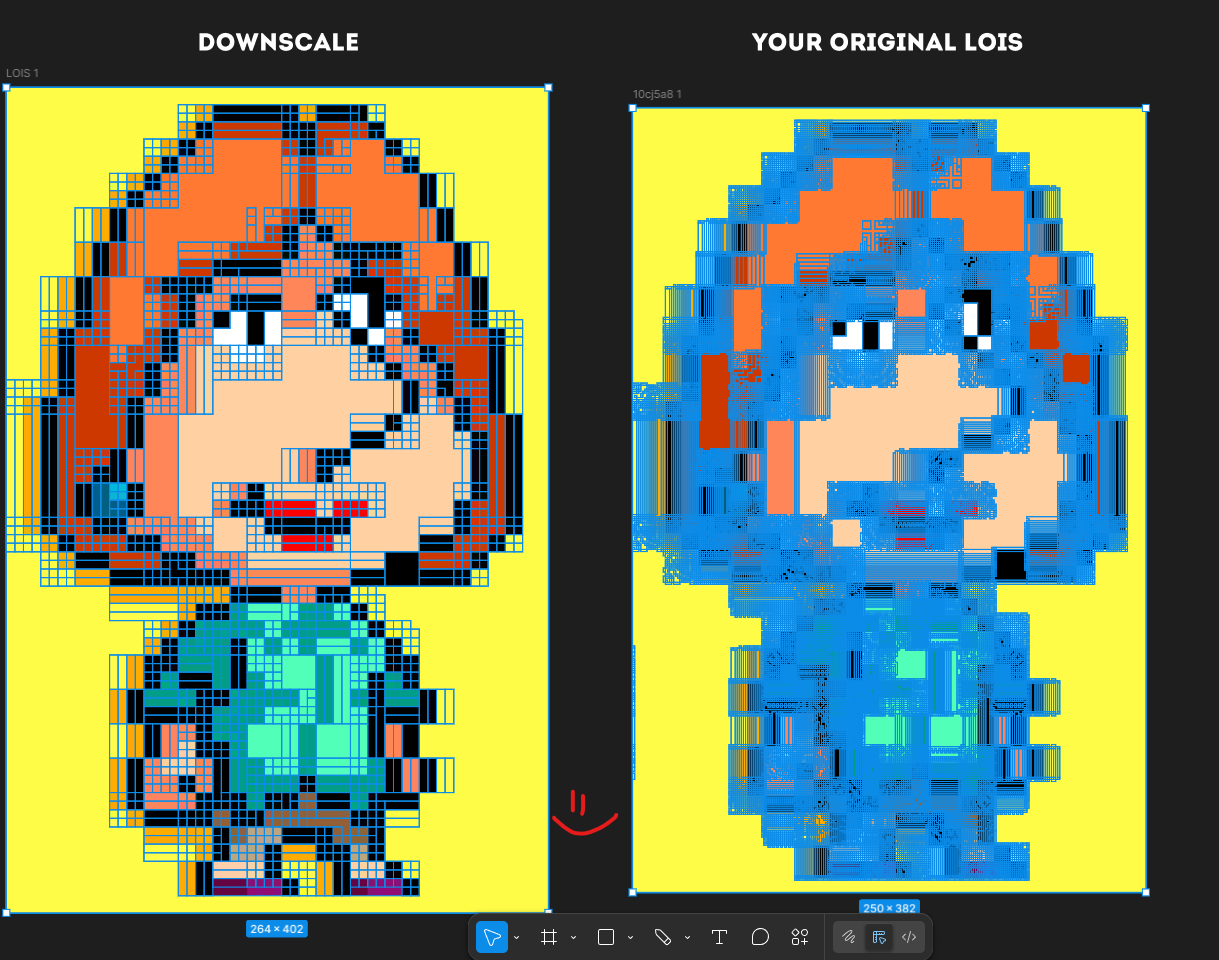
I checked the image and I see the issue. My app is made for real pixel art in its original size. It scans every pixel, so if the image is upscaled or compressed, small color variations get treated as separate pixels. That is why you get those shaded borders and messy results.
In your case the image was enlarged, so each pixel actually contains multiple colors from scaling and compression. The app reads that as real data.
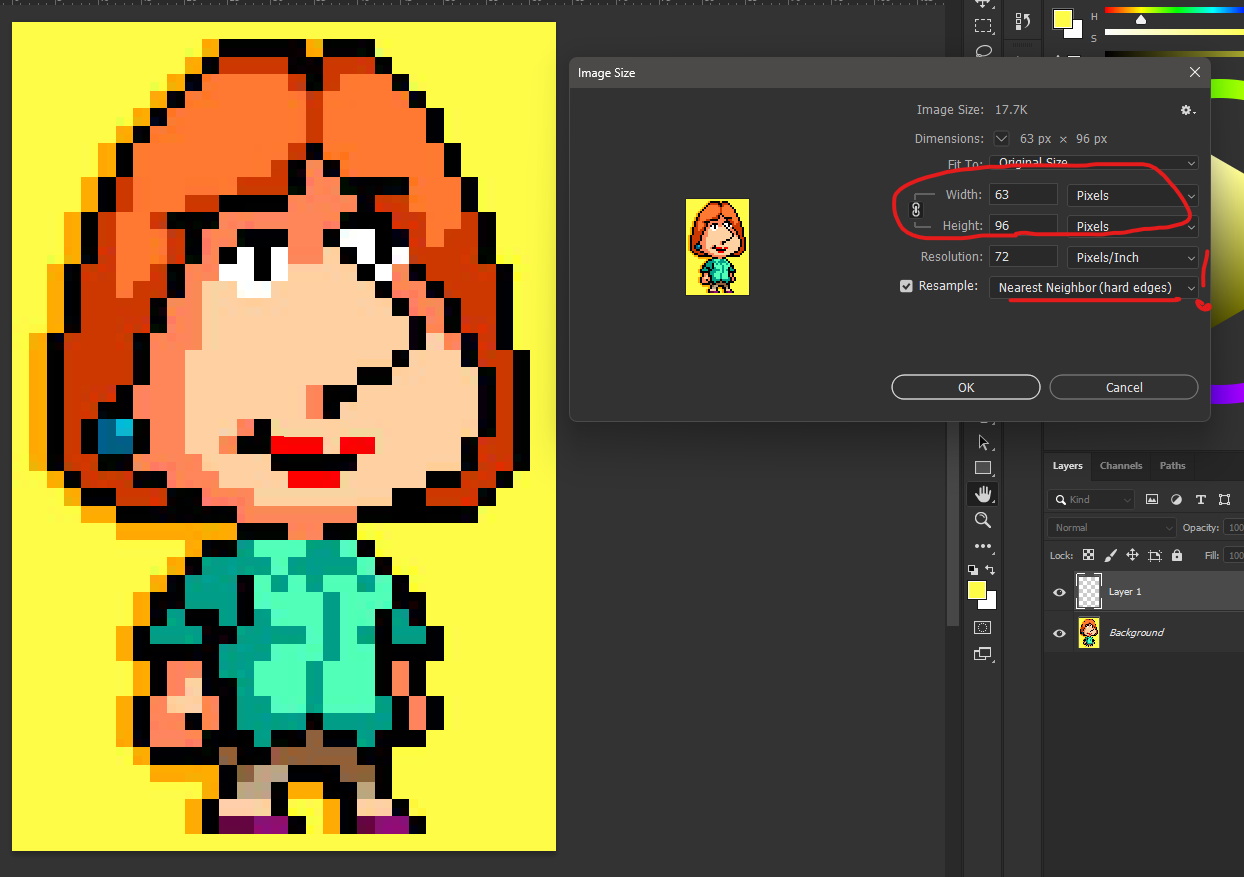
I’d recommend using a clean source closer to the original size, or downscaling first (preferably with nearest neighbor) and then running it again. You can also clean up colors a bit in Photoshop or similar tools before converting.
I’ll also update the upload rules to make this clearer. I’ll also try to adapt the algorithm to handle cases like this better, so even upscaled images can be processed more like proper pixel art by ignoring noise.
Thanks again for testing and the report.
PS. I also tried fixing your image myself, here is a Google Drive link.
The result might be not perfect since some details shrink when downscaling, but for true pixel art it works correctly. I downscaled the original about 5.5x.
What has been done
Mechanics of switching cameras as in re1
A set of assets for 2 locations
Partially completed first location
Decorative scripts
Sound effects
Unfinished second location in the form of a captain's bridge
Model character
Temporary ost
Main menu
working doors
Perhaps something else
Since this is a pre-alpha version, the emphasis is on the picture, so there are quite a lot of bugs here
Looking for team
I can make game ready 2n3d arts, also concept etc.
My ArtStation - https://www.artstation.com/volume_247
Text me if interested in discord curse_dedushka
(UPD:I already have a couple offers so if ur idea are cool maybe u have a chance))


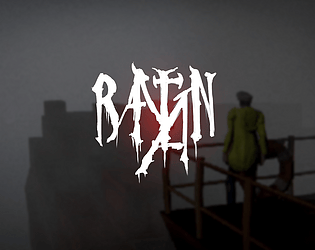
Raytan