


BazzBasic 1.5 released
BazzBasic is a modern, beginner-friendly BASIC interpreter for Windows x64, with SDL2 graphics and sound built in.
Download: https://github.com/EkBass/BazzBasic/releases Direct download: https://github.com/EkBass/BazzBasic/releases/download/BazzBasic_15/BazzBasic_win_x64_1.5.zip
Homepage: https://ekbass.github.io/BazzBasic/ Manual: https://ekbass.github.io/BazzBasic/manual/#/
NEW
-
Gamepad support Xbox, PlayStation, Switch Pro and most compatible pads, over USB or Bluetooth. Works in console programs too, no SCREEN needed. Pads can be plugged in while the program runs.
GAMEPADS() number of connected pads PADBUTTON(pad, button) TRUE while a button is held PADAXIS(pad, axis) sticks -1..1, triggers 0..1 (dead zone built in) PADNAME(pad) controller name PADRUMBLE pad, power, ms vibration
New constants: PAD_A#, PAD_B#, PAD_X#, PAD_Y#, PAD_UP#, PAD_DOWN#, PAD_LEFT#, PAD_RIGHT#, PAD_LB#, PAD_RB#, PAD_START#, PAD_BACK# … and PAD_LX#, PAD_LY#, PAD_RX#, PAD_RY#, PAD_LT#, PAD_RT#. A pad that isn’t connected simply reads as “nothing pressed”, never as an error. Examples in Examples/GamePad/.
x$ = x$ + PADAXIS(0, PAD_LX#) * SPEED# IF PADBUTTON(0, PAD_A#) THEN GOSUB [jump]
DISCLAIMER: BazzBasic version 1.5 has been tested with only one PS4-compatible Bluetooth controller. Therefore, for the time being, I cannot guarantee that GamePad support will work with all different types of controllers. Got an Xbox, Switch Pro or Elite controller? Run gamepad_tester.bas from the v1.5 examples, press each button once, and post the header line plus anything that lit the wrong row (or didn’t light at all). Elite owners: which physical paddle lights (raw 16)…(raw 19)?
-
FILELIST(arr$, folder$ [, pattern$]) Lists the files in a folder into an array, sorted, with * and ? wildcards.
-
ARRKEY(arr$(), i) Returns the key at position i, so string-keyed arrays can finally be looped with FOR/NEXT or WHILE/WEND. Keys come back in insertion order.
-
Numpad operator constants KEY_NUMPAD_PLUS#, KEY_NUMPAD_MINUS#, KEY_NUMPAD_MUL#, KEY_NUMPAD_DIV#, KEY_NUMPAD_DOT#. Same on every keyboard layout.
-
IDE improvements
- New Edit menu: Undo, Redo, Cut, Copy, Paste, Select All. The old Edit menu (Find/Replace) is now called Search.
- Help menu links to the online manual and to BazzBasic on Rosetta Code.
- View menu with Light and Dark mode (Dark mode is experimental).
- Syntax highlighting now covers every keyword.
CHANGES THAT MAY AFFECT EXISTING PROGRAMS
-
DEF FN functions are now fully isolated from global arrays. A function used to be able to read and change global arrays by accident. Now that gives a clear error. Pass arrays in with ASJSON() and rebuild them inside with ASARRAY(), as documented.
-
Arrays created with DIM inside a DEF FN are now local to each call. Before, they kept their contents between calls and recursion levels shared one array.
-
Console INKEY returns letters as uppercase codes, the same as graphics mode. “a” and “A” both give KEY_A# (65). Compare against KEY_A# or ASC(“A”).
-
KEYDOWN follows the key label on the user’s keyboard layout, like INKEY. KEYDOWN(KEY_A#) is now the key marked “A” also on AZERTY and other layouts.
-
BEEB removed. It was undocumented. Use LOADSOUND and SOUNDONCE instead.
BUG FIXES
- FSTRING() now understands built-in constants such as {{-PI#-}} and {{-KEY_A#-}}.
- SPLIT() empties the array first, so no leftover elements from an earlier, longer split. SPLIT() also accepts arr$() as its first argument.
- Graphics mode: numpad keys in INKEY and WAITKEY now match the KEY_NUMPAD*# constants. Numpad Enter returns the same value as Enter.
- Console WAITKEY now uses the same key codes as console INKEY, so WAITKEY(KEY_UP#), WAITKEY(KEY_F1#) etc. work.
OTHER
- Updated syntax files for Notepad++ and Geany in extras/. The outdated VS Code extension was removed; a new one may come later.
- % (modulo) is now documented in the manual. It always worked.
- New Gamepad section in the manual and an updated BazzBasic AI guide on Hugging Face: https://huggingface.co/datasets/EkBass/BazzBasic_AI_Guide
- New page at online manual By clicking a new link on left panel on manual “Advanced CLI usage” you find some neat guides for more advanced use of BazzBasic.
- Running BazzBasic from anywhere
- Part 1: Add BazzBasic to PATH
- Part 2: Run .bas files by double-clicking
- Optional: add an “Edit” menu item
- Optional: run programs without typing .bas
- Undo everything
See: https://ekbass.github.io/BazzBasic/manual/#/Running_BazzBasic_from_anywhere
SOME NEW EXAMPLES/GAMES:
-
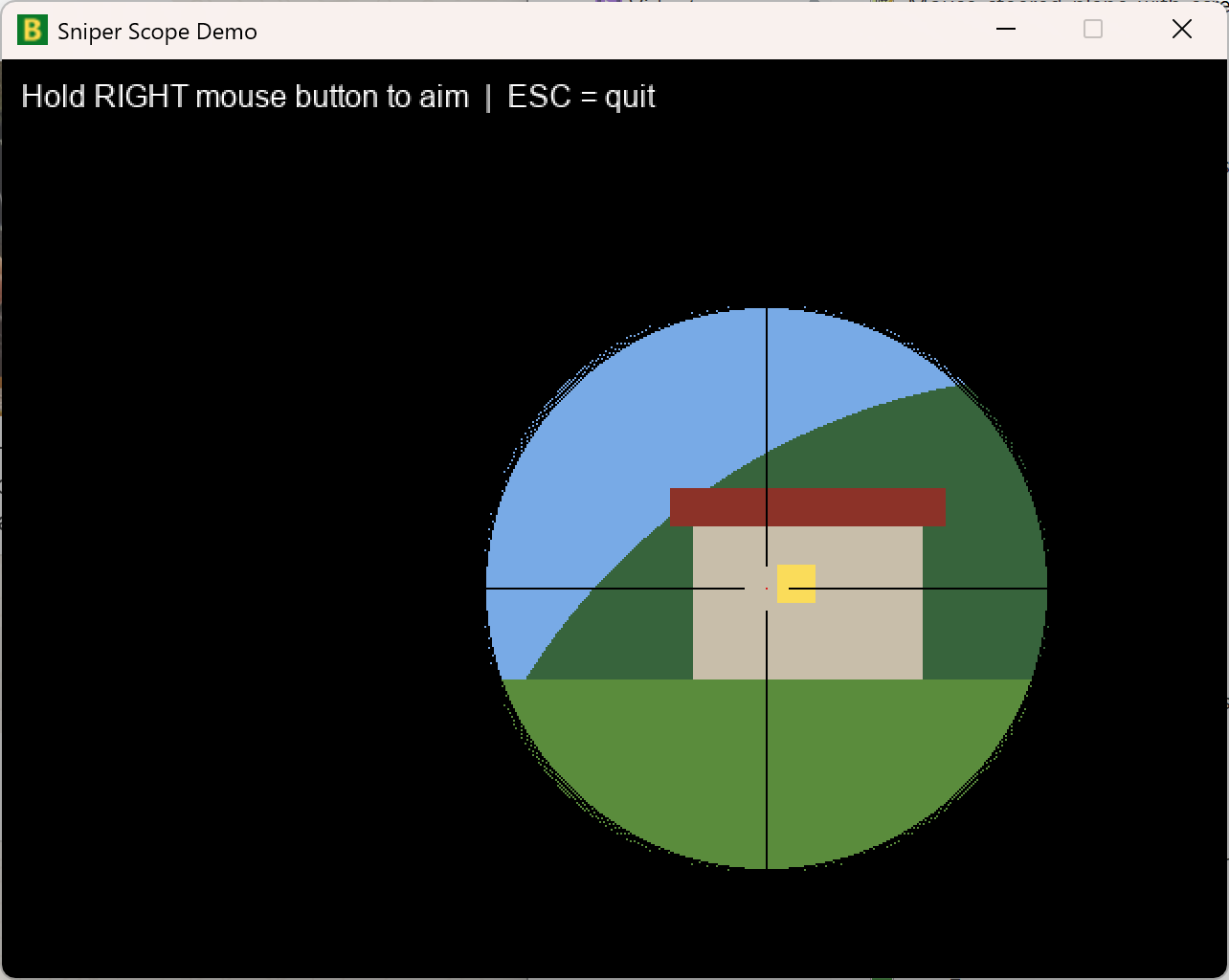
See cool sniping scope effect: Source: https://github.com/EkBass/BazzBasic/blob/main/Examples/graphics/sniper_scope.bas Img: https://ekbass.github.io/BazzBasic/img/sniping.png
-
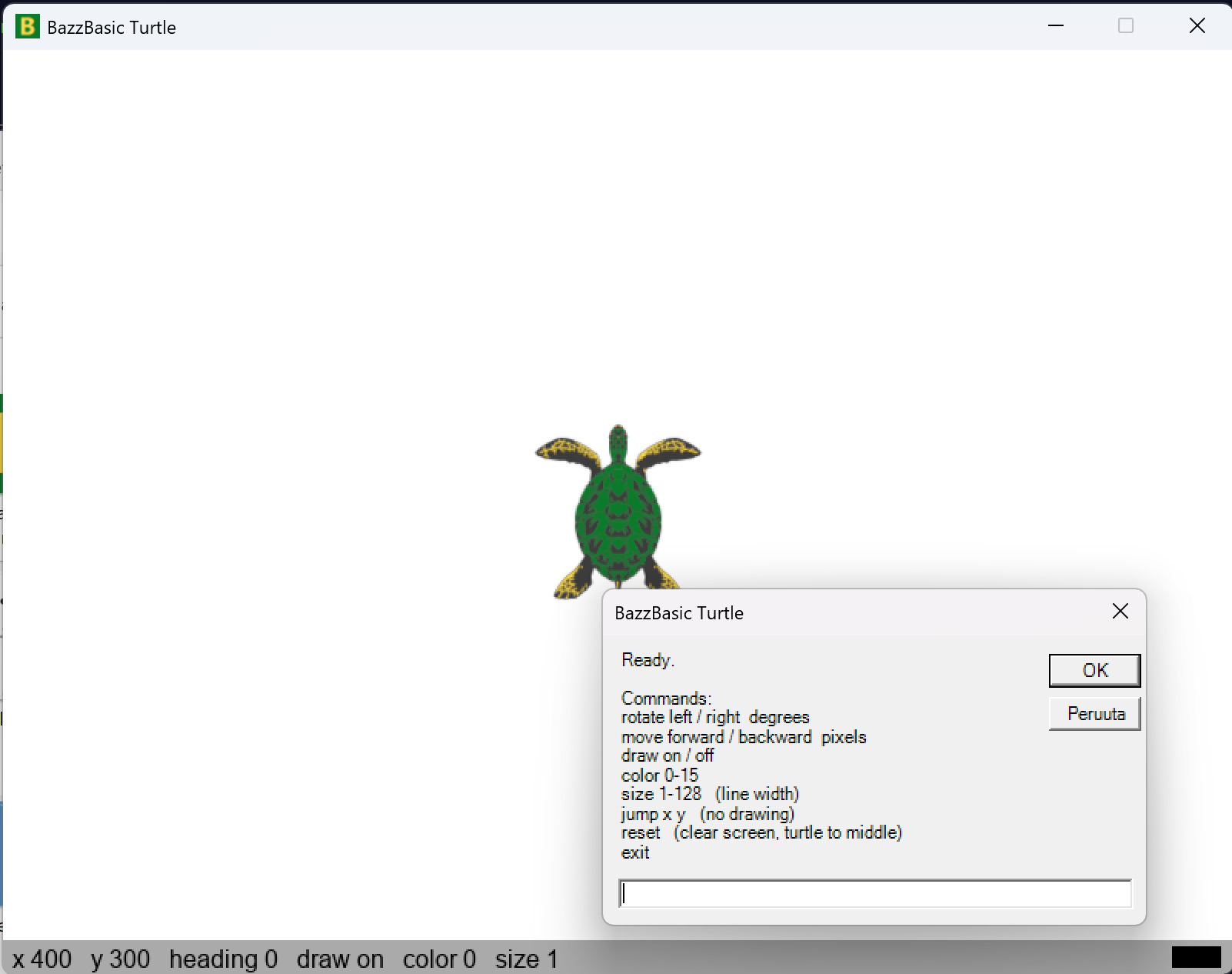
Turtle painting via Windows INPUT BOX: Source: https://github.com/EkBass/BazzBasic/blob/main/Examples/graphics/Turtle_and_Win_input_box.bas Img: https://ekbass.github.io/BazzBasic/img/turtle.png
-
A memory game, the way Schrödinger would have made it. URL: https://ek-bass.itch.io/schrdingers-memory-game
-
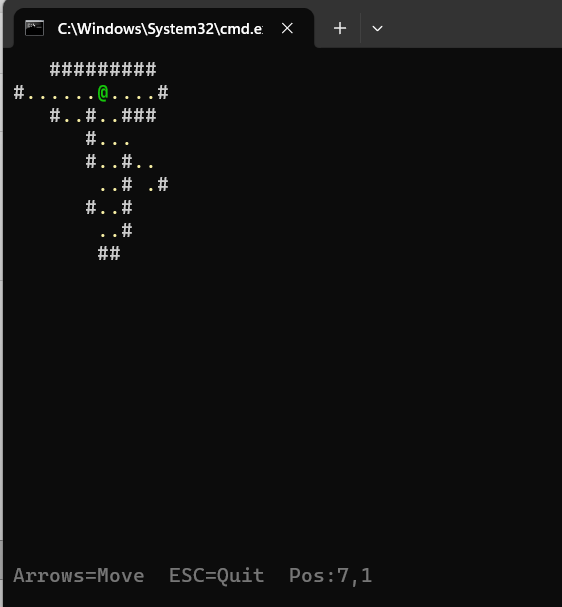
Wonder around 2D maze with your GamePad Source: https://github.com/EkBass/BazzBasic/blob/main/Examples/GamePad/2D_maze_FOV_demo_console_PAD.bas Img: https://ekbass.github.io/BazzBasic/img/fov_2d_console.png
-
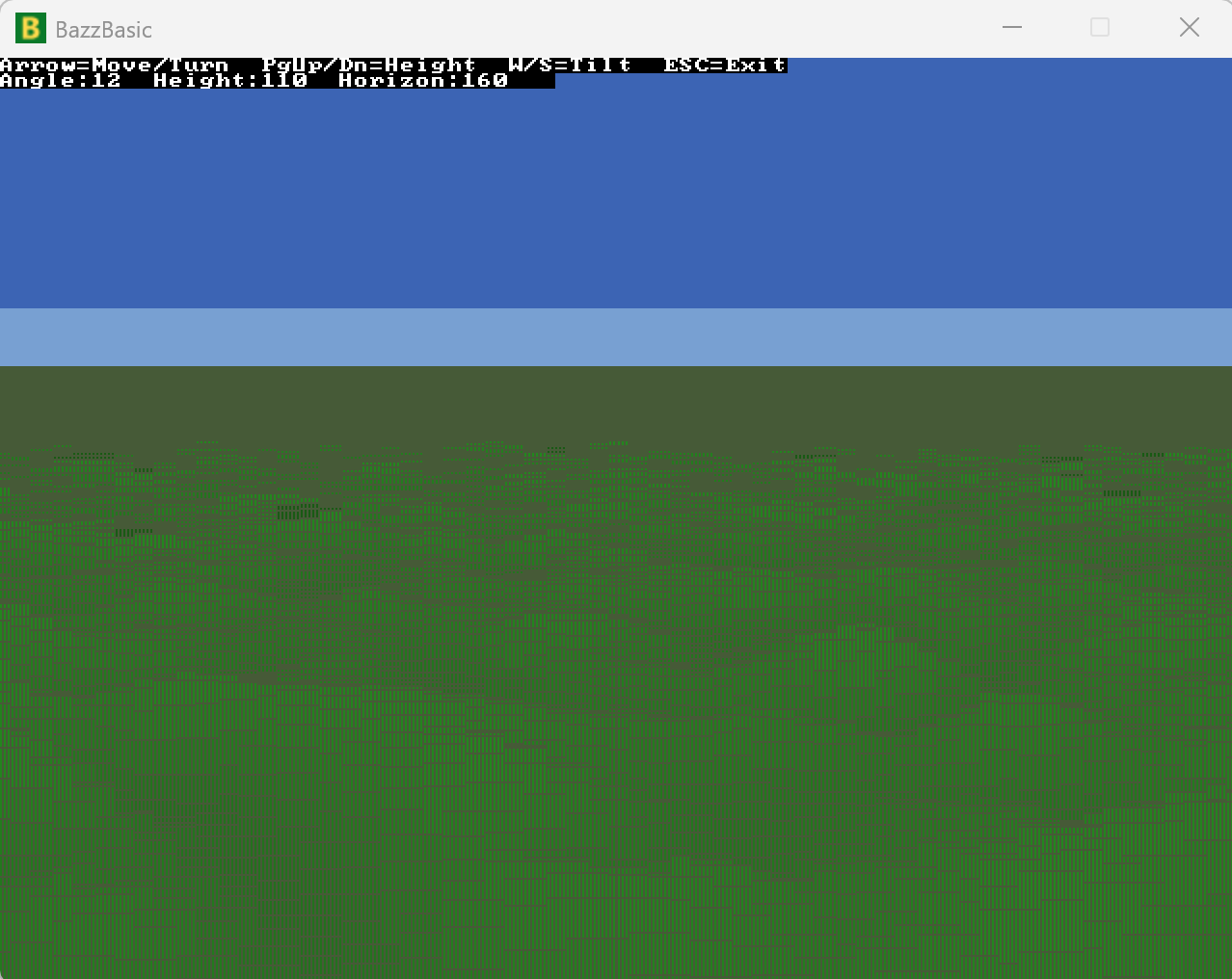
A Comanche-style voxel terrain snipped tuned up, runs much smoother Source: https://github.com/EkBass/BazzBasic/blob/main/Examples/graphics/Voxel_terrain.bas Img: https://ekbass.github.io/BazzBasic/img/voxel_example.png
Full list of changes: https://github.com/EkBass/BazzBasic/blob/main/changes.md