

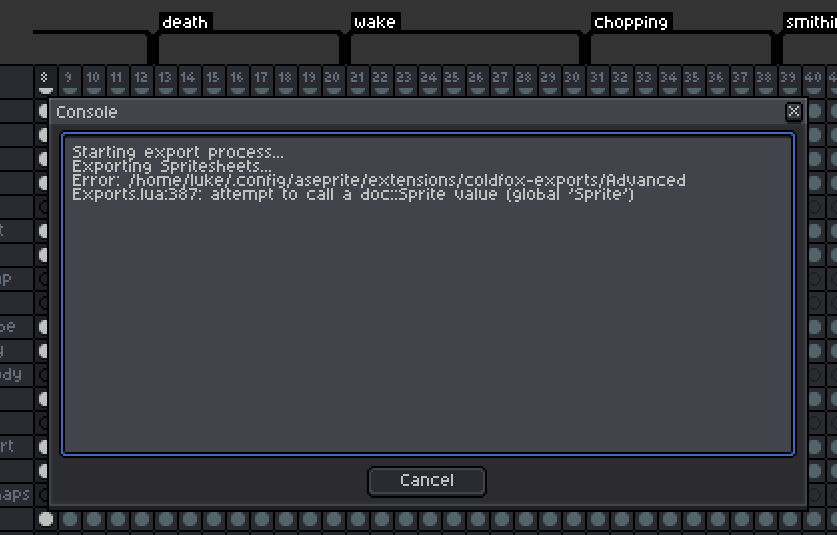
Hello, I just purchased this but am not able to get it to work. I get the following error:

GIFs, PNGs, Spritesheets, all with one click. No more boring tedious work! More pixel-art! · By
Great! Automatically not really, but you can experiment with using the "/" character in the layer names, or using slices perhaps. It depends on your set up. Give that a try. Add "/" to layer names before the actual layer name if see if that works for you. So something like this for layer name "Enemies/Enemy001". Let me know how it goes. If it doesnt work out, make a new post requesting the feature.