Indie game storeFree gamesFun gamesHorror games
Game developmentAssetsComics
SalesBundles
Jobs
TagsGame Engines
(+1)

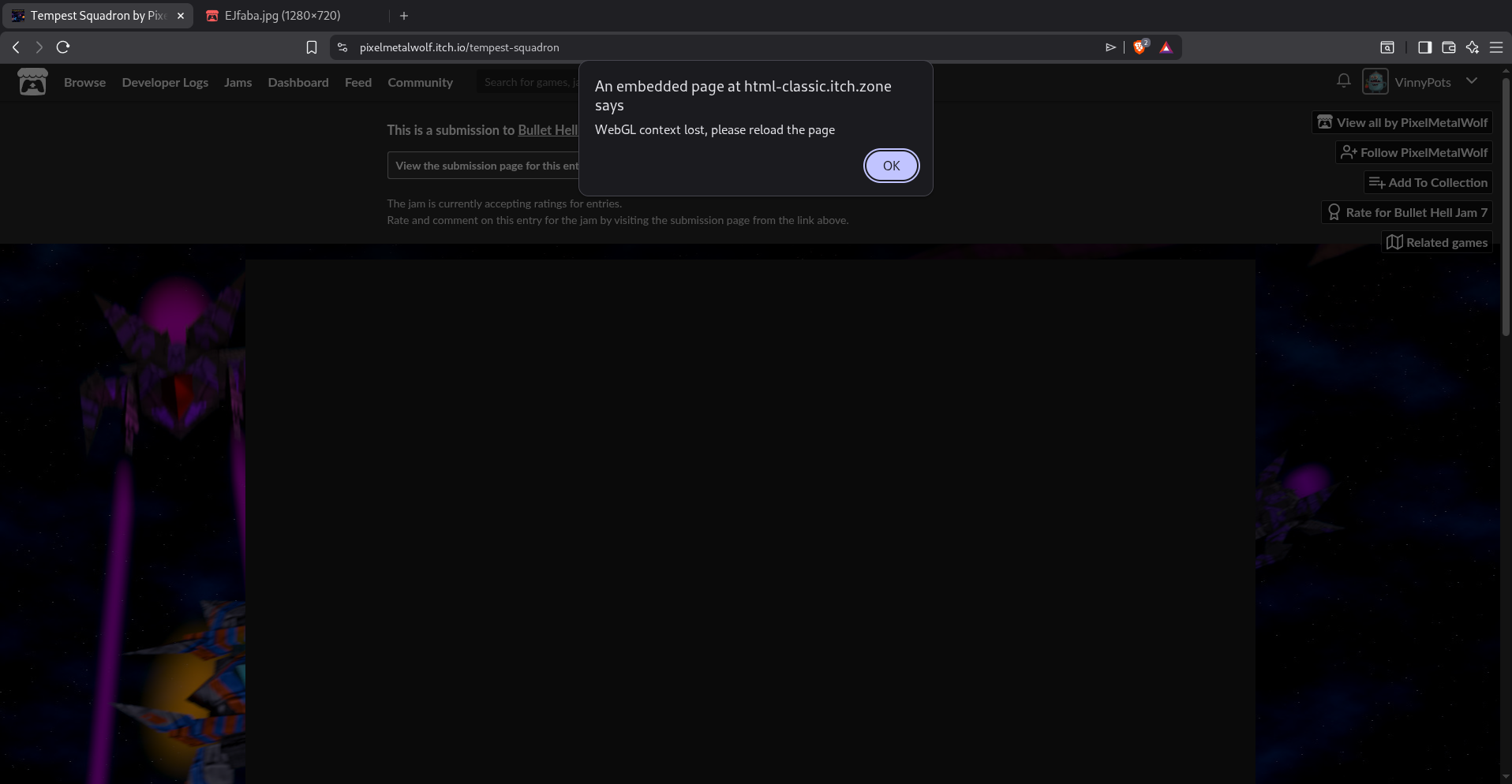
I'm almost 100% sure that this is due to my low end system, but yeah I wanted to report this just in case it is helpful to you! I really really wanna play this game because the aesthetic really reminds me of Star Fox64, which was one of my absolute favorite games growing up. I'm going to switch to a higher end system now and see if that helps (it should)

Oh dang sorry about the tech issue :/

I hoped this wouldn’t have any problems since i exported it in the “Compatibility” config to use oldschool rendering and all to help on older hardware so i’m not sure what happened here O_o

I’m not entirely sure i know how to fix this but i’ll look into it, which Web browser did you try this it ?

(+1)

Hey, good question actually. After more digging the issue clearly seems to be some add blocker extensions that are on by defualt with Brave.

/html-callback net::ERR_BLOCKED_BY_CLIENT

(anonymous) @ htmlgame.js:1

(anonymous) @ htmlgame.js:1

Ts_Bhj7_Pxlmw.js:452 Godot Engine v4.6.stable.official.89cea1439 - https://godotengine.org

Ts_Bhj7_Pxlmw.js:452 OpenGL API OpenGL ES 3.0 (WebGL 2.0 (OpenGL ES 3.0 Chromium)) - Compatibility - Using Device: WebKit - WebKit WebGL

Ts_Bhj7_Pxlmw.js:452 Build configuration: Emscripten 4.0.20, single-threaded, no GDExtension support.

This confirms that 1) it is indeed running in compatibility mode and 2) Its being blocked by the client (my browser). Weird though, cuz ive never had this issue before. 


But the issue is totally with me and nothing to do with the efficiency of your game

Indeed O_o

I never tried Brave so i didn’t know it would have issue with WebGl games like that :/

Sorry again for the inconvenience ^^’ i guess your best bet if you still want to try it would be to try it in another browser ?

Hopefully you’ll be able to run it, regardless thanks for the useful feedback and your interest in my game :)