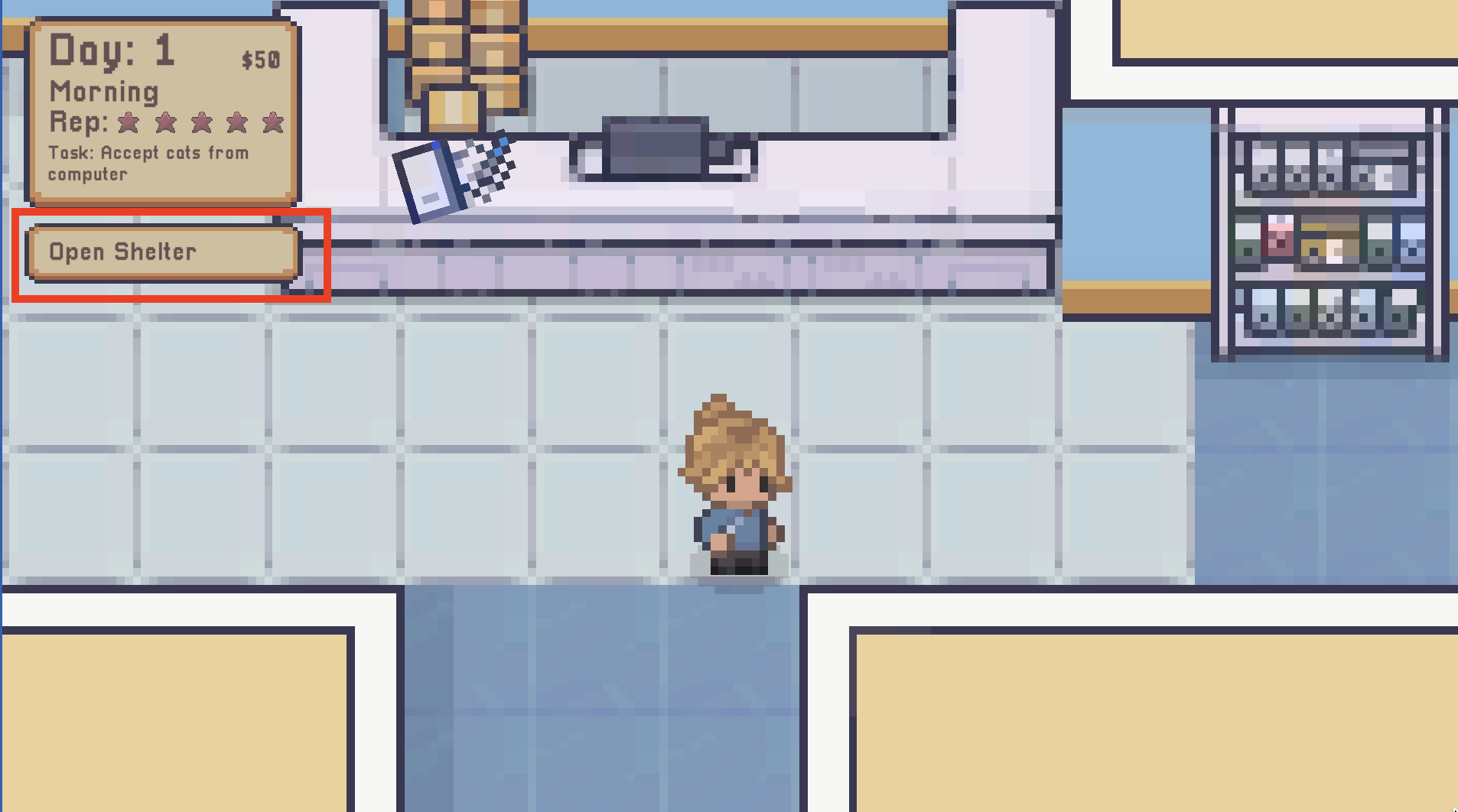
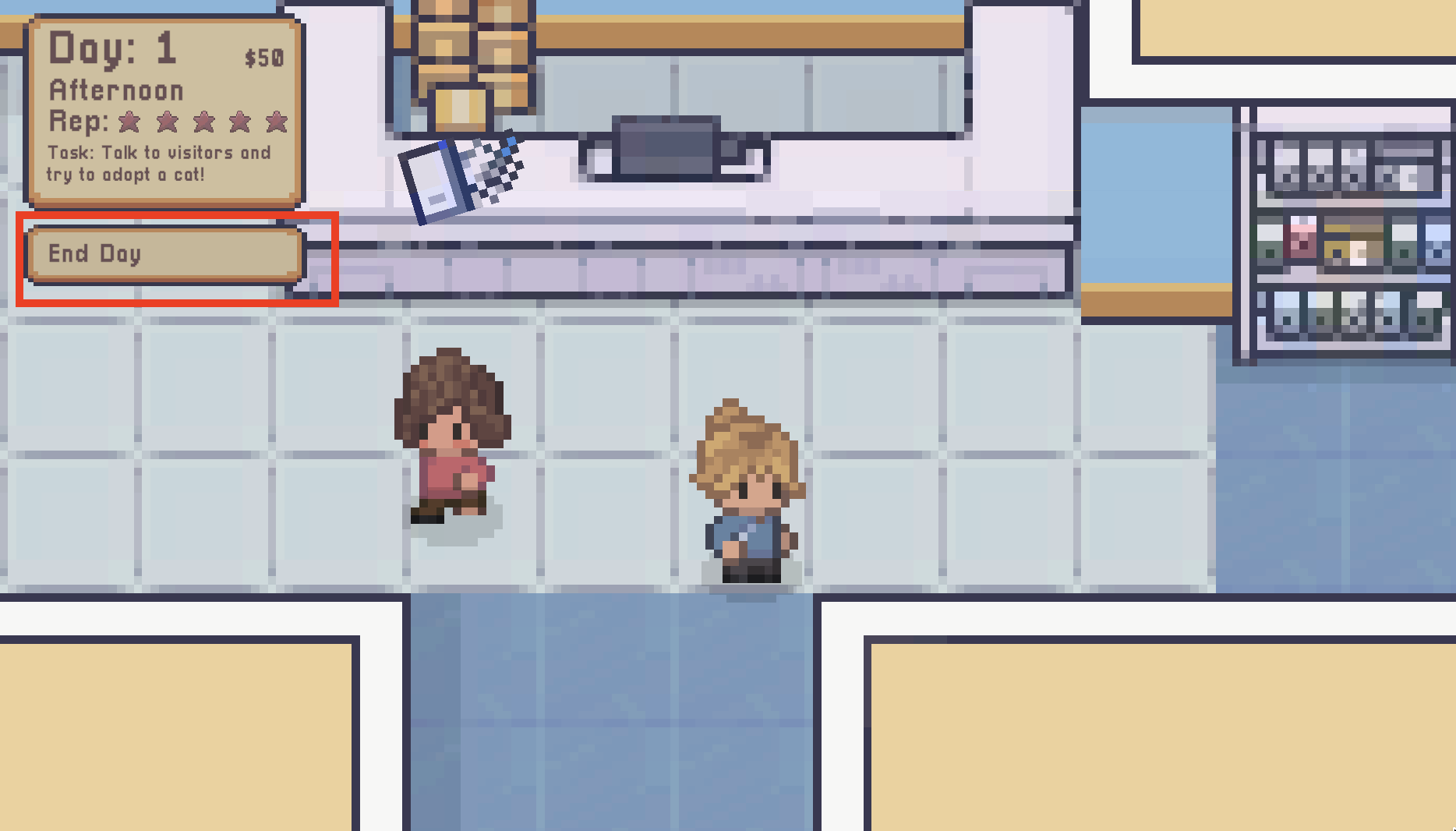
Nope...didn't work :/
55 days ago(-1)
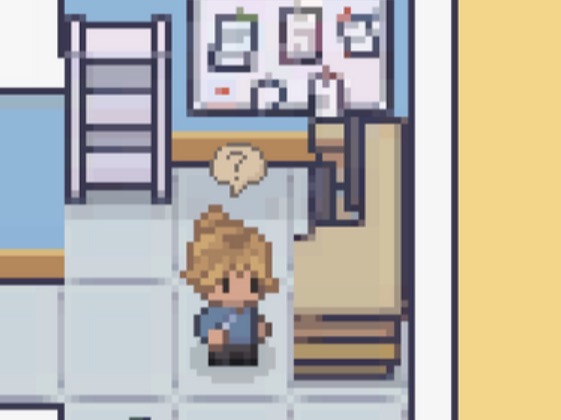
I’m sorry to hear that! When you go towards the computer, a question mark cloud should appear above the players head. This means that object is interactive and pressing E will display a menu. When you go up to the desk, does a ? appear like below?
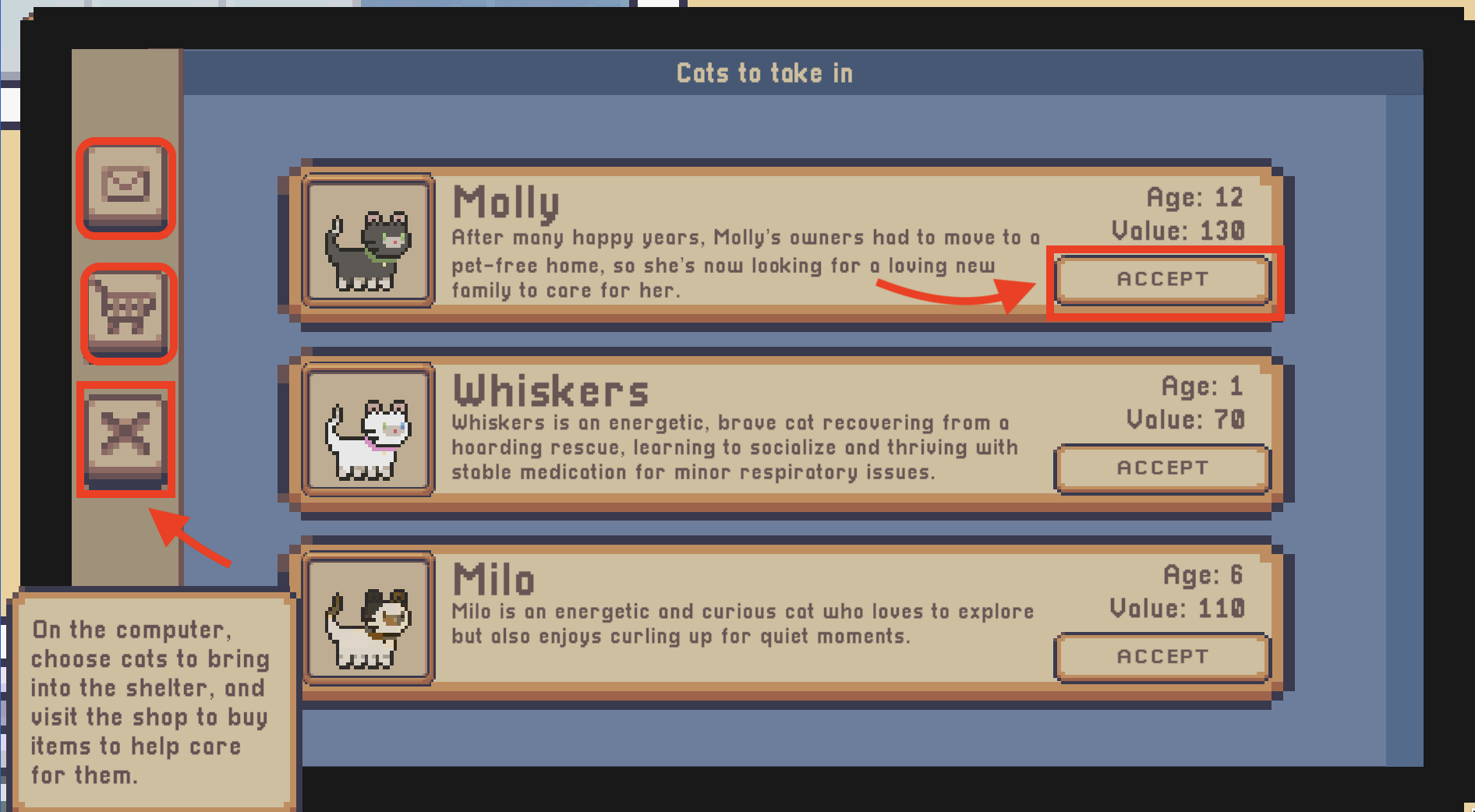
Once you press E on the computer, you should see a screen. The area’s I have highlighted in red are clickable buttons. The mail icon displays the cats you can adopt, the shopping kart will display items you can buy for the cat. The X is to close the computer screen and to move on. To interactive with the computer, you have to use click with your left mouse button. I hope this helps :)