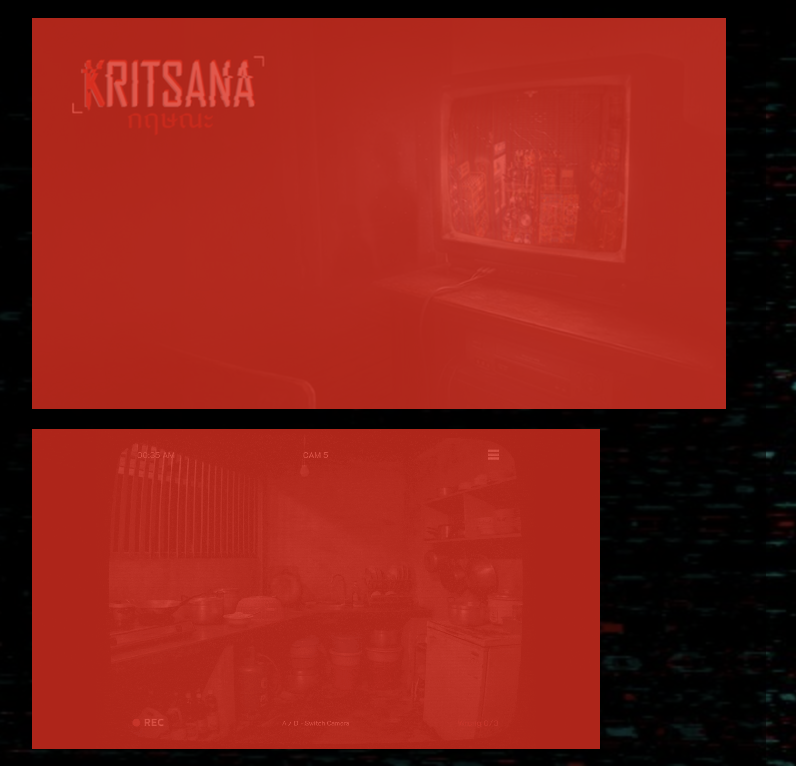
I'm having an issue with how screenshots are displayed on my game page.
I uploaded two screenshots with the exact same dimensions (568x320 px)—one is a .png and the other is an animated .gif.
- On the "Edit Game" page: Both screenshots display correctly and appear to be the same size.
- On the public Game Page: The screenshots are rendered at different sizes/dimensions, making the layout look uneven.
Has anyone experienced this before, or is there a specific setting/workaround for matching GIF and PNG screenshot display sizes on the main game page?
Any help would be greatly appreciated. Thanks!
"Edit Game" page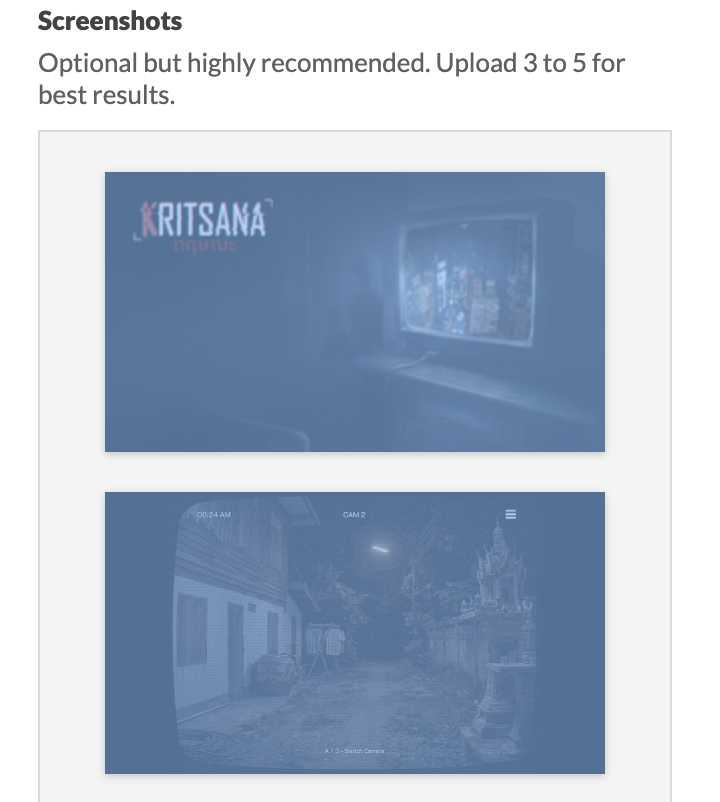
Game page