Hey,
I'll answer by numbers, so it's easier to follow:
- It's not possible to change the normals of a plane (this is not a limitation of the tool, it's just how 3D works, because the normals are all the same on a plane. If you create a plane on Blender and set Shade Flat or Shade Smooth you can see it doesn't make a difference).
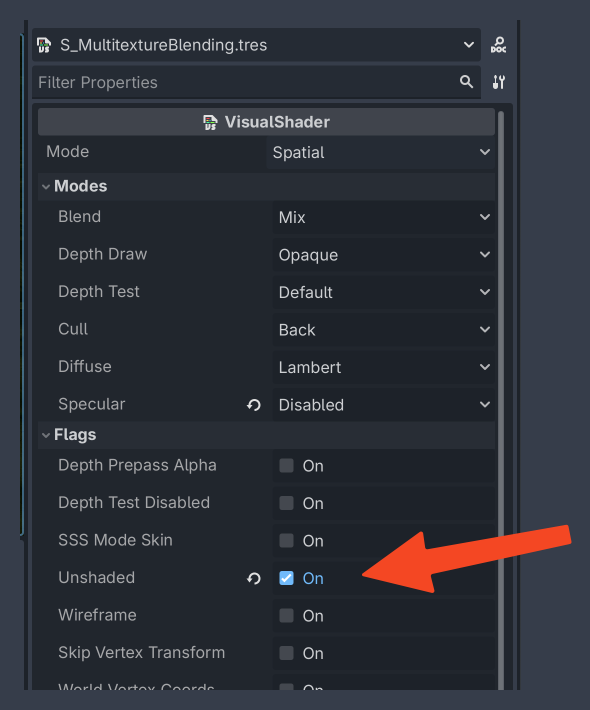
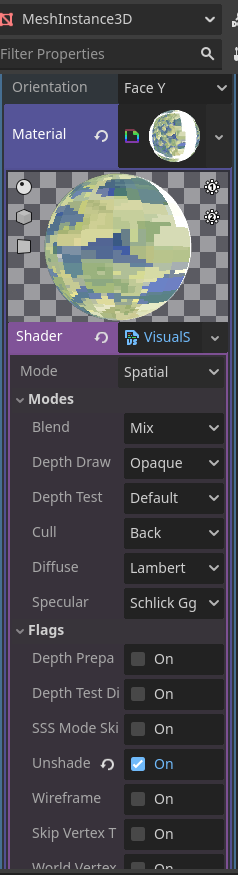
- "how to combine unlit and splat mapping here" - since you are painting in a custom material, you have to keep using "Original Material", otherwise you won't see your texture blending. In this case to have it unlit, you have to change the shader to Unlit. If you created the shader following the tutorial, it's a Visual Shader, so double click it and set to Unshaded: