

1) You can't edit the dimensions of a deck from Decker itself, but if you save a .deck file and open it in a text editor you can change the line near the top that looks like
size:[512,342]
to your desired dimensions. Note that very large deck dimensions will harm performance on slower devices and decks smaller than decker's default dimensions can cause problems for the editors; making things a little bigger or changing the aspect ratio is fine.
2) This is called locking a deck.
3) I'm not exactly sure what you mean here, but if you're trying to stop a looped background sound clip you can do something like
play[0 "loop"]
See All About Sound for more details. If you're playing a non-loop sound, there is currently no mechanism for stopping it prematurely.
4) There are many ways to approach what you're describing, if I understand correctly. Here's one approach:
I have prepared a card named "options" which contains several canvases, each with the image of a playing card:
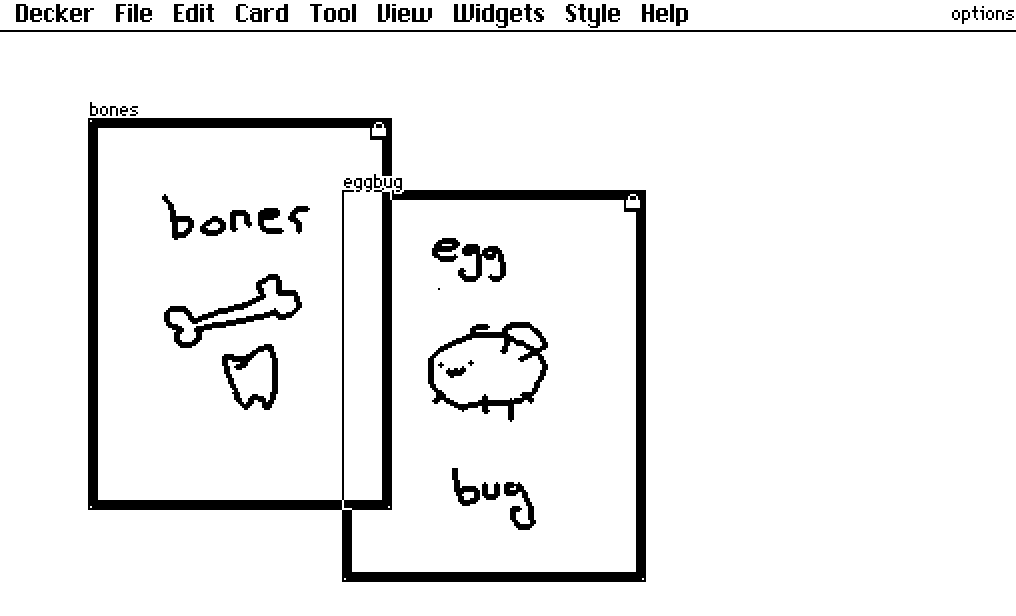
They each have a script which makes clicking on them go to a card with details; for this example the detail card happens to be named consistently with the canvases themselves:
on click do
 go["bones" "BoxIn"]
end
Then on the main card I have a canvas named "summonzone" and a button named "draw"
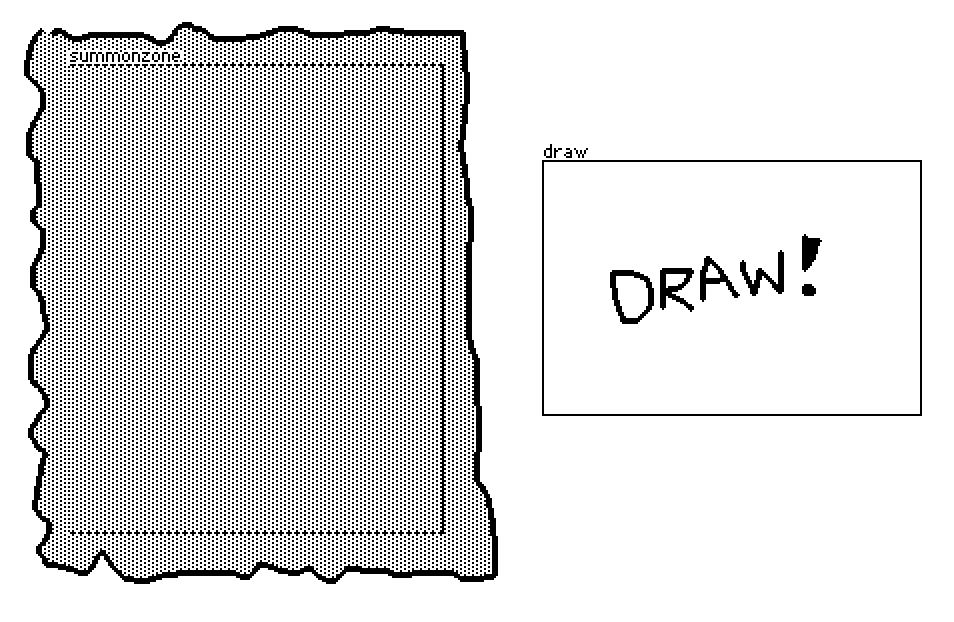
The "draw" button has a script like so:
on click do
 option:random[options.widgets]
 summonzone.clear[]
 summonzone.paste[option.copy[] .5*summonzone.size-option.size]
 summonzone.script:option.script
end
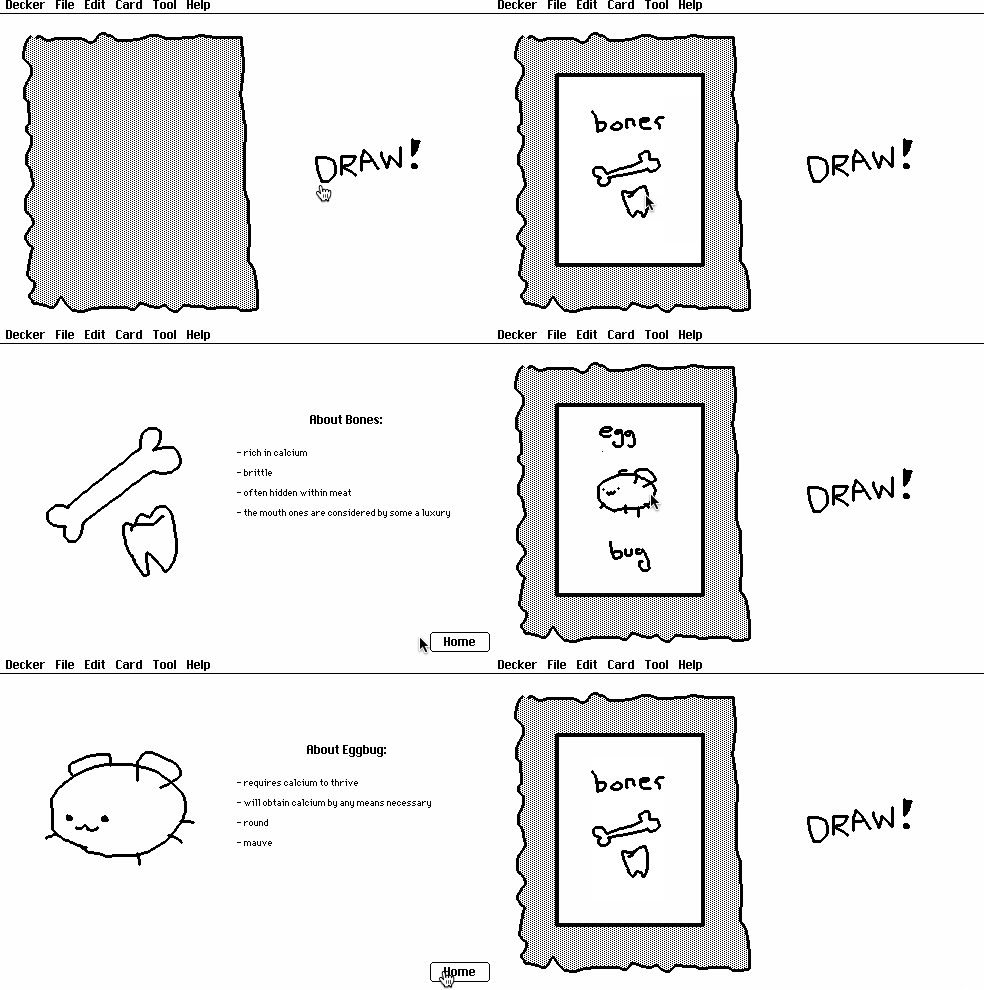
This chooses a random widget from the "options" card (one of our playing cards), erases the summonzone canvas, pastes the image from the chosen playing card onto the summonzone canvas (centered), and then also copies the script from the chosen playing card onto summonzone.
Working together:
Is that anything like what you had in mind?