

I was playing on Linux.
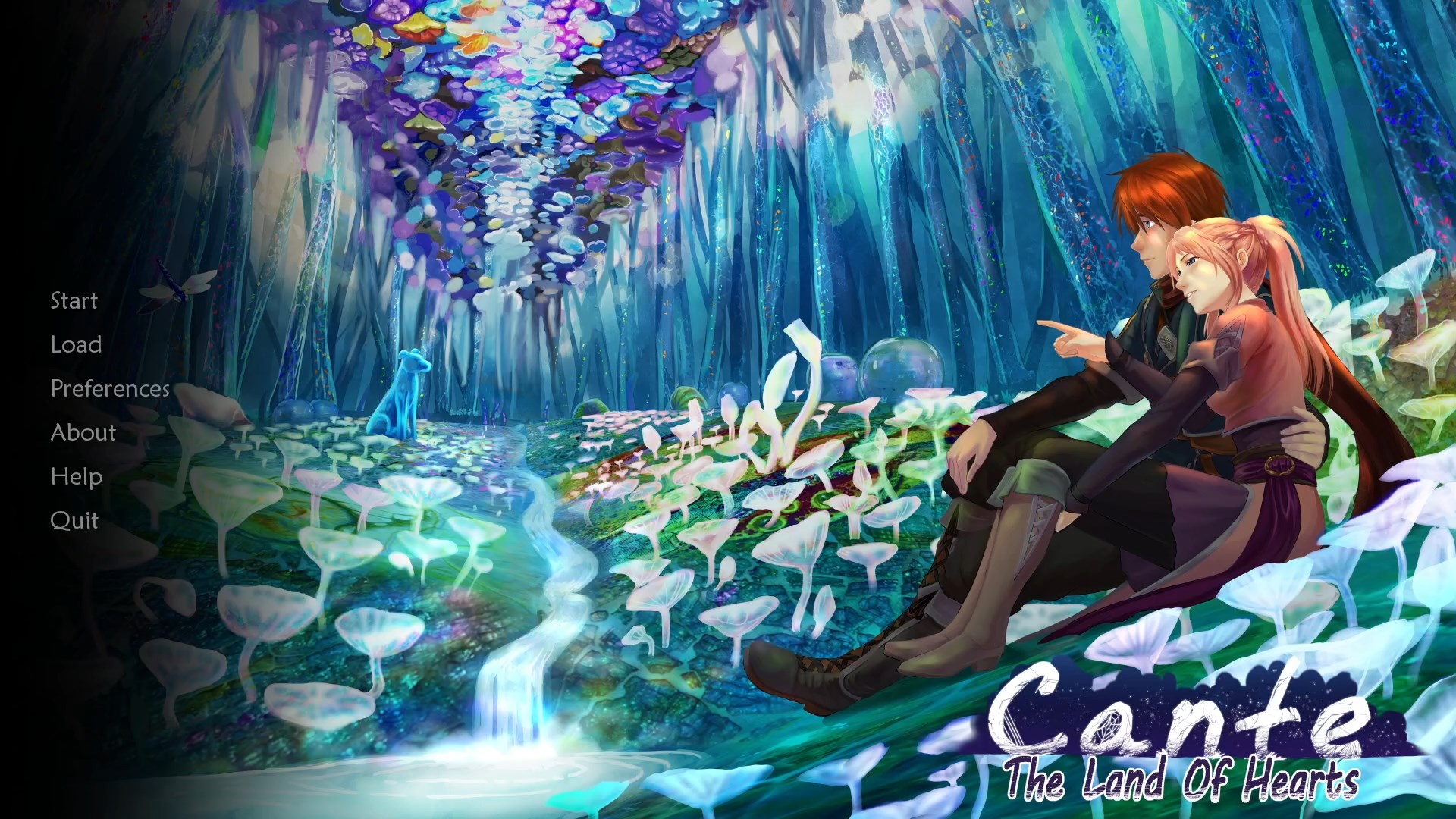
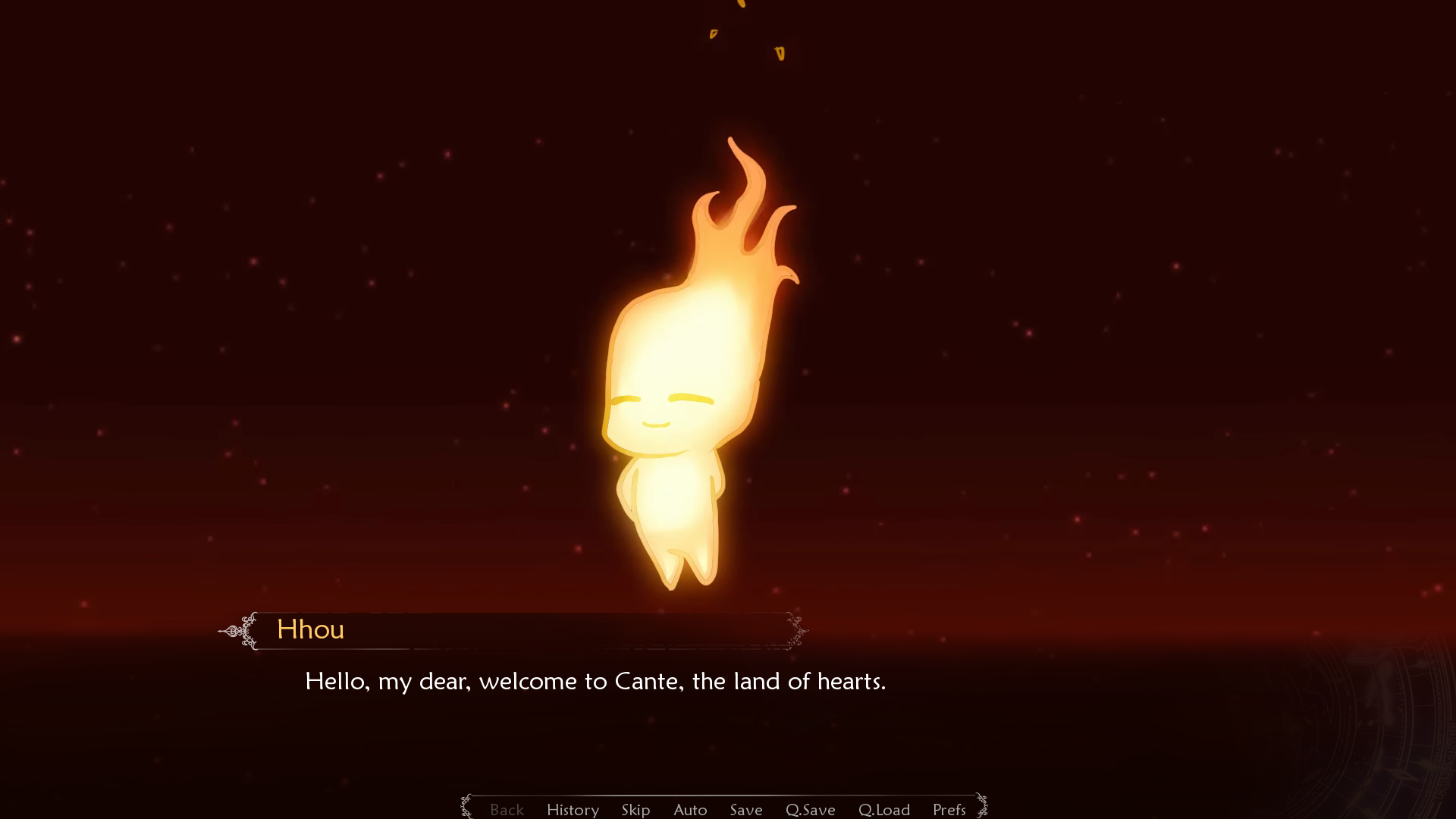
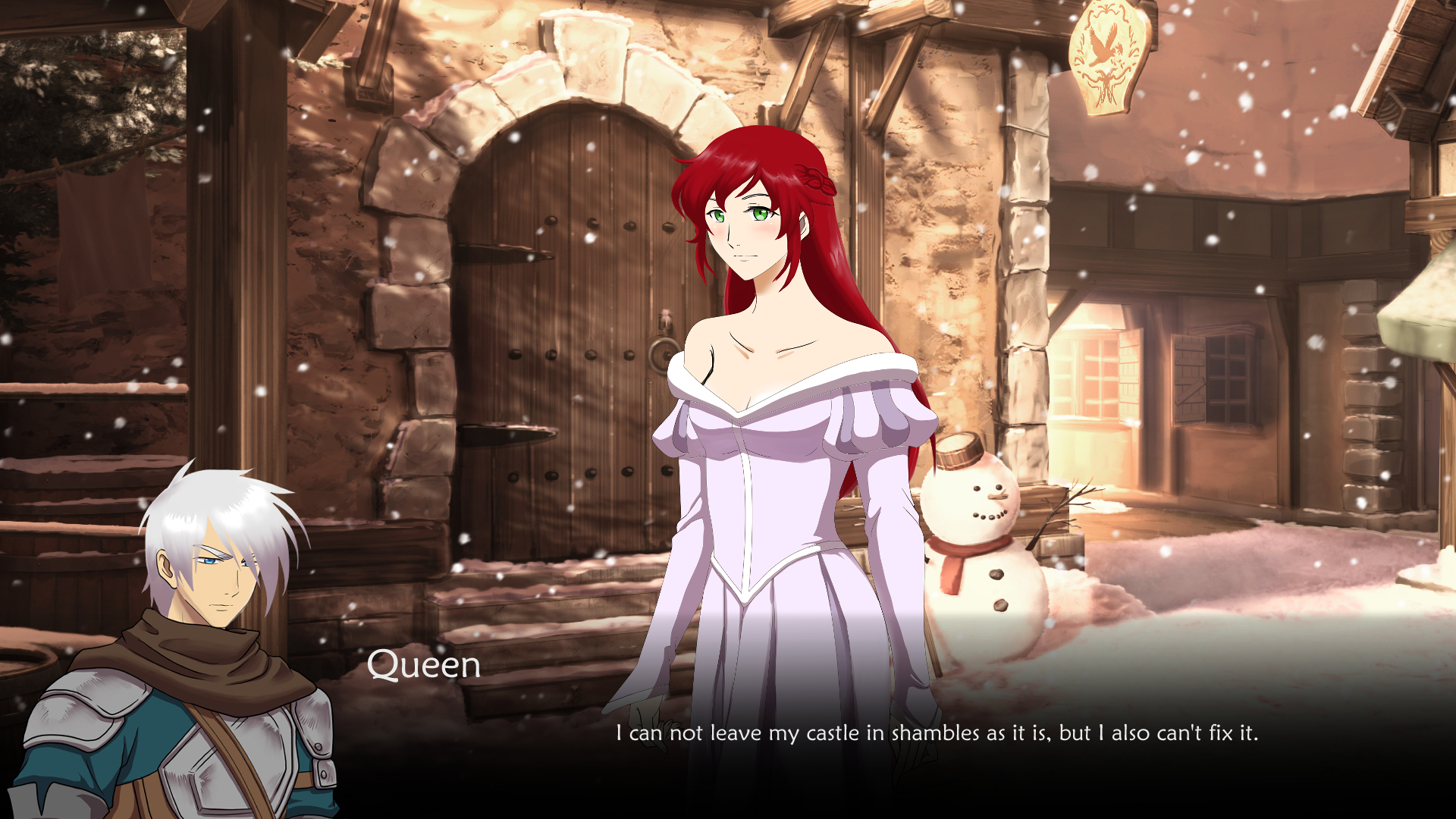
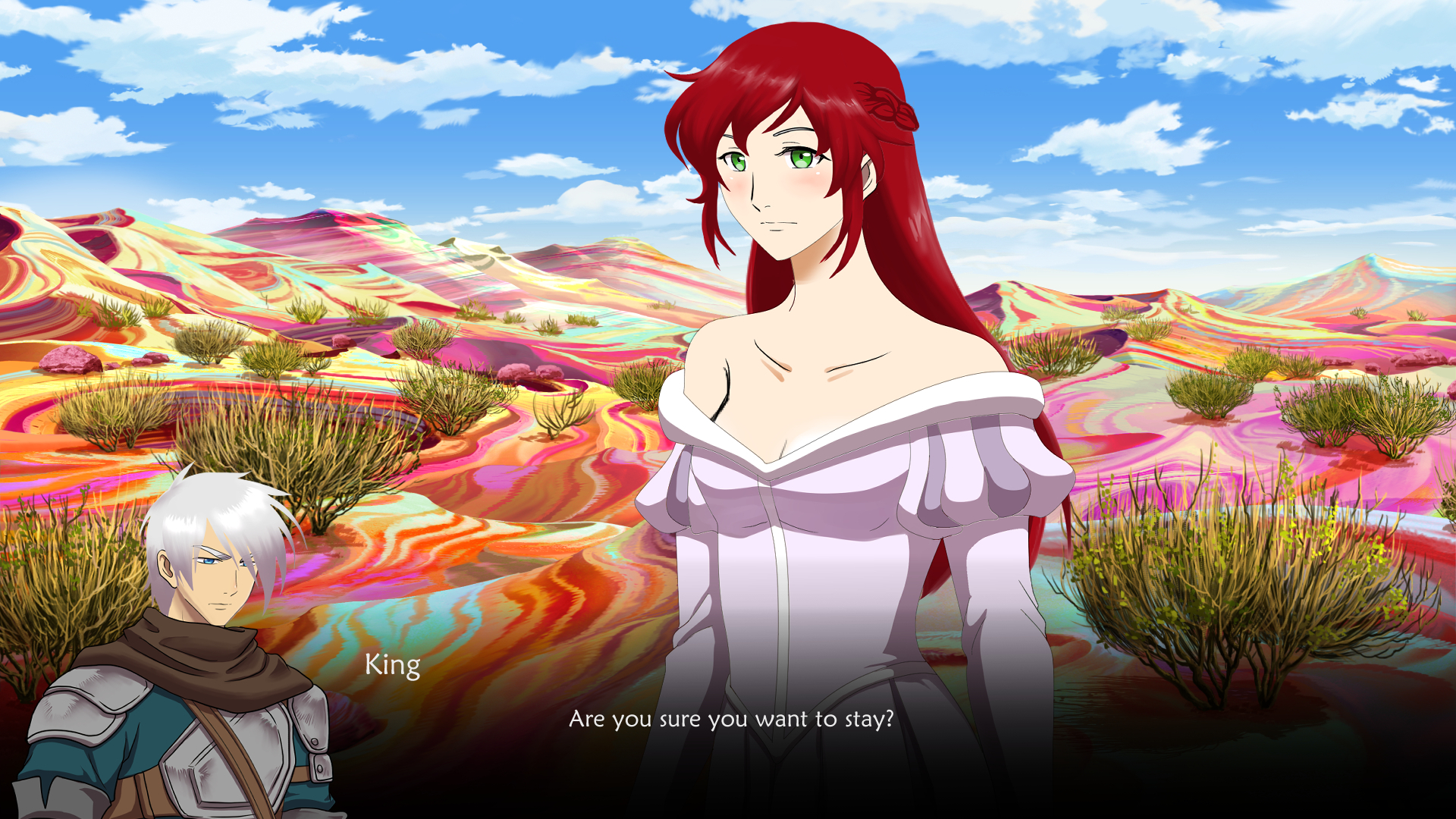
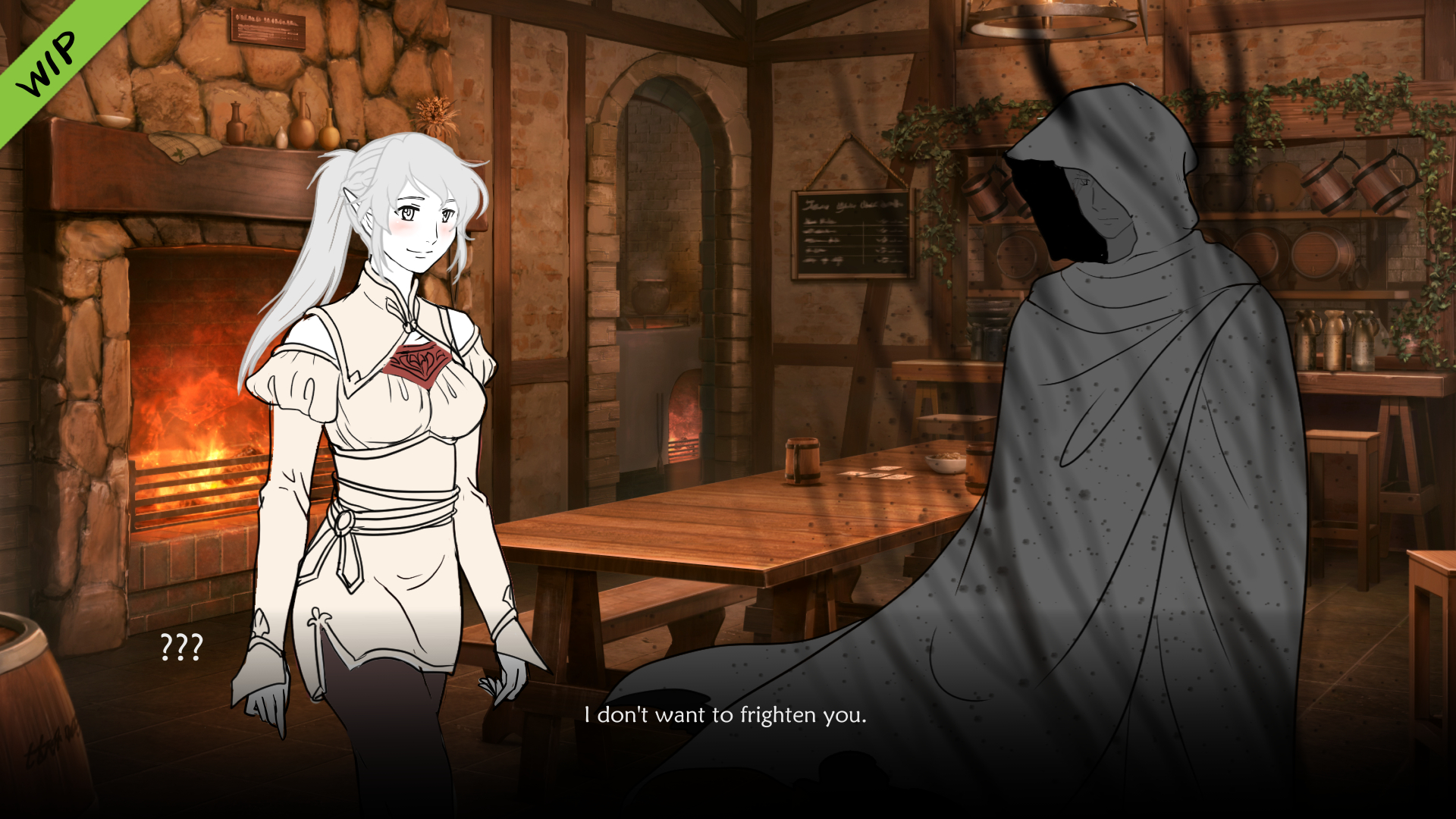
The art was well done. Hhou, in particular, was very cute. I really liked their animation. The characters look good and the options were nice.
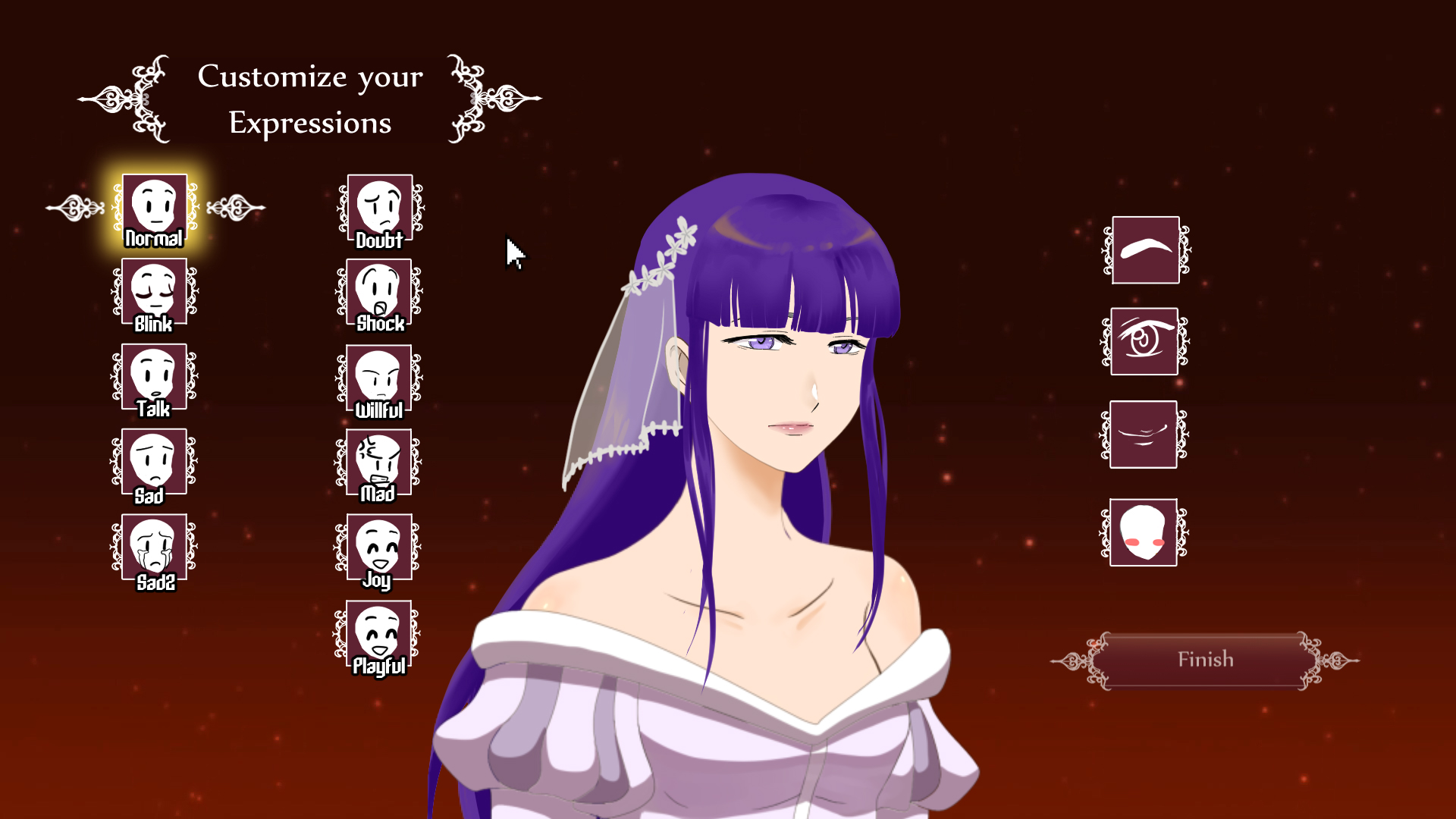
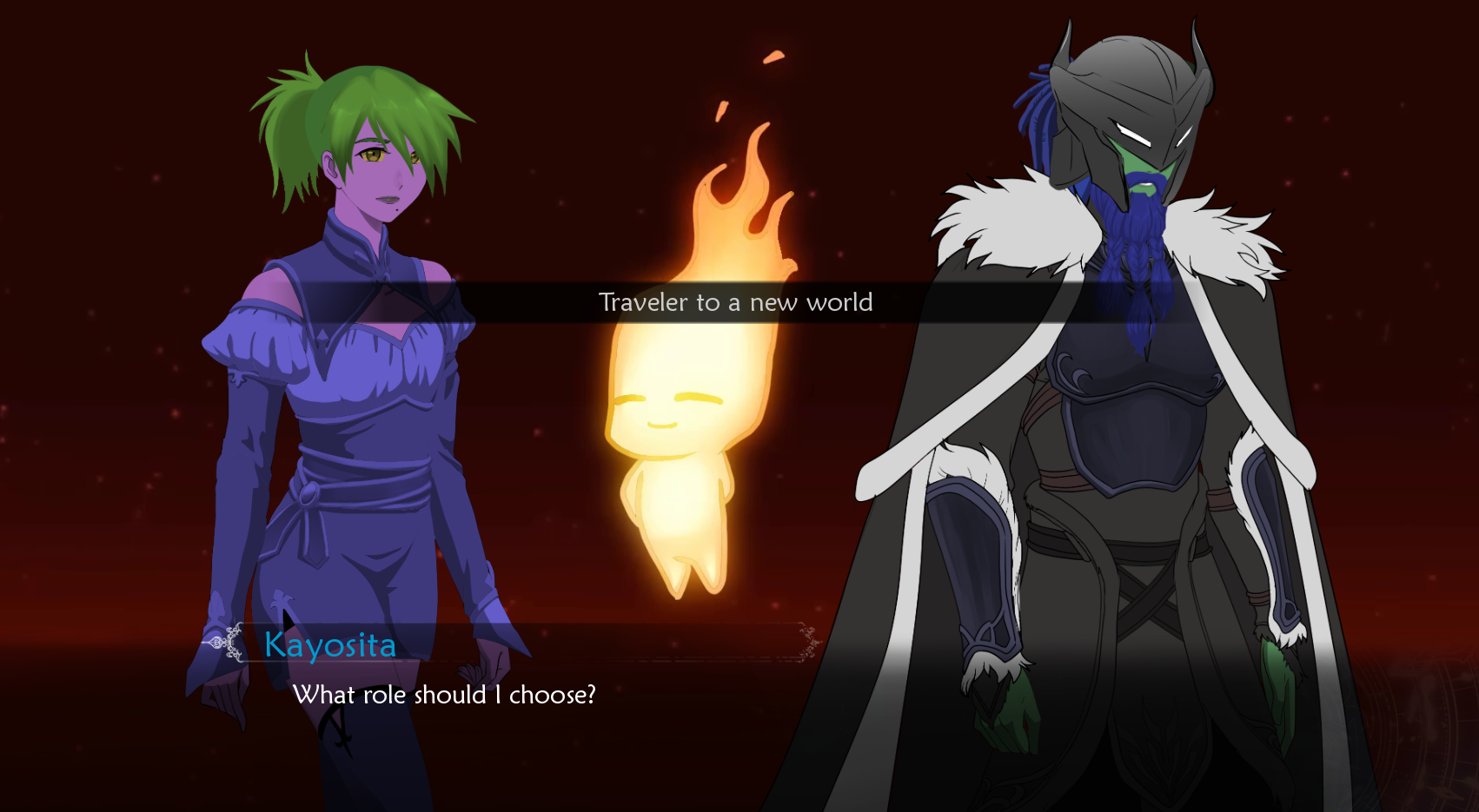
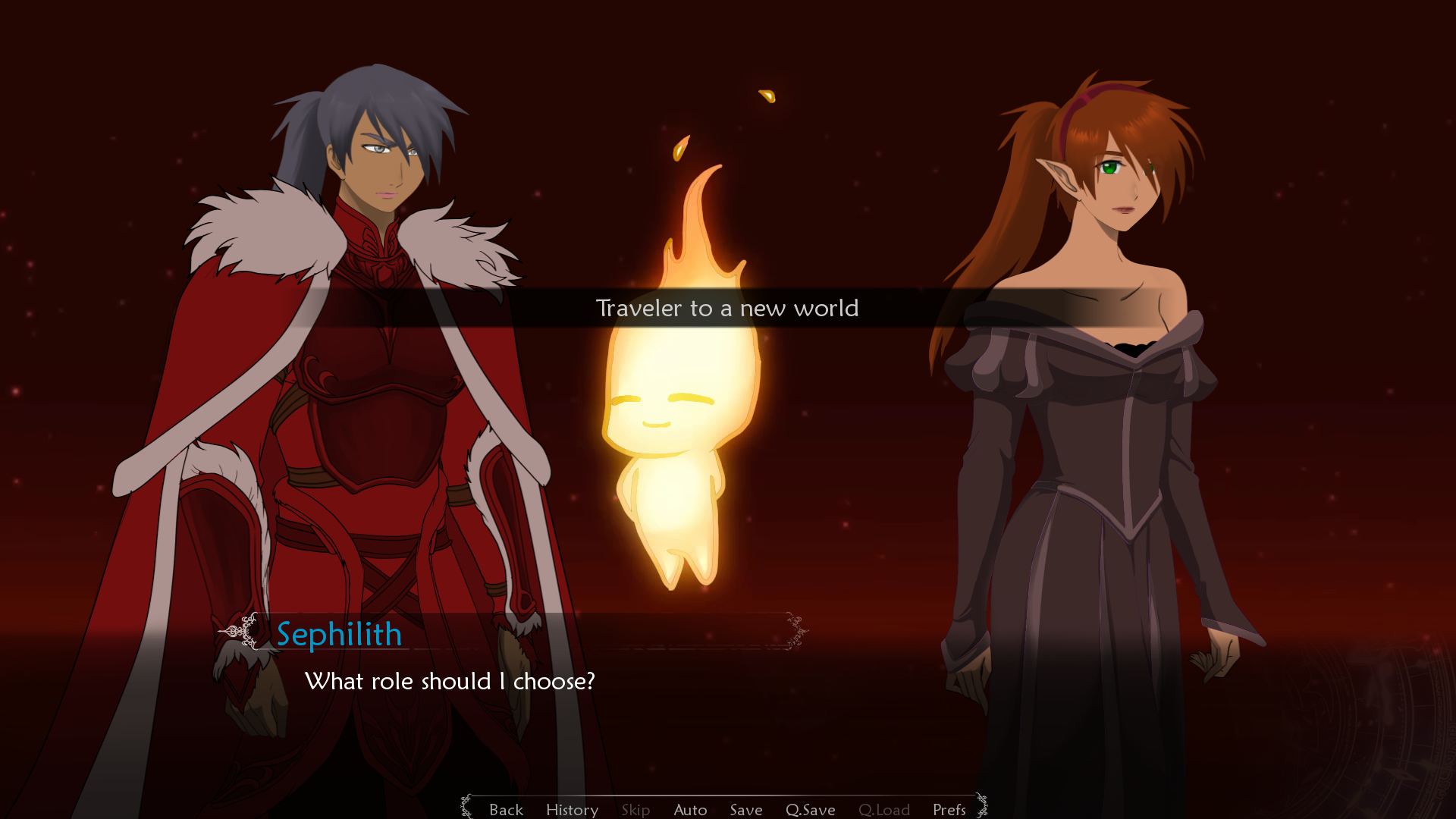
The arrows next to the selected option weren't clear to me. I had initially thought they were meant to show which option I had selected for color changes. I think the big reason they didn't read as arrows was because the first option, the body type, had letters under the color picker. Clicking on the letters made changes, though even those changes weren't super clear with the starting clothes, so that was how I thought choices would be made. The arrows also weren't clearly arrows and were easy to read as a showing what option was selected instead. I didn't realize what they really were until I read one of the comments mentioning it.
Unfortunately, there were several things that seemed to be missing. When I picked the either body type, at the top it said: Couldn't find file 'images/female/...' or 'images/male/...', depending on the body type I picked. I couldn't read the full file name, as it looked like there might have been two or more file names loading on top of each other.
The female body type started with the eyes being solid white. When I changed the color on the star-like tab, the text at top changed color, as did the whole eye. Changing the color on the R tab changed the text color at the top, but didn't change anything in the eye itself. Changing the color on the L or eye tabs didn't change anything on the eye itself, while part of the text at the top change, though it was under the text from changing R. When I changed to any other eye style, the eye was completely missing and changing colors on any tab only changed the top text.
Some of the eyebrows seemed to be missing, though not all of them. The color change only seemed to work on some of the eyebrows. In cases where there were no eyebrows on my character, the text at the top changed color to the color I had set and seemed to change what it said. The text changed back to the eye color when I could see the brow on my character.
The mouth didn't change colors at all, though part of the text at the top changed. The mouth text seemed to be under the text for the eyes. When I changed to any other mouth style, the mouth was completely missing.
Changing the eyes on the emotions screen resulted in the following error message:
I'm sorry, but an uncaught exception occurred.
While loading <renpy.display.im.Image object ('images/female/9eyes/1/1_1wR.png') at 0x7fe283425b80>:
File "game/script.rpy", line 22, in script
call screen base_character_selection("mc")
File "renpy/common/000statements.rpy", line 671, in execute_call_screen
store._return = renpy.call_screen(name, *args, **kwargs)
File "game/dressup/0actions.rpy", line 176, in __call__
current_index = expression_data_index.index(current_image)
ValueError: '1_1w' is not in list
I used the Rollback, and tried again.
When I randomized the female body type, the eyes looked like eyes instead of being a solid color. Changing the color on the star tab changed the color of the whites of the eye, while the iris and pupil were the body color. Changing the colors on any of the other tabs didn't do anything. Switching to a different eye style from there resulted in the eyes being completely missing until I returned to the on that was randomly picked. I could get different mouth styles, though I did get the couldn't find file message at the top.
The male body type started with one eye completely missing and the other eye seemed to be just the iris and pupil without the white. I could change the color of it on the star-like tab, and it changed the text to the same color. The other tabs didn't change the eye color at all, and the text behaved the same as it did on the female body type. Changing the eye style gave me different eyes for the visible eye, though the missing eye remained missing, and the colors of the eye and text behaved the same way.
The eyebrows seemed to all be there, though they didn't change colors.
The mouth didn't change colors at all, though part of the text at the top changed. The mouth text seemed to be under the text for the eyes. I could changed to a few different mouth styles, but there were times when the mouth would disappear for some styles.
When I randomized the male body type, I still only had one eye visible. I could get more mouth styles, though again I got the couldn't find file message at the top for some of them.
Changing the eyes on the emotions screen resulted in a similar error message to the one above, though the text between the quotes in the ValueError was different. Changing the mouth for either male or female body types also gave a similar error message.
I think you have a cool idea here, and the character creation was overall fun once I figured it out. What you described for the story sounds like it would be interesting and something I would enjoy.
Leave a comment
Log in with itch.io to leave a comment.