

Oh ok I just fixed the getting outside the level problem, I will make the web build for the game again and upload it now. Would it be better to display an Instructions screen when a specific key is pressed, Space key, etc.?
As for the smoothing, I will try to fix it. Also, perhaps a quick troubleshooting checklist would help you. It is to do with your browser. It worked for me (unless it is a problem with my game and not the browser settings). Here is the checklist:
Go to chrome://settings/system then toggle Use graphics acceleration when available.
If that didn't work, go to chrome://flags and search for Override software rendering list and enable it if Chrome is incorrectly blocking your GPU from accelerating 3D WebGL content.
Hope this helps, otherwise I will try to fix it from my game.
Also do you think my game works with the theme? It does a bit I think because of the timer "lockdown" because someone who isn't supposed to be here, an uninvited intruder has been detected, but still...
Thanks for the feedback! I will test out your game when I have the time!
Hey! Nice work fixing the out-of-bounds bug so fast 🙌
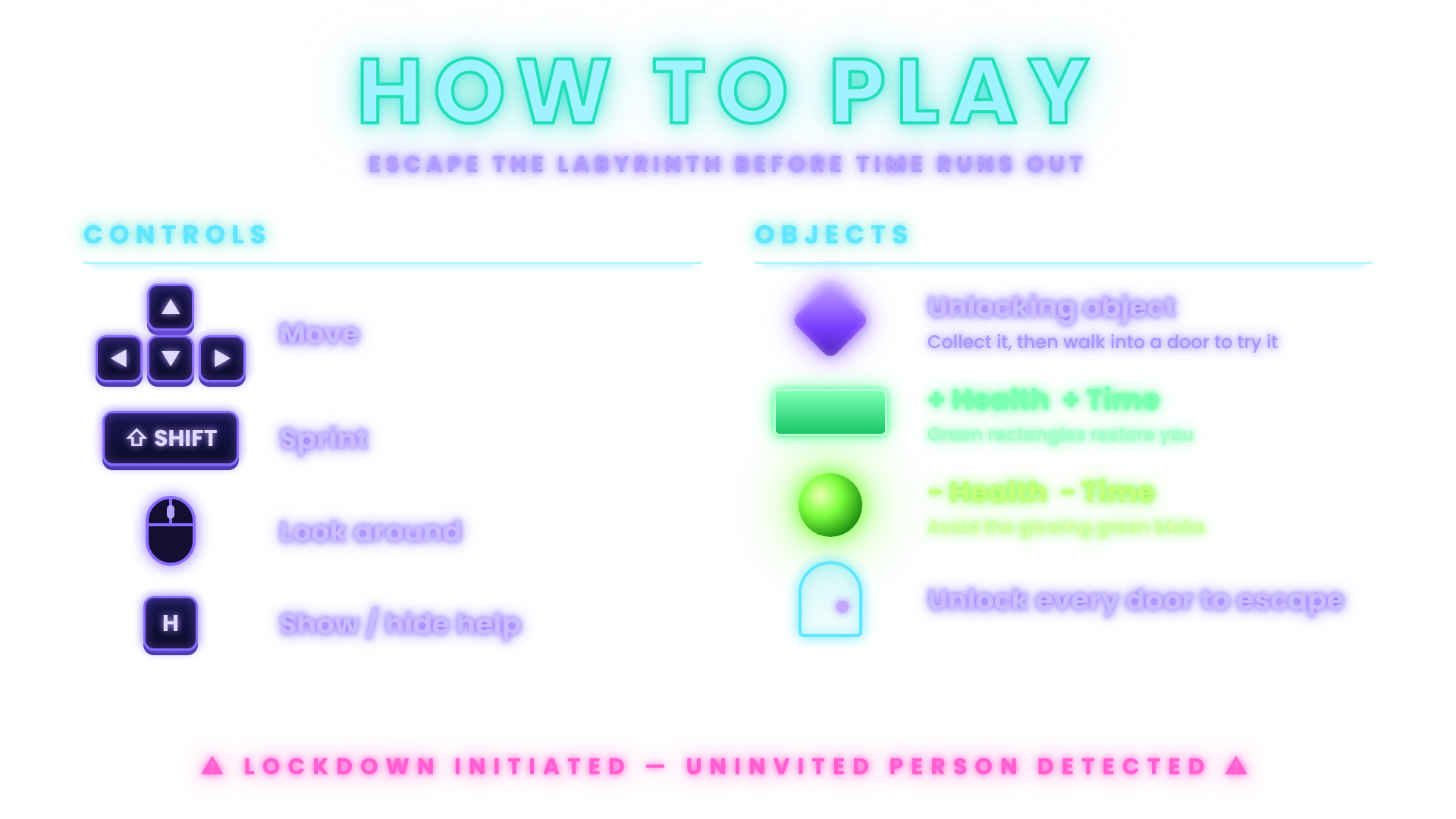
I made you a little gift: a "How to Play" card in your game's colors (cyan titles, purple glow, green pickups). Two versions:
- Full background → for your itch page / screenshots
- Transparent PNG → drop it into a UI Image as an in-game help overlay
(I used a stand-in font for the title, so you can swap in Circuit Mage to match your HUD exactly.)
On the instructions screen: yes, show it at the start, then let players toggle it with a key. I'd avoid Space though, since the Unity First Person Controller uses it for Jump by default. H (for Help) or Tab is safer.
Quick idea for the timer misalignment in the web build (it's usually a scaling thing, not a code bug):
1. On your Canvas, set Canvas Scaler → "Scale With Screen Size", reference 1920x1080, Match = 0.5
2. Anchor the "TIME LEFT" text and the number to the top-right corner (Alt+Shift click the top-right anchor preset)
3. Put both texts inside one parent with a Horizontal Layout Group so they never drift apart
The editor Game view and the browser canvas often have different resolutions, which is why it looked fine in the editor.
Thanks for the graphics checklist too, I'll try it.
And yes, I think it fits the theme! YOU are the uninvited one, and the whole ship reacts to you with the lockdown. To push it further you could lean into that: a red alarm flash or an alien "INTRUDER DETECTED" announcement when the timer starts, or doors that taunt you when the wrong key is used. Small touches like that would make the theme hit harder.
Good luck, and looking forward to seeing the update!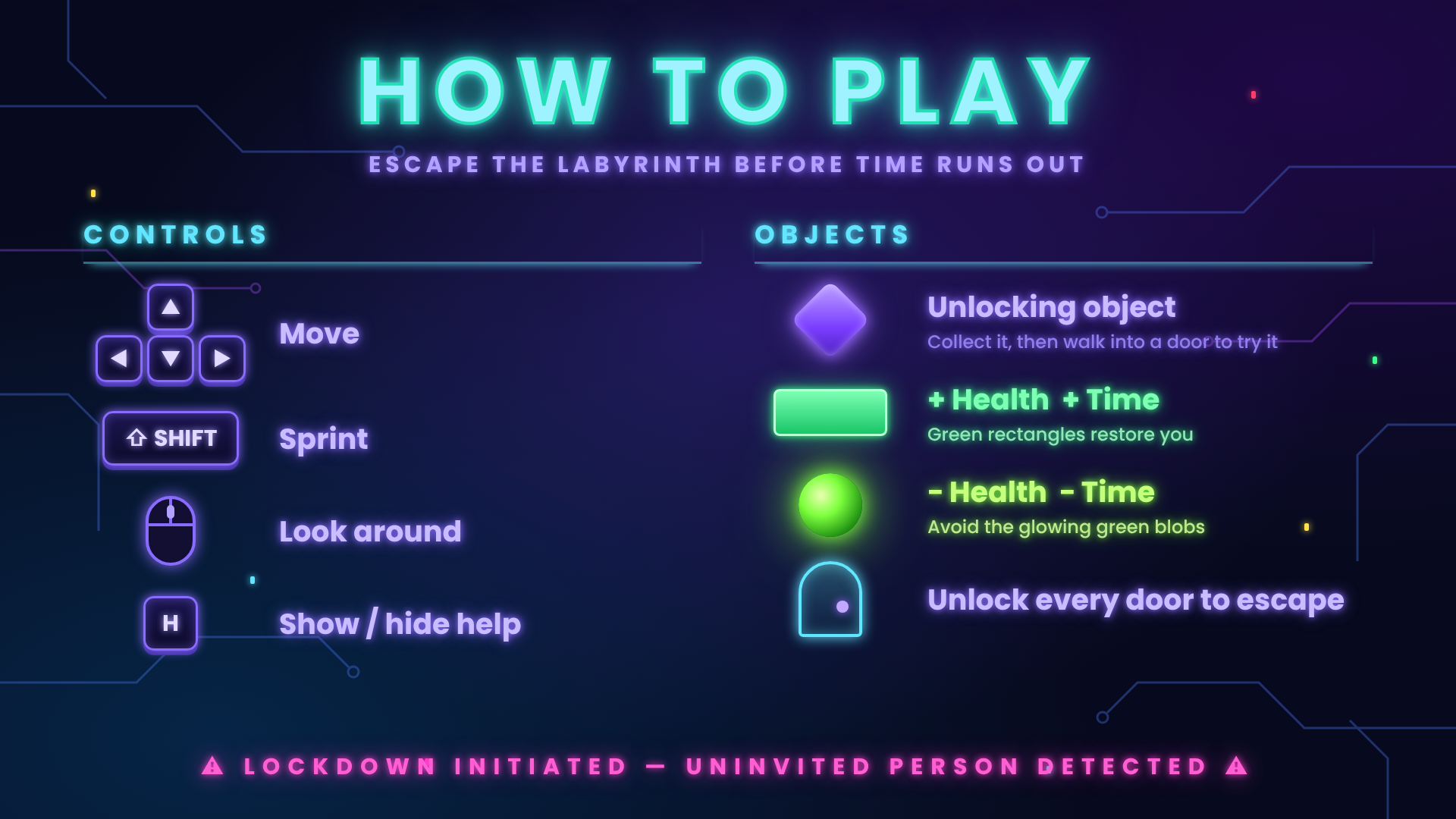
thank you I have done it now, using your layout but not your image (I wanted to try to make my own) though for some reason only in the the online editor it looks weird... the instructions screen is the wrong size...
I will definetely refine it more when I have the time, this was a bit rushed!