
Indie game storeFree gamesFun gamesHorror games
Game developmentAssetsComics
SalesBundles
Jobs
TagsGame Engines
0

General itch.io tips!

A topic by CoderGenius72 created May 21, 2026 Views: 1,932 Replies: 6
Viewing posts 1 to 7
(2 edits)

General itch.io tips!

  1. The annoying jam names on the side of a project page can be removed with any zoom above 100%
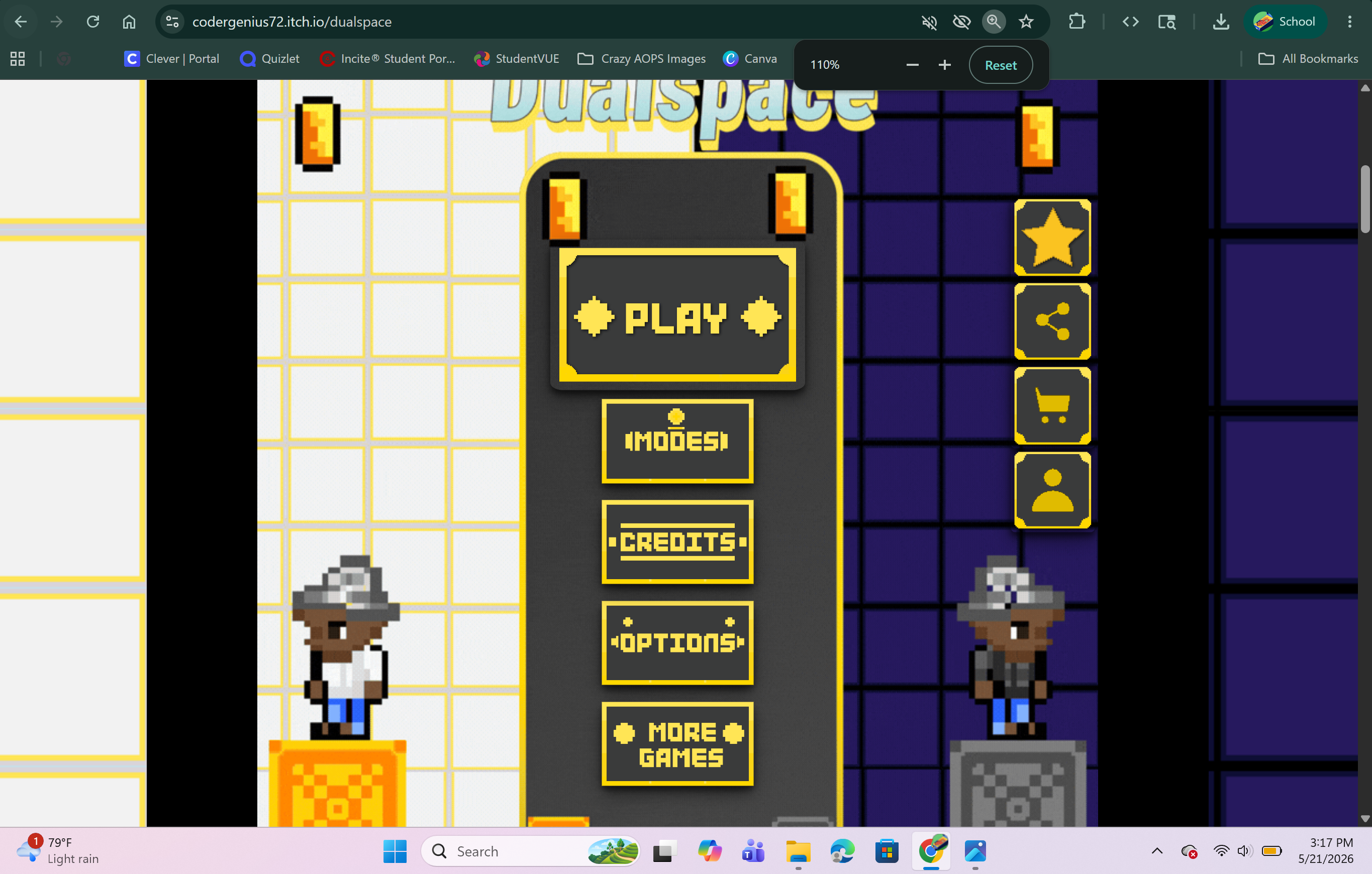


2: Pages that are deindexed can still show up in Most Recent after manual review

3: Use all the fields in the itch.io theme and project editor, so people will download your game
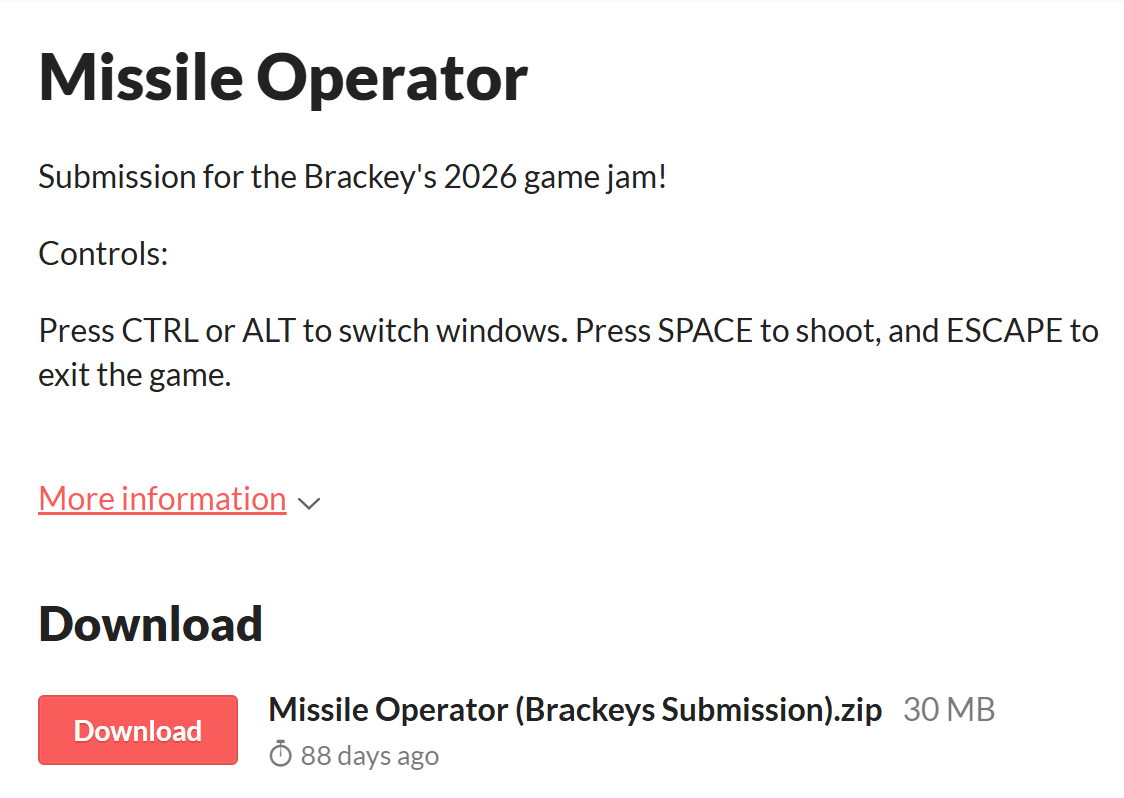
Bad Page Example

Avoid Pages like these!

4: Add a link for people to rate your game in the description, as it can be impossible for people to find sometimes

5: Put effort into the cover image, and the game's first impressions, as they matter the most.

Does anyone else have other tips?

6: Ask people who provide feedback for a rate, or people that you give feedback to. They are much more likely to give a rate!

Moderator moved this topic to itch.io tips
Moderator

(moved to the right category)

Thank you, I forgot that was a category!

7: No webgl build done, players are gone

Where can i find the link for the ratings thing? You are rigth even i cant find it for my proyects jajajaj

I was wondering if I could get like- advice since I only know and html only


<DOCTYPE html>    


<head>    


<body>    


<meta charset UTF-8>    


<title>something</title>    


</head>    


<body </body>    


<html> only know hello world in python and lua thats all I know python print("Hello World!") and lua print("hello world") print('hello world') and pygame import pygame pygame.init()


and html only


<DOCTYPE html>    


<head>    


<link href"style sheet" ref"style.css>    


<body>    


<meta charset UTF-8>    


<title>character</title>  


</head>  


<body>  


<h4>welcome to my foxie world</h4>  


<p>this is my first web page actual</p>  


</body>  


</html> JavaScript i only know is


Console.log("Hello World!");