

I think I’ve figured out what the issue is. On my laptop screen—which has a resolution of 1920x1200 and measures 13 inches—the text is only sharp when the window is set to this specific size. And that’s the size the game opened in by default.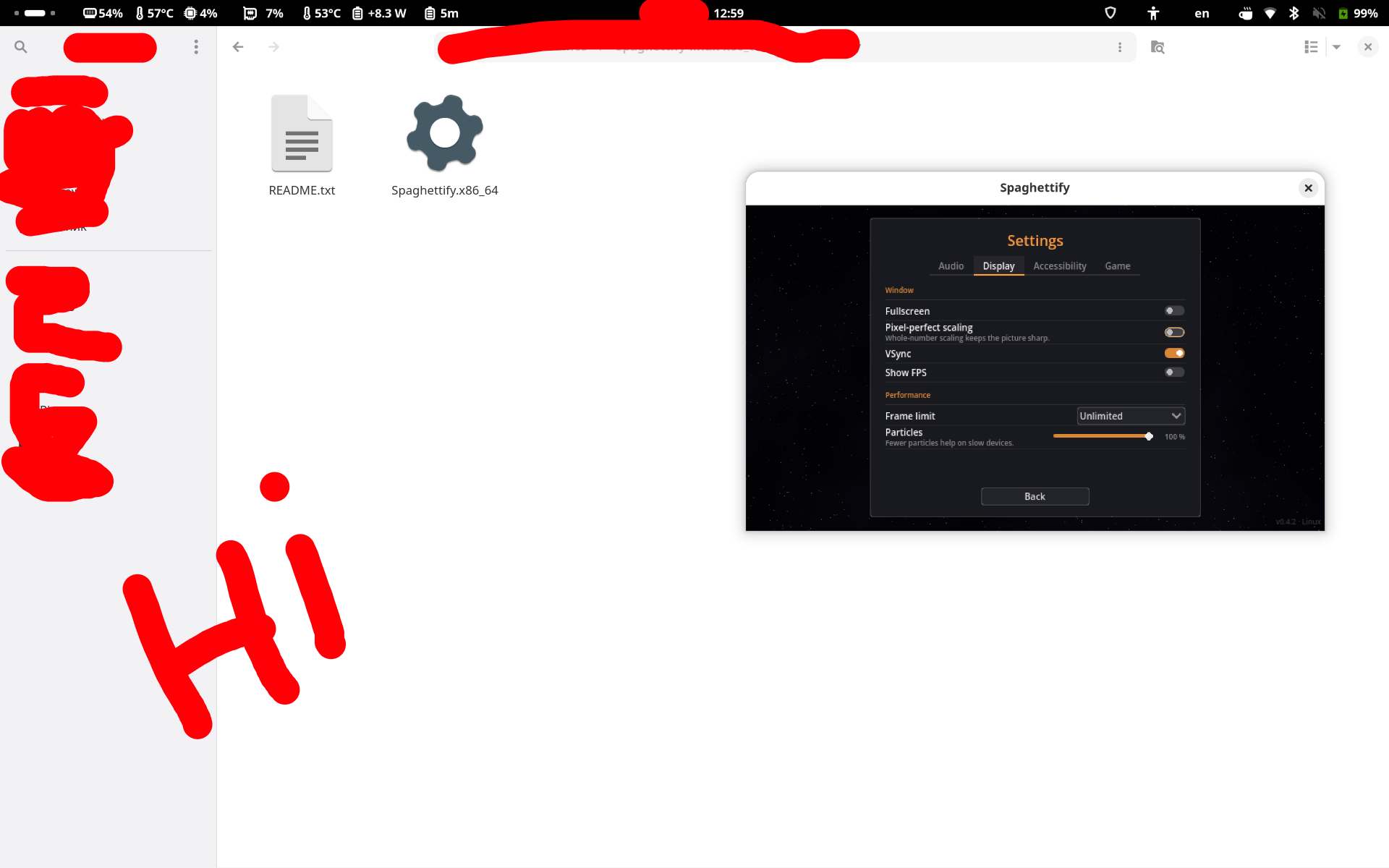
Any attempt to enlarge the window or switch to full-screen mode results in a blurry image on the screen.
Thanks, that’s a really useful observation. It sounds like the picture is only sharp when the canvas size is an exact multiple of the game’s internal size, and your 125 % screen scaling makes that hard to hit. Could you run this in the browser console (F12) once at the default size and once in fullscreen, and post both results? [devicePixelRatio, innerWidth+'x'+innerHeight, document.querySelector('canvas').width+'x'+document.querySelector('canvas').height].join(' | ') That tells me whether the canvas isn’t updating or the browser is stretching it. I’m working on a fix for the next update.
I put out a quick fix (v0.4.3, browser version only). The canvas now keeps hard pixel edges instead of letting the browser smooth it when your 125 % scaling makes the size land between two pixels. I could reproduce the blur on my side (125 % scaling, window or fullscreen), and it went away with this change. Could you reload with Ctrl+F5, check that the menu shows v0.4.3 at the bottom right, and tell me if the picture is sharp now, at the default size and when you enlarge it? If it is still blurry, please run the console line again in that state.