Hey! I played Spaghettify 0.6.0 and it's a lot better than the 0.4.2 version I played before, especially the boss fights. The first boss is more interesting now, and I saw more new objects, which I liked. The upgrade tree is better too. I still think the overall interface needs more work.
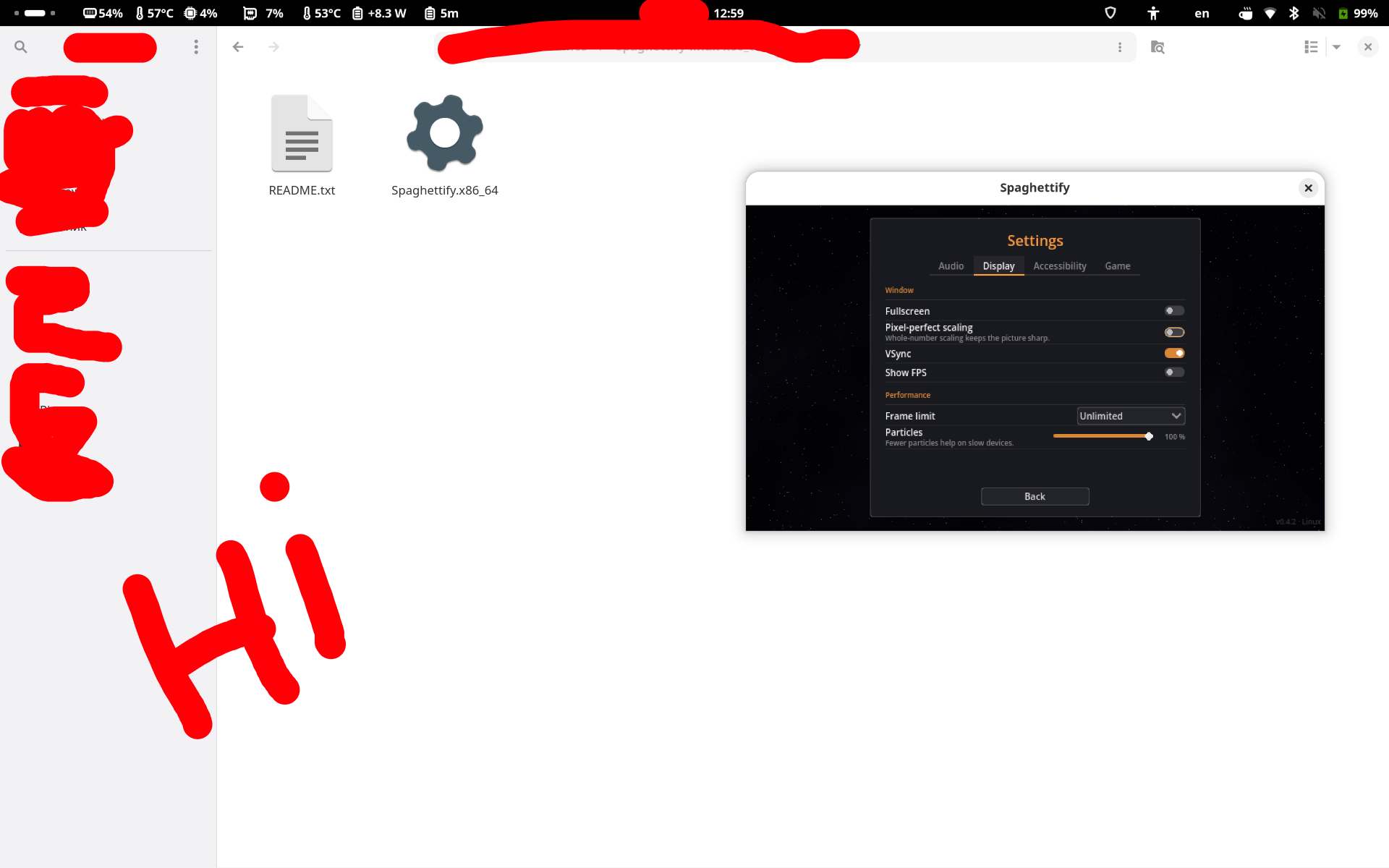
I still have the same problem as on 0.4.2: the picture looks very blurry.
My setup: Fedora Linux, KDE on Wayland (the game runs through XWayland), two 2560x1440 monitors at 100% scale, AMD RX 9070 XT, Vulkan Forward+.
Claude and I have some guesses about why it's so blurry on my screen. We're not sure about any of them, since we only looked at the project settings and shaders in the build and don't have your code:
- The project sets stretch aspect = expand and scale mode = integer, but no stretch mode, so it stays "disabled". As far as I know, those two settings do nothing then. Do you set the stretch mode in code? If not, the integer scaling you set up may not be working at all.
- Viewport is 640x360, window override is 1280x720. If the game is scaled some other way, a non-integer scale could be the cause of the blur.
- Default texture filter is nearest and post_fx and black_hole read the screen with filter_nearest, so those don't look like the cause.
Here's the log: https://pastebin.com/XLDS4EZ3 It has nothing about scaling, only two errors when closing the game: "Attempt to disconnect a nonexistent connection" from root Window, signals focus_entered and tree_exited. I removed one screensaver cookie number from it.
If it helps, I can send screenshots at different window sizes.