
Indie game storeFree gamesFun gamesHorror games
Game developmentAssetsComics
SalesBundles
Jobs
TagsGame Engines
(1 edit)

Thank for your input. You 'Inspect' the page, not the game. This tool shows you output from the game to the Console automatically. When you start moving objects and have 'Inspect' open, you'll get a hint when you're close to solving the puzzle.

Let me show you: 

Click anywhere on the page--not on the game window itself-- go to 'Inspect', and then watch for any input when you start moving objects around. 
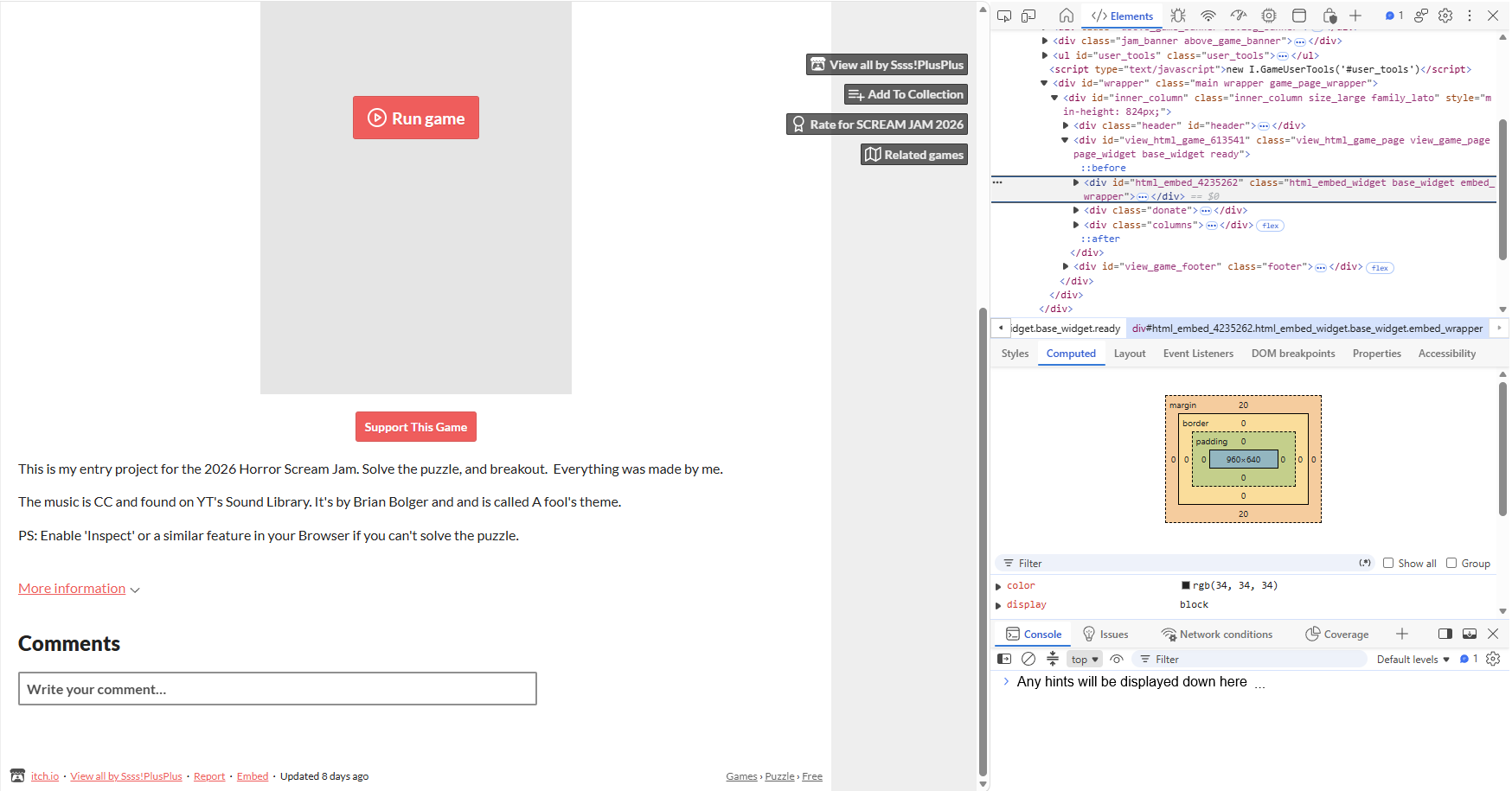
   

Okay so I did open the inspection window correctly. I did not see a spot for comments, it only showed a link to the engine's website

(1 edit) (+1)

Yes, you're right. I just checked, and Edge seems to be preventing the messages from being output. The counter for the error messages that keeps going up is actually trying to print out a hint, but Edge is suppressing it! I didn't foresee this. That's on me. In the mean time, if you still want to stick with it, when you see the counter going up while moving a cloud, that's where all the clouds need to be. 

I'll try to find a way to fix it. I'm sorry for any inconvenience on my part.    

Oh that's such a bummer! I really like the idea of using elements outside of the game to be a part of it. Definitely keep playing with that concept!