
Indie game storeFree gamesFun gamesHorror games
Game developmentAssetsComics
SalesBundles
Jobs
TagsGame Engines
0

Tutorial to hide game jams (NO CSS)

A topic by CoderGenius72 created 1 day ago Views: 74 Replies: 1
Viewing posts 1 to 3

After years this feature has been added!

1: Open up your project and select Metadata.

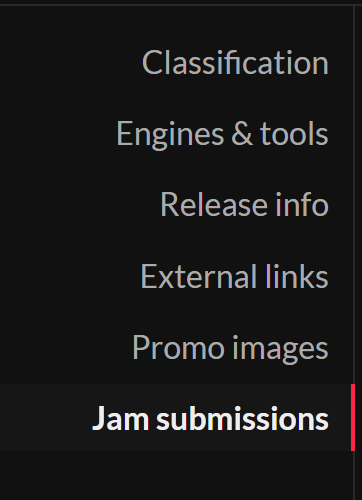
2: Click on the bottom tab: Jam submissions
3: Select jams to hide the link
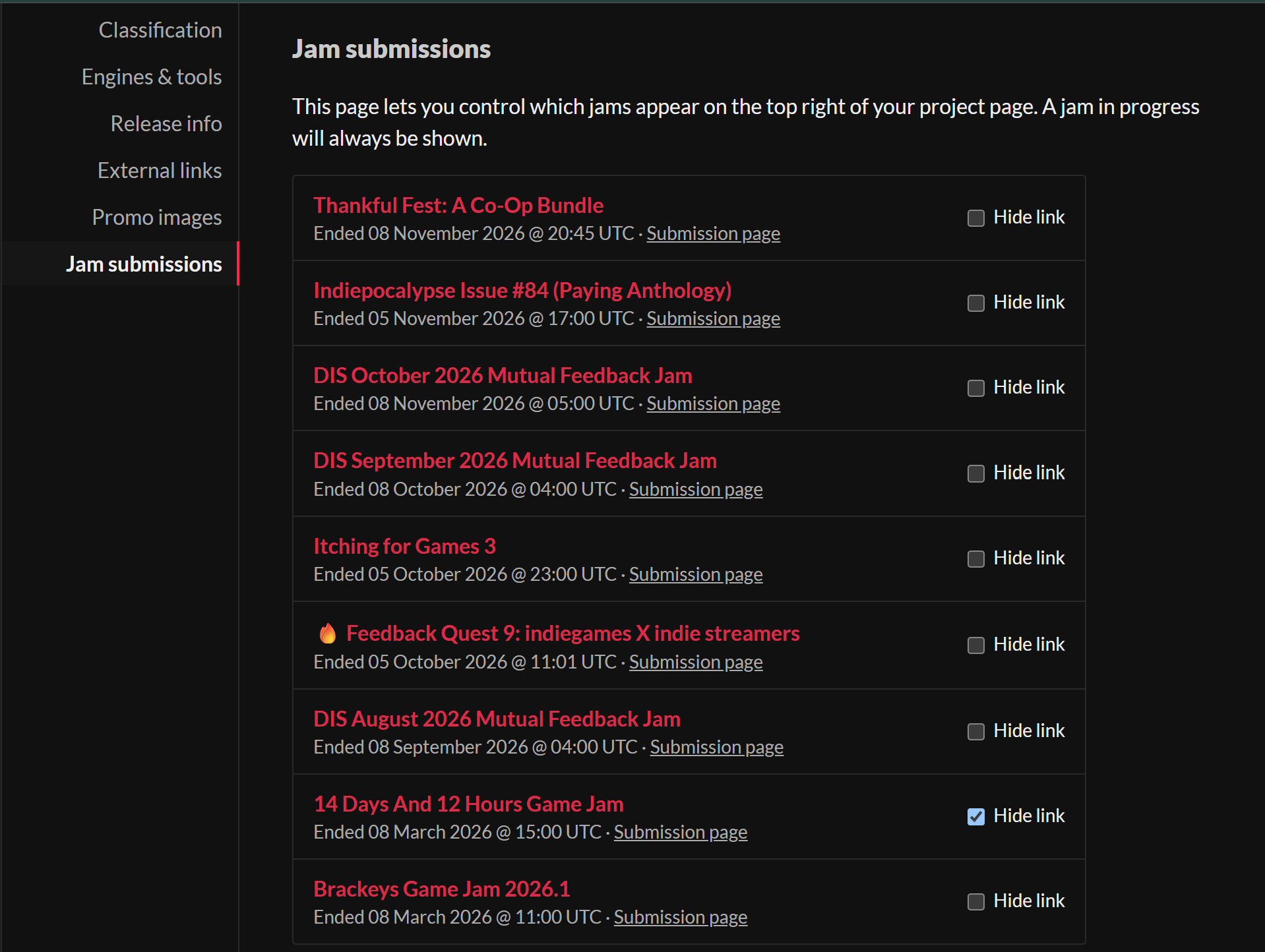
This method completely removes the jam from the page, except for inside the more information. This does not work for jams in progress. 

Moderator moved this topic to itch.io tips
Moderator

(moved to the right category)