Indie game storeFree gamesFun gamesHorror games
Game developmentAssetsComics
SalesBundles
Jobs
TagsGame Engines

Hi!

This update has been fantastic! The design-your-own-font option adds a personal touch to a project. ๐Ÿ˜Š

I noticed in the Rules / Game section that if you don't change the settings as below, the messages only display for a fraction of a second and then disappear.
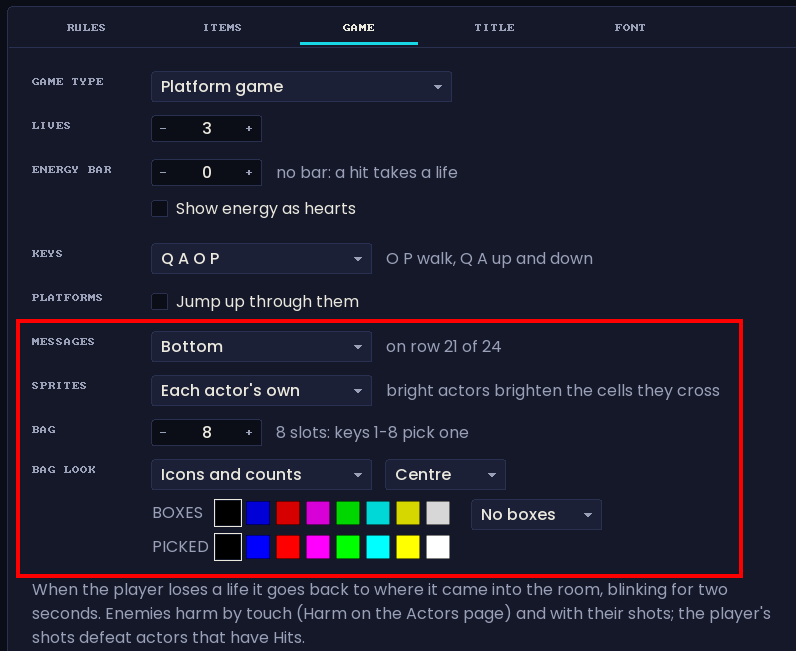
This may have been the reason why I wasn't able to see any text prompts. ๐Ÿ˜ฏ

Alas, I haven't been able to make the exit actor work correctly. It starts as hidden, but when 8 gems are collected, the 'DO Show actor EXIT L1' doesn't appear. The ACTORS setting looks correct to me. I've recorded another video to highlight the problems I am experiencing. 


Apologies in advance if it is something simple I've missed. ๐Ÿ˜ฏ

Many thanks. ๐Ÿ‘

(2 edits)

Thanks for the video, it showed exactly what's wrong. Two things:

1) On RULES > ITEMS your GEM is set to "Score (points at once)". A Score item is used the moment you pick it up and never goes in the bag. That's why your score went up but the bag stayed empty, so "has at least 8 GEM" can never be true and the EXIT never appears. Change GEM to "Thing (goes in the bag)". To keep the points as well, add one more rule with no IF: WHEN Player gets an item GEM, DO Add to score 50. Each gem then goes in the bag and scores, and your 8-gem rule opens the EXIT.

2) Each "Show a message" has Key skips ticked. That lets any key take the message away early, including walking and jumping, so your messages vanish as soon as you move. Untick Key skips and they stay up for their full time. The next update makes that the default.

A few tidy-ups while you're there:

โ€ข Rule 4 (touches GEM, if 8 GEM, show EXIT) does the same as rule 2, so you can delete it.

โ€ข Rules 3 and 5 are both "PLAYER touches EXIT". If they point at the same exit, both fire on level 1. Rename the level 2 exit to EXIT 2 and point rule 5 at it.

โ€ข Rule 5 takes 6 GEM, but level 2 has 8 gems.

Let me know how that goes.

Hi!

I got a few things working, but discovered some other things at the same time. ๐Ÿ˜ฏ

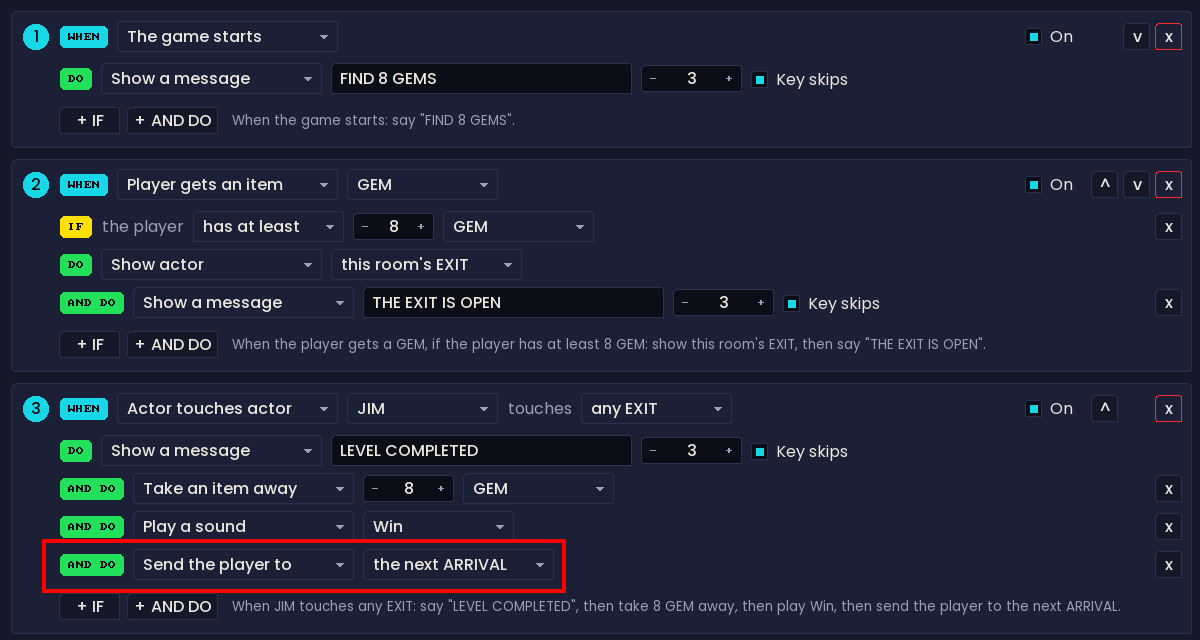
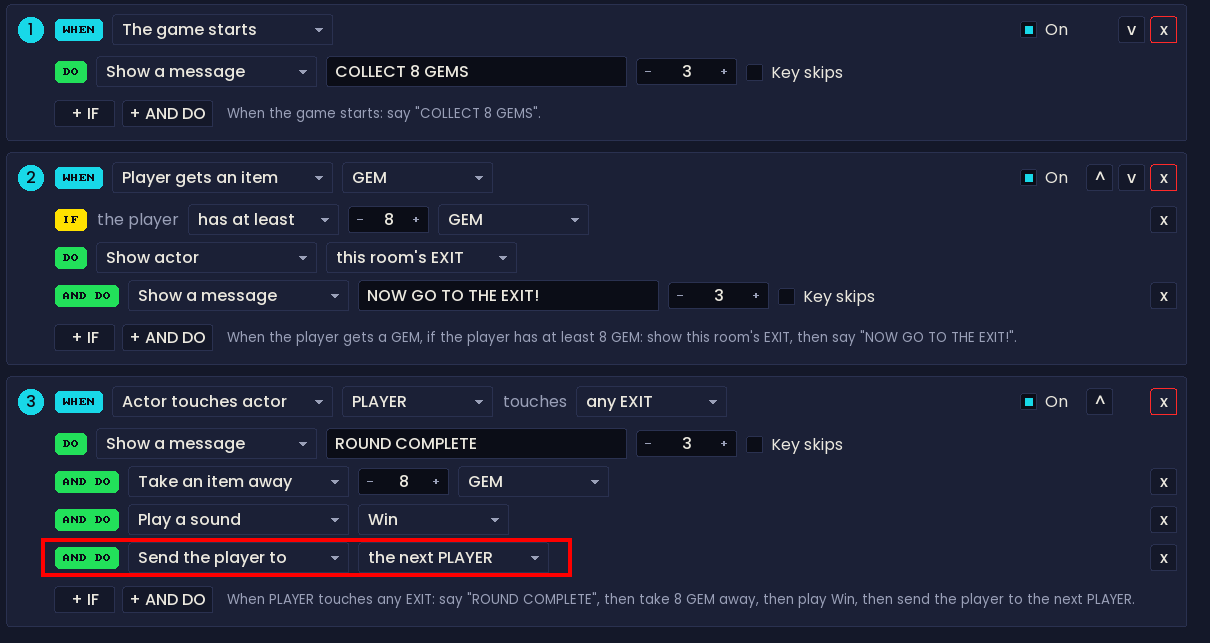
I've designed 7 rough levels; it was going to be 10, but I noticed the RAM was getting tight, so I took a few off. The gems can now be collected; however, no score is showing. This could be due to the order in which I have the rules. At least the player arrival works this time. Although, I have noticed that the following rule, ( 'Send the player to' - the next ARRIVAL ), wasn't in the recent build of PRISM...

I have used this instead, as it was available...

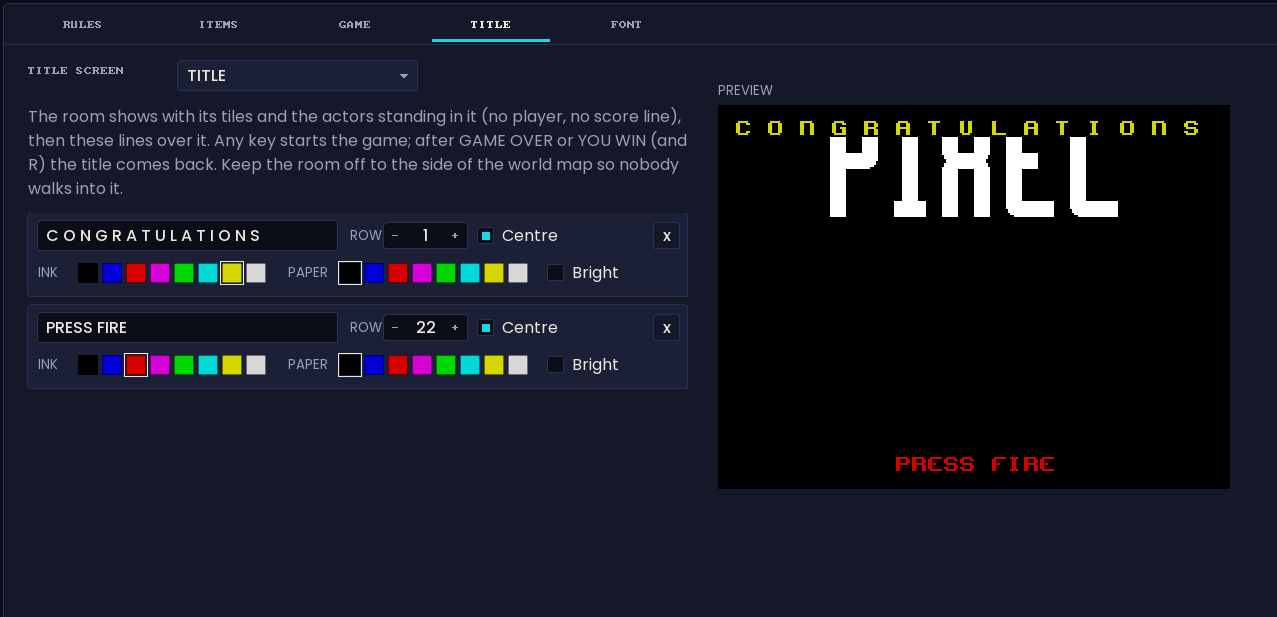
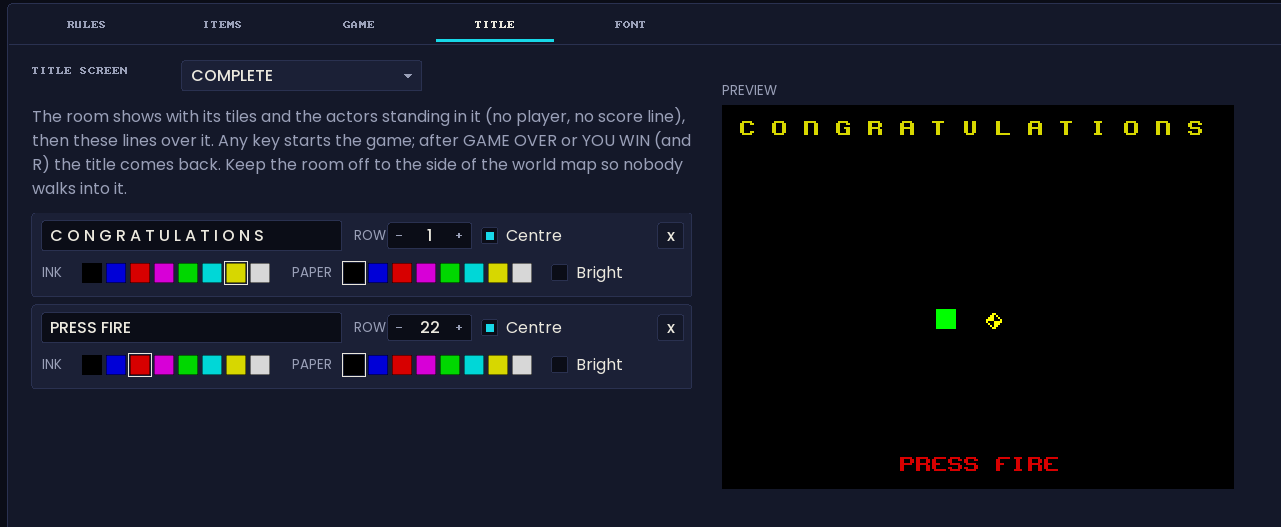
When I was designing the Title and Complete screens, the text I had chosen for both had disappeared and wasn't displaying correctly.

Here is the other screen...

I have recorded another video of what is going on. Some of which may be obvious or not.

I was wondering if it would be possible, given the memory restrictions, to have a springboard for the player to move onto, then be pushed upwards and a moving platform that could be used to travel from one part of the screen to the other. From left to right or up and down, and vice versa.

One other feature request would be a timer for each level, ending in game over if you fail to collect all the items.

The last thing I noticed was that when you play through the game, reach game complete, return to the title screen and play the game again, there are no gems to collect. I was imagining that all the variables for the game would be reset on the title screen to play again?

I have some time off work from Thursday 26th November until 6th December. I am hoping to dive into the ZX Spectrum Next side of PRISM and also ADAM. Although I have a ton of ideas for the C64 Engine, it's just if time permits

Thanks again for all the great updates and added features for all game design products! ๐Ÿ˜Š๐Ÿ‘