Indie game storeFree gamesFun gamesHorror games
Game developmentAssetsComics
SalesBundles
Jobs
TagsGame Engines

MightyAxle

29
Posts
12
Followers
69
Following
A member registered May 04, 2019 Β· View creator page β†’

Creator of

Recent community posts

Hi!

I got a few things working, but discovered some other things at the same time. 😯

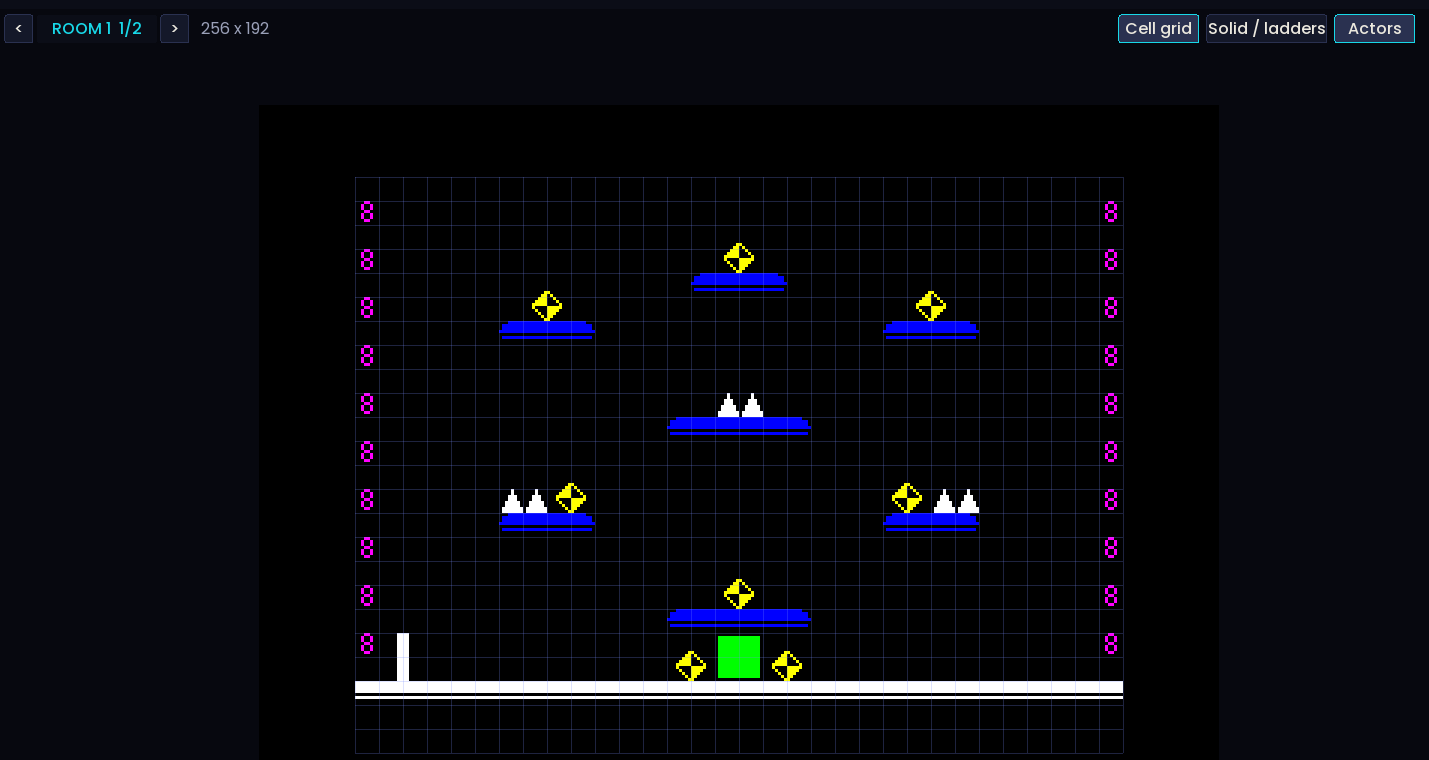
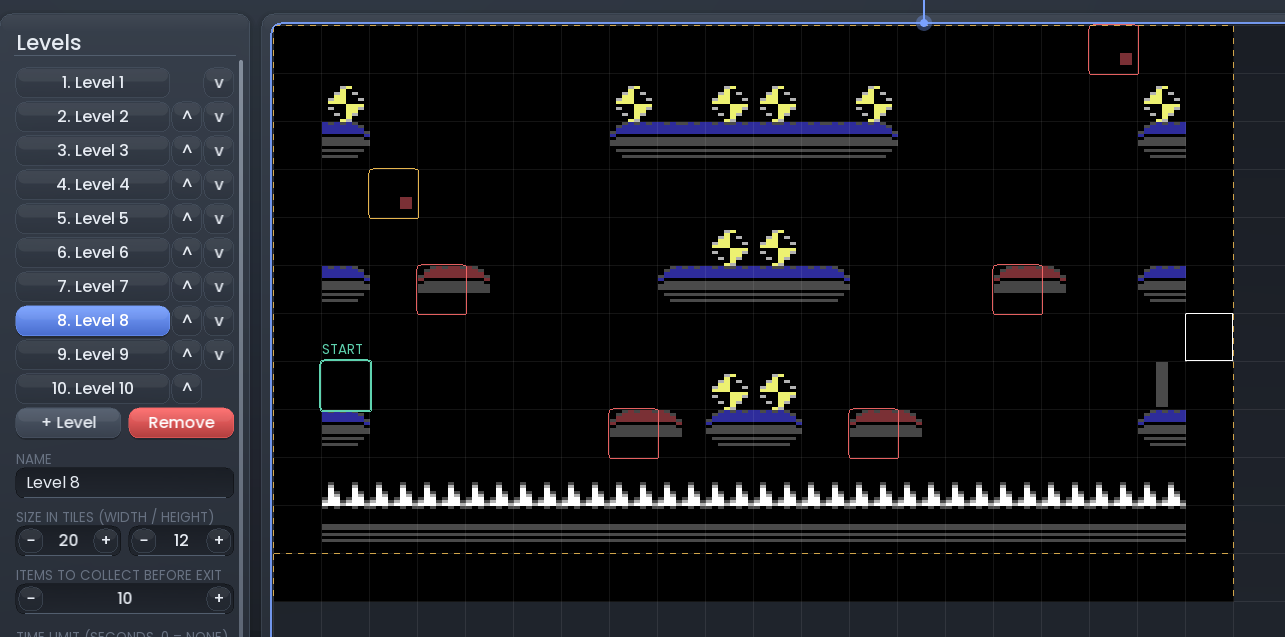
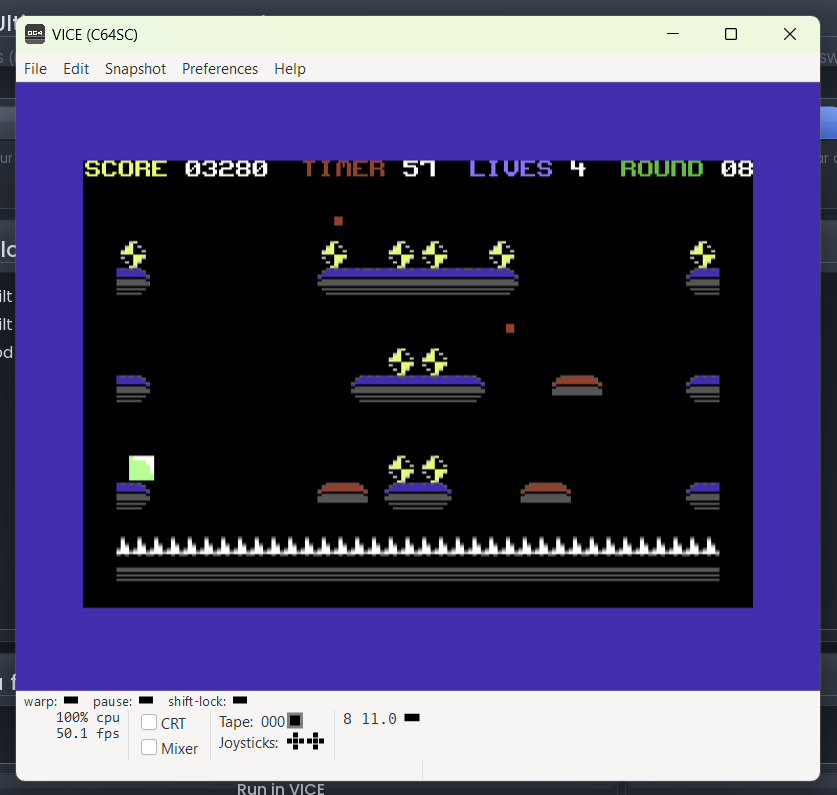
I've designed 7 rough levels; it was going to be 10, but I noticed the RAM was getting tight, so I took a few off. The gems can now be collected; however, no score is showing. This could be due to the order in which I have the rules. At least the player arrival works this time. Although, I have noticed that the following rule, ( 'Send the player to' - the next ARRIVAL ), wasn't in the recent build of PRISM...
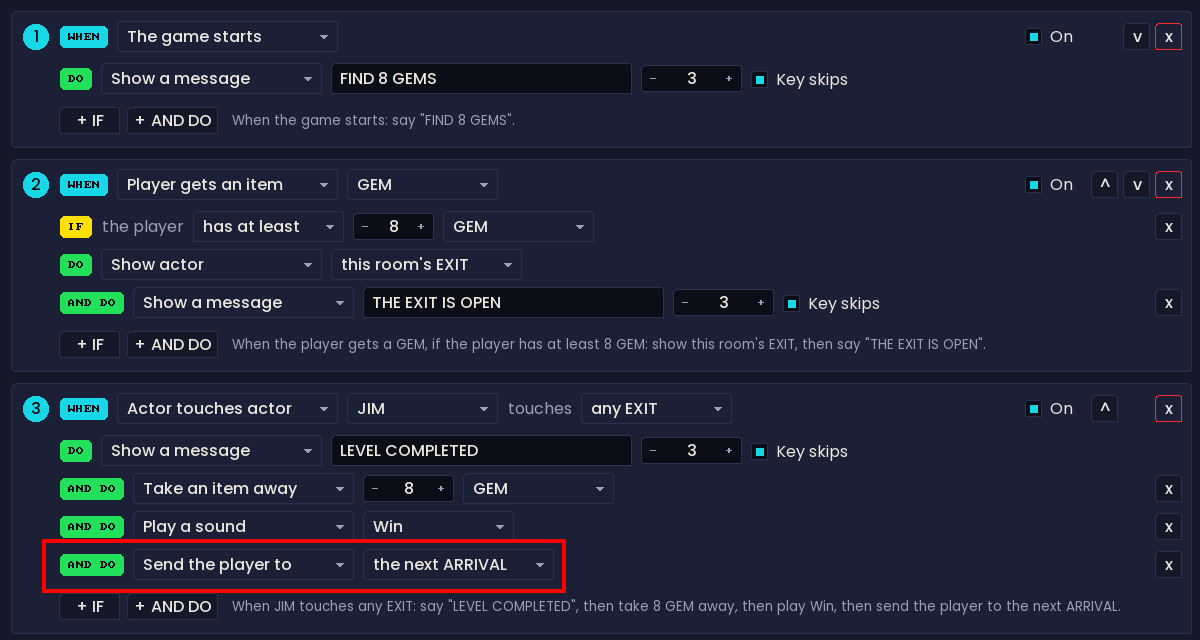
I have used this instead, as it was available...
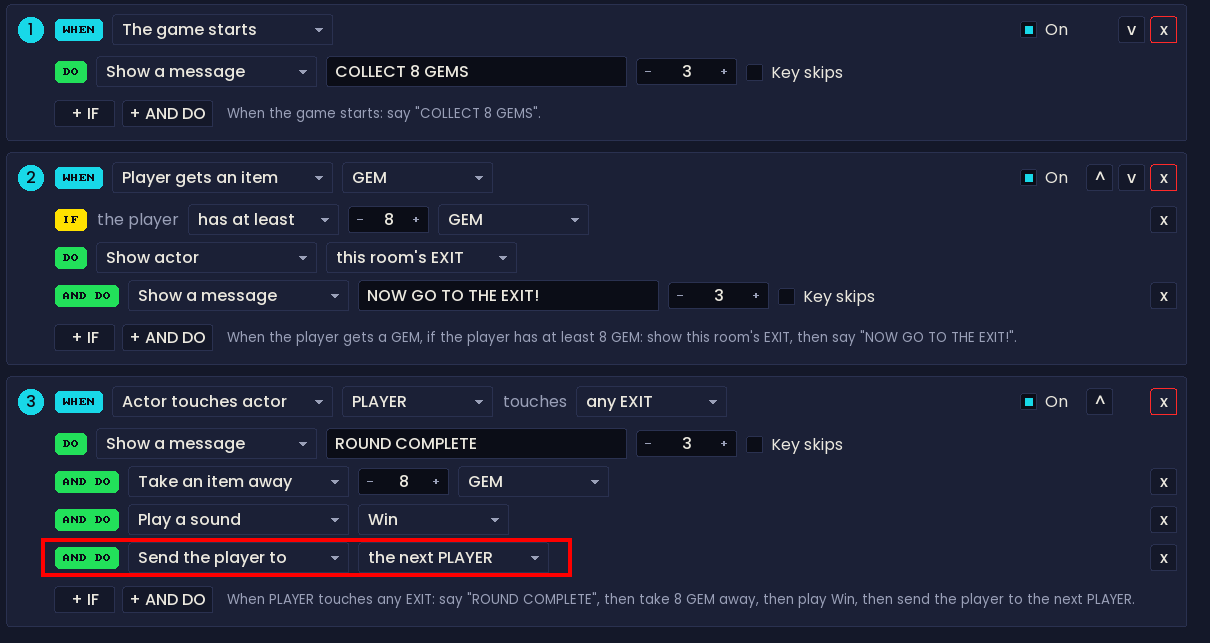
When I was designing the Title and Complete screens, the text I had chosen for both had disappeared and wasn't displaying correctly.
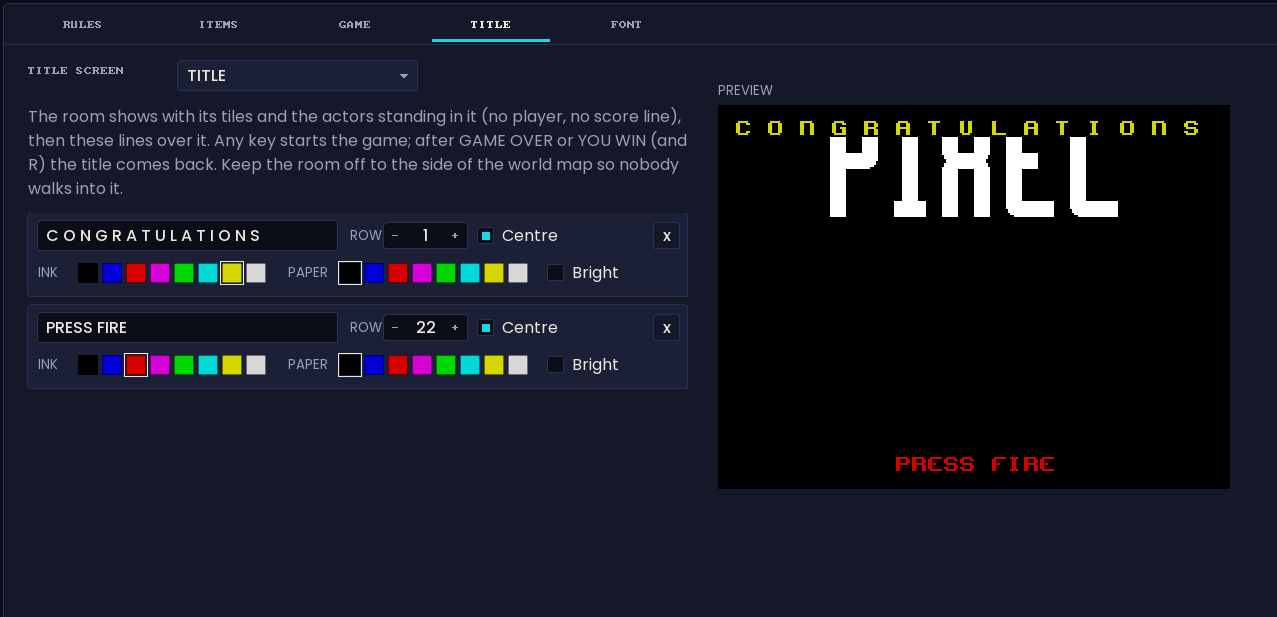
Here is the other screen...
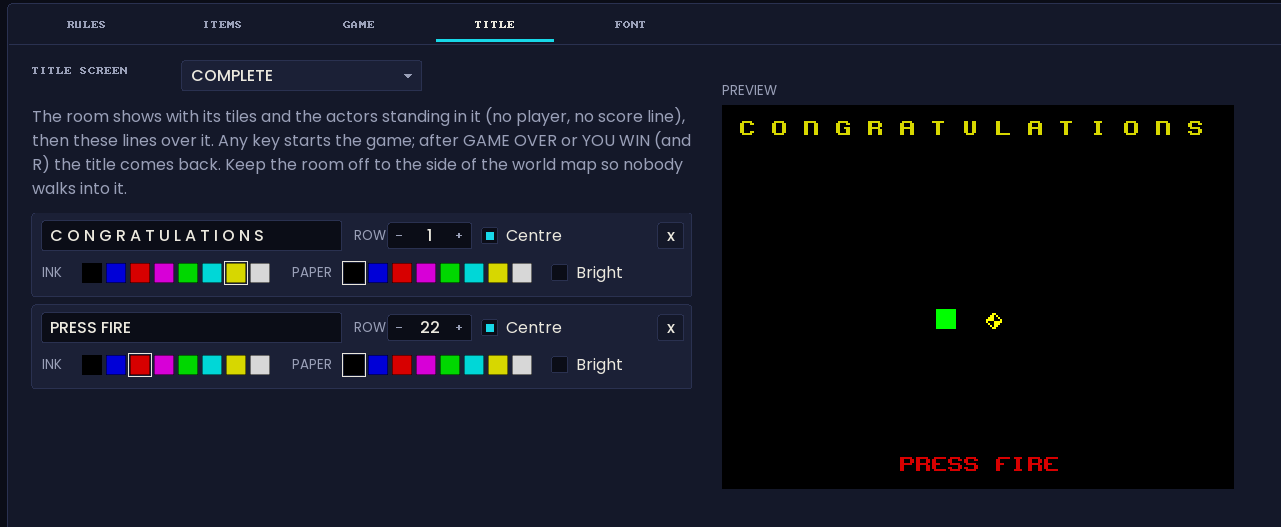
I have recorded another video of what is going on. Some of which may be obvious or not.

I was wondering if it would be possible, given the memory restrictions, to have a springboard for the player to move onto, then be pushed upwards and a moving platform that could be used to travel from one part of the screen to the other. From left to right or up and down, and vice versa.
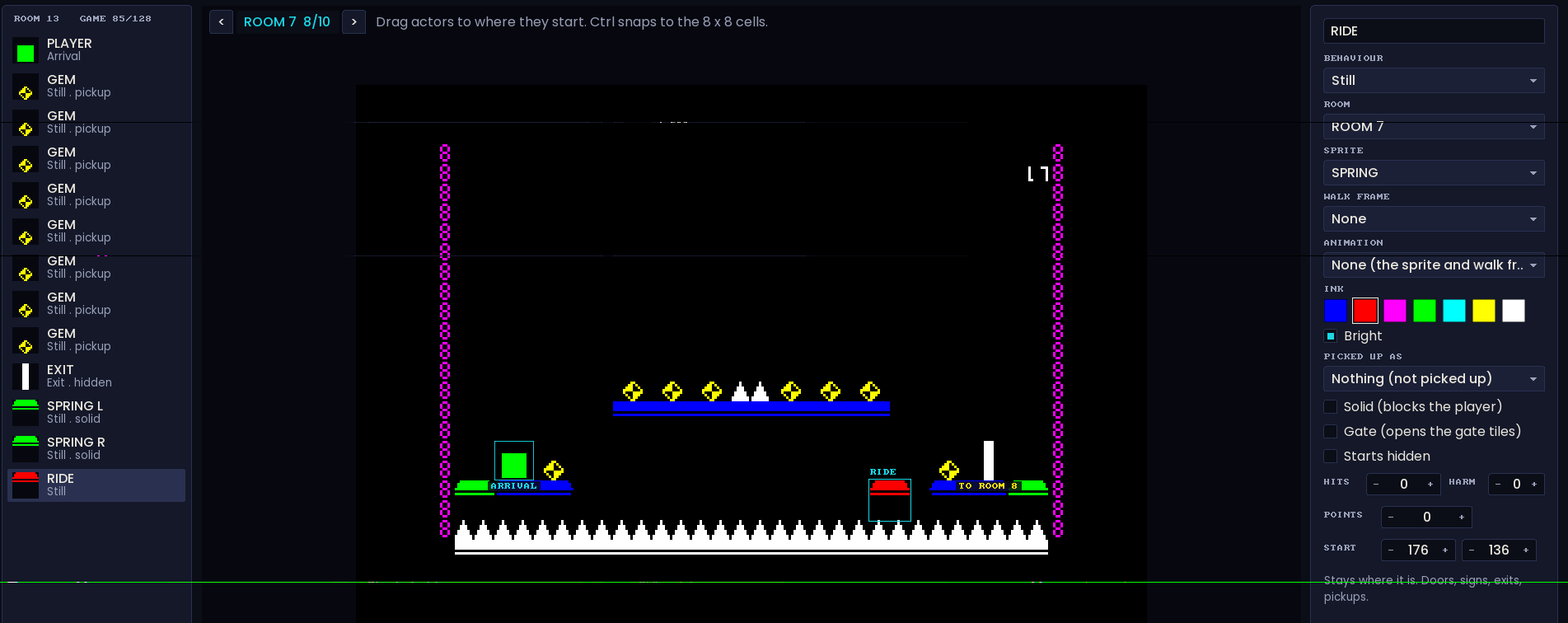
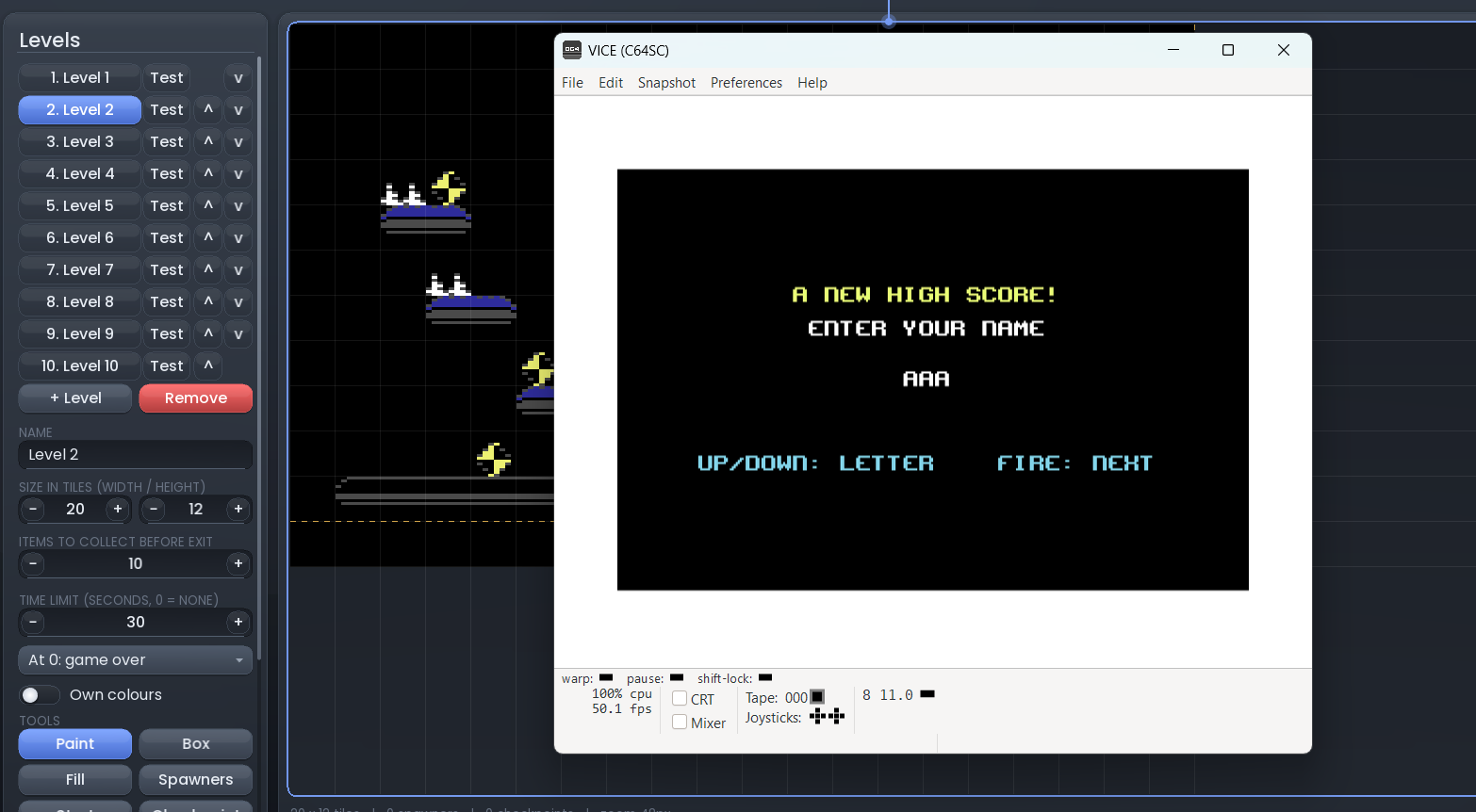
One other feature request would be a timer for each level, ending in game over if you fail to collect all the items.

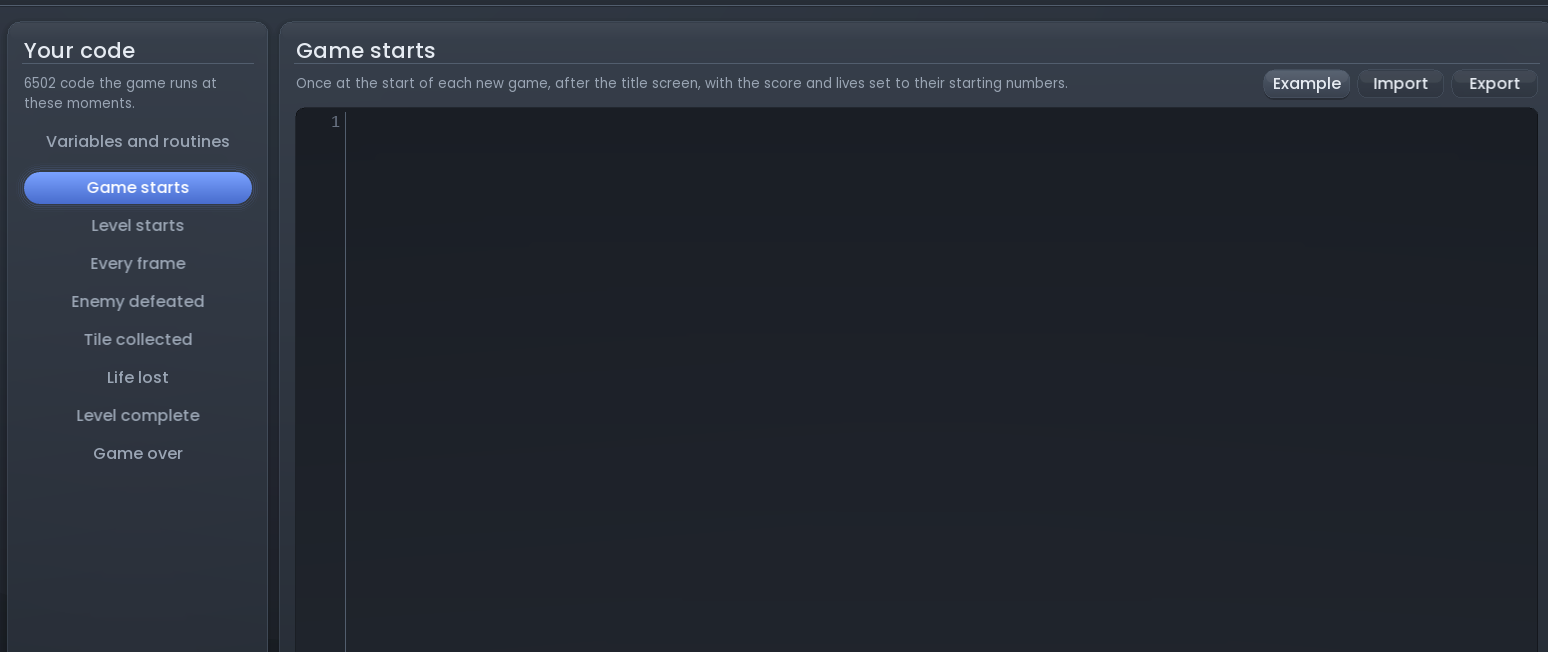
The last thing I noticed was that when you play through the game, reach game complete, return to the title screen and play the game again, there are no gems to collect. I was imagining that all the variables for the game would be reset on the title screen to play again?

I have some time off work from Thursday 26th November until 6th December. I am hoping to dive into the ZX Spectrum Next side of PRISM and also ADAM. Although I have a ton of ideas for the C64 Engine, it's just if time permits

Thanks again for all the great updates and added features for all game design products! πŸ˜ŠπŸ‘

Hi!

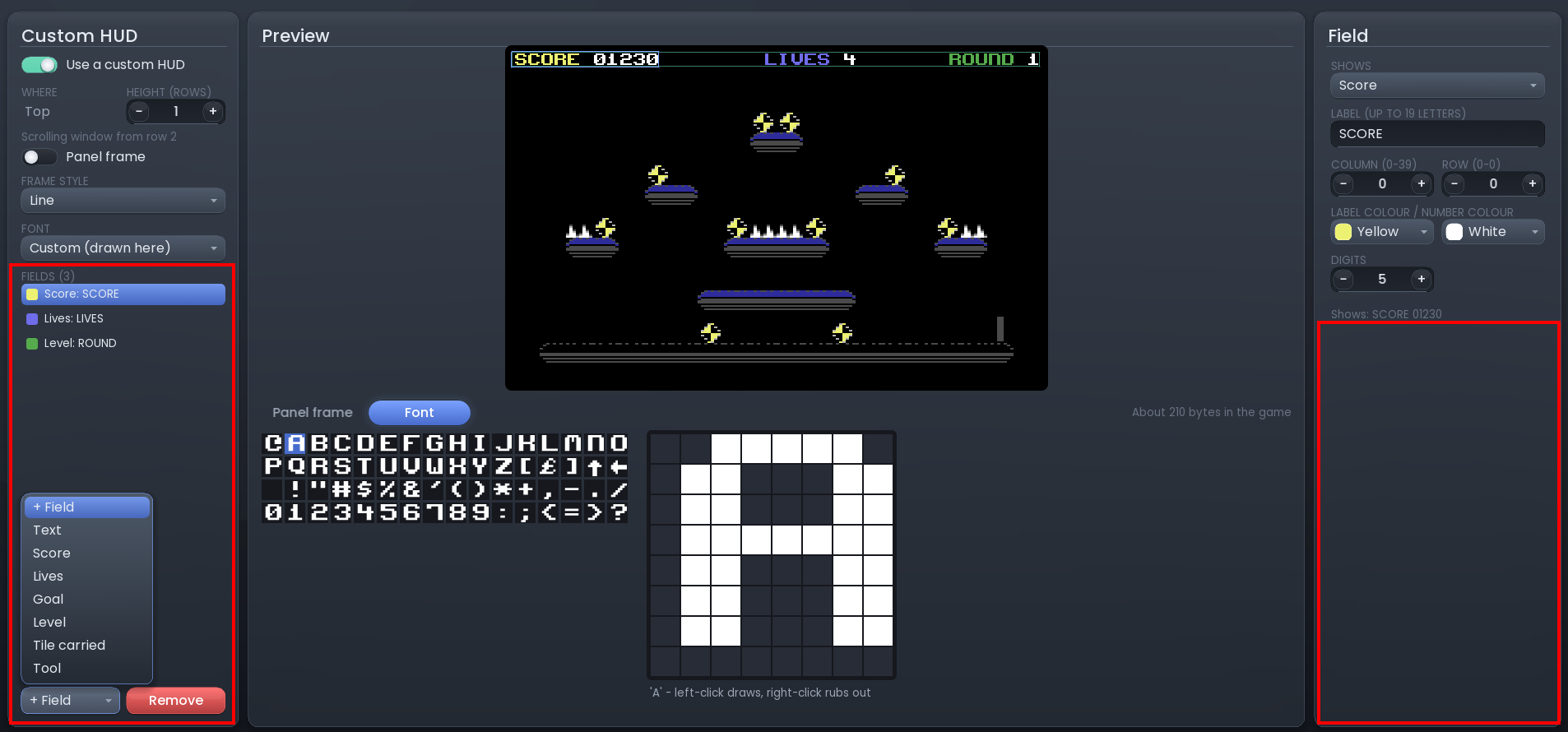
This update has been fantastic! The design-your-own-font option adds a personal touch to a project. 😊

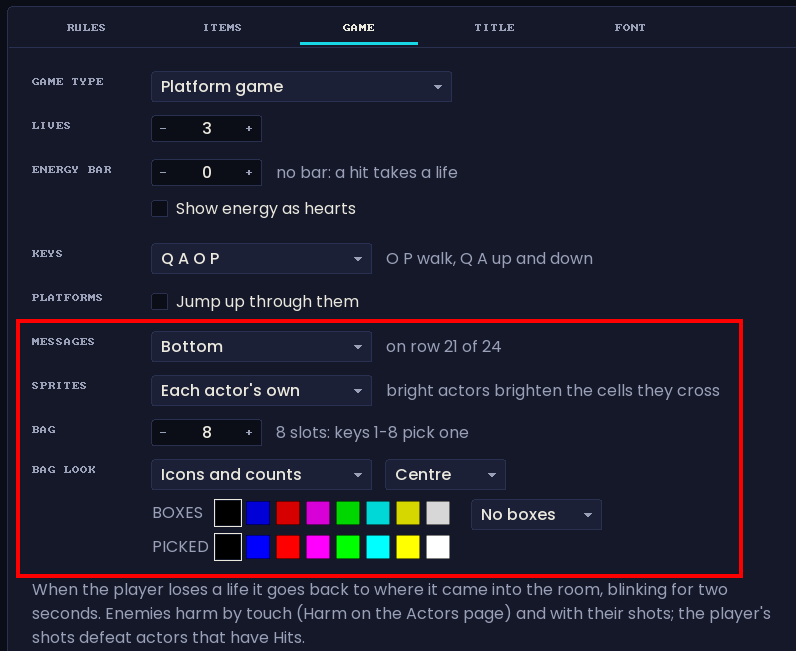
I noticed in the Rules / Game section that if you don't change the settings as below, the messages only display for a fraction of a second and then disappear.

This may have been the reason why I wasn't able to see any text prompts. 😯

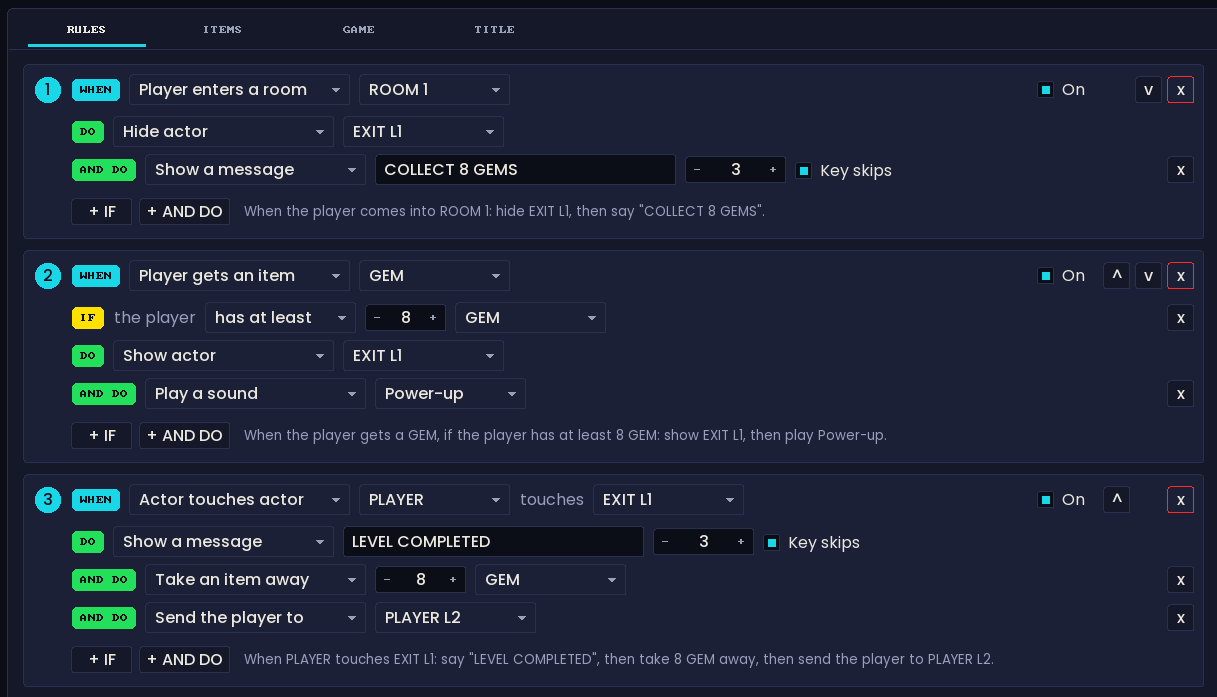
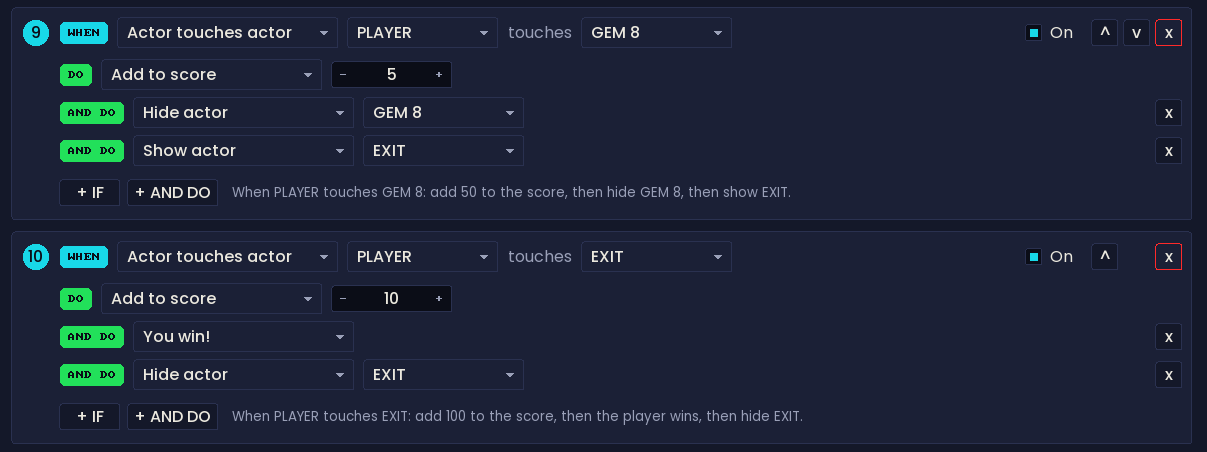
Alas, I haven't been able to make the exit actor work correctly. It starts as hidden, but when 8 gems are collected, the 'DO Show actor EXIT L1' doesn't appear. The ACTORS setting looks correct to me. I've recorded another video to highlight the problems I am experiencing. 


Apologies in advance if it is something simple I've missed. 😯

Many thanks. πŸ‘

Hi!

I've done more testing, with some unusual results. The hidden actor, Exit, doesn't appear again when all 8 gems are collected. 

The collect 8 gems message appears very quickly and then disappears. I recorded my experience to show what else has happened as well. I ended up turning the exit actor on, so I could show the next level in the video.

Many thanks for your help so far.

Cheers, Alex. πŸ˜ŠπŸ‘

Hi!

What a FAB update! 😊

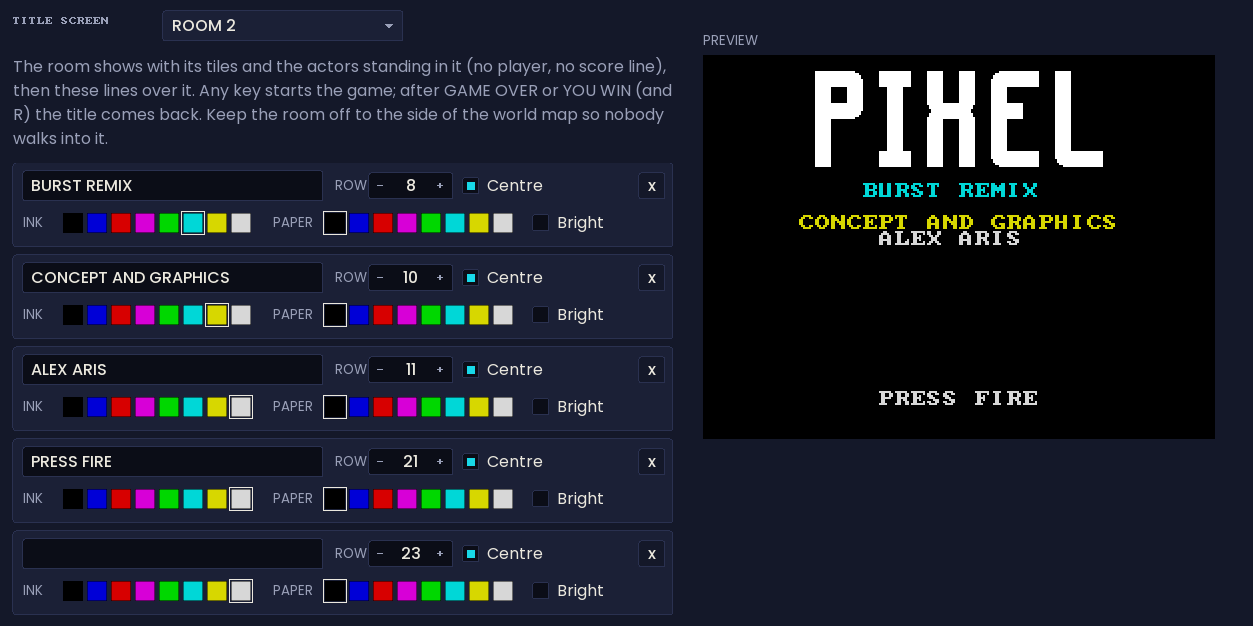
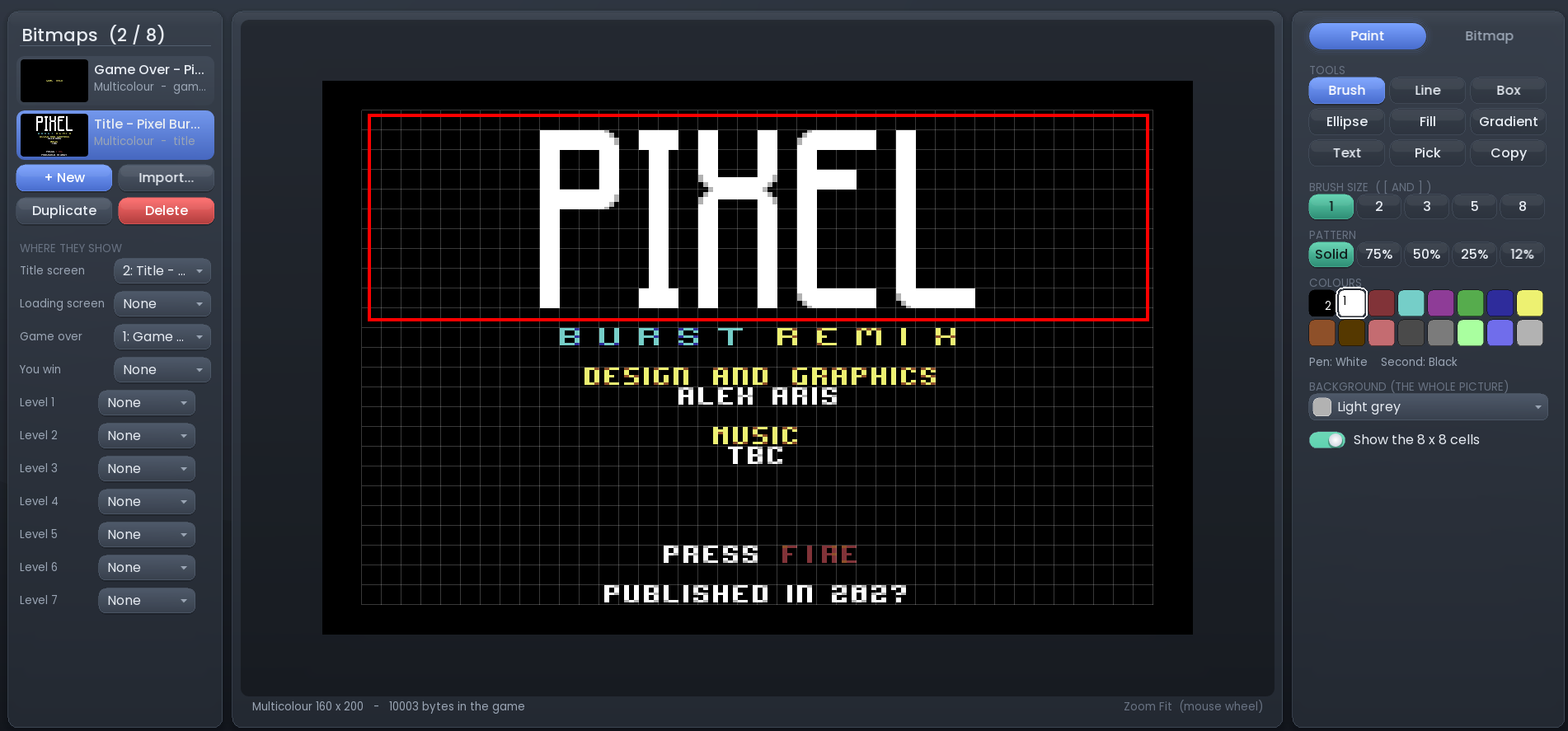
I've designed a basic title screen and will adjust it a bit more until it looks okay.

I am trying to work out the rule logic at the moment for when the player collects 8 gems and then the exit will appear. Once the actor touches the exit, they should be able to go to another room. I think a message should be displayed to say something like 'level completed' and then go to the next room.

I'm not sure if the current rules will allow for this, and maybe a couple more might be needed.

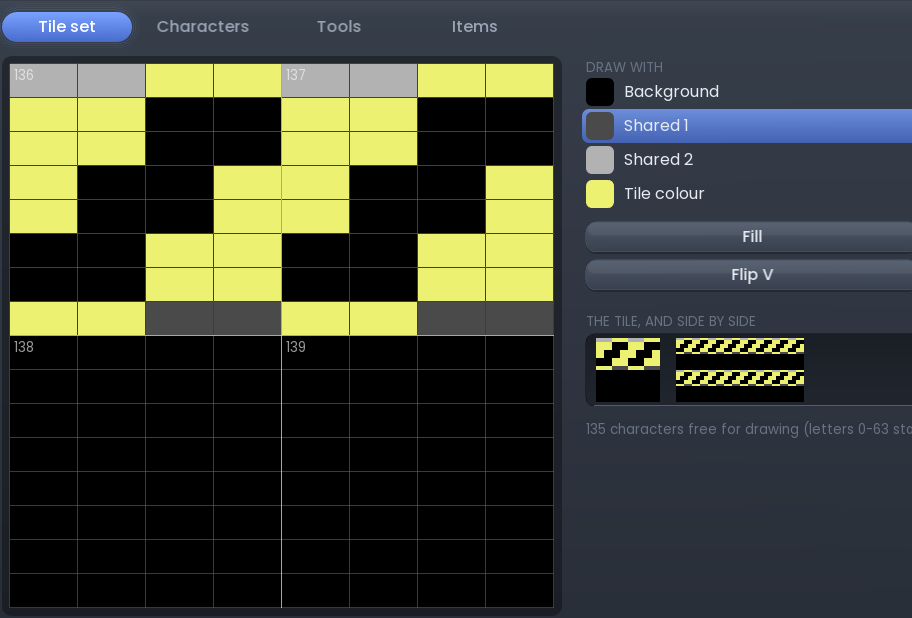
Will there be an option in the future for the ability to design your own font?

Many thanks! 😊

Thanks for the info. Its also a good way to learn how the code works.

I think I have sorted it out, purely by chance. I removed all the examples in the Your Code section of Code, and the border started to display the correct colour. I am not sure if that may have made the game behave differently in other areas as well.

Hi! 

I am not sure if it is me, but I think I've found a border bug! 😯

I checked all the border settings on my project, and they are set to blue. But for some reason, after level 2, the border changes colour and then cycles through each different colour on the next screen, including the before and after screens. It's Like, one screen is white, then the next is red and so on. It looks like the border colour is being ignored? This also happens in god mode.

Many thanks! πŸ‘

Hi!

Just starting something in Prism. 😊

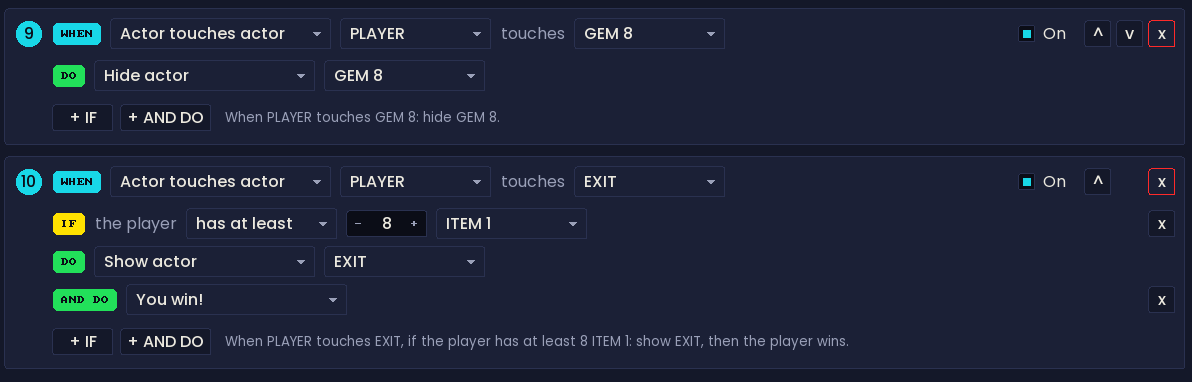
I have tried to hide the actor 'Exit' when the game starts, but it doesn't seem to work. When you collect 8 gems and touch the actor, it disappears, and works.

Is it also possible to switch to a different room when the actor 'Exit' is touched?

Also, would memory permitting allow for just one title screen to show text for credits and possibly a small game logo?

Many thanks! 😊

Hi!

My game was recently playtested by someone other than myself, and a couple of suggestions were made in relation to sound effects and music playing.

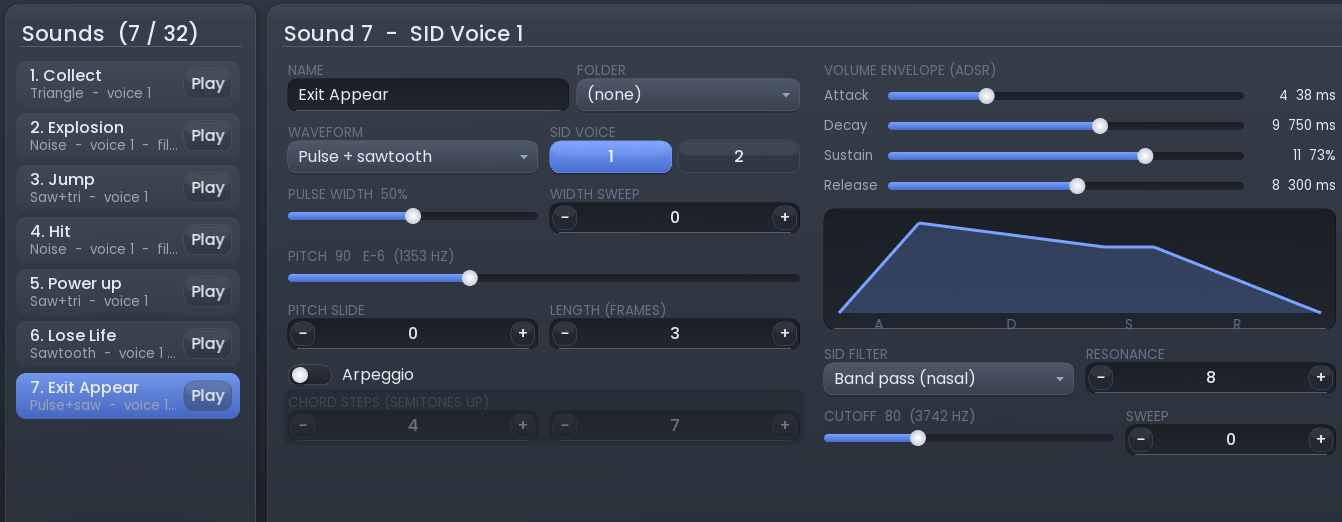
Could a sound effect play when the exit appears after being hidden?

And is it possible to allow for a little music to play before each level and maybe a slot for some high score music?

Many thanks! πŸ˜ŠπŸ‘

Hi!

What an awesome update! 😊

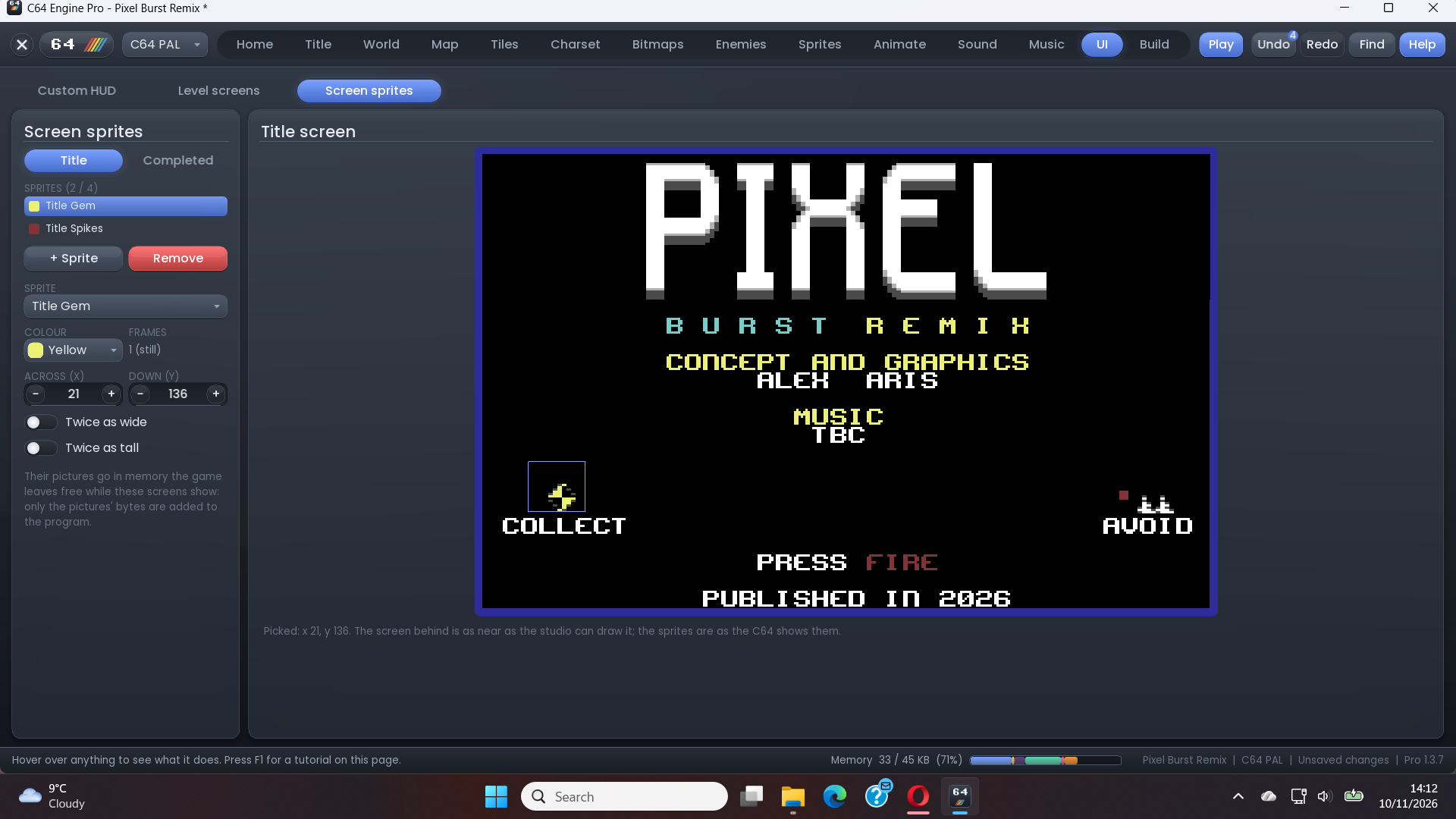
The recent sprites on the title screen work a treat!

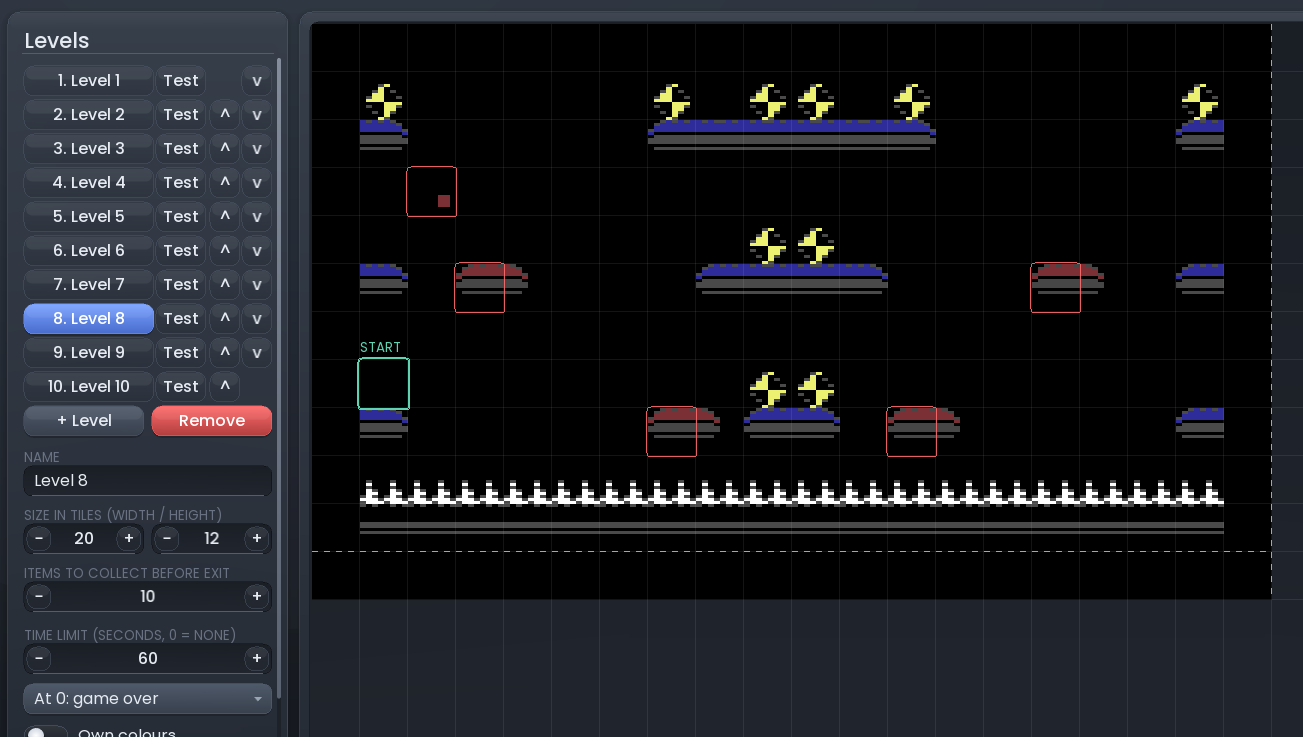
I changed the number of sprites on level 8 of my game to 6, which includes the player. I wasn't sure how long it would take to investigate the 8 sprites on the screen problem. I wonder if moving chars or tiles could be an option, like a sprite? I'm thinking a lot about Chris Butler games, and Galencia ( I'm sure if that used character bitmaps as sprites). This is just a wild idea! Level 8 on Pixel Burst still has an edge, and the new test-any-level feature makes it so much easier to test the gameplay. 

Many thanks! πŸ˜ŠπŸ‘

Alex. ( MightyAxle )

Hi!

Great update with the bonus score features! πŸ˜ŠπŸ‘

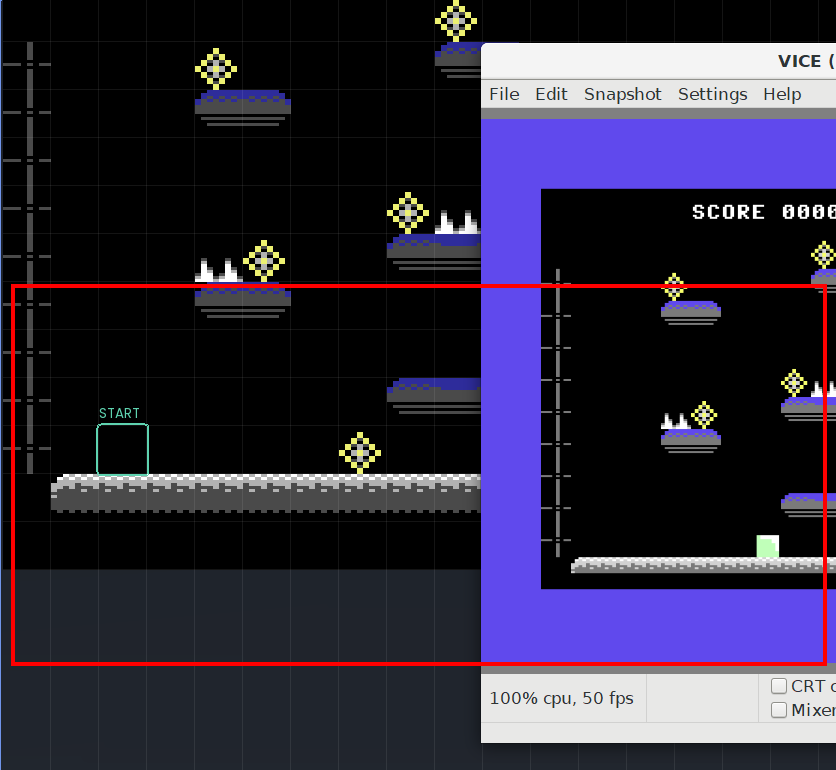
I have found a couple of things regarding the number of sprites on the screen, keeping it to only 8 on the screen at once. It appears that if there are levels with above 6 sprites, they don't appear. This happens in both normal and God mode of playing.

Sprites appear fine in the C64 Engine...

Below, some sprites are missing from the build/game...

I noticed that when you try to jump beneath a solid platform, the sound effect plays, but you don't actually jump into the air. Perhaps the sound effect should only play when the player is jumping freely, with no obstacle in the way. 

I've nearly got the gameplay perfect on the game now. I just need to tighten or loosen the timers on certain levels.

Many thanks! πŸ‘

Looking forward to the next update! 😊

Hi! Another awesome update! 😊

I noticed that there is an approximate 1-second vertical blind effect when the game is first started. I am not sure if this is because the graphics mode switches to bitmap/hires after running.

When only title screen music is selected, the music continues to play on the Level Screens Before mode, but then stops when the game starts.

Possible feature requests:

A timed attract mode that switches from the title screen to the high score screen and back again. Just for a few seconds, maybe 5 seconds? The fire button could be pressed at any time to start the game. This might fit in the Game settings section.

A bonus score for completing a level and maybe a timer x e.g.  50 points. The user could maybe select if this option is needed. This could be put on the UI / Level Screens section. Of course, again, if memory permits.

To place a sprite on a title or game complete screen for decoration. 

Many thanks. πŸ˜ŠπŸ‘

(1 edit)

Hi!

Thanks again for another great update with features and fixes. πŸ˜ŠπŸ‘

Here is another update on my project with some of the features added in your recent updates. I need to tighten up the time for each level and will hopefully add those extra levels, making up to 10 in total. More tweaking and testing to do!

Is it possible to add an intermediate screen before each level, or after, to display centred with 'GET READY' and maybe 'LEVEL COMPLETE'? This could be as PETSCII or basic text with a font of choice, or just the Commodore font. This would keep the memory down to a minimum. The text could be displayed in the main game level, but I am not sure how that would look with the tiles and mixing multi-colour and hires. πŸ€”

The music in the YouTube video is called 'Enjoy the Funk' by Kent 'Powertrace' Valden. It's just a placeholder for the time being to show how the music plays.

Many thanks! 😊

Looking forward to the next and further updates! πŸ‘

Hi! Thanks for another great update! 😊

I have a few suggestions for another potential Field: a timer. It could be used to quicken the player's pace in a puzzle or, indeed, a platformer game environment. Either all levels or certain levels could have this option. If the timer reaches zero, then it could be game over, or you lose a life. There could be room in the UI section for this?

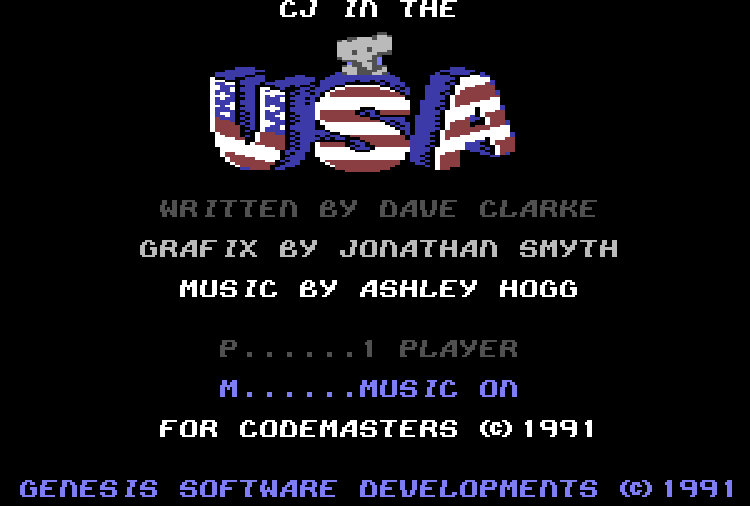
Could there be a possibility of having a partial bitmap image at the top of the screen with hires at the bottom? Here is an example screenshot from CJ in the USA:

I was trying to think of a way this could be done in the current bitmap editor or from an imported image. You could limit the size of the area.

A SID playing on the title screen is great now. 😊Could there be an option to stop the title screen music from playing when the game starts and play another tune, like tune 2 from the SID, during the game? Or perhaps just sound effects during the game?

Many thanks! πŸ‘

Here is the story so far on my project, using an Ultimate 64...

Apologies for the glare! 😬
(1 edit)

Great game! Oh! But watch for those Bats and Snails! 😊

Hi!

Thanks for another great update! 😊

On Version 1.2.9, I've been able to add a .SID file, but some wouldn't load in because they had a specific address assigned to it. ( if that makes sense ). The message appeared very quickly at the bottom right-hand corner of the screen and then disappeared.

Also, if you have a bitmap graphic as a title screen, no sid music plays, but if you have a PETSCII graphic title screen is plays fine. The title screen music continues to play into the first level. This happens regardless if the pictures are packed.

Is there a way to stop the title screen music playing once you press fire to play the game? 

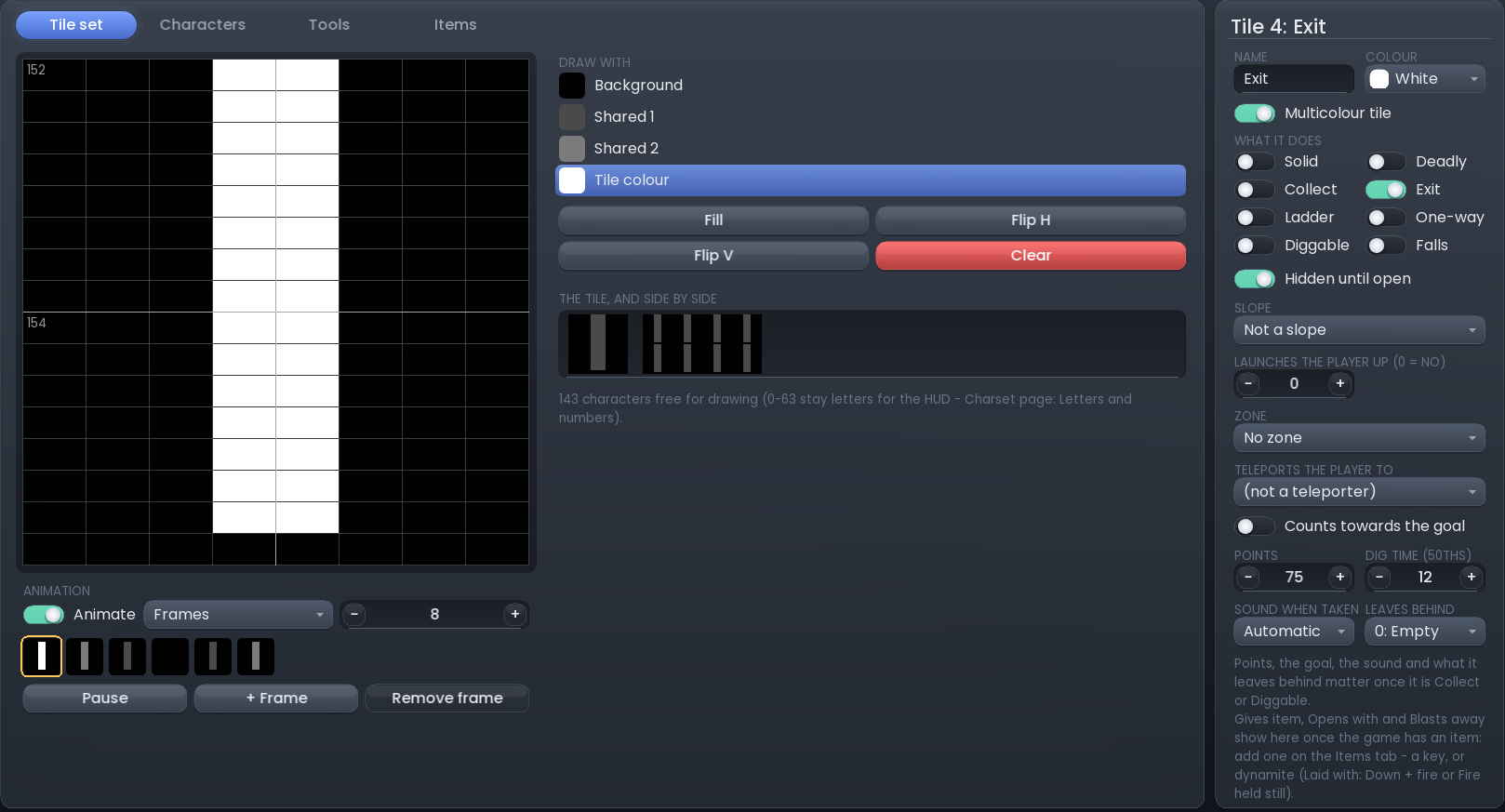
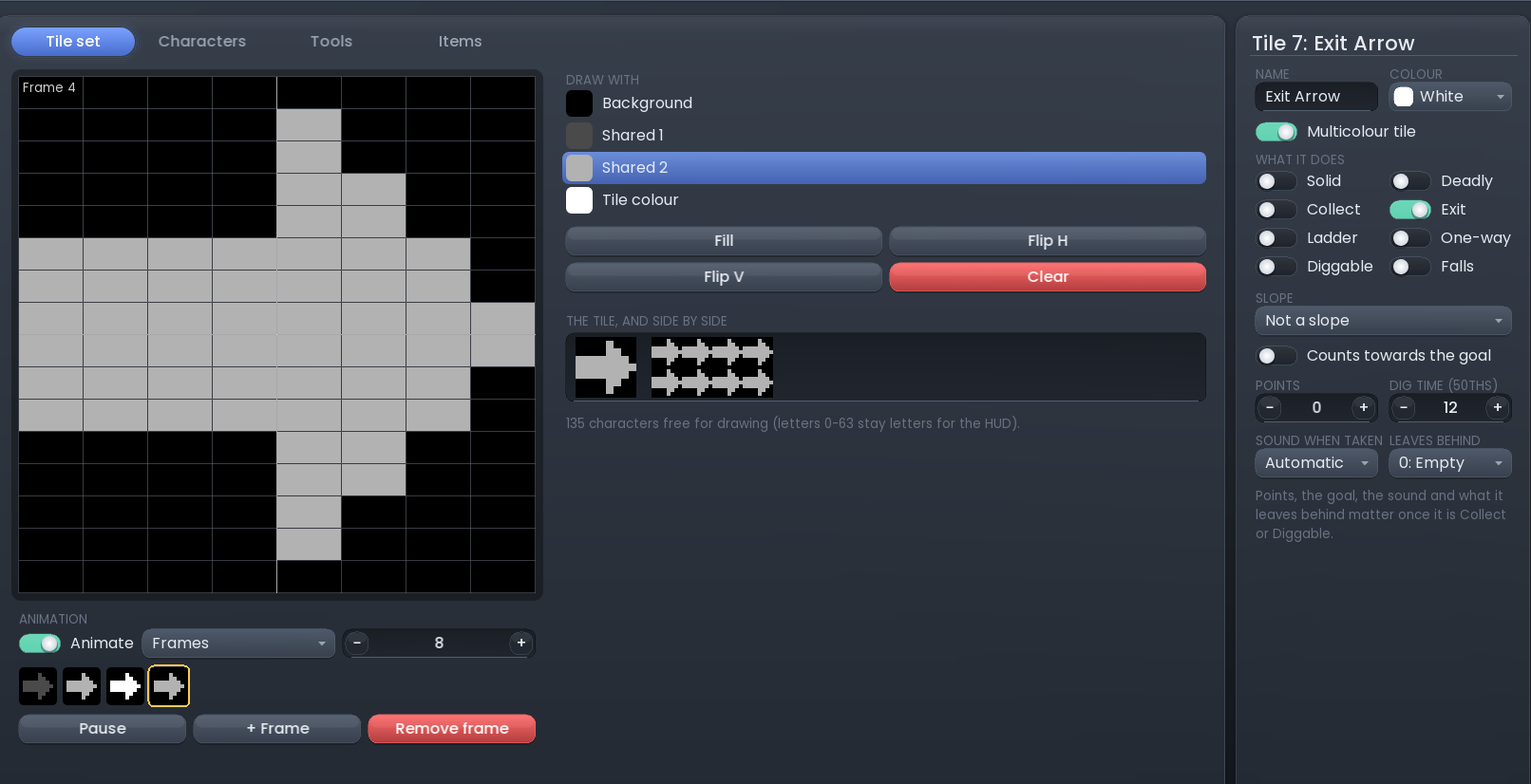
I found a graphical glitch: a character appears on an exit tile, and even the animation becomes a little corrupted.

The game runs very smoothly on my Ultimate 64. I think I need to add some more levels and maybe the full 10 of the original PC version. Plus, make it a bit harder. It's a bit too easy! 😁

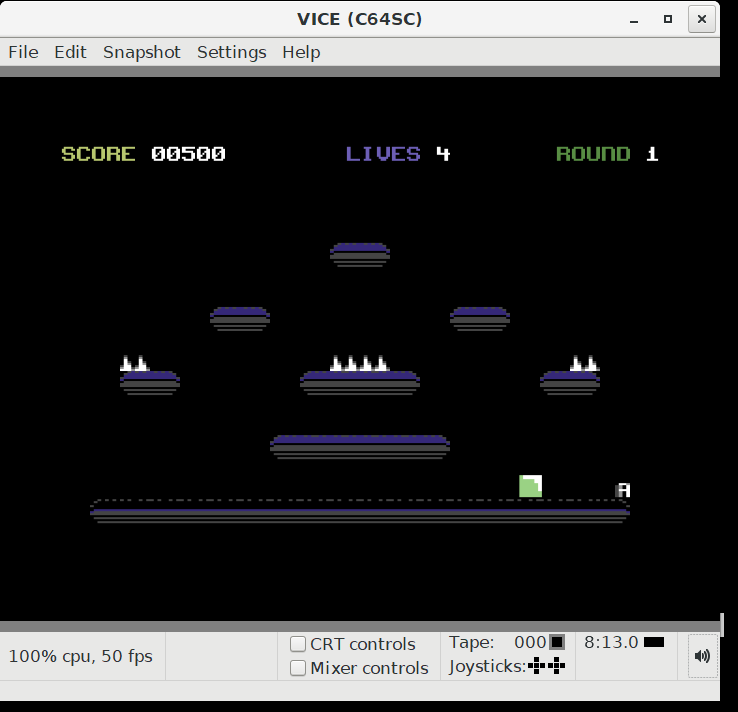
When you proceed from the title screen to the first level of a game, you can see the graphics changing into the resolution for a second and then they all display correctly. When you move to another level, the score, lives and level numbers reset to zero and then back to whatever they are supposed to be, like SCORE 00500, LIVES 4 and LEVEL 2. I'll and try and get a video running on my Ultimate for tomorrow and post it in the comments section to show the game running. πŸ˜ŠπŸ˜ŠπŸ‘

Thanks again!

Thanks! I thought I was going mad, and the enemies were having the day off! 😁

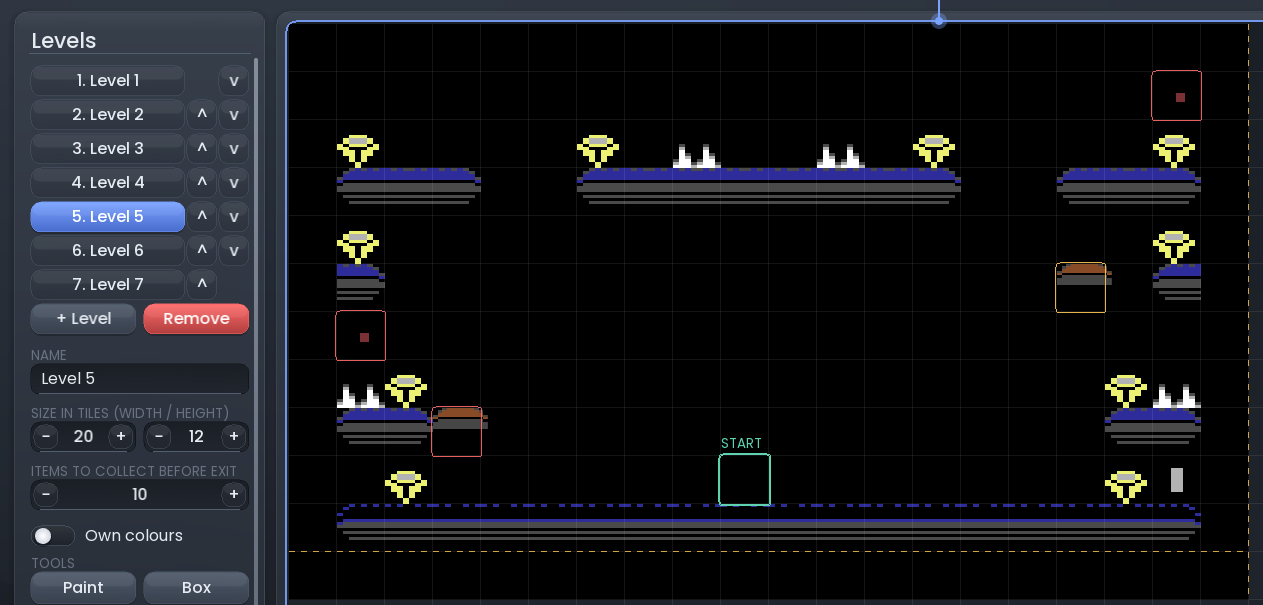
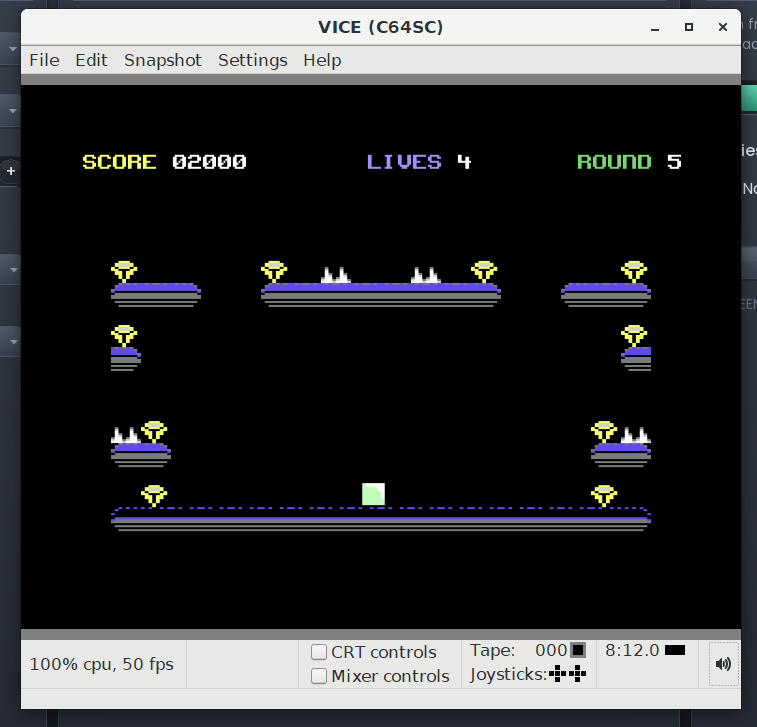
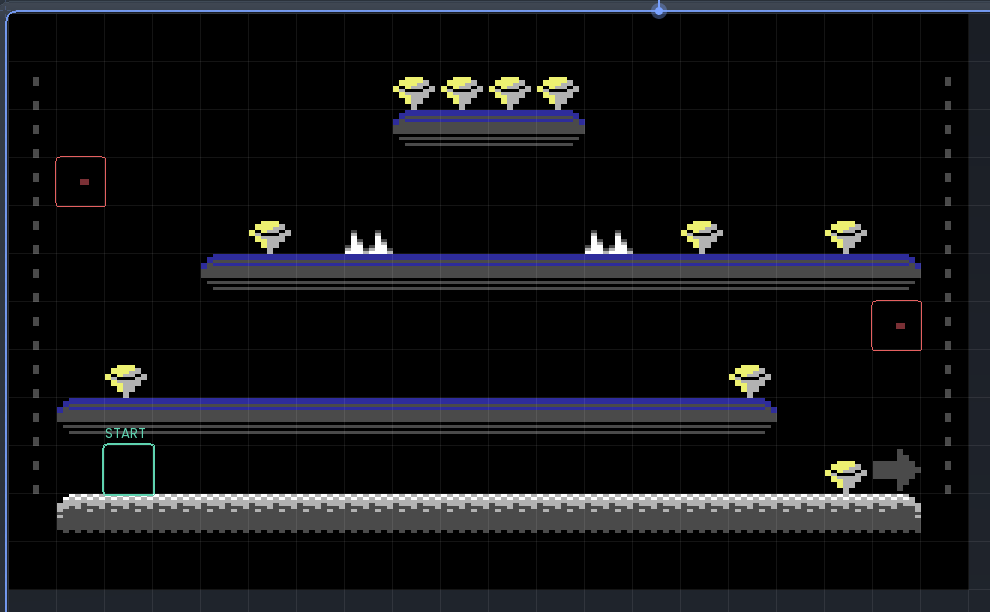
Hi! I filed a bug report via the C64 Engine, but I thought it would be best to share screenshots of the issues here. This bug appears in C64 Engine V1.2.8, where the enemy spawner (enemy) doesn't appear in the final build. However, they do appear in the map section window. The builds from C64 Engine V1.2.7 appear to be okay.

(1 edit)

Awesome update! 😊Is it possible to have a .SID playing on the title screen? There doesn't seem to be an option for it. Also, how about an attract mode to switch from the title screen to the high score screen for a few seconds and then back to the title screen? That way you could see the previous scores before playing the game. Thanks. πŸ‘

That's great! πŸ˜ŠπŸ‘

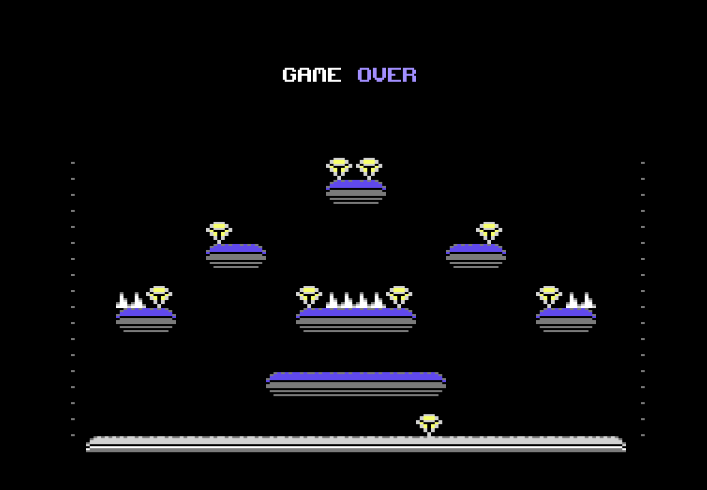
Hi! Would it be possible to have GAME OVER and GAME COMPLETE displayed on a separate screen? The background colour could be selected from 0-15 colours. Perhaps there could be an option to display a sprite or something on the same screen as well for decoration.

When GAME OVER or GAME COMPLETE is displayed, the colour of the text sets itself to whatever was in the HUD at the time, e.g. LIVES. The numbers also in the HUD momentarily reset to zero when you lose a life and the screen refreshes.

I currently have 7 levels on my game project with one bitmap title screen, 12 tiles and 3 sprites. The memory is currently at 95%. Hopefully, there will be room for at least one title tune in the future. I was wondering how the screens are stored in memory for each level. I keep on thinking about games like Manic Miner. 😊

The jumping tile and moving platforms work a treat on the game as well! πŸ‘

Many thanks.

Will there be an option in the future to play C64 SID files that already exist? Like on the Title screen?

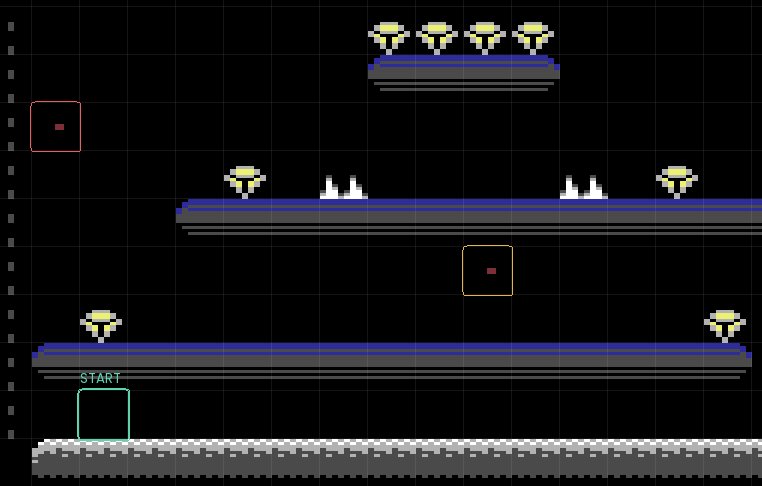
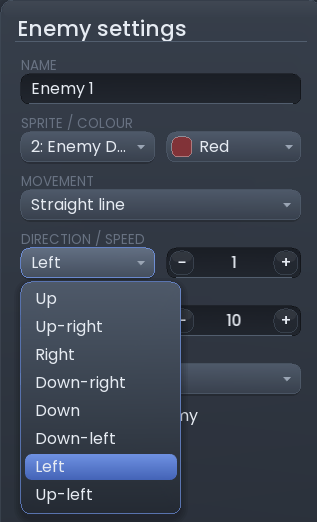
Is it possible to change the collision boundary boxes for enemies? In this scenario, a red enemy dot moves but collides with a solid background tile or player when there is a few or more pixels apart.

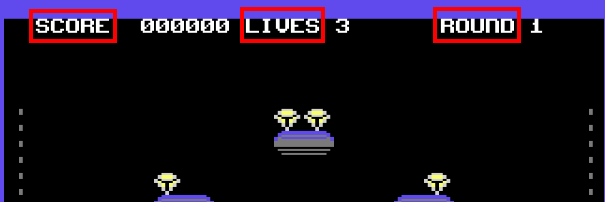
Can the font colour for score, lives and level (round) be changed? Even if it's the first of the 7 colours. Like yellow for score and then white for all the numbers 0-9.

Can a rule apply to a special tile to push the player upward, like gravity with a specific momentum? You move onto it and up you go! β¬†οΈπŸ˜ŠThis could help to move the player up to another platform or collect balloons etc.

Thanks for all the updates and fixes. We all appreciate your time and effort! πŸ‘

How about an enemy movement path that moves left to right (loop), right to left (loop) and up and down (loop). When the enemy hits the right or left side of the play area, it reverses its direction and also moves up and down, hitting the HUD and then the bottom of the screen.

I am having lots of fun with this! 😊Perhaps the exit tile could be invisible until all the objects are collected? Otherwise, the player might dash to the exit and find it's not active to complete the level. 

Is there a way to change a sprite's collision mask, e.g., the Player sprite? It tends to stop just at the point of a solid tile and won't move beneath it. 

Great stuff! I am loving what the C64 engine has to offer. Will there be an option for a high-score table, like the top 3 or 5 scores? That's memory permitting, I guess? Also, how about a timer option to complete a level, e.g. within 90 seconds?

This is awesome! Thank you! πŸ˜ŠπŸ‘