

How to close Mode 7 Plugin?
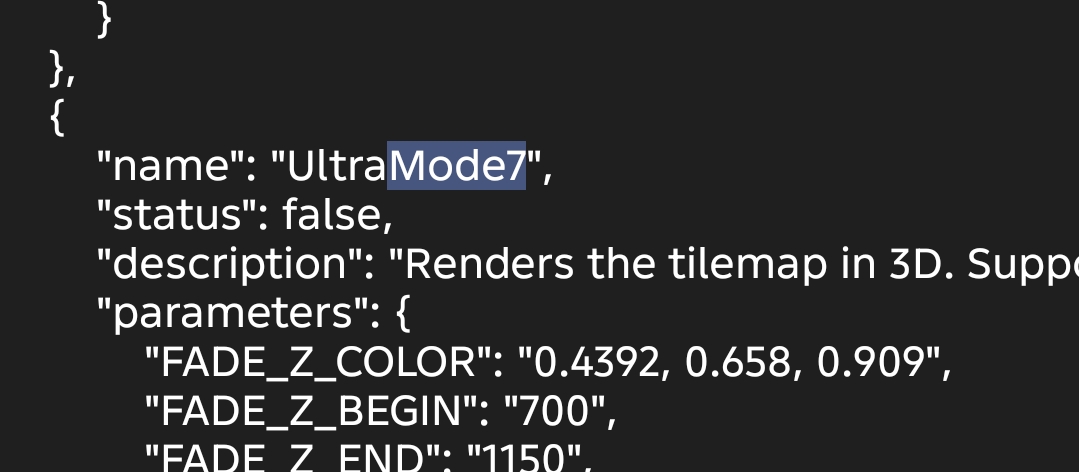
1. Open your game folder and navigate to: www/js/plugins.js (or js/plugins.js depending on your game version).
2. Open plugins.js using a text editor (e.g., QuickEdit, MT Manager, or ZArchiver).
3. Search for Mode7 (usually listed as "name":"UltraMode7").
4. In that same line, change "status":true to "status":false (make sure not to delete any commas or quotation marks).
5. Save the file and launch the game via JoiPlay. The world map will now render in standard 2D