
Indie game storeFree gamesFun gamesHorror games
Game developmentAssetsComics
SalesBundles
Jobs
TagsGame Engines

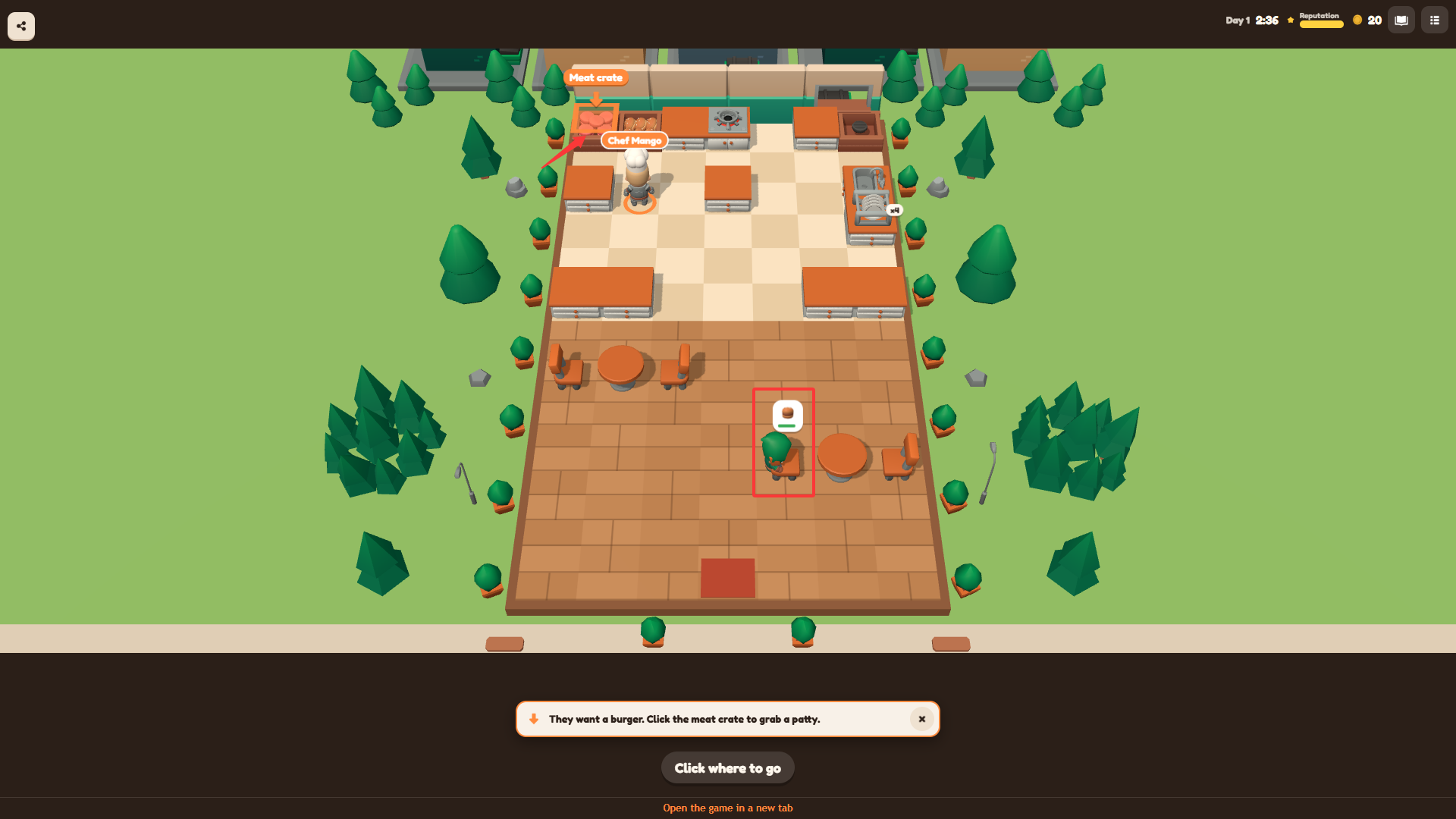
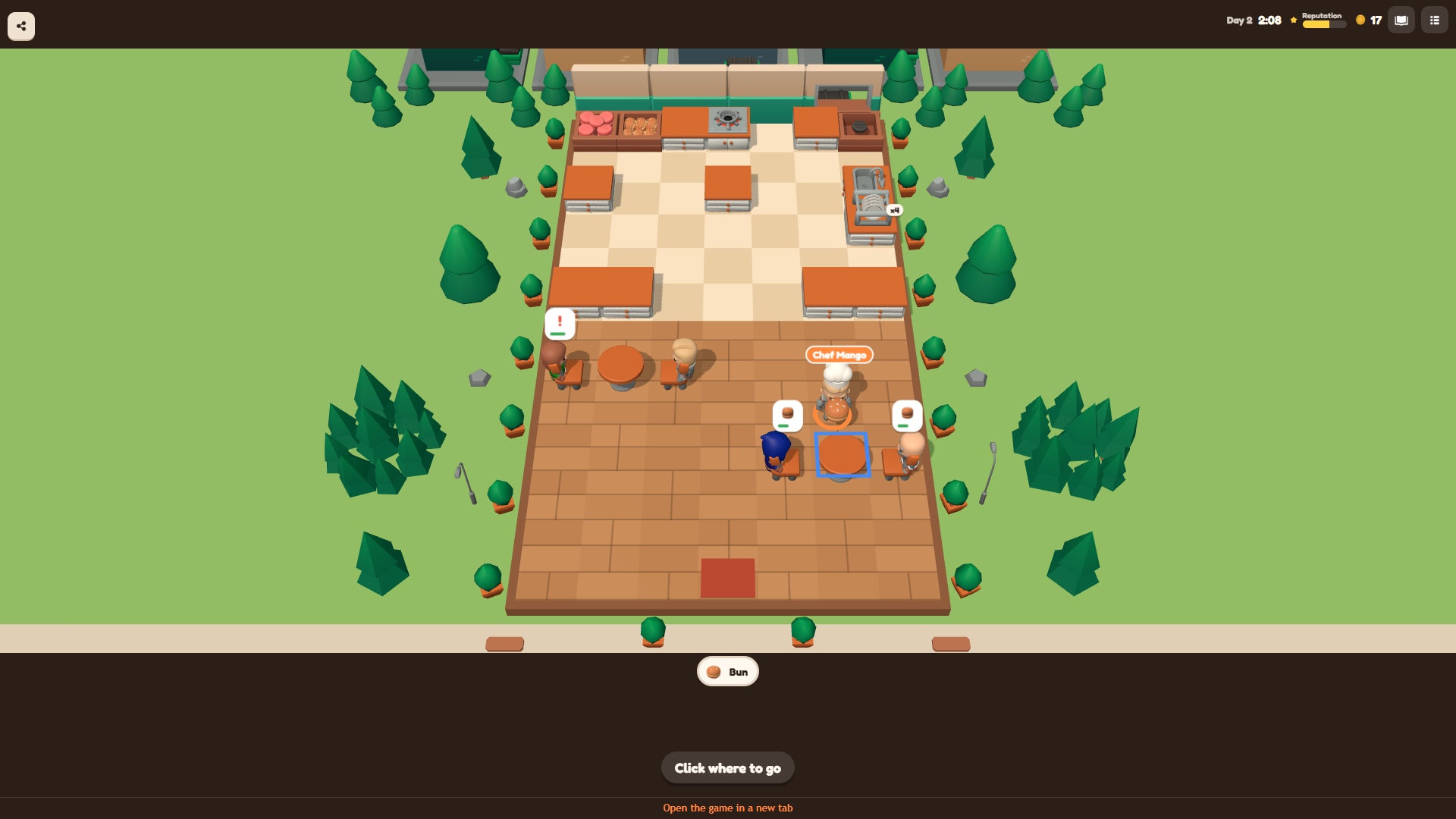
Thanks for adding the step-by-step guide. I may still be missing a step: in my screenshot, the item label says “Bun,” and walking up to the customer/table doesn’t serve it. Should I cook the patty, assemble the burger on a plate, and then use a specific interaction or button to serve it? The arrow pointing to the meat crate makes sense now that I understand it’s for the patty; a clearer cue showing how the patty, bun, and plate become a burger would help.
Thanks for sticking with it, and sorry it's still unclear. Here's the full burger:

1. Click the meat crate to grab a raw patty.

2. Click the stove to put it on, then COOK, and stay while the orange bar fills.

3. Click the stove again to pick up the cooked patty, then click the bun crate to add the bun. Now you're holding a burger.

4. Click the plate rack (next to the sink, the "x4") to put it on a plate.

5. Click the customer's table to serve.

The book button at the top right also shows every recipe. From your screenshots, the guide ended before your first serve, and on day 2 the label just said "Bun". We're fixing both: the guide will keep going until you've served once, and the label will say what's missing, like "Bun: add a cooked patty (stove)".