Bendy509
Recent community posts
Try again.
I also have a most upgrade version.
https://drive.google.com/file/d/1DGbkkc-QnZH5b6jvRVbs2T47MCJpNyjB/view?usp=drive...
https://github.com/firecerne/Digital-Logic-Sim-Community-Edit/releases/tag/v1.2.1
https://drive.google.com/file/d/1DB3wN-ObG8QnLCoJ9y1Fcv6yn_NKw_HM/view?usp=drivesdk
It takes time for the ALU to be cached. And you may need to open the CPU chip several due to overclocking or increase the steps per clock tick.
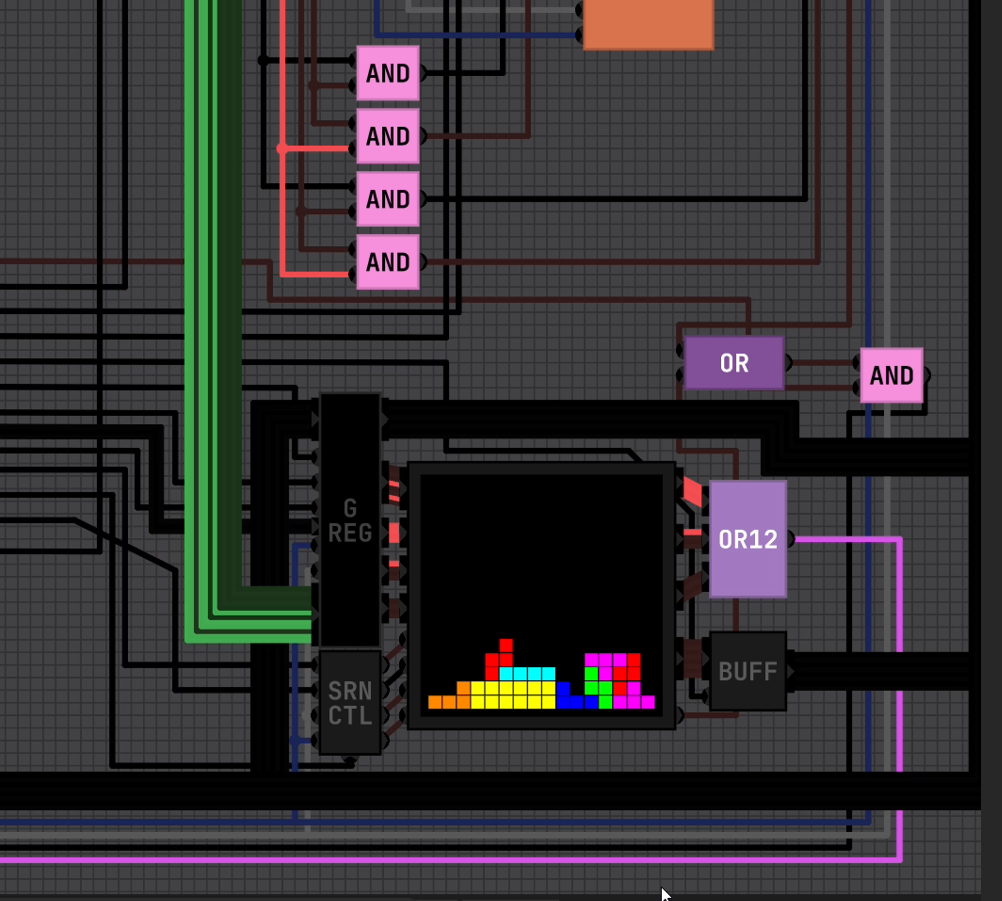
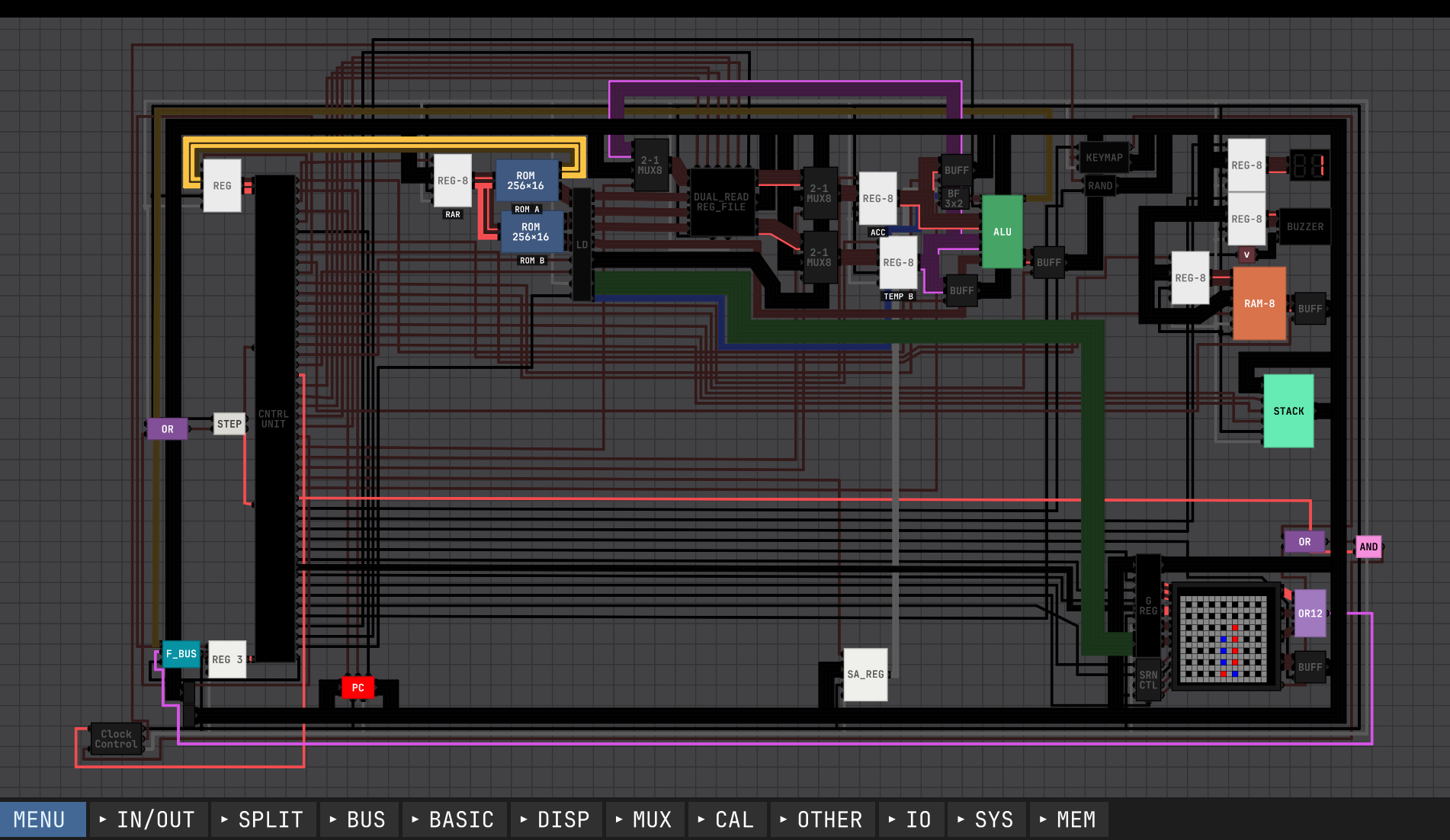
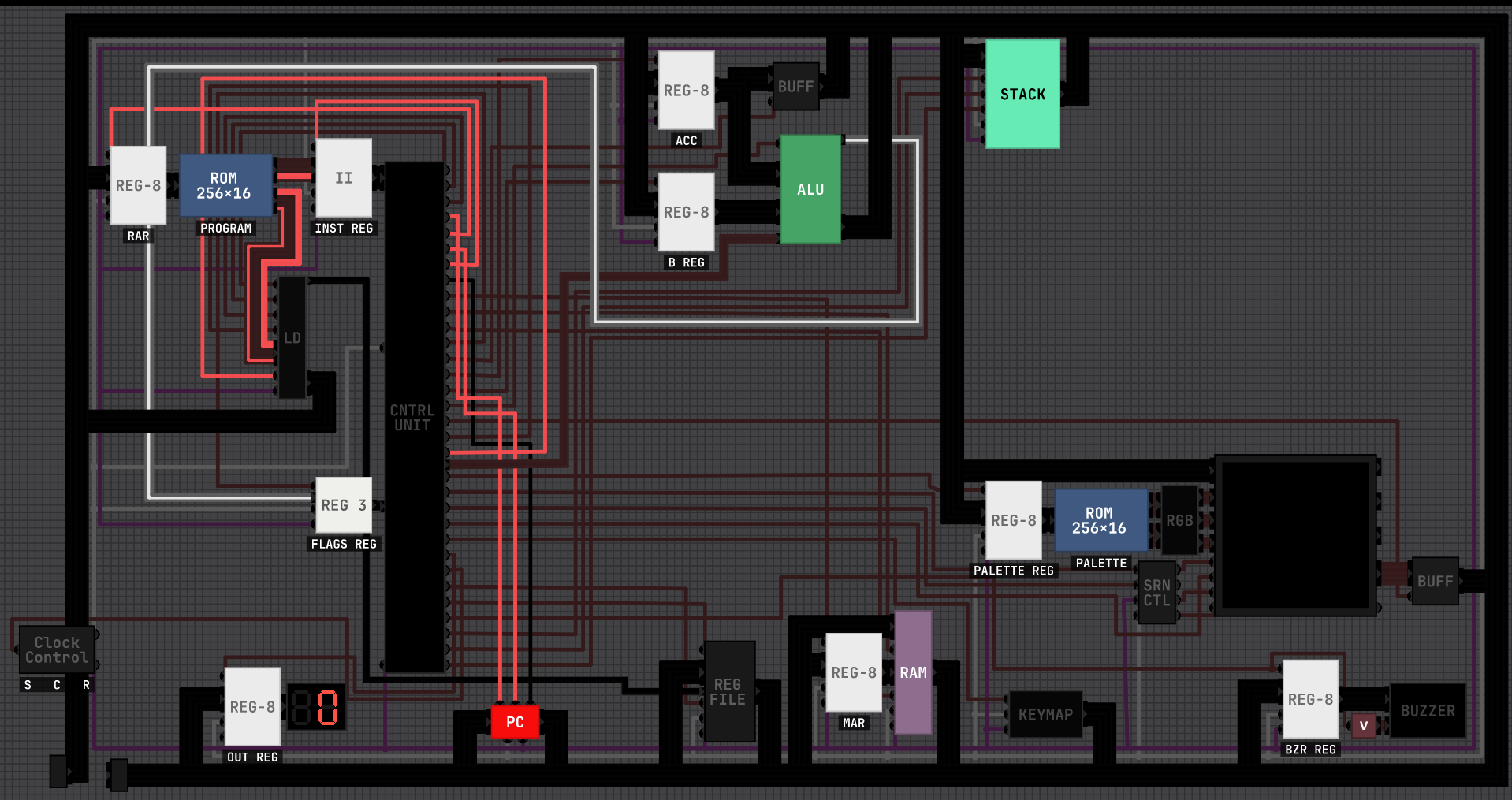
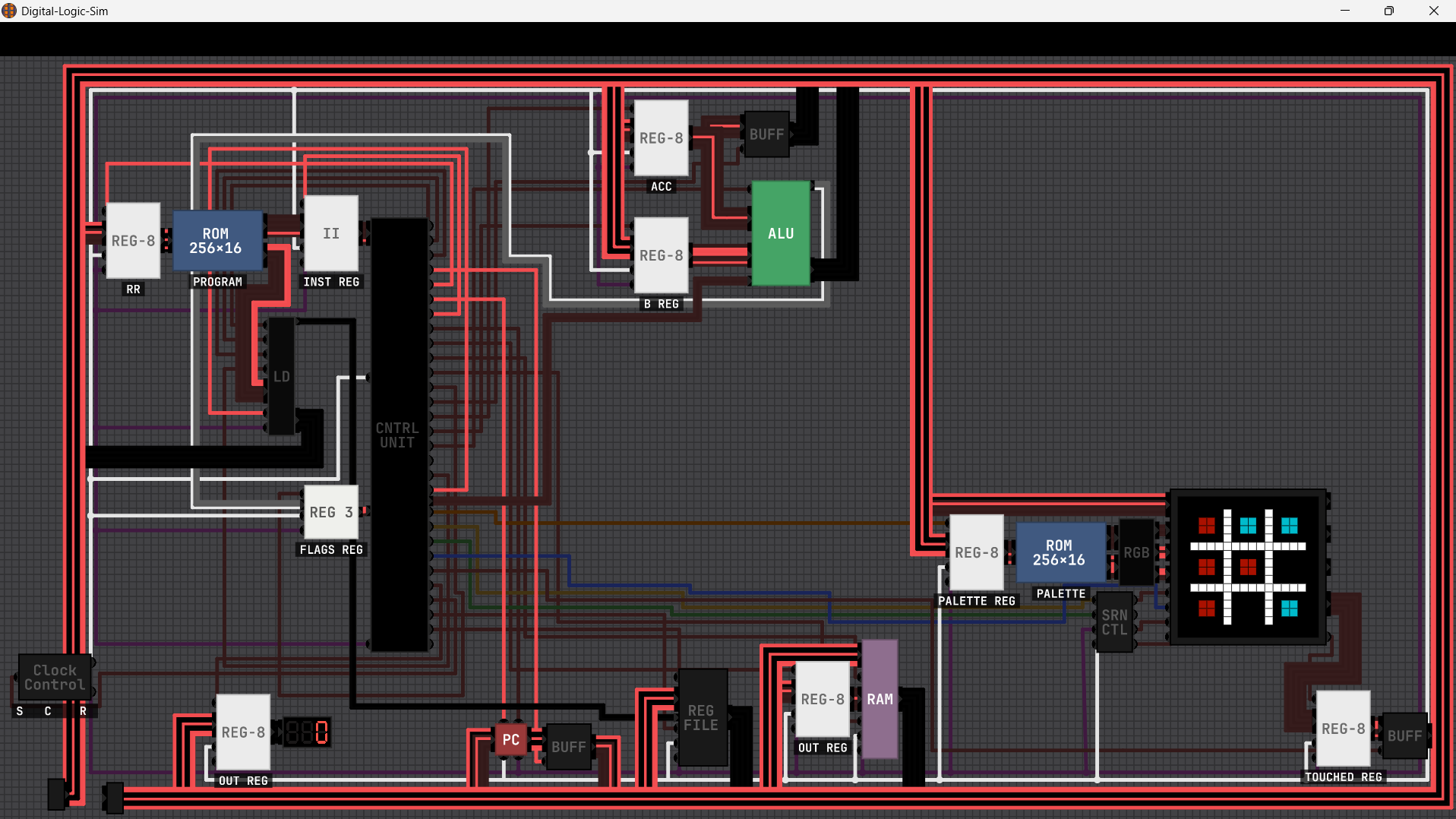
IT HAS R0-R7 GENERAL PURPOSE REG AND 5 GRAPHICS REG (X, Y, R, G AND B).
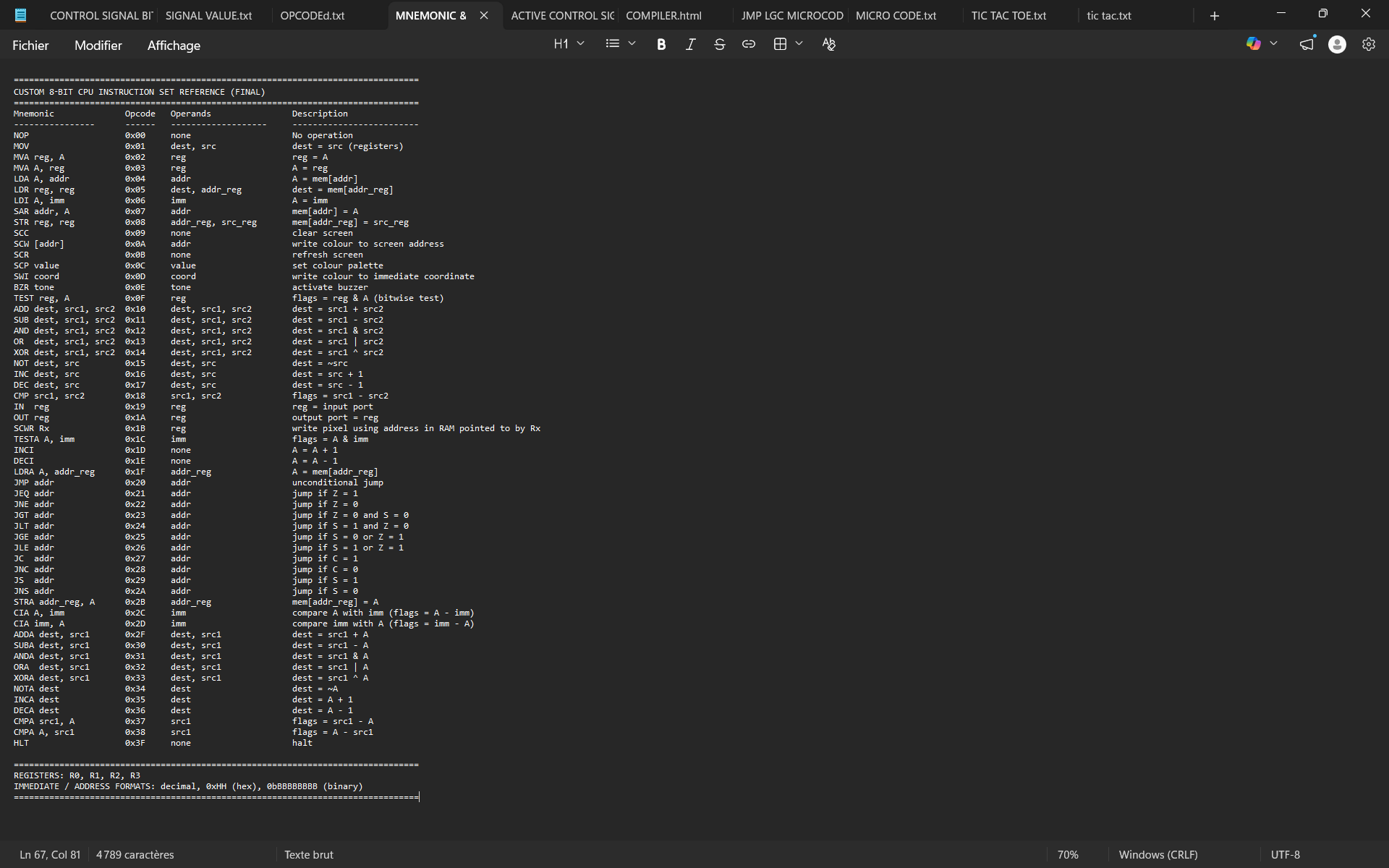
IT CAN HAVE UP TO 128 INST SET.
YOU MUST USE THIS DLS 2 VERSION: Release DLS Community Edit v1.2.1 · firecerne/Digital-Logic-Sim-Community-Edit.
---------------------------------- ALU_OP ENCODING -----------------------------
0000 : ADD 0001 : SUB 0010 : AND 0011 : OR
0100 : XOR 0101 : NOT 0110 : INC 0111 : DEC
1000 : MUL 1001 : DIV 1010 : MOD 1011 : SHL
1100 : SHR 1101 : ROL 1110 : ROR 1111 : NEG
SHL/SHR/ROL/ROR: 0-7
================================================================================
I'M NOT REALLY A COMPUTER GUY. I DO IT AS A GAME.
I CAN SHARE THE FILE AND YOU GUYS CAN MODIFY AND IMPROVE IT: https://drive.google.com/file/d/19L_iY2GA7wIV7NgT5DtGXlwdsDtPnQdO/view?usp=shari...
IT'S A MODIFY VERSION OF PONG! (8-bit computer) - Digital Logic Sim community - itch.io.
The more components you use, the slower the simulation became. You need to find the perfect steps per clock tick for your project. More component= More steps per clock tick.
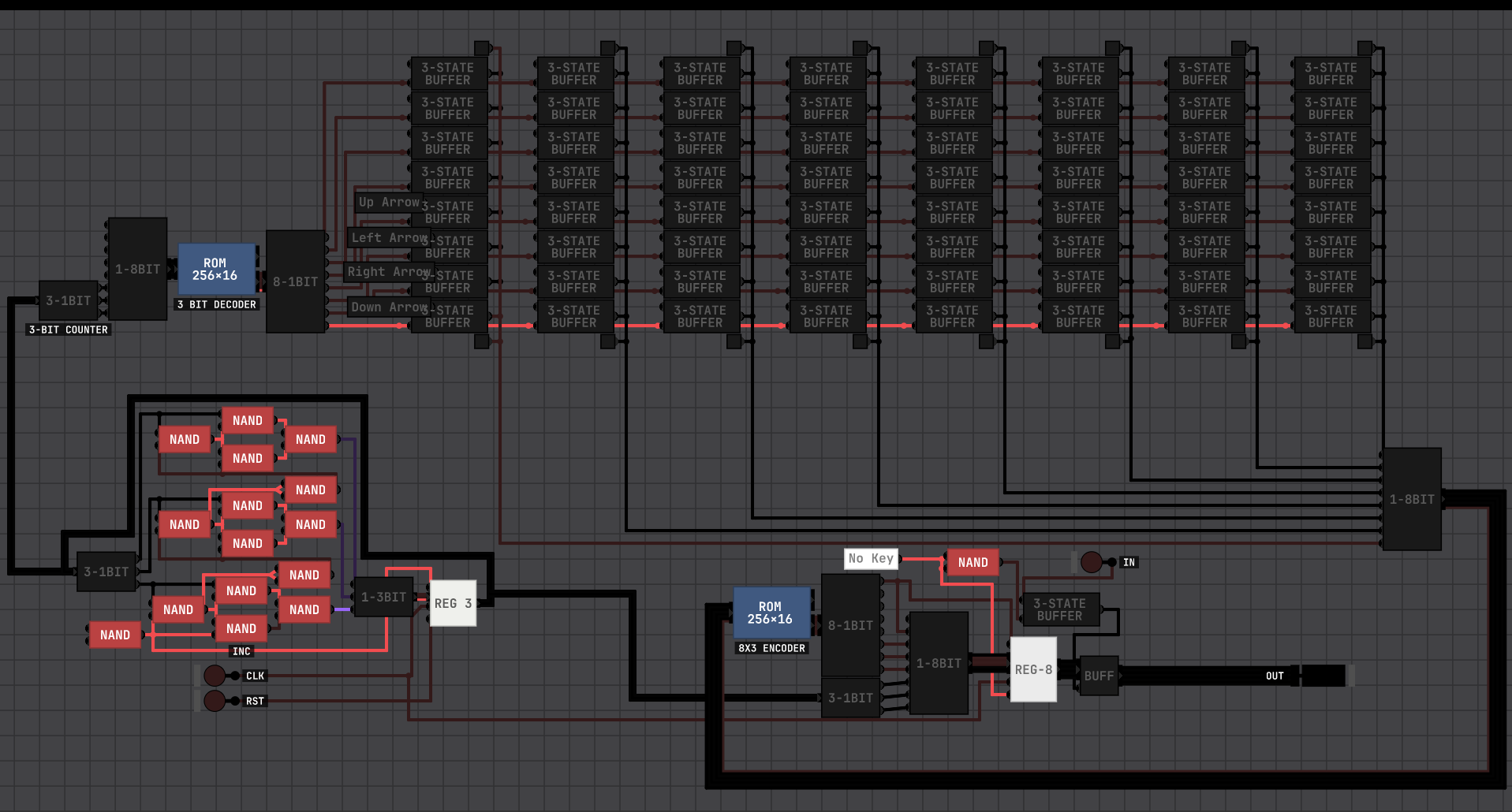
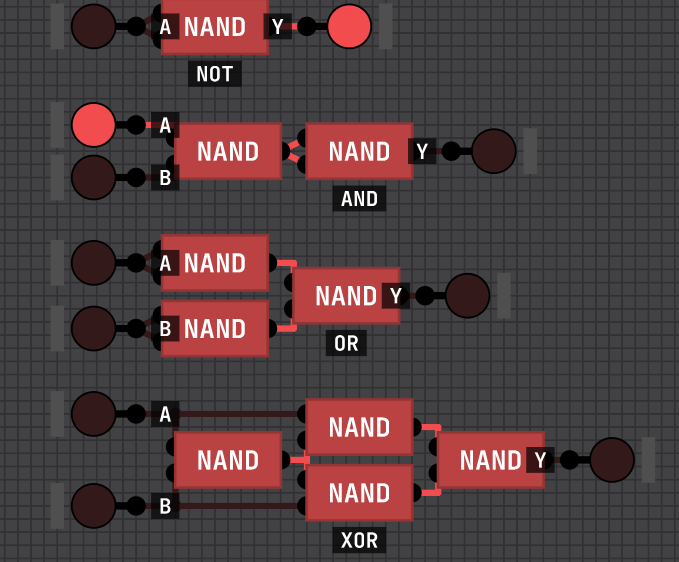
You can try to simplify by using less component. Create your chip via nand. Use ROM for decoder, 7 seg disp, etc...
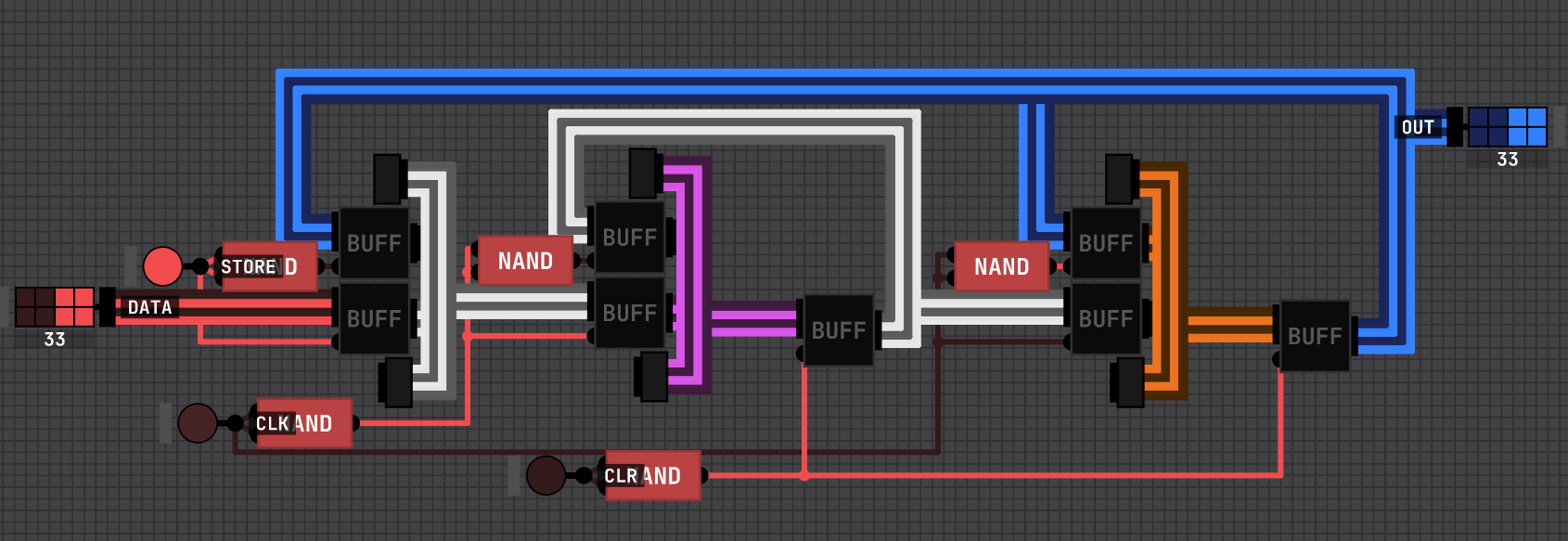
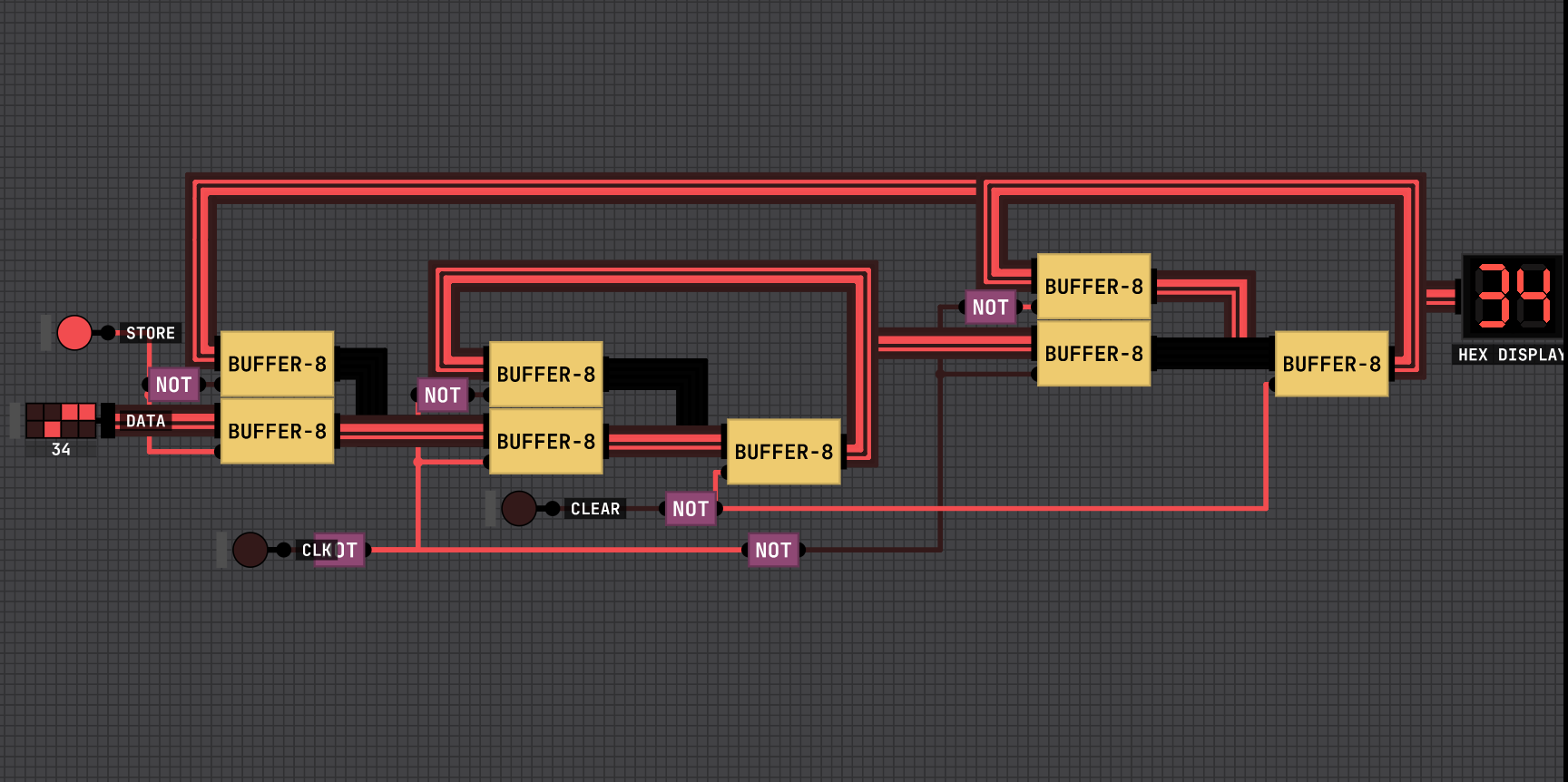
That's an 8-bits reg faster than the old ways.
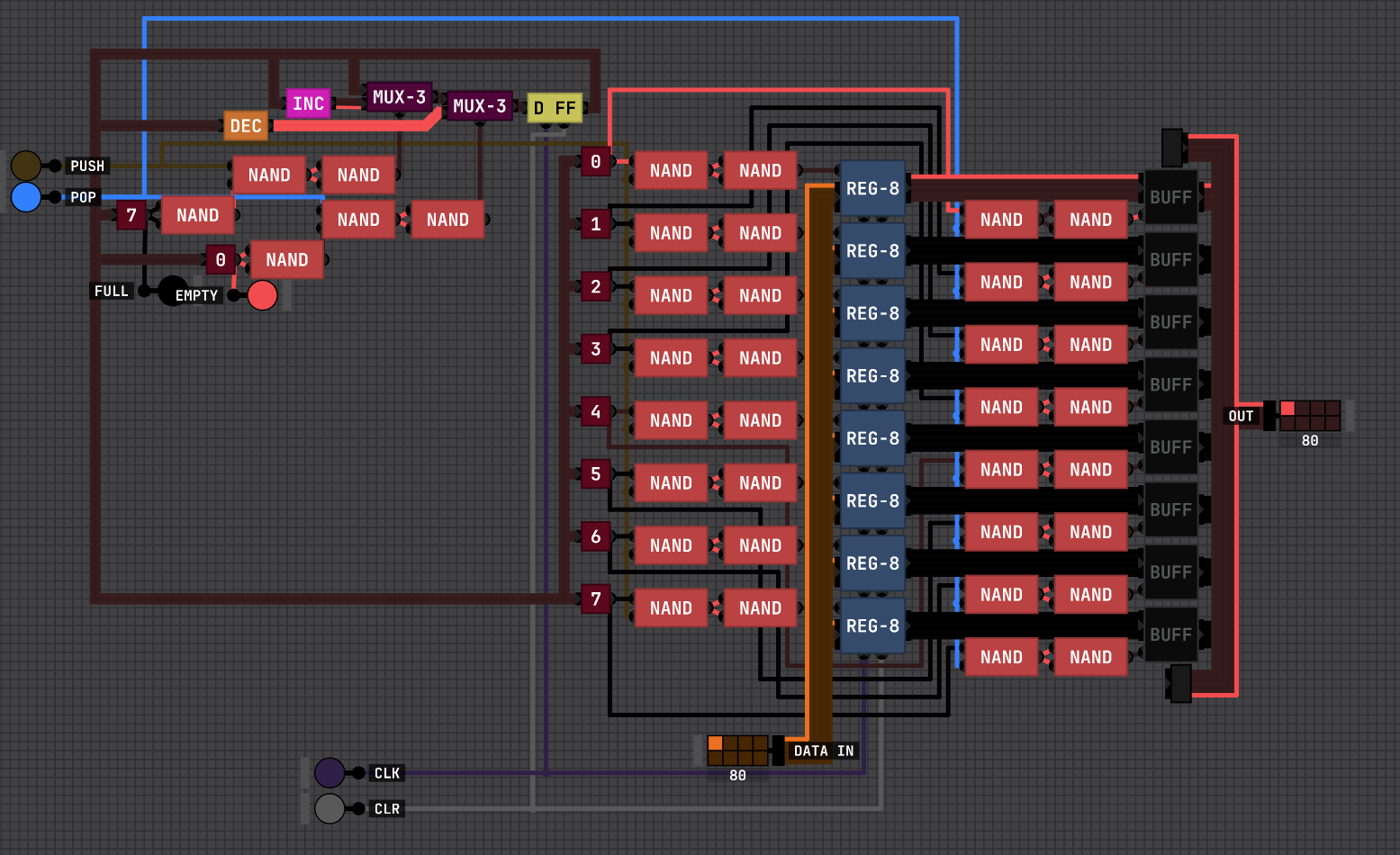
S= START/STOP
X=ONE STEP
C= CLEAR
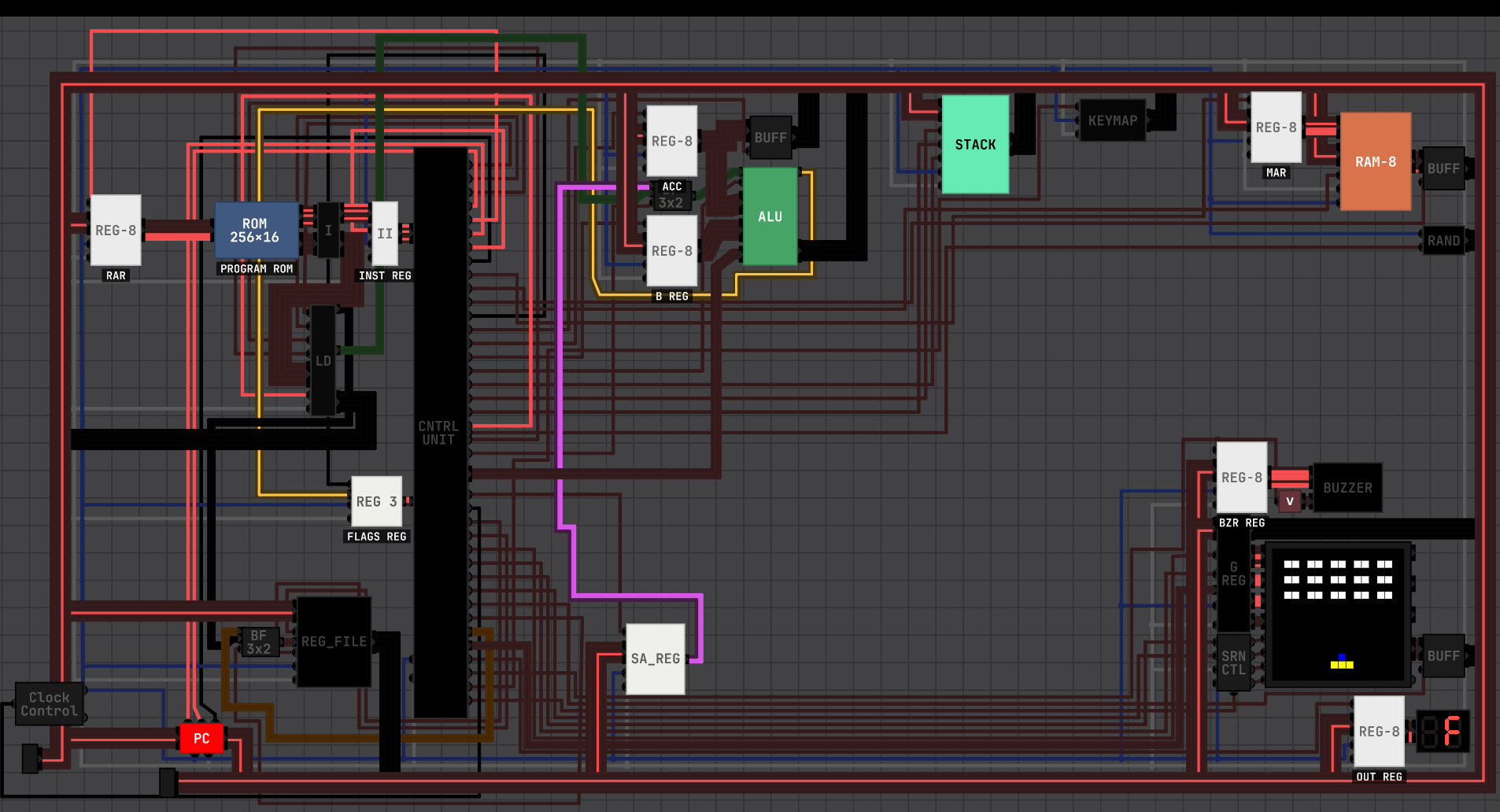
The visualization is in HEX code. The steps per clock stick must be at least 7.
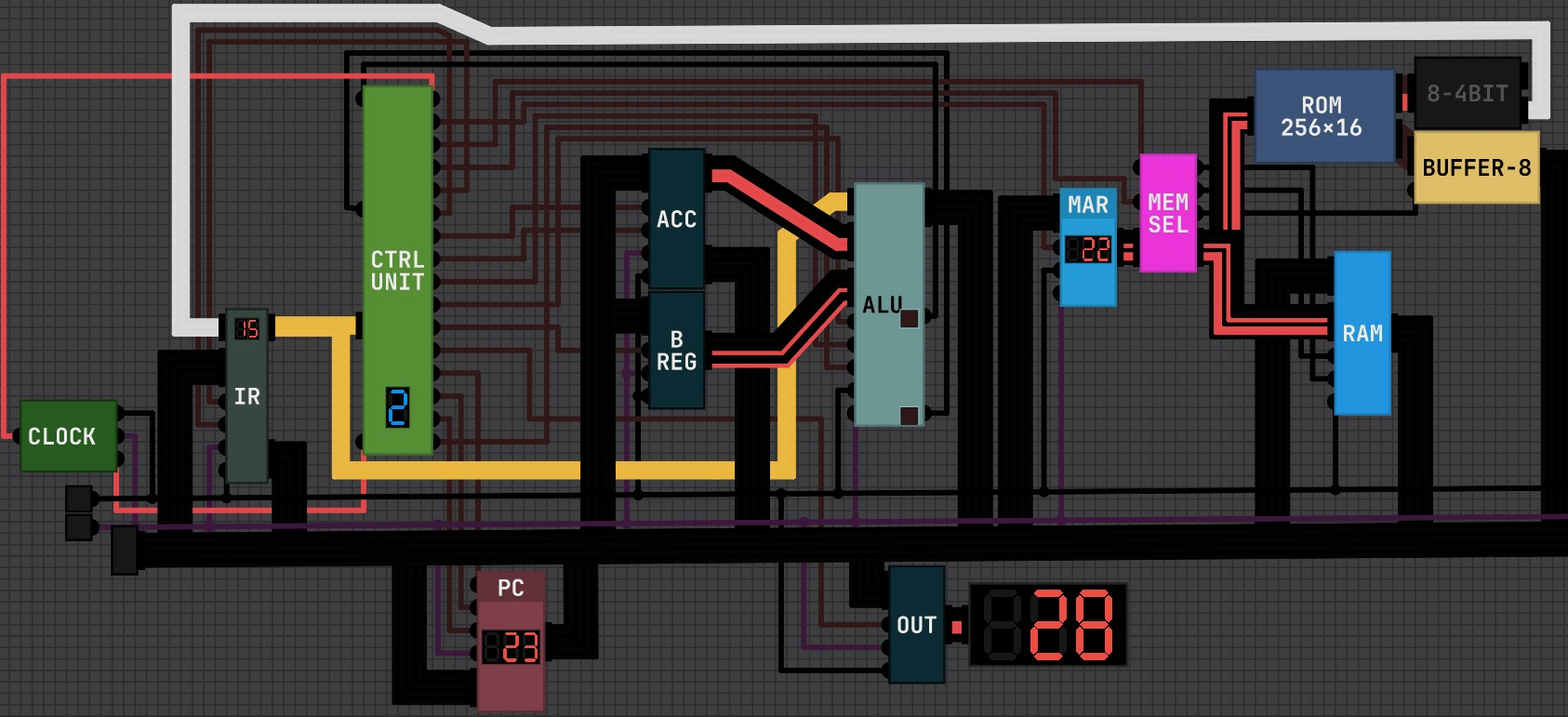
It has a multiplication (it also runs division) program on it (Multiplicand=0x000, Multiplier=0x002).
It's better when using HEX format to edit the ROM.
EX: LDX 5= 505 (Three digits. The 1st one is the instruction, and the rest is the data.
https://drive.google.com/file/d/1gX9fHKHZM2ACvy0F13JdNZ6kAkDKj9bM/view?usp=shari...
| INST | Bin | Function |
| NOP | 0000 | No operation |
| LDA | 0001 | Load accumulator from memory |
| ADD | 0010 | Add memory to accumulator |
| SUB | 0011 | Subtract memory from accumulator |
| STA | 0100 | Store accumulator to memory |
| LDX | 0101 | Load external register |
| JMP | 0110 | Jump to specified address |
| JC | 0111 | Jump if Carry is set |
| JZ | 1000 | Jump if accumulator is zero |
| JNC | 1001 | Jump if Carry is not set |
| JNZ | 1010 | Jump if accumulator is not zero |
| SHL | 1011 | Shift accumulator left |
| SHR | 1100 | Shift accumulator right |
| AND | 1101 | Bitwise AND with memory |
| OUT | 1110 | Output accumulator contents |
| HLT | 1111 | Halt execution |
Here's the new version of my 64KB RAM (8 data lines I/O width.
I'm all ears for any suggestion. The link file also includes a 256B & 4KB RAM.
https://drive.google.com/file/d/1Q2a-aOKt2muEutrpK58V-gP_3YwMc2Mr/view?usp=shari...
I used RGB display. ...
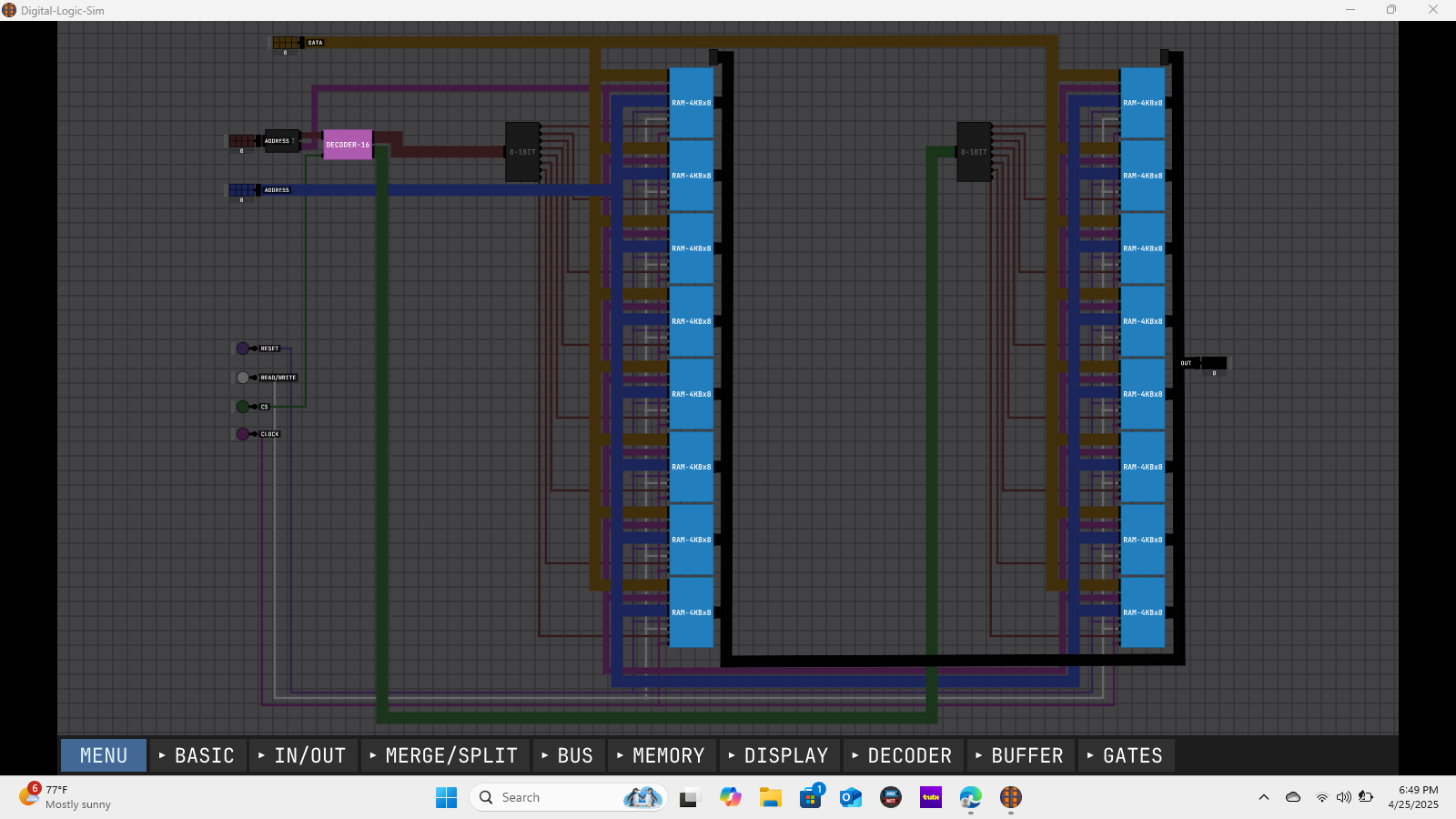
I'm trying to build a large RAM capacity but the simulation gets slower every time I enhance it.
I'm stocked in 64KB because I need to pause the simulation for viewing or opening it.
N.B: I use logic gates. the binary cell has 3 inputs {select, data, read/write}
Here is the file link: https://drive.google.com/file/d/1-1ifys702uznO3xJjQy0-F_d9KnuA7W_/view?usp=drive...


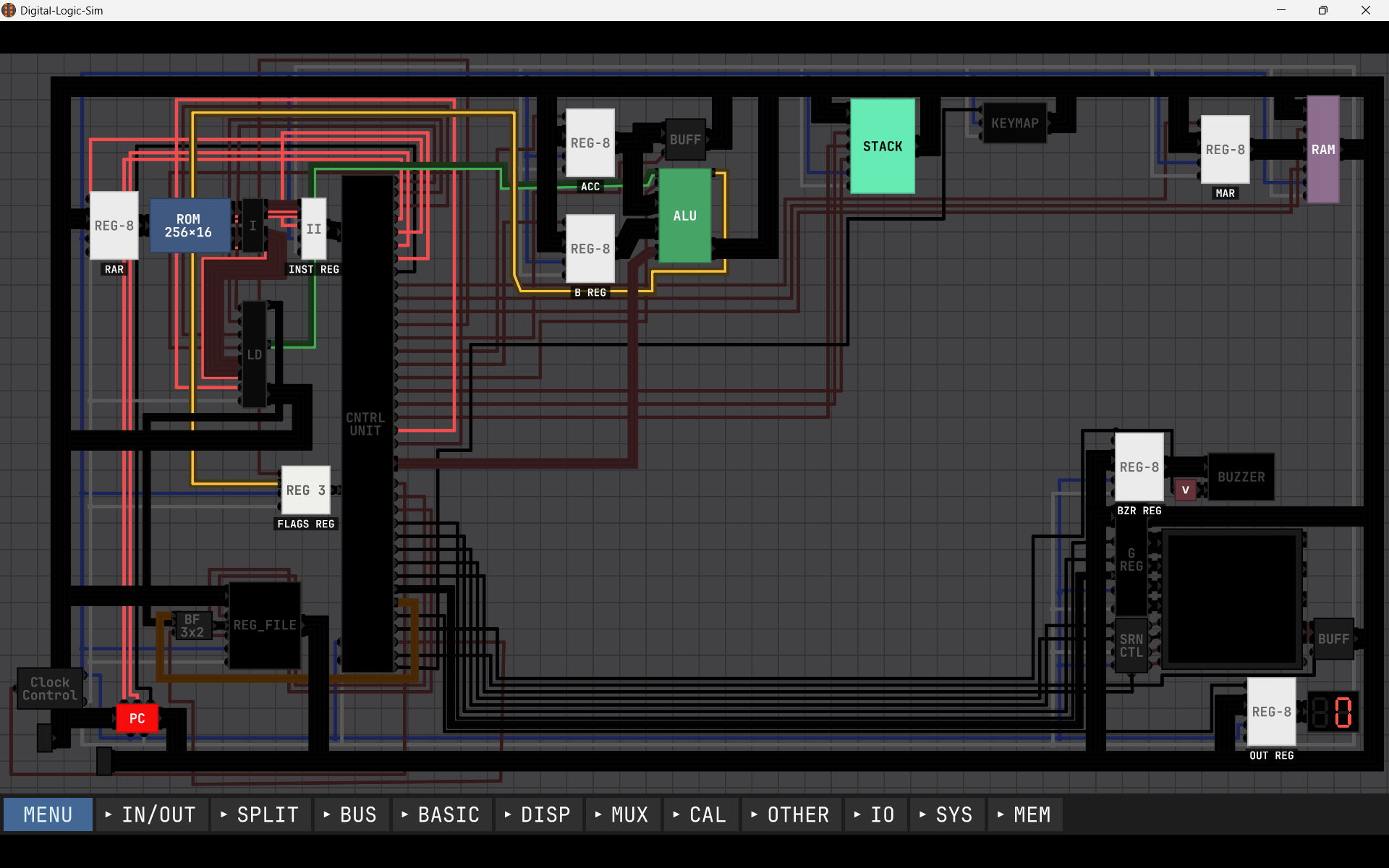
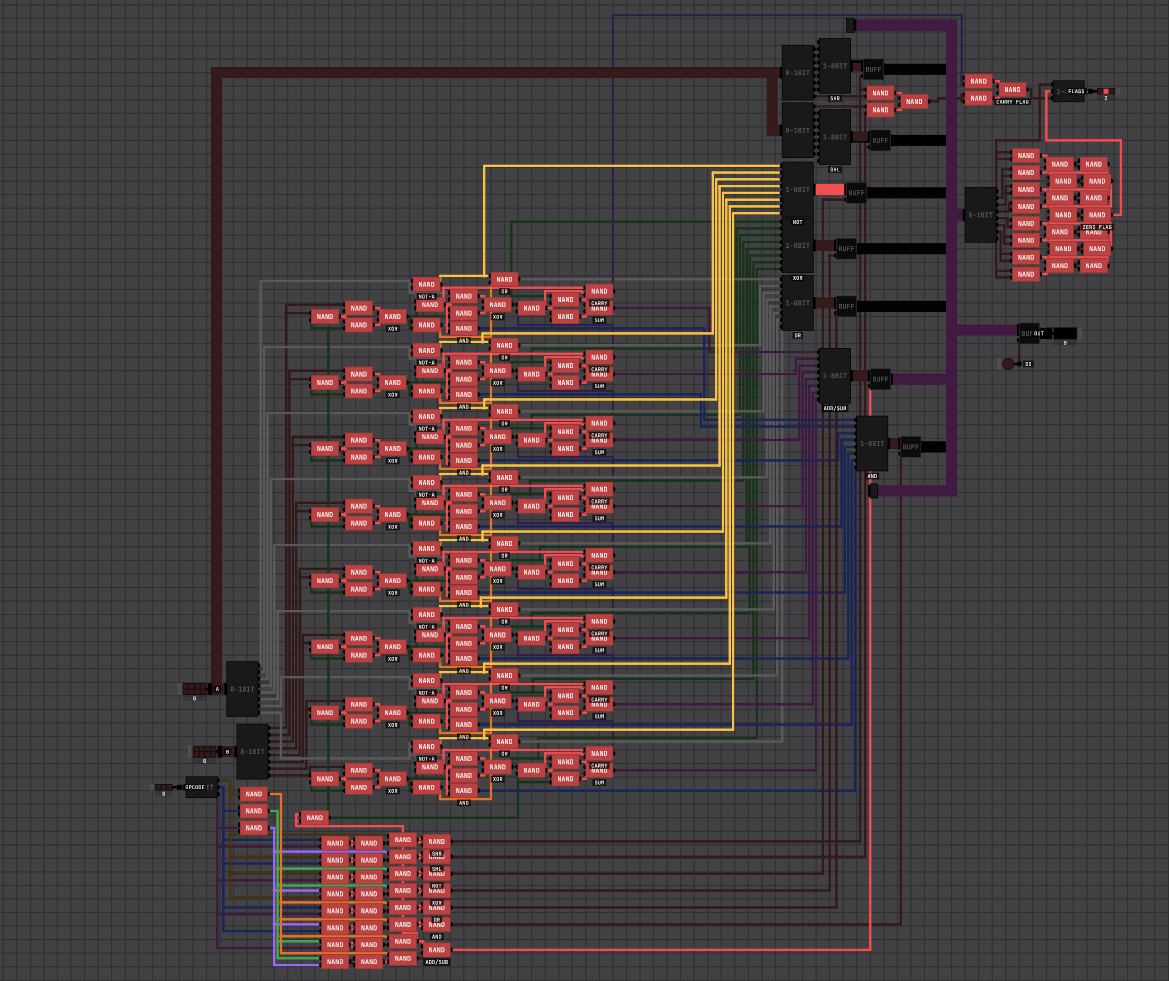
That's a 3-bit op ALU(add/sub, bitwise operation and shift) and three flags.