
Indie game storeFree gamesFun gamesHorror games
Game developmentAssetsComics
SalesBundles
Jobs
TagsGame Engines

ckmyapps

13
Posts
12
Topics
A member registered 6 days ago · View creator page →

Creator of

Recent community posts

(1 edit)

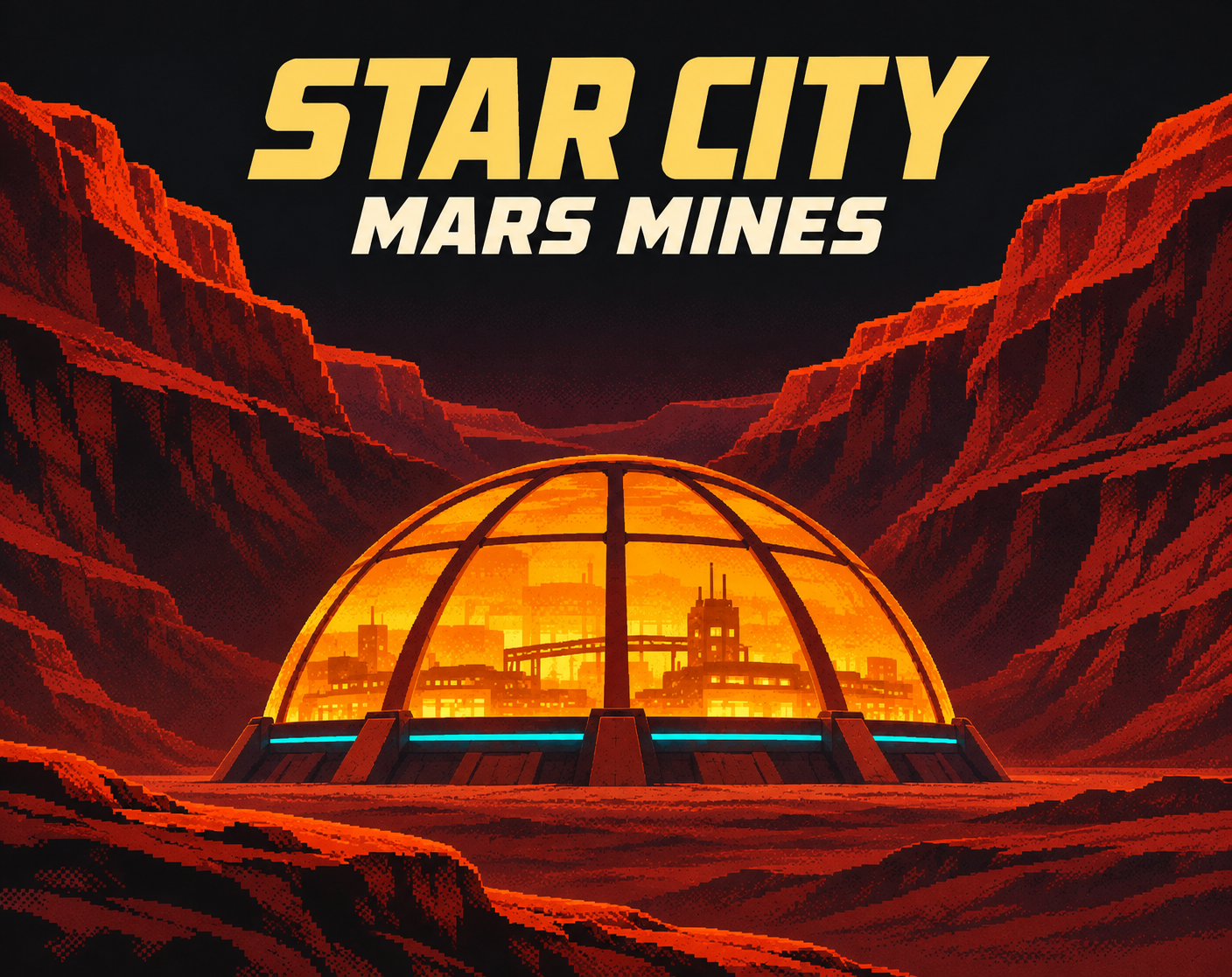
The year is 2187. Welcome to Star City, Mars.

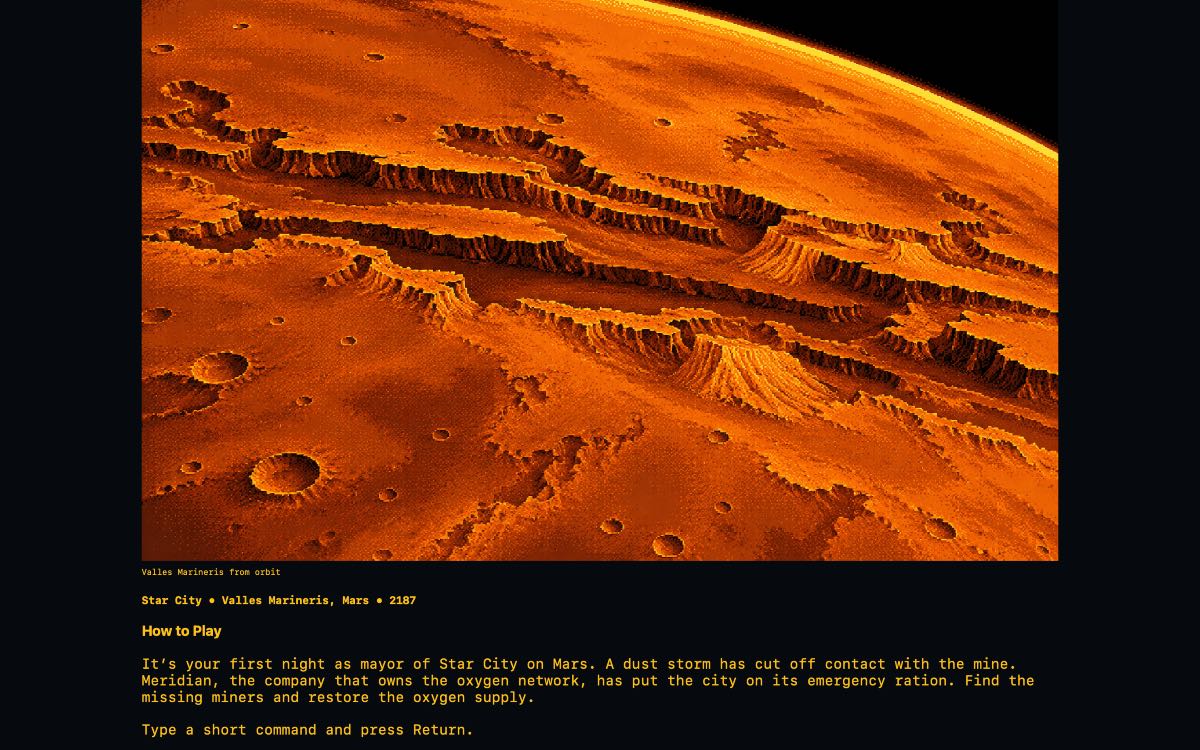
Deep beneath the vast cliffs of Valles Marineris, a human colony struggles to survive on the Red Planet. You have just taken office as the new mayor of Star City, but your first night is already turning into a nightmare.

A violent dust storm has severed communications with the mining facility. The crew has disappeared, and the city's emergency oxygen supply is running dangerously low. With time running out, you must investigate what happened, uncover the truth, and restore the colony's lifeline.

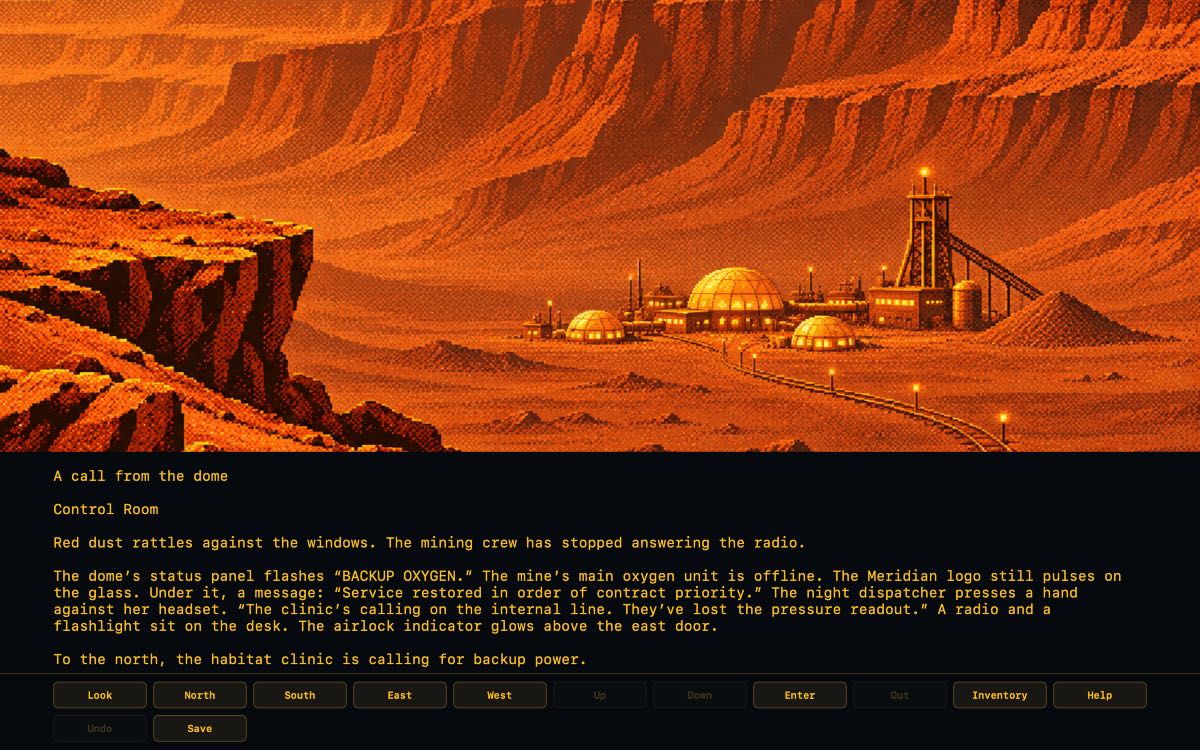
Star City: Mars Mines is a retro science-fiction text adventure for macOS, inspired by the classic computer adventures of the 1980s. It combines traditional command-based exploration with illustrated environments, an amber terminal interface, and an atmospheric electronic soundtrack.
Game features:

  • Four chapters, 12 locations, and seven puzzles.
  • Classic text commands with a convenient quick-command bar.
  • Four save slots, autosave, and Undo.
  • Illustrated locations and an original synth soundtrack.
  • English and Greek language options.
  • A science-fiction mystery set in a struggling Martian colony.

I created Star City: Mars Mines as part of my CK My Apps project, bringing the atmosphere of classic text adventures to modern computers. I wanted to capture the feeling of exploring an unfamiliar world through written commands, where observation, imagination, and problem-solving are more important than fast reflexes.

Platform: macOS 13 or later
Price: €5

Explore Star City: Mars Mines on itch.io:

https://ckmyapps.itch.io/star-city-mars-mines

Created by Christos A. Kazantzoglou – CK My Apps.

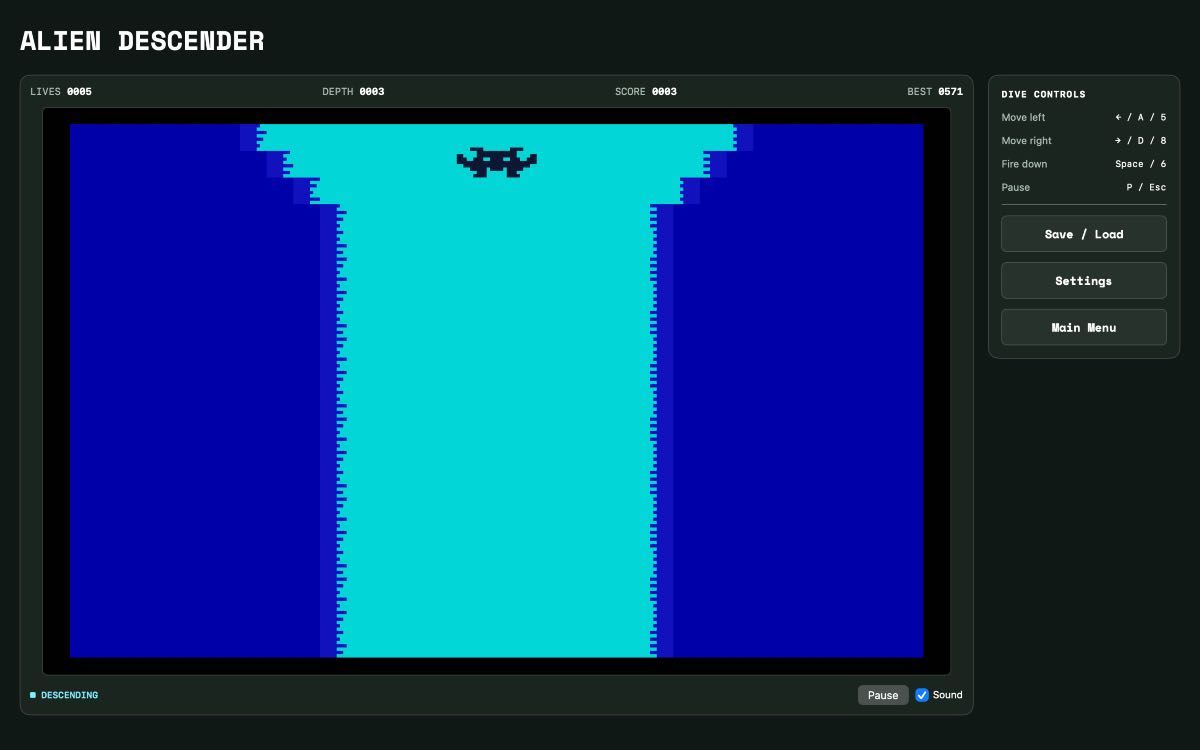
Hi everyone! I’ve released Alien Descender, an endless arcade game for macOS inspired by S. Robert Speel’s Sinclair BASIC original.

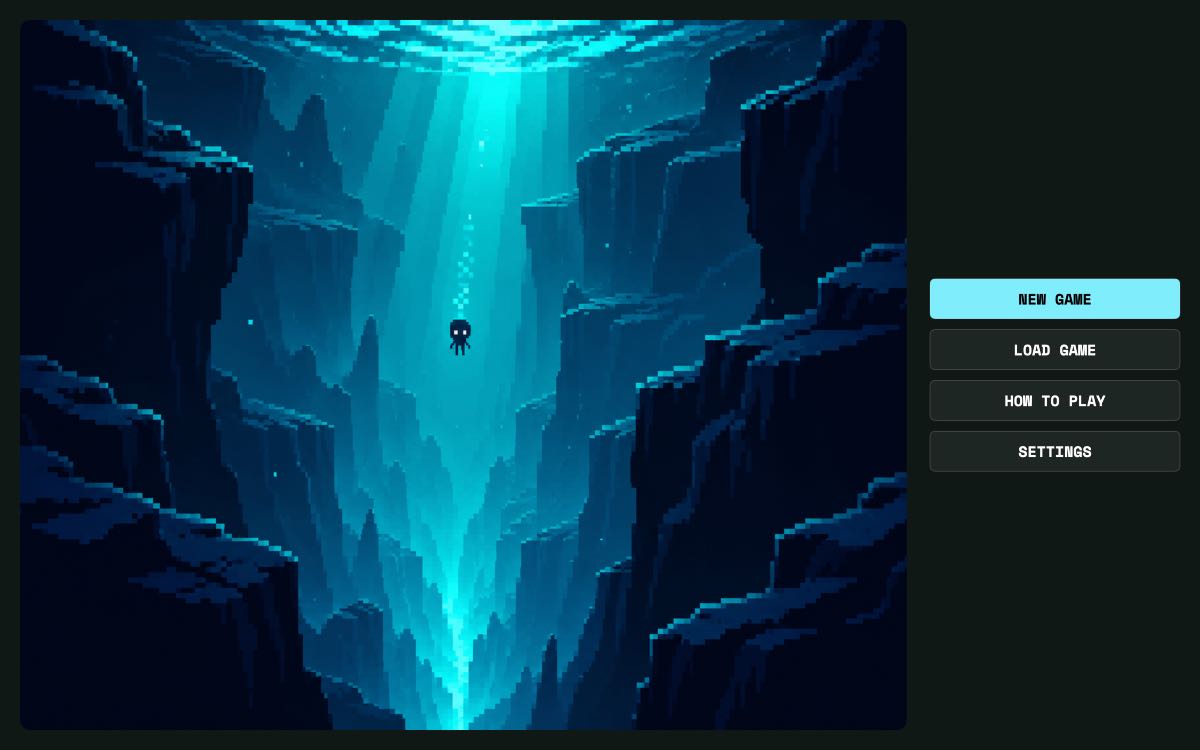
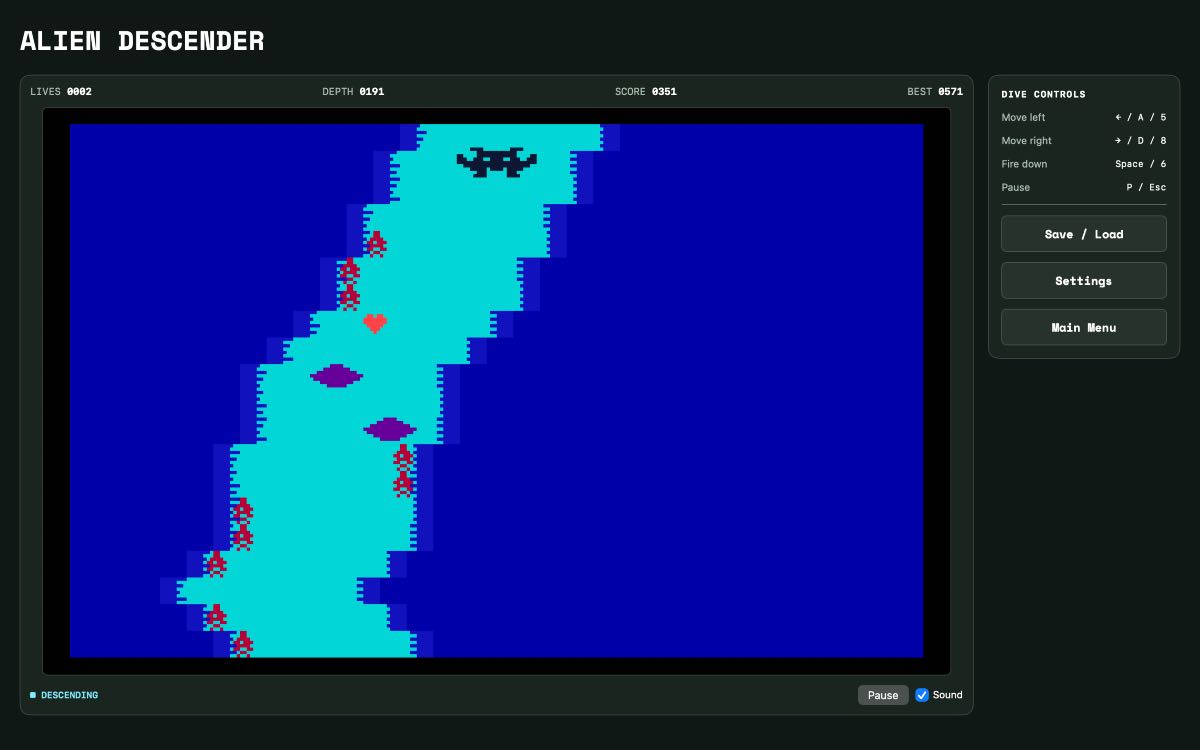
You guide a lone alien down a winding underwater canyon. You start with five lives, steer around the rock walls, and fire downward to clear bombs. Red hearts give you an extra life, but the deeper you go, the closer they appear to the walls. Deciding whether to risk the turn for one more life is my favorite part of the game.

There are two ways to play: a black-and-white Classic mode inspired by the ZX81 and a Color mode inspired by the ZX Spectrum. Each has its own high score. The Mac release also includes four local save slots and an illustrated player manual.

Available for €3.00 on itch.io. Requires macOS 13 or later.

Alien Descender on itch.io

If you give it a go, I’d love to hear how deep you got and whether you went after the hearts near the walls.

Christos · CK My Apps

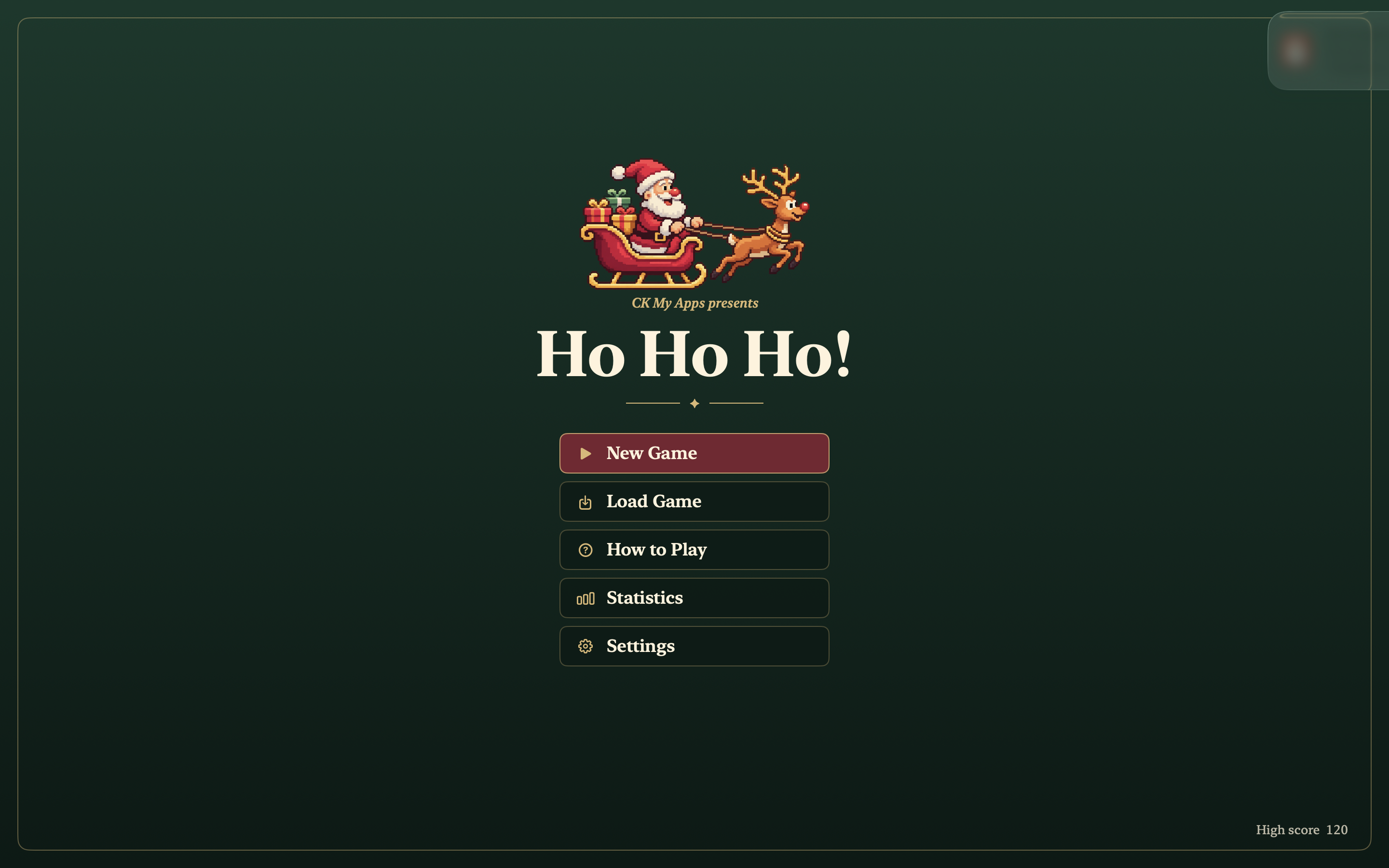
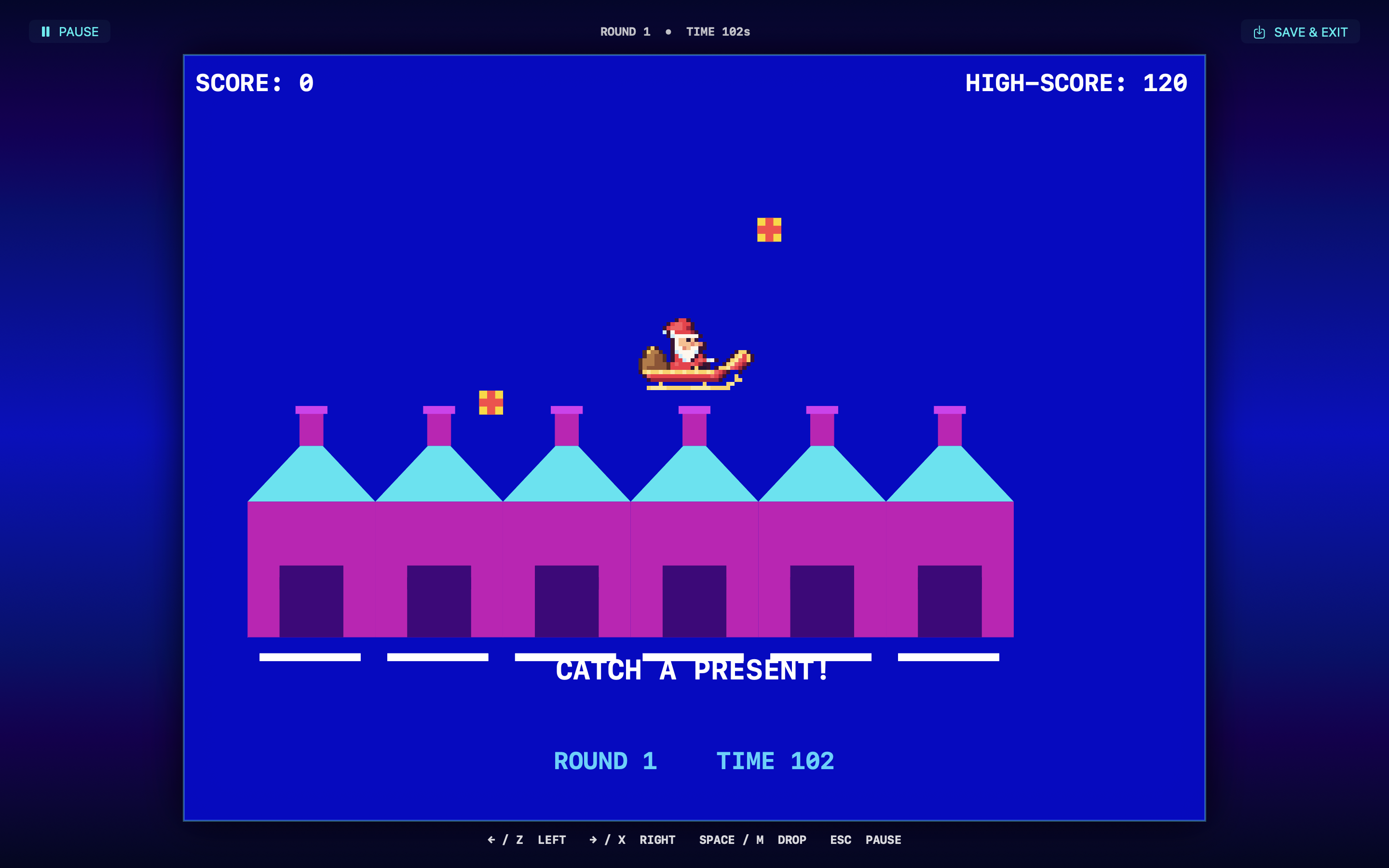
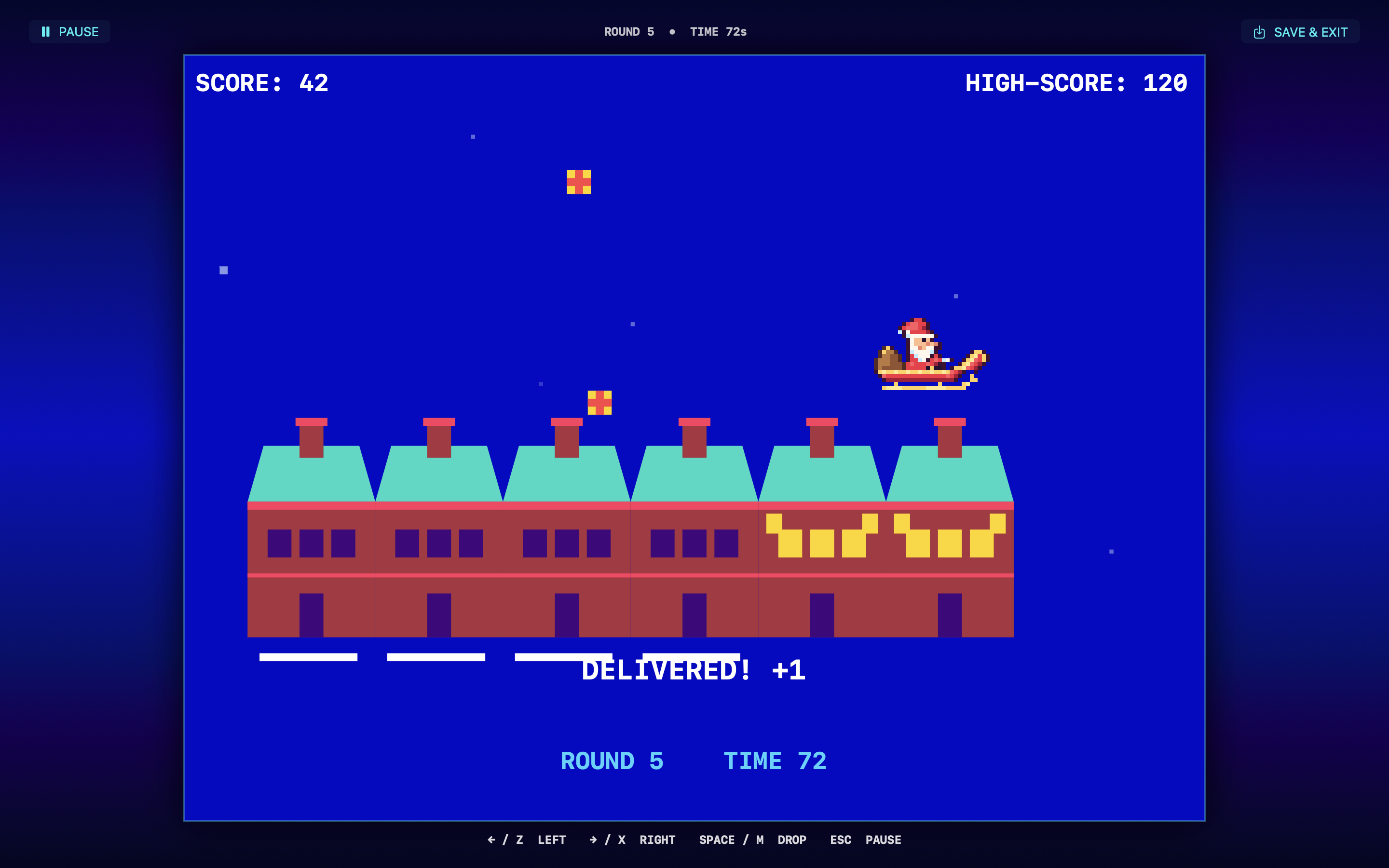
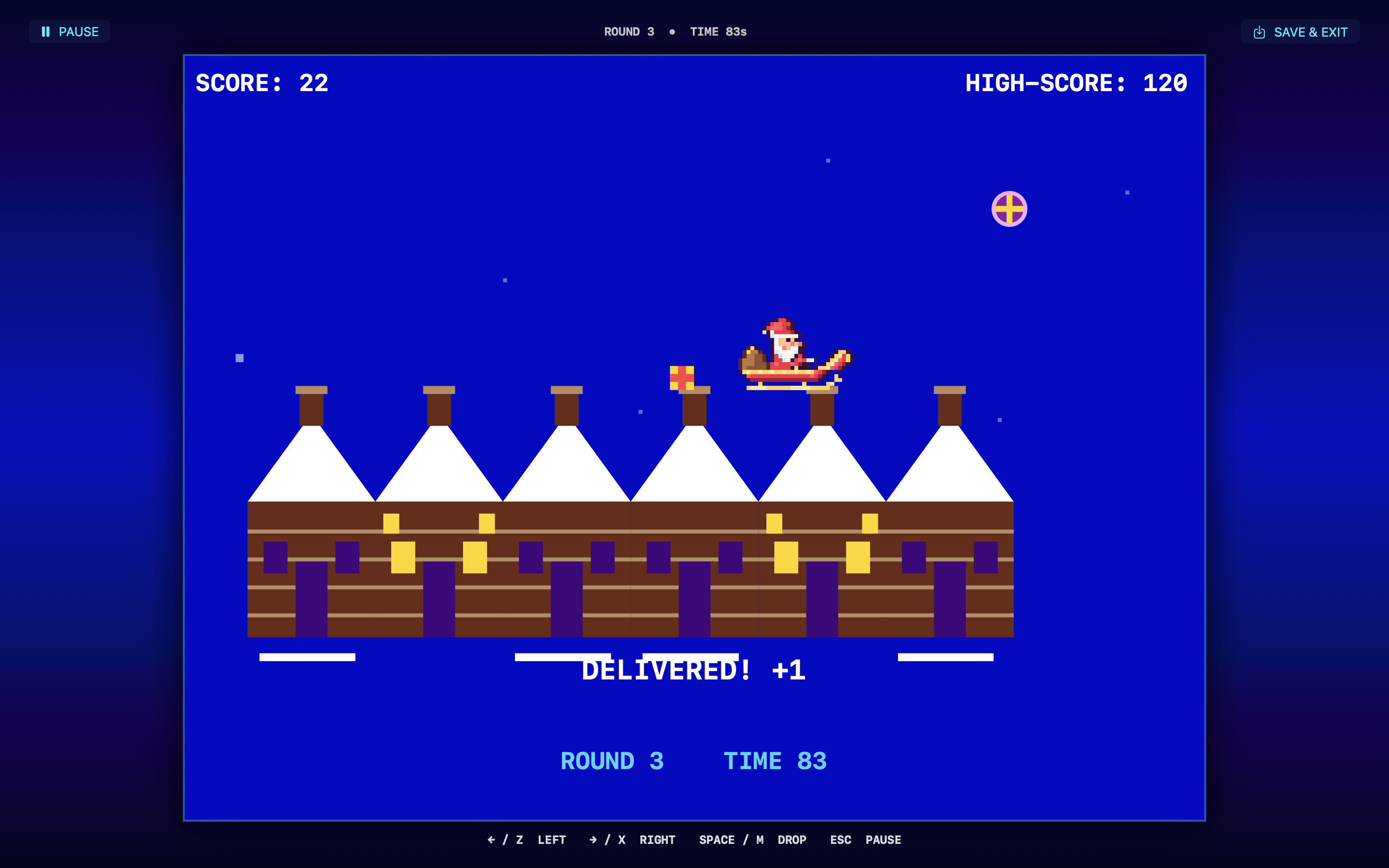
Hi everyone! I’m Chris from CK My Apps, and I’d like to share Ho Ho Ho!, a Christmas arcade game for macOS inspired by Paul Stanley’s Xmas Eve for the ZX Spectrum.

Santa has six houses to visit and the neighborhood is about to wake up. Fly under a falling present to catch it, line up over a dark chimney, and press Space to drop it. Light up all six houses before the clock runs out or the snow melts beneath a house that’s still waiting for a gift.

The neighborhood changes as you progress, snow showers come and go, and each round has one round purple parcel worth five points. Do you cross the rooftops for the bonus, or take care of the house that’s running out of snow?

I wanted to make the kind of arcade game you can learn in one run and immediately want to play again. If you give it a go, I’d love to hear what round you reached and whether you went out of your way for the purple gift.

Get Ho Ho Ho! for Mac on itch.io

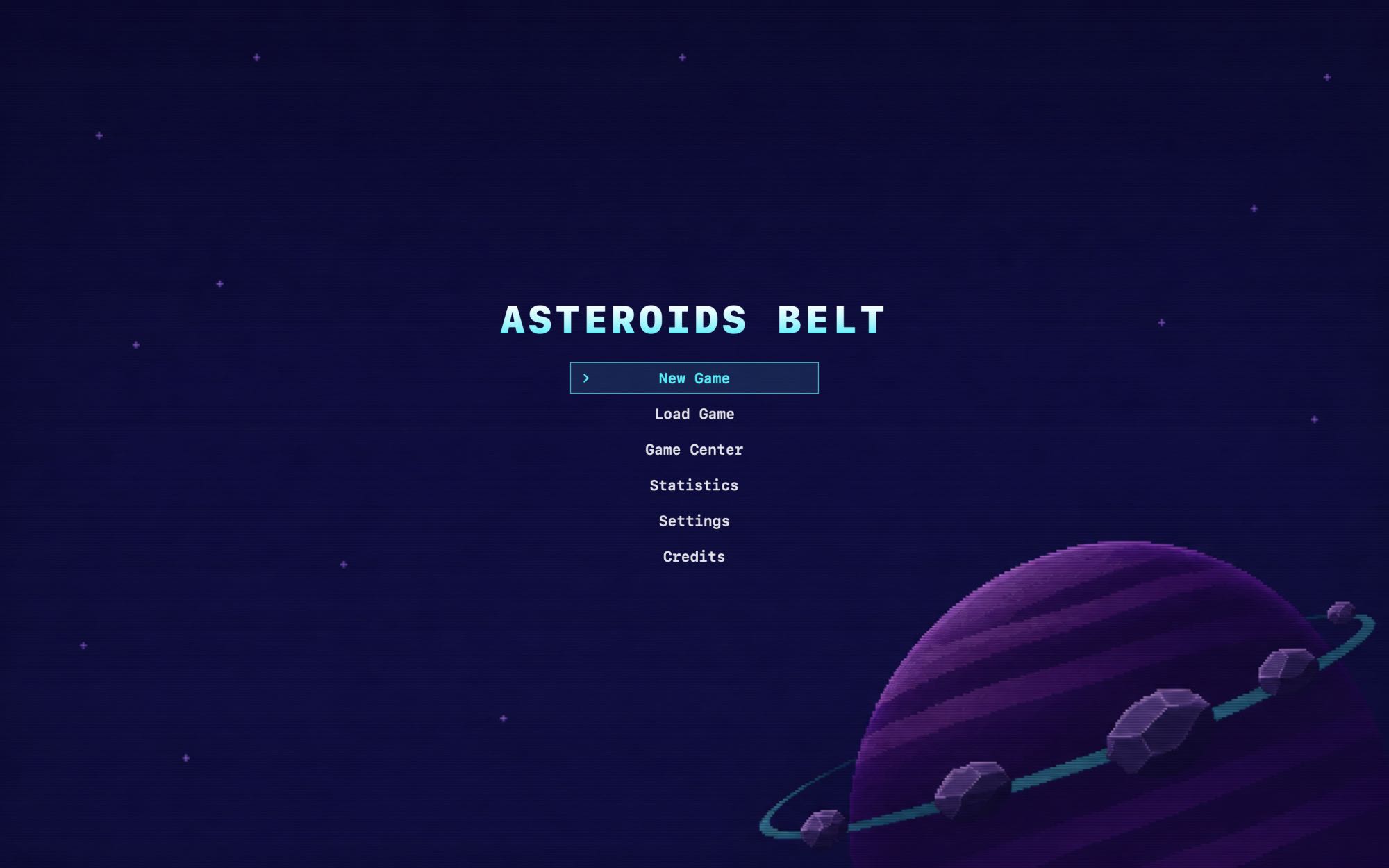
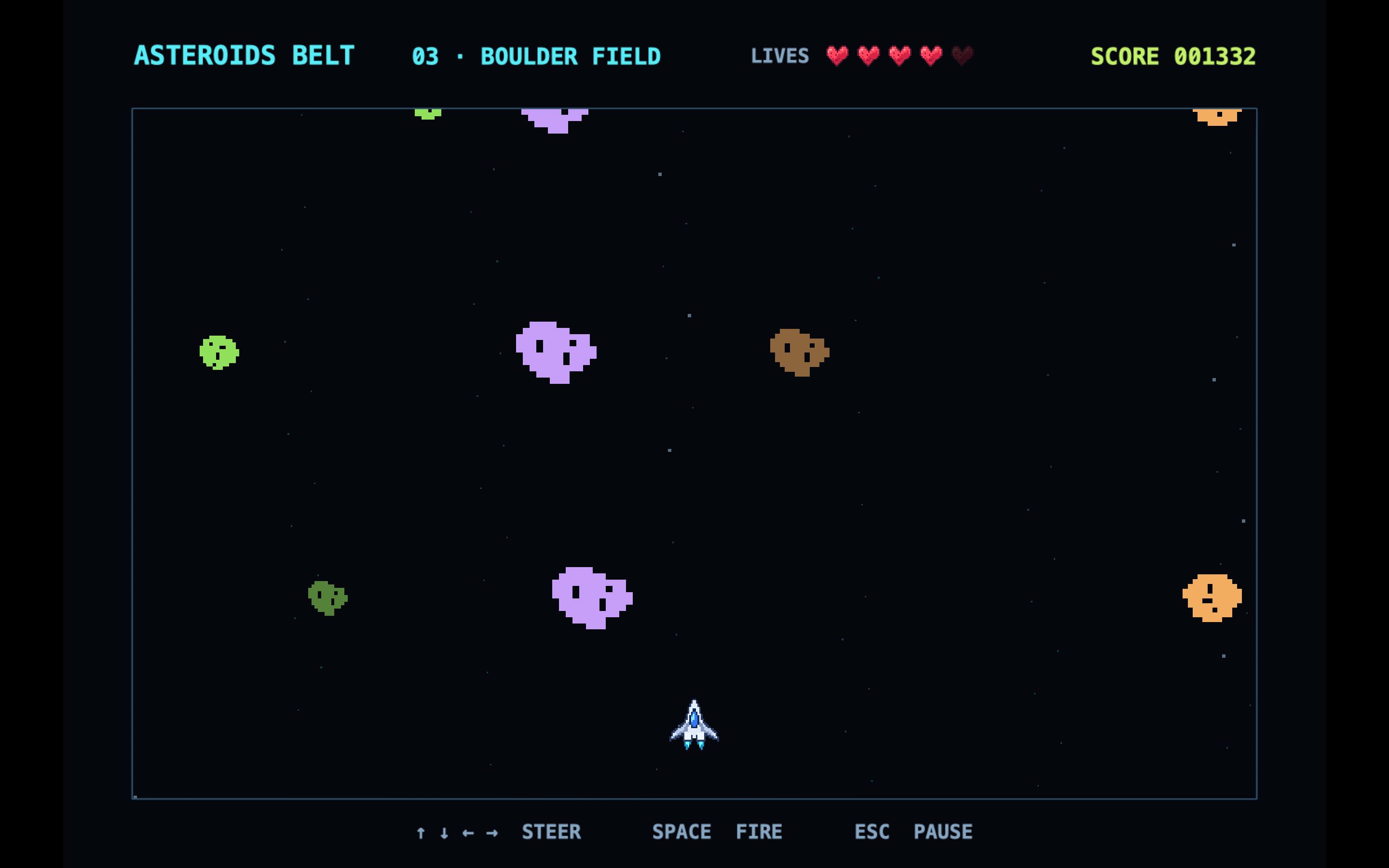
Hi everyone! I’ve released Asteroids Belt, a retro arcade shooter for Mac inspired by S. Robert Speel’s BASIC game for the ZX81 and ZX Spectrum. I wanted to take that simple idea of steering a ship through incoming rocks and turn it into a short arcade run with a finish line.

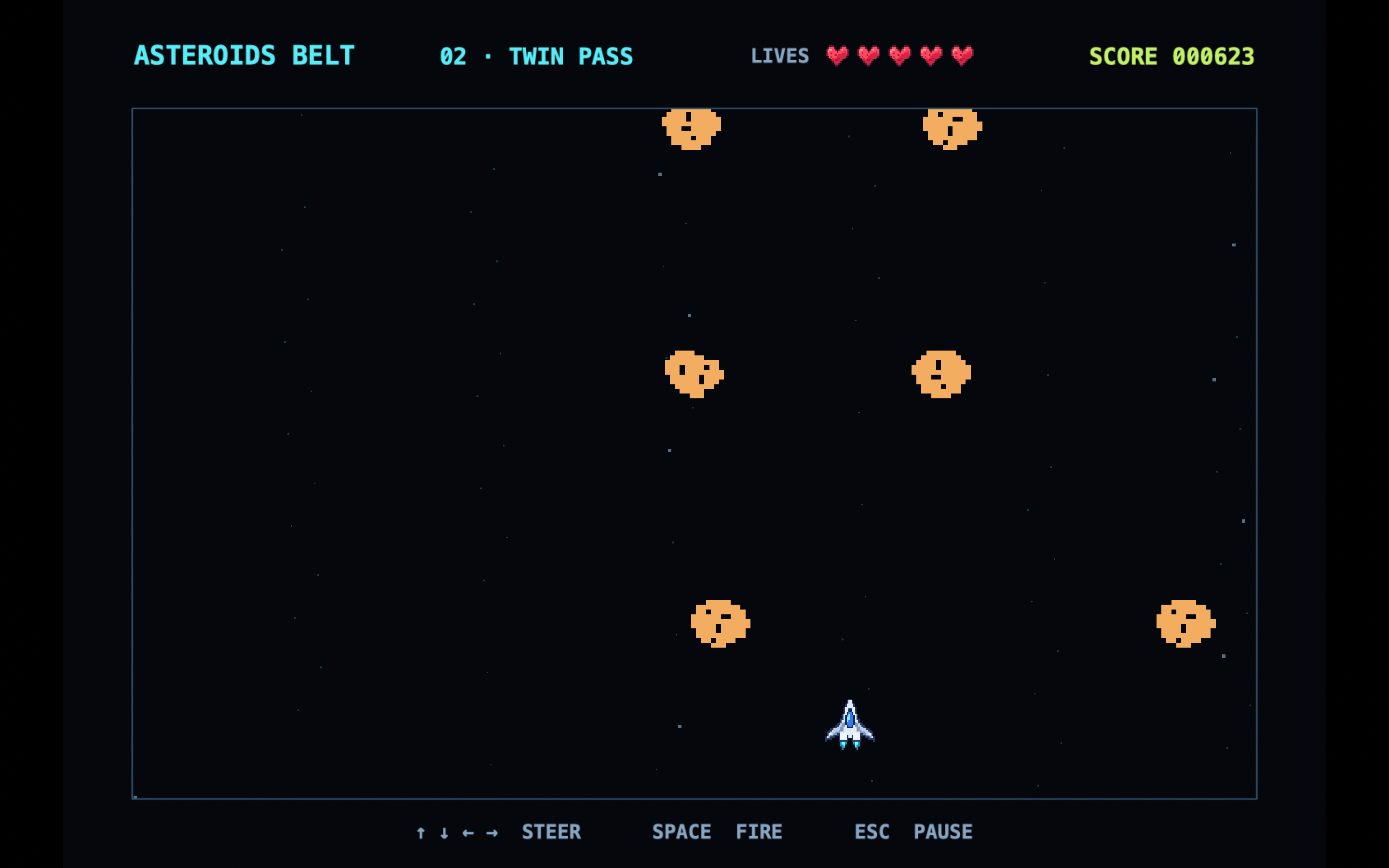
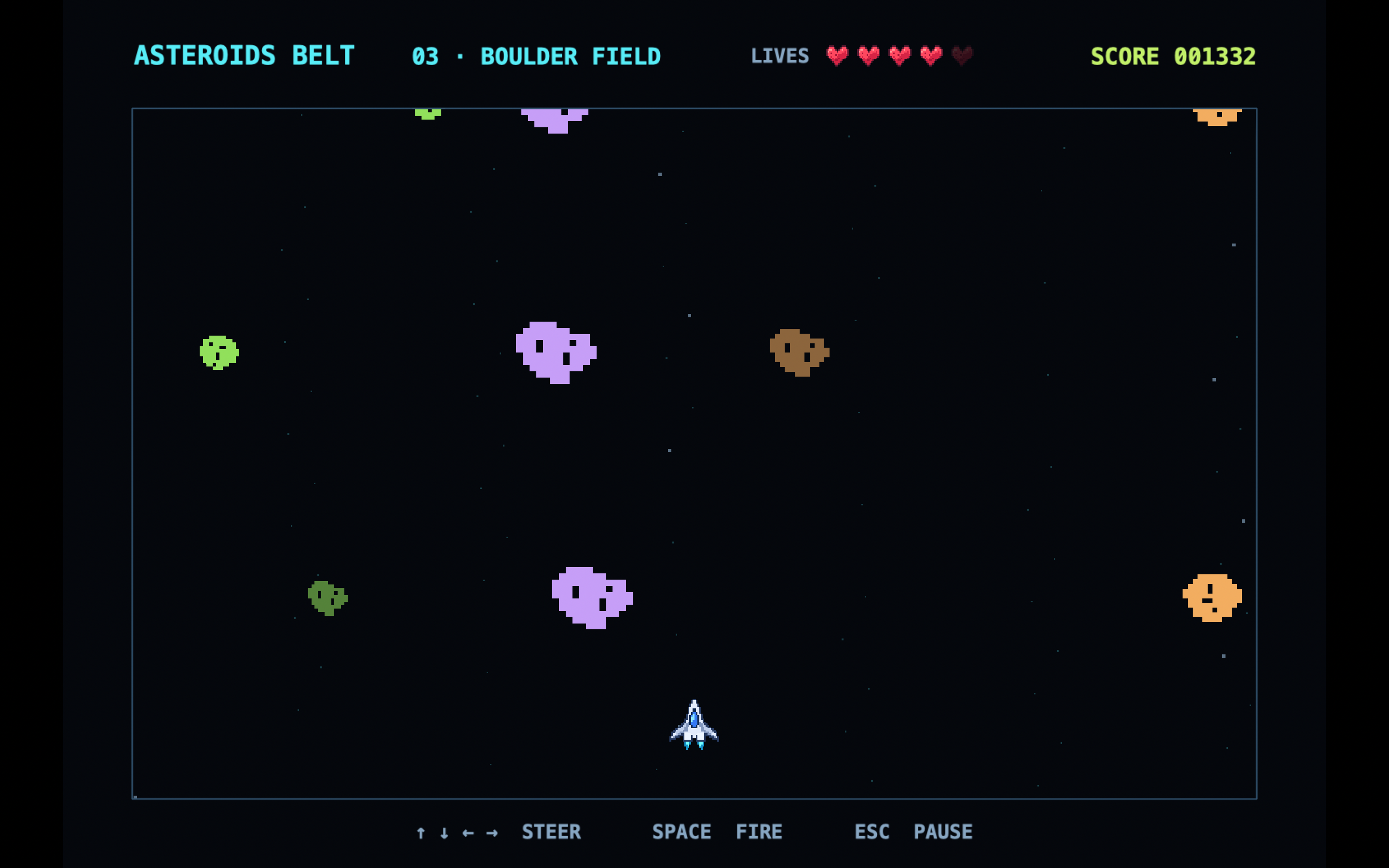
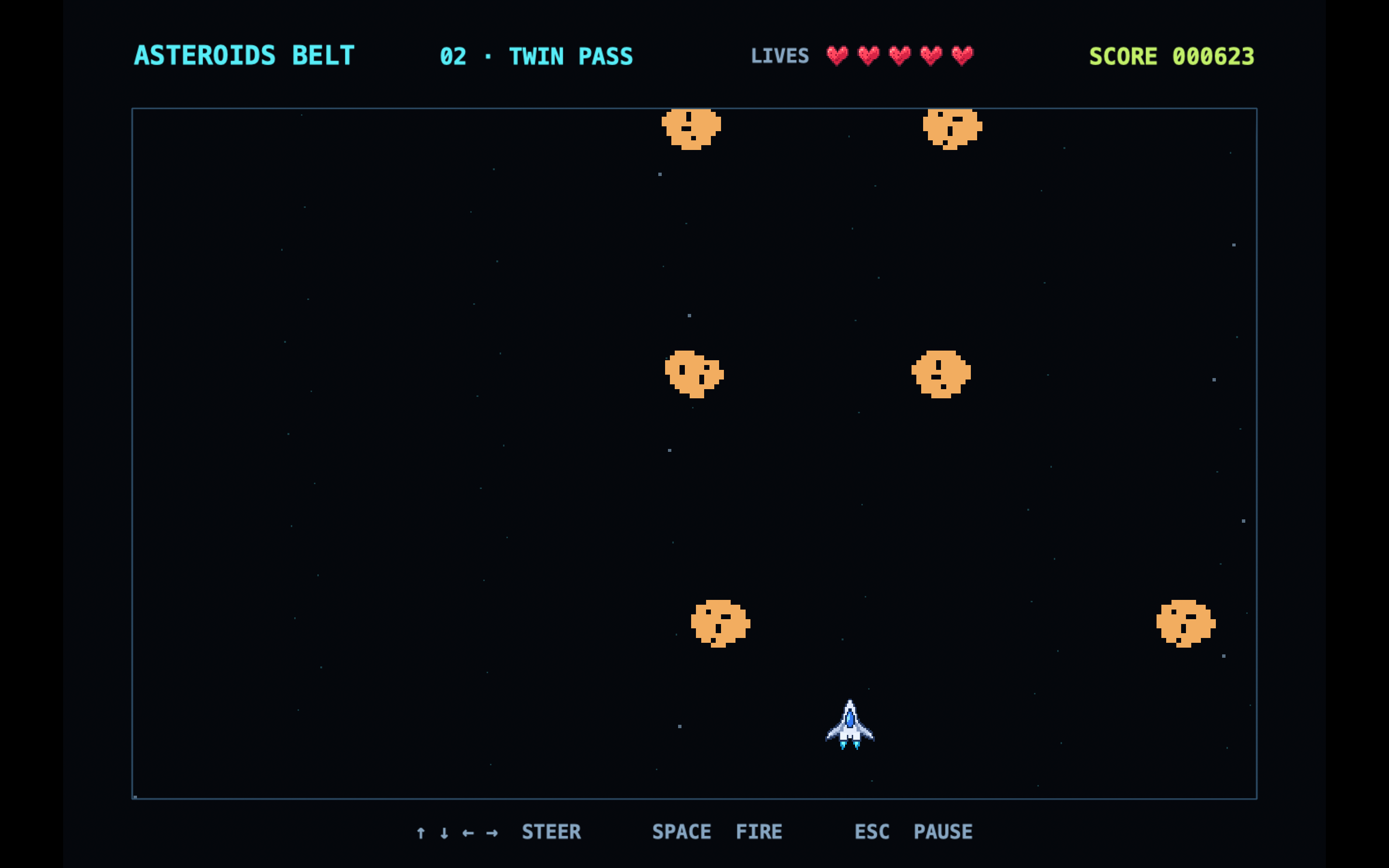
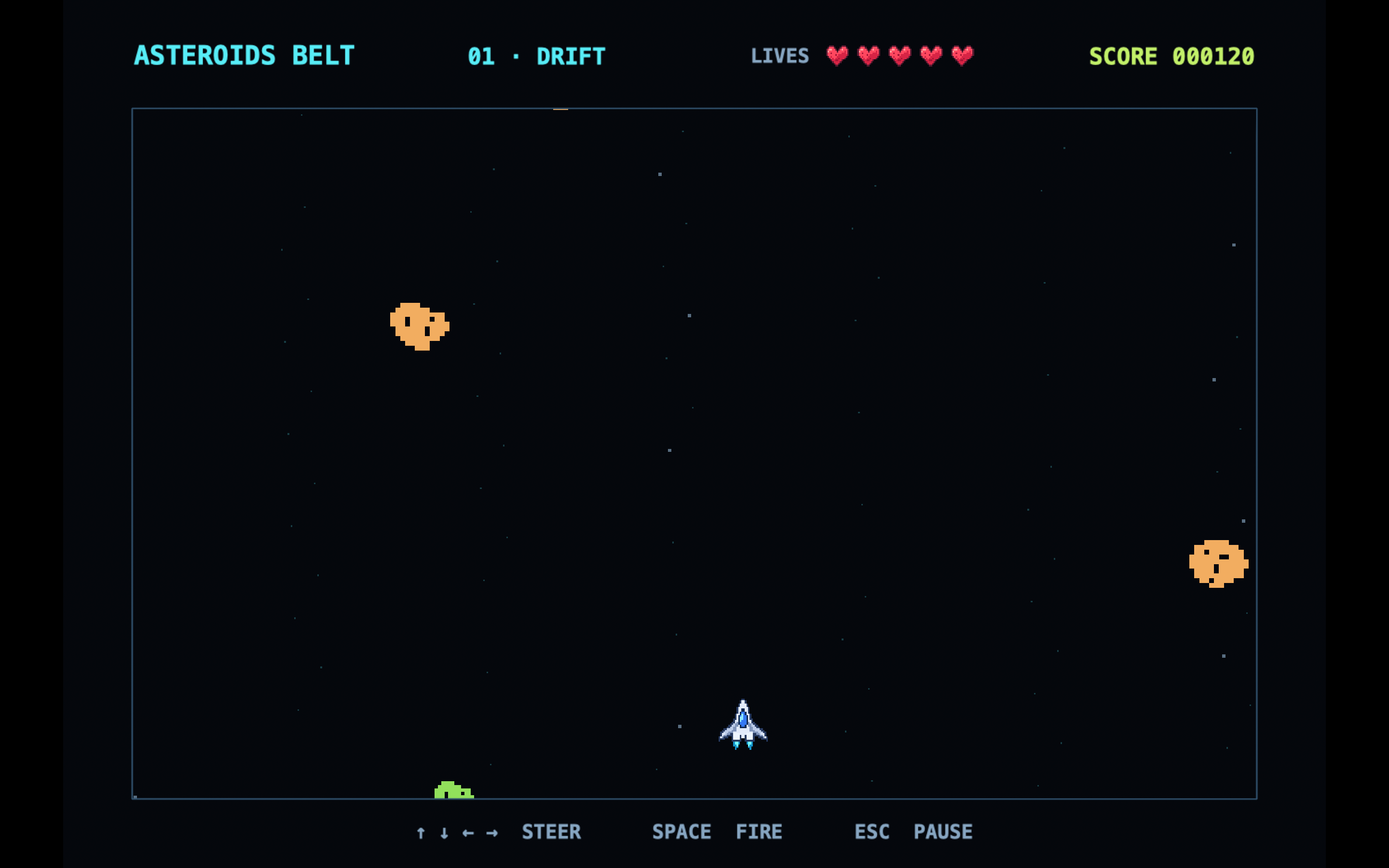
Pick one of five pixel-art ships and fly through six sectors, each with a different asteroid pattern. You start with five lives, and red hearts can restore a lost one. In the final sector, Meteor Rain, you have 30 seconds to navigate shifting gaps between rows of meteors. Use the arrow keys to steer, Space to fire, and Esc to pause.
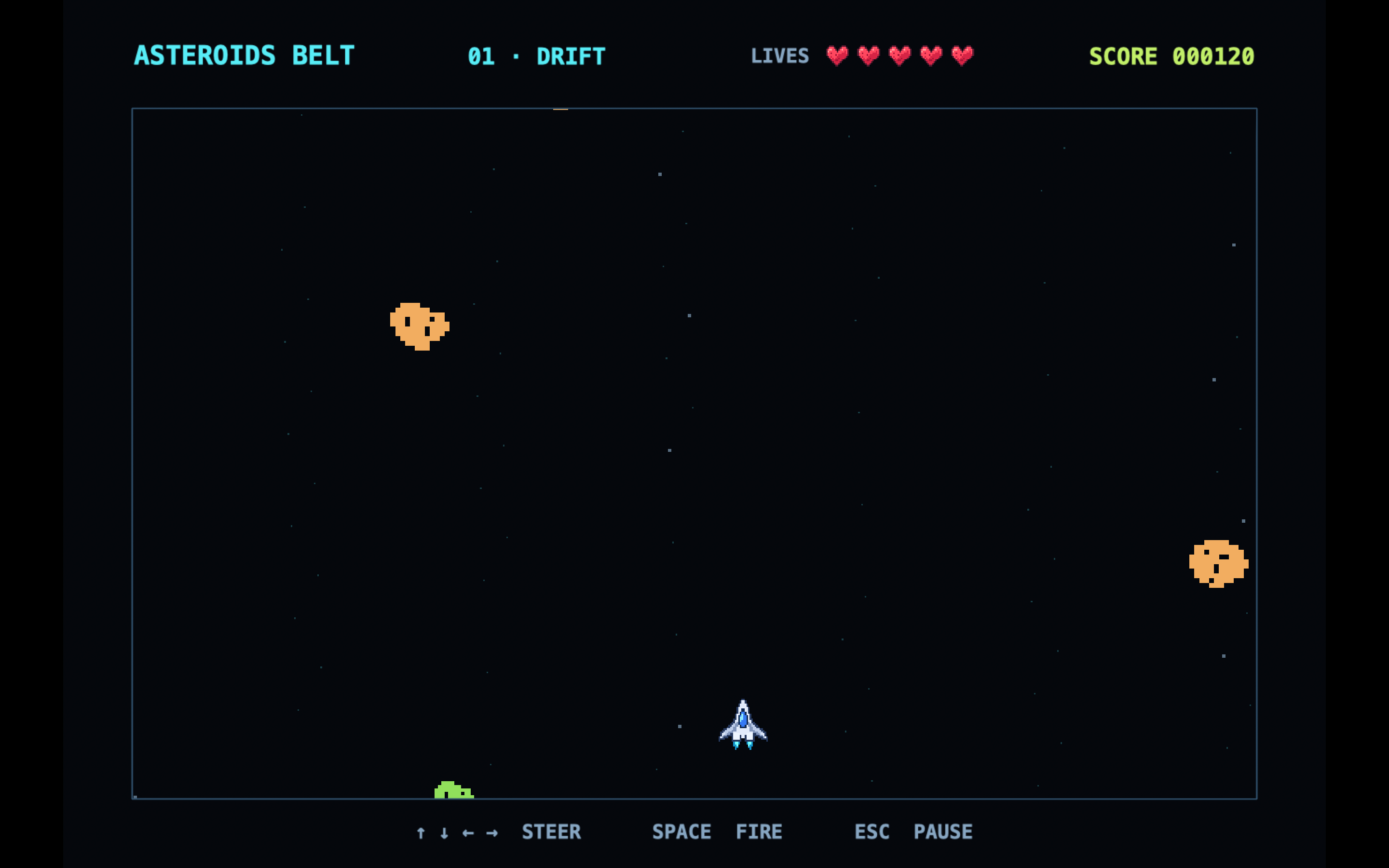
The game costs €5.00, requires macOS 13 or later, and comes with an illustrated PDF manual. Get Asteroids Belt on itch.io.
If you give it a try, I’d love to hear which ship you picked and how far you got on your first run.

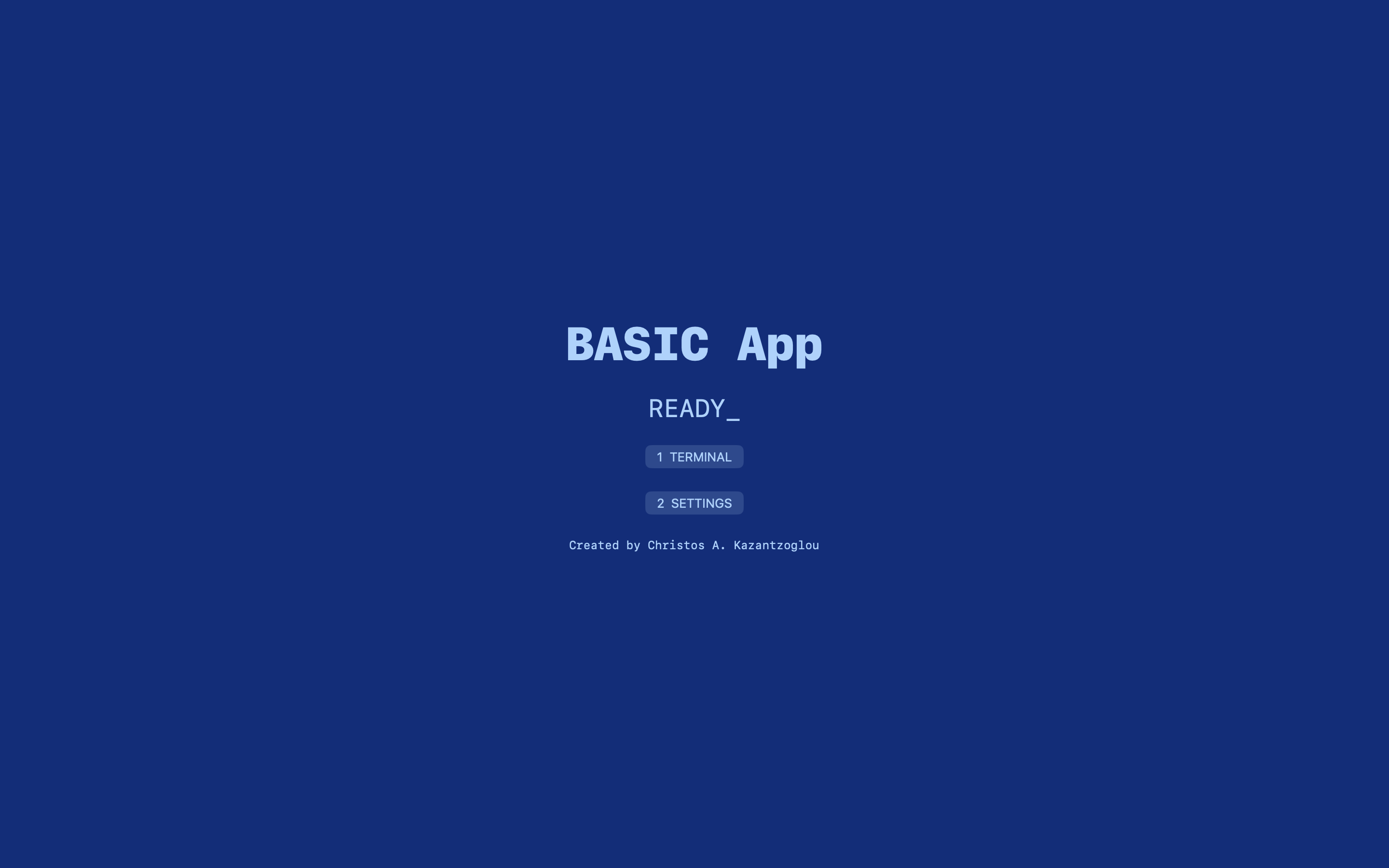
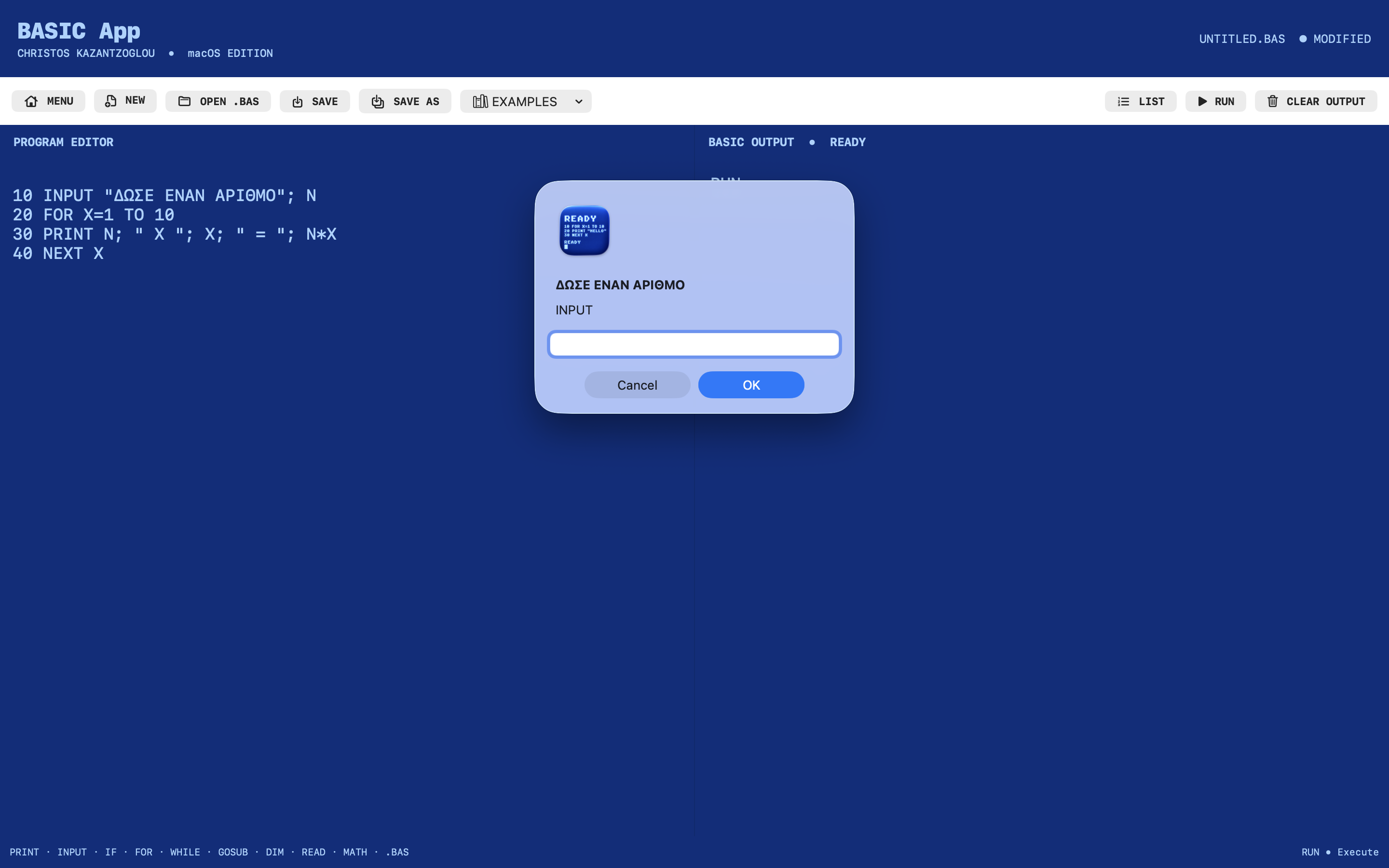
💻 The BASIC App – Rediscover Classic BASIC Programming on Your Mac!

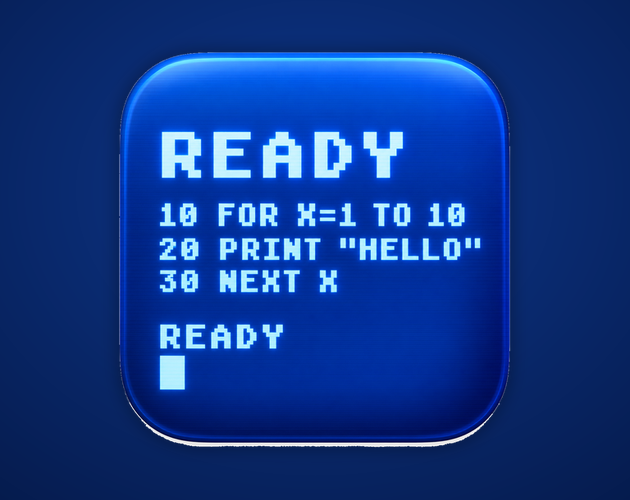
Remember the days when a blue screen, a blinking cursor, and a simple READY prompt were all you needed to start programming?

I'm pleased to introduce The BASIC App, a retro-inspired BASIC programming environment for macOS, now available on itch.io for €1.

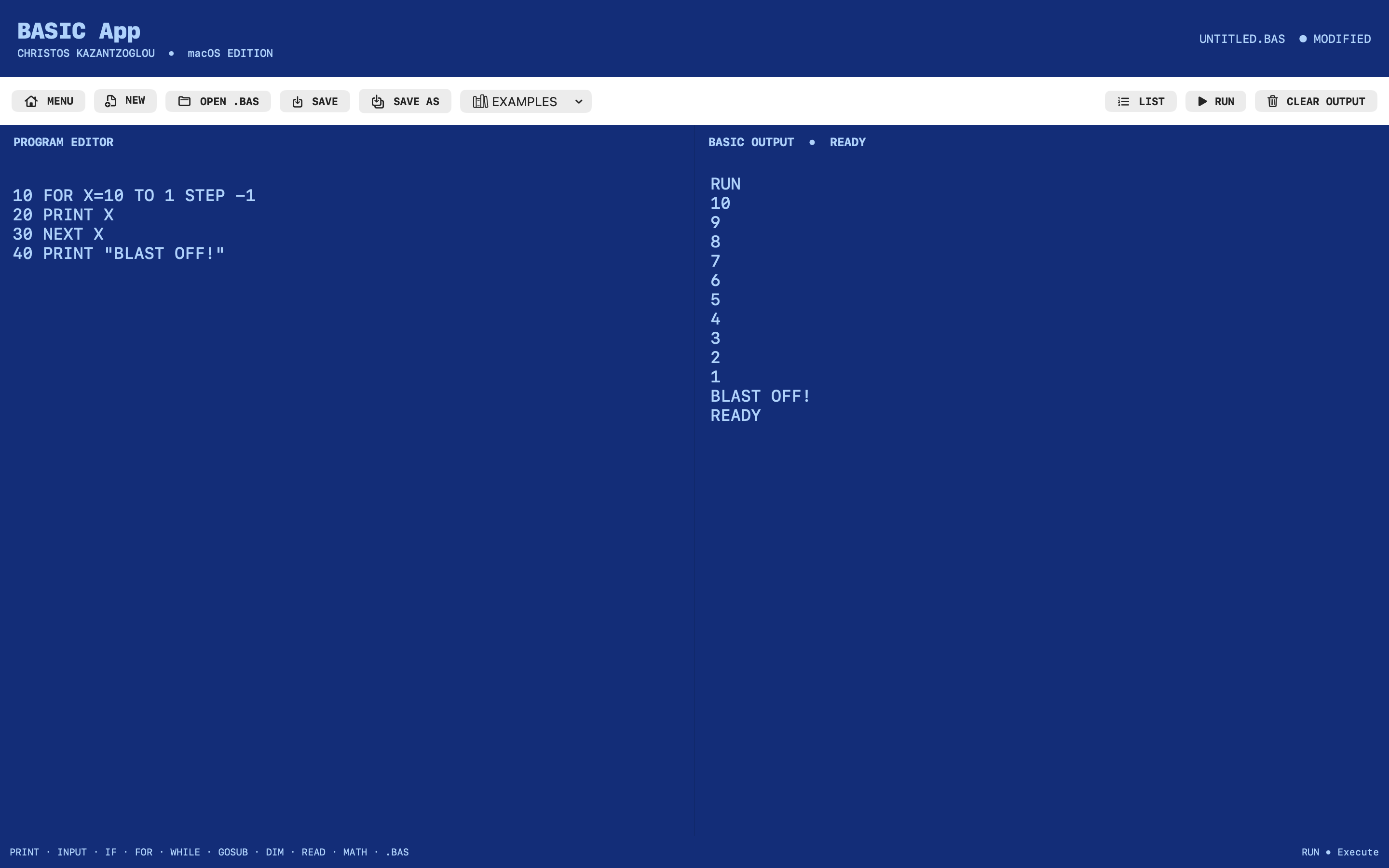
Inspired by the home computers of the 1980s, The BASIC App combines classic computing nostalgia with a straightforward environment where you can write, execute, and save your own BASIC programs.

What can you do with The BASIC App?

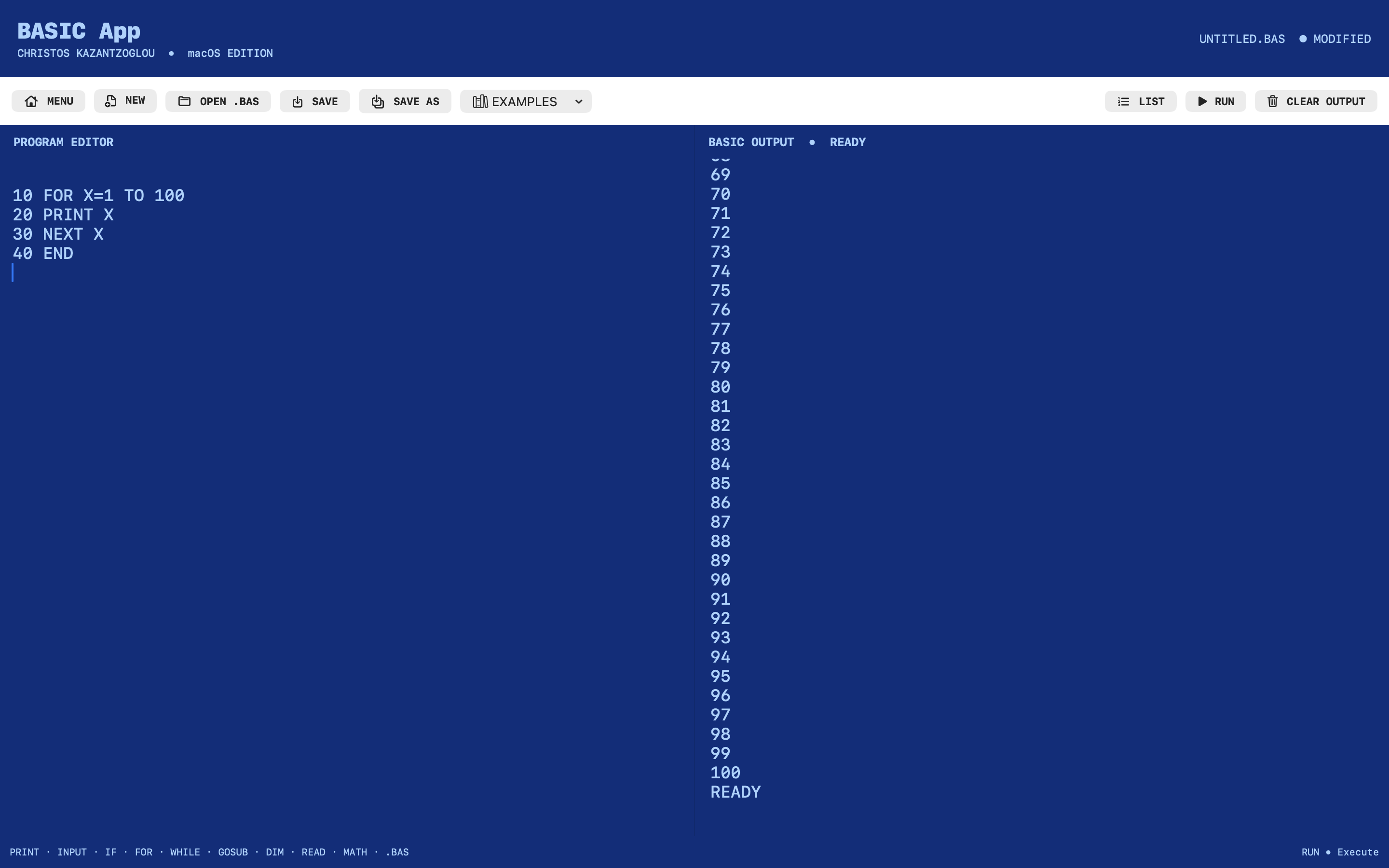
  • Write and execute BASIC programs using a built-in interpreter.
  • Use traditional numbered lines or unnumbered QBASIC-style code.
  • Experiment with PRINT, INPUT, IF...THEN...ELSE, FOR...NEXT, GOTO, GOSUB/RETURN, DIM, and other supported commands.
  • Open and save .BAS files.
  • Explore built-in programming examples.
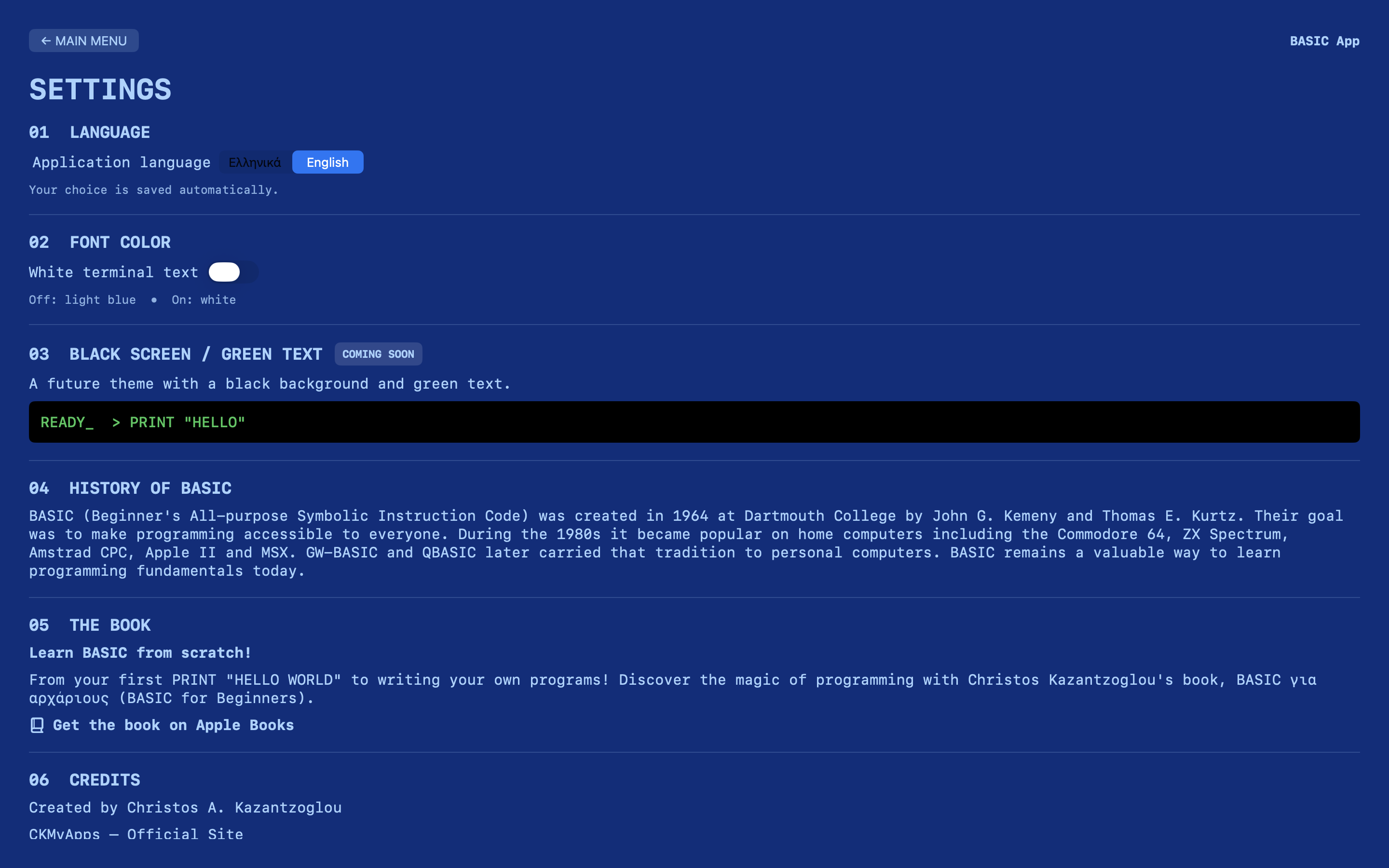
  • Switch between English and Greek interfaces.
  • Customize the terminal's text color.
  • Work offline without an account or subscription.

A Classic Experience on Modern macOS

The application features a deep-blue terminal, light-blue characters, a split-screen editor and output console, and the familiar READY prompt.

It's designed for retro computing enthusiasts, beginners, and anyone who wants to rediscover the simplicity of BASIC programming.

Availability

The BASIC App is available for macOS 13.0 or later, with support for compatible Intel and Apple silicon Macs.

Price: €1 — One-time purchase.

🚀 Download The BASIC App:

https://ckmyapps.itch.io/the-basic-app

I'd love to hear your feedback, especially about classic BASIC compatibility, possible improvements, and additional commands you'd like to see in future updates.

Thank you for your support!

Christos A. Kazantzoglou
CKMyApps

https://ckmyapps.substack.com

The BASIC App supports a selected subset of classic BASIC functionality and is not a complete Microsoft QBASIC emulator.

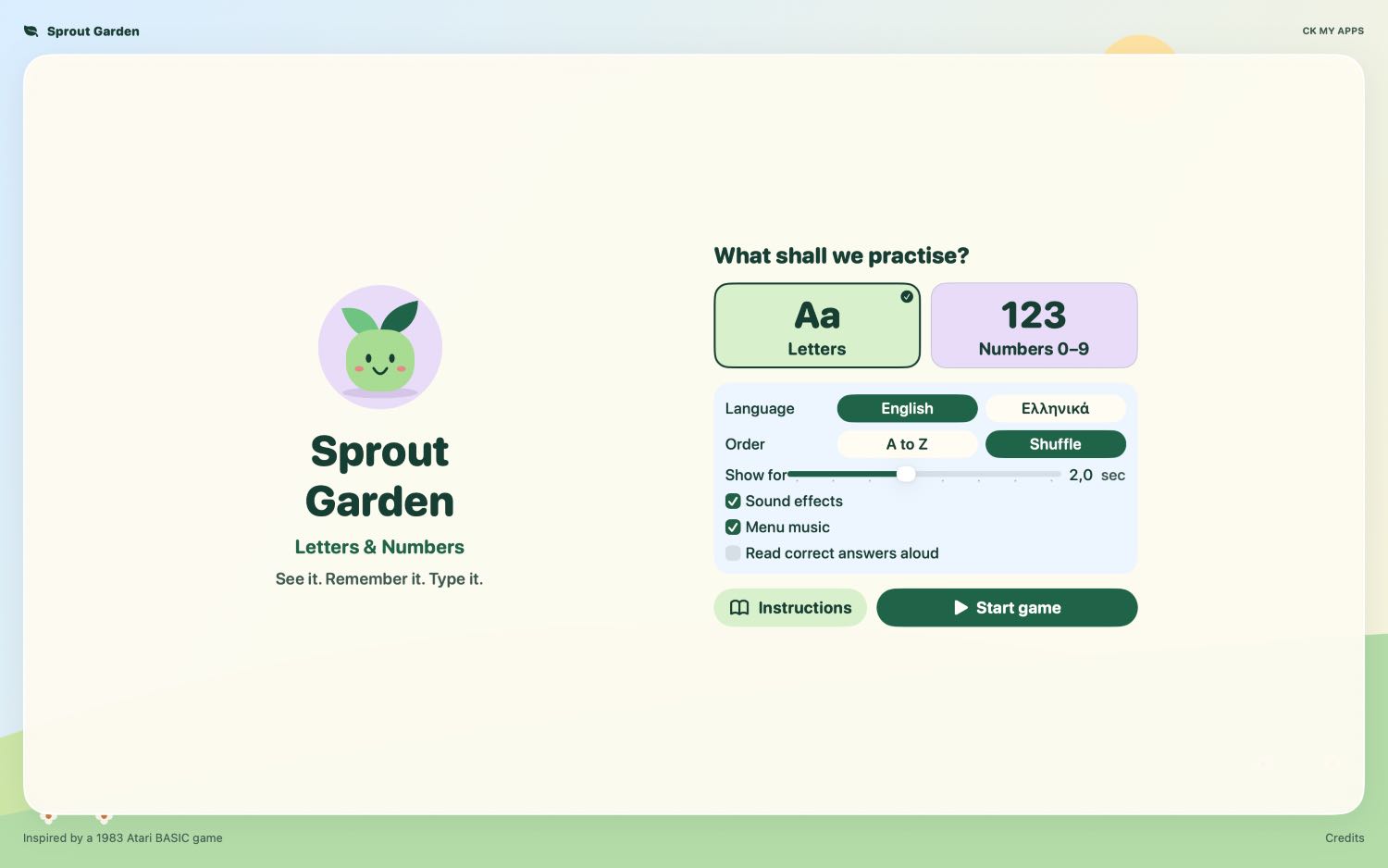
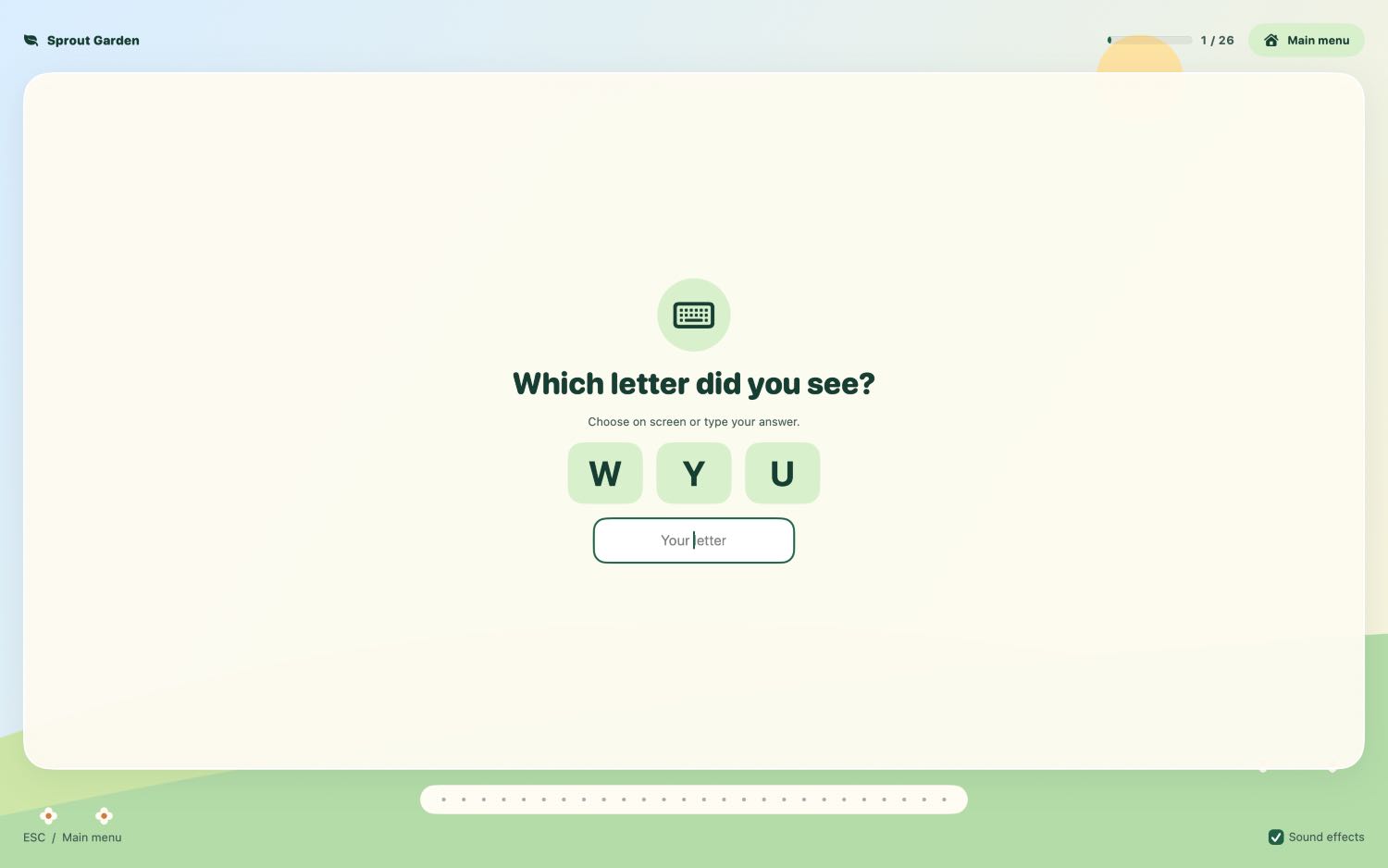
Hi everyone! I’ve made Sprout Garden, a gentle learning game for Mac aimed at kids ages 4–8. I wanted to give children a playful way to practice Greek and English letters, as well as numbers 0–9.

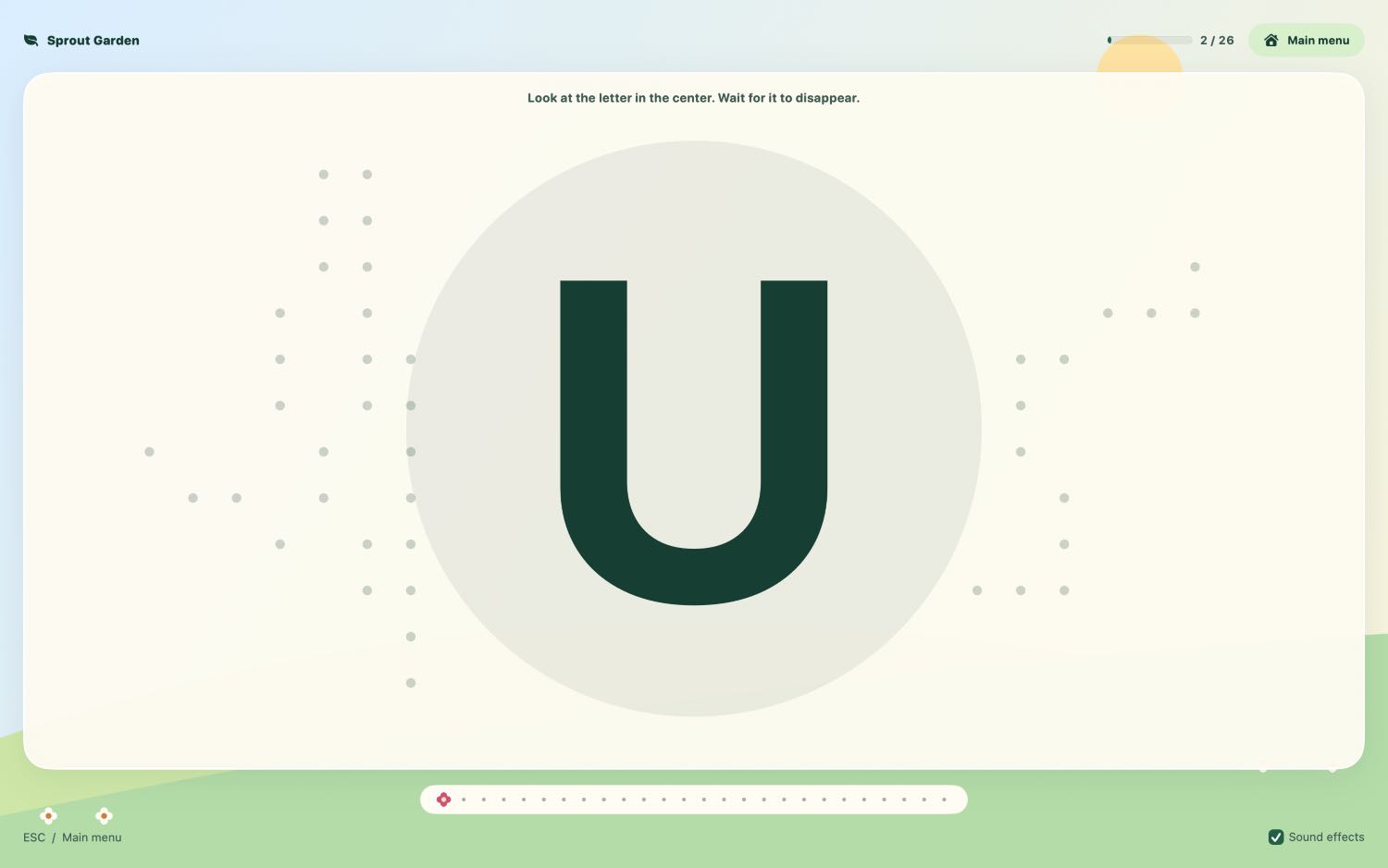
A letter or number appears, then disappears. Kids can pick the answer from three big buttons or type it on the keyboard. Every correct answer grows a flower in the garden. If they miss one, the same symbol comes back for another try. You can adjust how long each symbol stays on screen and turn on spoken feedback to hear its name after a correct answer.

The game requires macOS 14 or later and costs €5. If you try it with a young player, I’d love to hear whether the default display time felt right.

Sprout Garden on itch.io

Yes, of course; I had to bring the game into the present.

Hi everyone! I’ve released Asteroids Belt, a retro arcade shooter for Mac with pixel-art ships and a space-rock soundtrack.

Pick one of five ships and fly through six sectors, each with its own asteroid patterns. You start with five lives, and the red hearts drifting through the belt can restore a lost one. The last sector, Meteor Rain, gives you 30 seconds to weave through shifting gaps before you’re clear of the belt.

The controls are simple: arrow keys to steer, Space to fire, and Esc to pause. There are four local save slots and a Statistics screen to track your best runs.

Asteroids Belt is available on itch.io for €5 and requires macOS 13 or later.

Download on itch.io: https://ckmyapps.itch.io/asteroids-belt

If you give it a go, I’d love to hear how the difficulty feels in the final sector. Did you make it through Meteor Rain on your first run?

💻 The BASIC App – Bringing Classic BASIC Programming Back to macOS!

Remember the days when a simple READY prompt was your gateway to programming?

I've developed The BASIC App, a retro-inspired programming environment for macOS that brings back the classic blue screen and the simplicity of BASIC programming.

Inspired by the home computers of the 1980s, the app combines nostalgic design with practical tools for writing and running your own programs.

Features include:

  • Classic blue-screen BASIC terminal
  • Support for numbered and unnumbered BASIC programs
  • Built-in interpreter with commands such as PRINT, INPUT, IF, FOR, GOTO, GOSUB, and DIM
  • Open and save .BAS files
  • Built-in programming examples
  • English and Greek interface
  • Offline functionality

Whether you're a retro computing enthusiast or someone discovering BASIC for the first time, I'd love to hear your thoughts and suggestions.

I'm especially interested in feedback about the interpreter, compatibility with classic BASIC programs, and features you'd like to see in future updates.

🚀 The BASIC App for macOS:

https://ckmyapps.itch.io/the-basic-app

🌐 Try the free browser edition:

https://ckmyapps.github.io/basic-app-web/

Thanks for checking it out!

Christos A. Kazantzoglou
CKMyApps

Hi everyone!

I’m Christos, the independent creator behind CK My Apps, where I develop games and utilities for iPhone, iPad, and Mac. I’d appreciate some honest feedback on how I present my work, especially to people discovering it for the first time.

My itch.io page currently features two macOS text adventures, Pirate Cove and Escape from Future City:
https://ckmyapps.itch.io

My website covers the broader range of projects, including retro-inspired games, traditional board games, and utilities:
https://ckmyapps.substack.com

You don’t need to buy or download anything to help. Feedback on the pages and screenshots alone would be useful. In particular:

  • First impressions: Is it immediately clear what CK My Apps creates and who the projects are for?
  • Descriptions: Do they explain the actual experience clearly, or are they too long or repetitive?
  • Screenshots: Do they communicate how the games play, rather than simply how they look?
  • Platforms and installation: Is it clear which devices each project supports and what users receive?
  • Organization: Would you separate games and utilities more clearly on the main website?
  • Missing information: What would you want to know before deciding whether a project interests you?

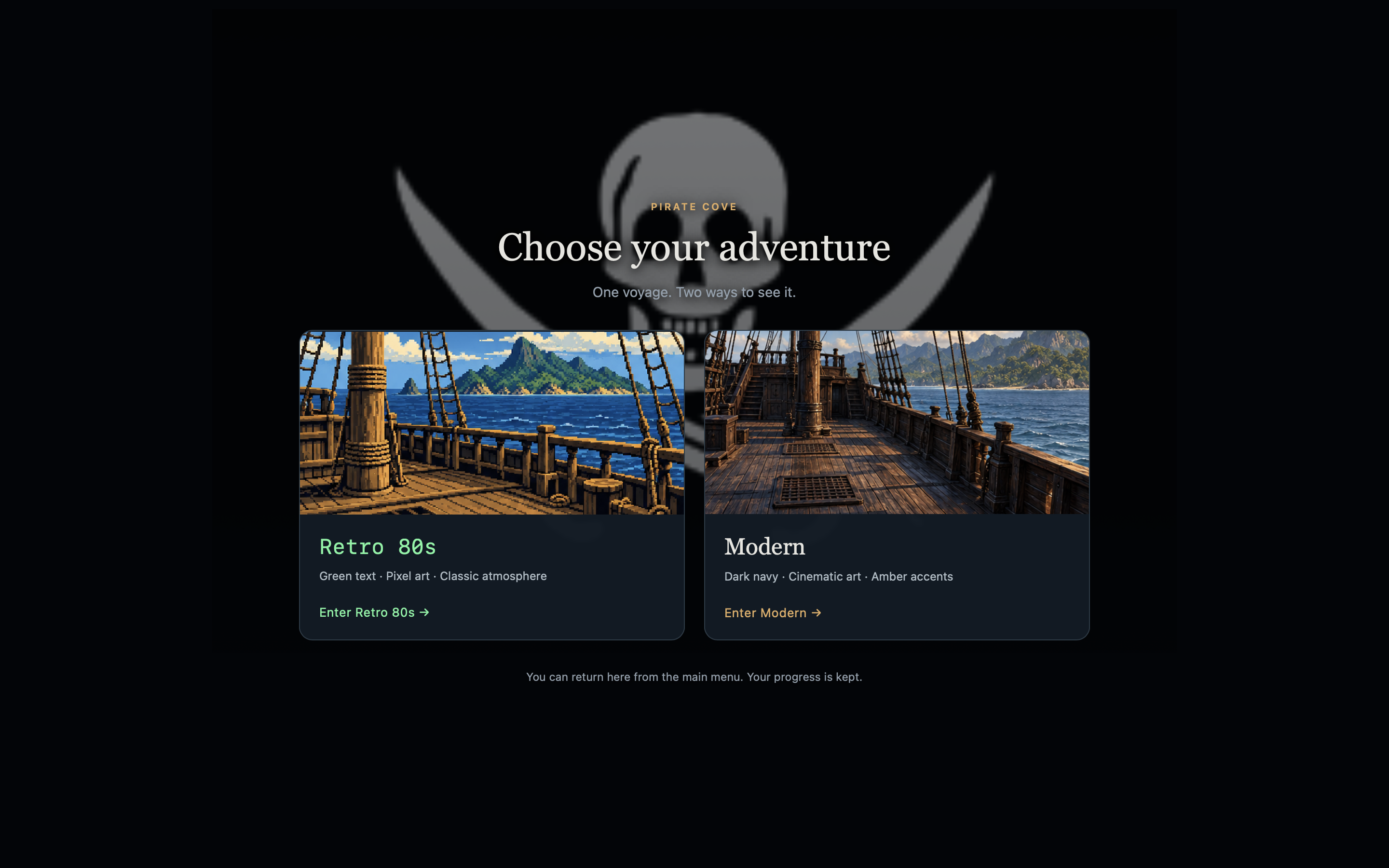
For Pirate Cove specifically, I’d also welcome thoughts on the Retro 80s versus Modern presentation: which is easier to read, and which better suits a command-based adventure?

I use AI-assisted programming and AI-generated artwork in parts of my workflow, as disclosed on the relevant project pages. Feedback on whether those explanations are clear is welcome too.

Specific criticism is genuinely helpful—even something as simple as “this screenshot doesn’t explain the controls” or “I couldn’t find the system requirements.”

Thanks for your time!

Christos / CK My Apps

Hi everyone! I’m Christos, the independent creator behind CK My Apps. I’m starting this thread to share the development of my retro-inspired adventures for modern Macs: the decisions, experiments, problems, and small improvements that turn a working game into something enjoyable to play.

My two projects here are Pirate Cove and Escape from Future City. One takes you from a London apartment to distant pirate shores; the other places you in a mysterious futuristic city. They share my interest in a particular kind of game: one where reading carefully and trying an unexpected idea can matter more than fast reflexes.

Keeping the commands, improving the experience

The main challenge has been deciding what to preserve and what to change.

I wanted to keep short text commands, inventory puzzles, and the satisfaction of discovering a solution yourself. But I also wanted to make the games more approachable on a modern screen, with readable text, convenient controls, useful save options, and clear ways to get help.

Adding an illustration is relatively straightforward. Making sure that it supports the written description—without suggesting objects or exits that aren’t actually there—is a more interesting design problem. In these games, the text still needs to be the player’s most reliable source of information.

Pirate Cove: two visual approaches

For Pirate Cove, I developed two presentations of the same adventure:

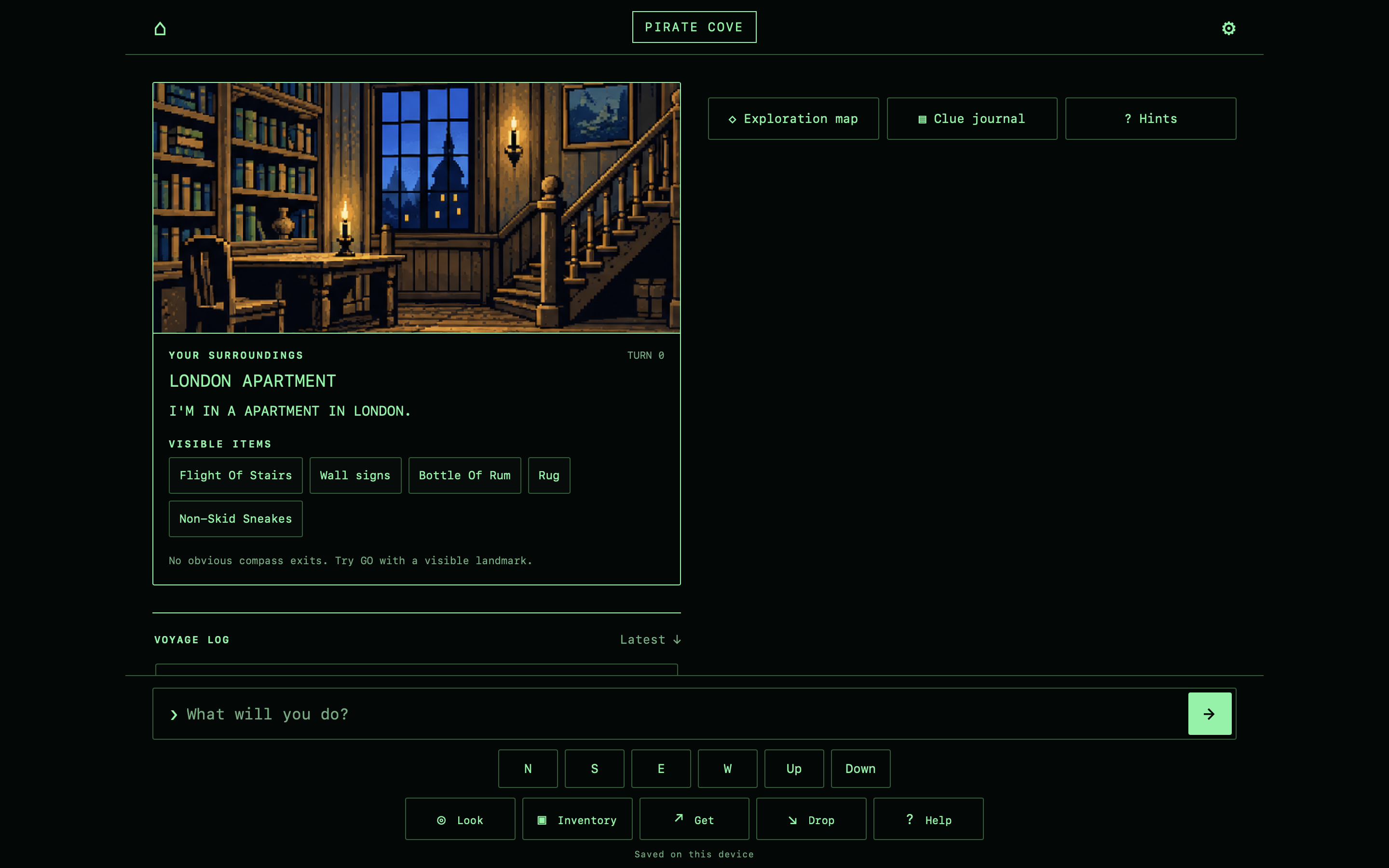
  • Retro 80s: green terminal-style text and pixel-art illustrations.
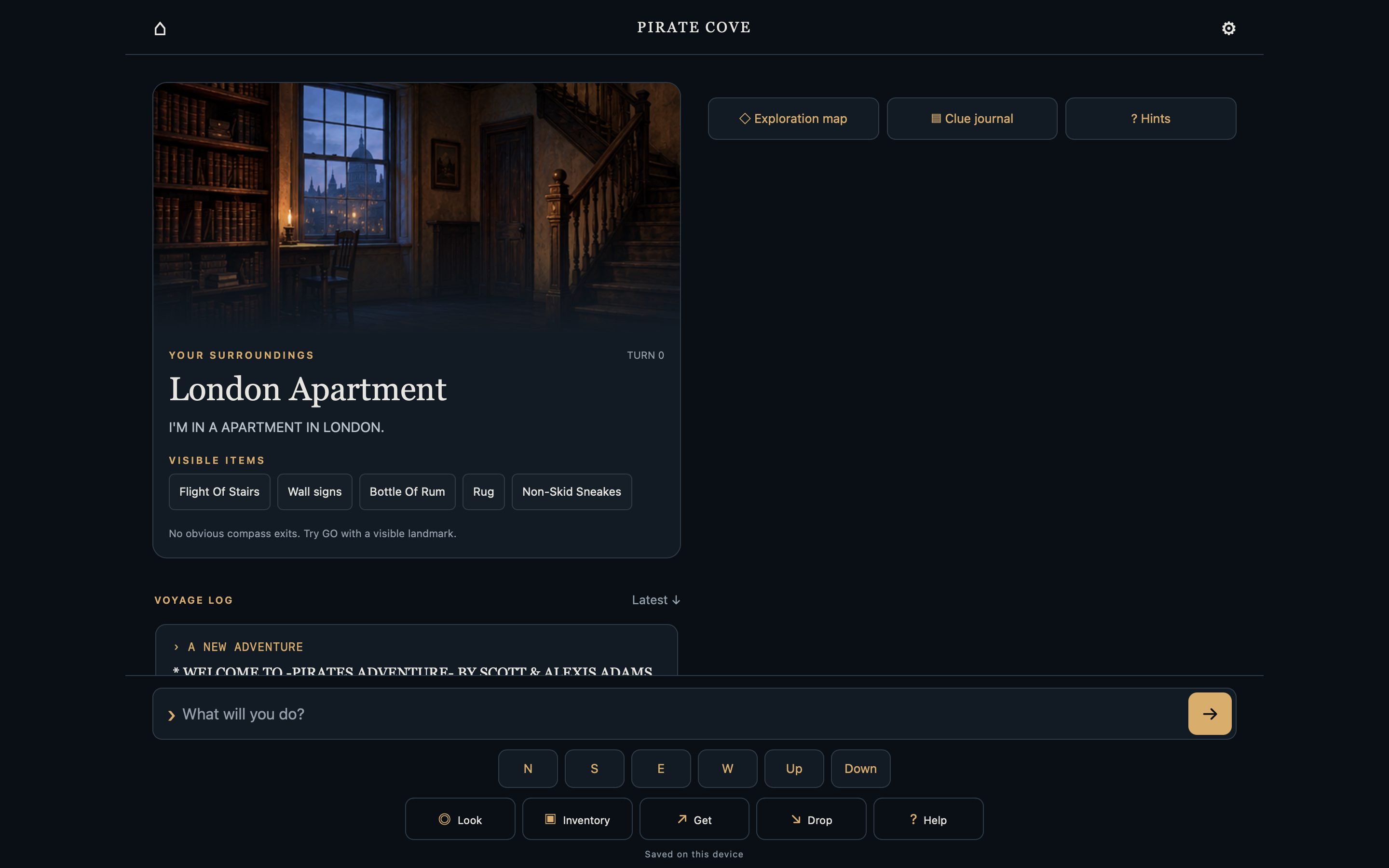
  • Modern: cinematic artwork, dark navy backgrounds, and amber accents.

The choice happens before the main menu. It changes the presentation, not the puzzles or story.

This project adapts Scott and Alexis Adams’s Pirate Adventure, drawing on the BASIC listing published in BYTE magazine in December 1980. I contacted Scott Adams and received permission for the adaptation.

Recent additions include an exploration map, a clue journal, progressive hints, and three manual save slots alongside autosave. The map records discoveries rather than revealing the whole world, while the hints let players choose how much assistance they want.

Escape from Future City: a different atmosphere

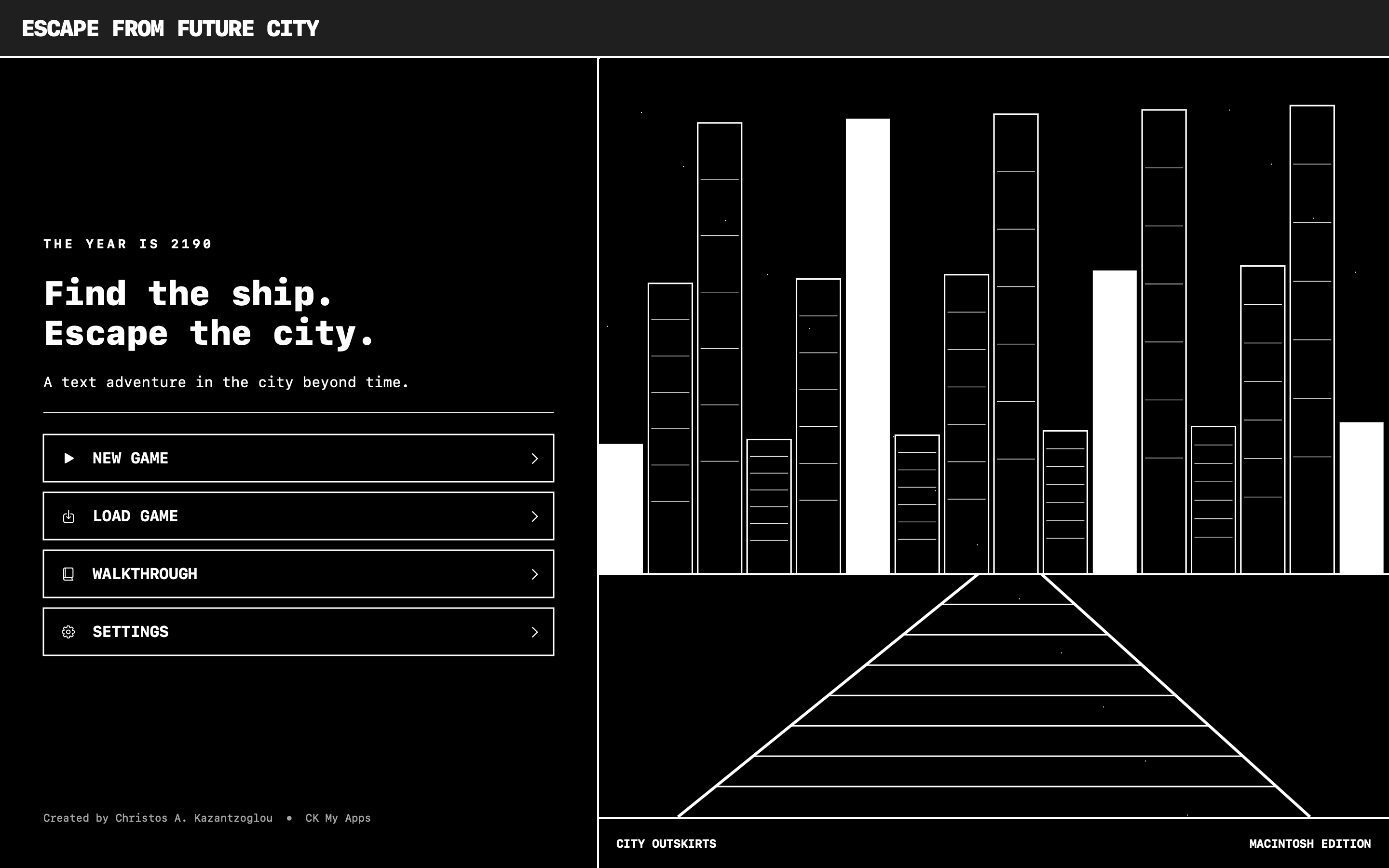
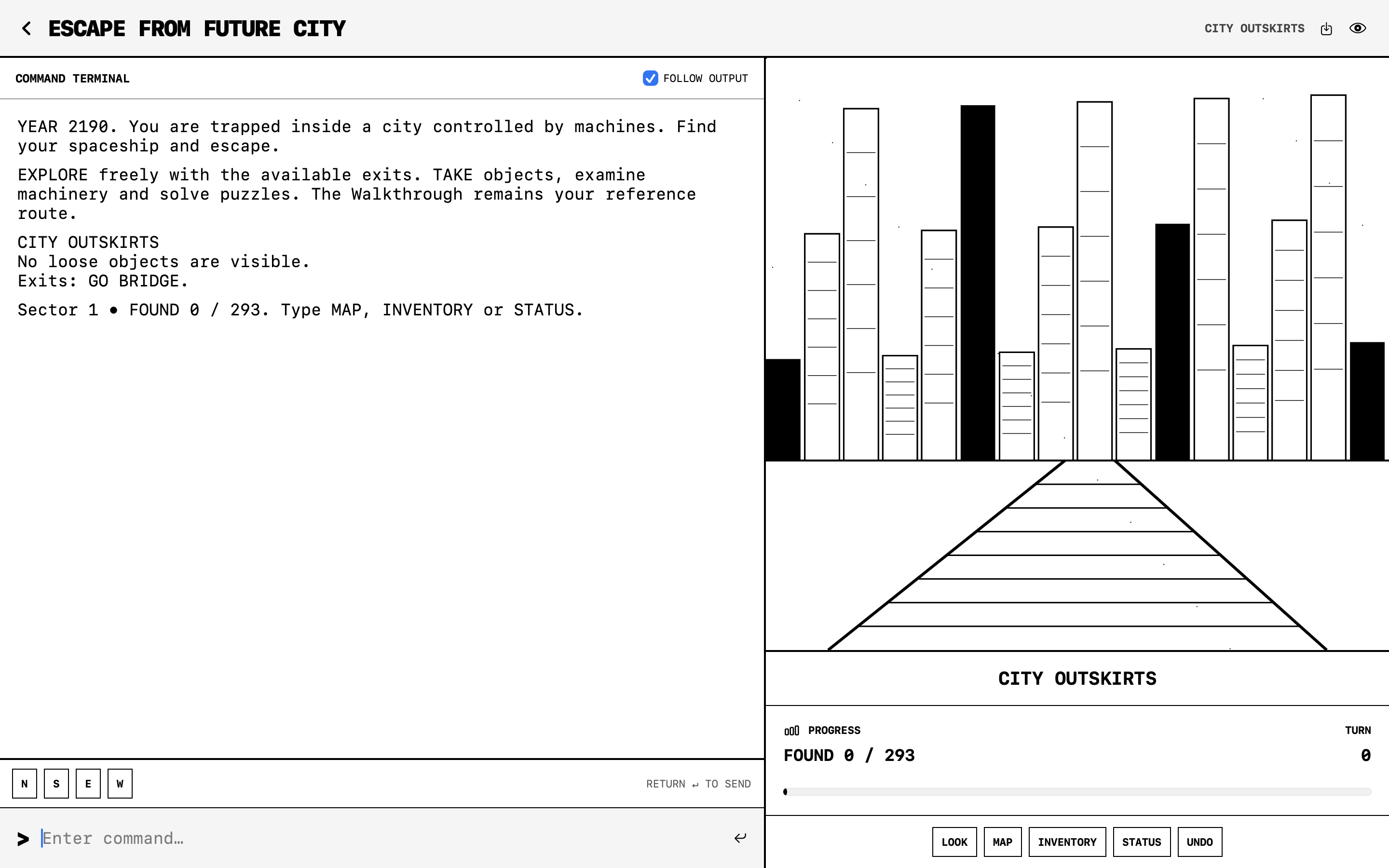
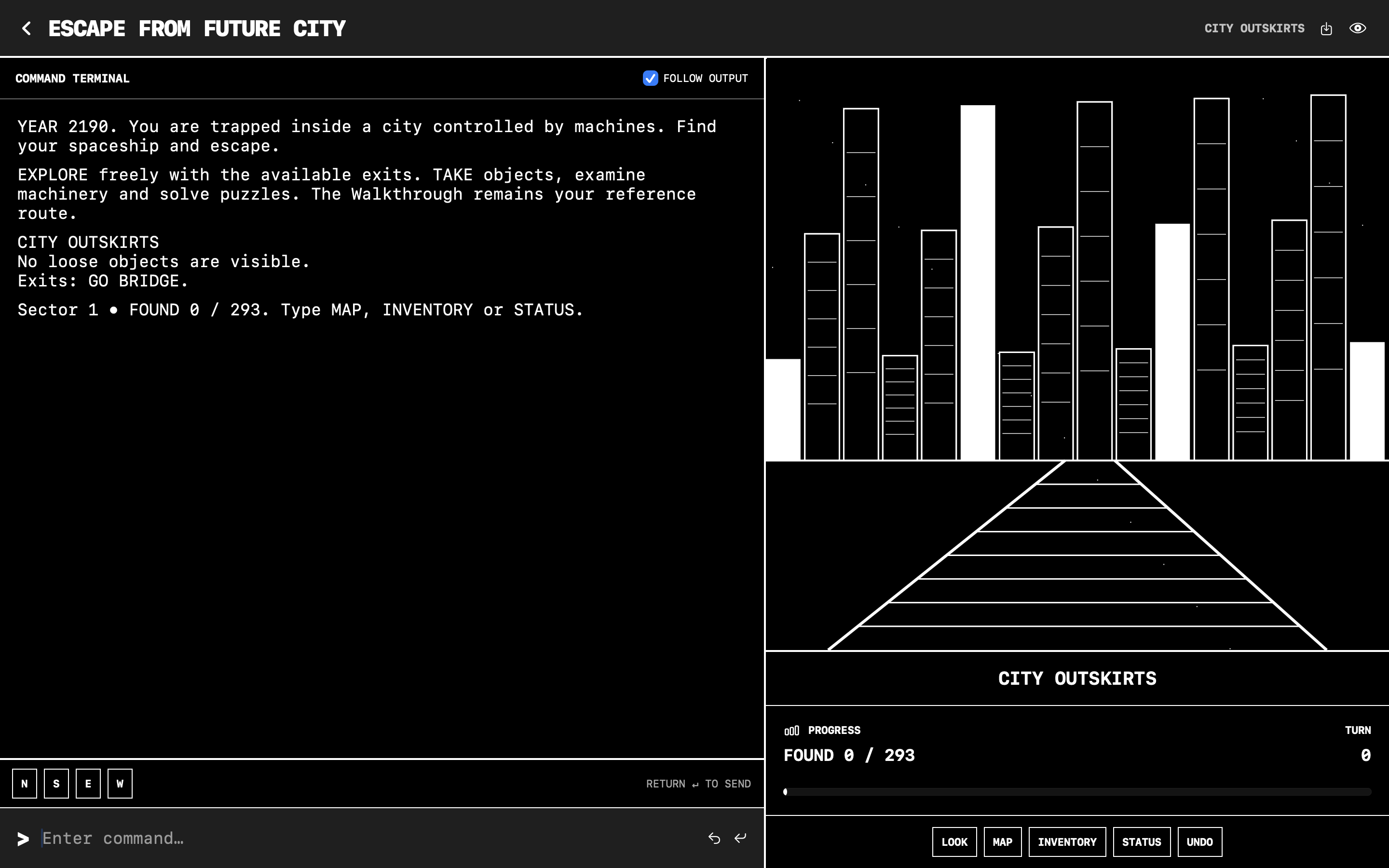
With Escape from Future City, I chose a minimalist monochrome presentation and an electronic soundtrack to support the science-fiction setting.

The goal is a different mood, rather than simply another color scheme: unfamiliar machinery, interconnected locations, and the feeling that every object might have a purpose you haven’t understood yet.

Working on both games has also made practical details impossible to ignore. Text scrolling, window resizing, keyboard input, and restoring a saved game all affect the experience just as much as the artwork does.

Sound should help, not get in the way

One lesson from testing was simple: atmospheric music stops being atmospheric when it’s too loud.

For Pirate Cove, I added adjustable music volume, separate controls for environmental sounds, and playback-position retention so the soundtrack doesn’t restart every time you return. Ocean, cave, ship, island, and indoor ambience give locations their own character without replacing the written world.

I also created illustrated four-page PDF instruction booklets. They’re a small nod to the manuals that used to come with computer games, but they serve a practical purpose too: explaining commands and saving without making players search through menus.

A note on the development process

I use AI-assisted programming and AI-generated artwork as part of my workflow. That involvement is disclosed on the project pages. The classic material is credited separately; I don’t present the original adventures as stories I wrote.

What I’m focusing on next

My priority is refinement: clearer command feedback, comfortable reading on different window sizes, and checking that saves, audio settings, and navigation behave consistently.

I’d be interested in hearing from other text-adventure players:

  • Do you prefer a traditional terminal presentation or illustrated scenes?
  • How much help should a hint system offer before it gives too much away?
  • Which modern convenience makes the biggest difference without weakening the original experience?

You can find the projects here:
https://ckmyapps.itch.io

CK My Apps also includes other games and utilities for Apple devices. I share the broader catalog, manuals, and development updates on my website:
https://ckmyapps.substack.com

Thanks for reading. I’ll use this thread to share concrete changes, screenshots, and lessons from testing as the projects develop.

— Christos / CK My Apps

Hi everyone!

I’m Christos, the independent developer behind CK My Apps, and I’d like to introduce Pirate Cove, a pirate text adventure for macOS.

Your journey begins in a London apartment, but soon takes you to tropical shores, mysterious caves, and encounters with pirates. Explore, collect useful objects, solve puzzles, and find two treasures to bring home—all through short English commands.

The game is based on Scott and Alexis Adams’s Pirate Adventure, using the BASIC listing published in the December 1980 issue of BYTE magazine. This adaptation was developed with permission from Scott Adams.

I wanted to preserve the pleasure of reading, experimenting, and discovering things for yourself, while adding a few conveniences:

  • Retro 80s and Modern styles: green terminal text and pixel art, or cinematic illustrations with amber accents.
  • Exploration map and clue journal: keep track of places and discoveries without revealing everything in advance.
  • Progressive hints and a walkthrough: choose how much help you want.
  • Three manual save slots plus autosave.
  • Pirate-themed music and location-based ambience, with separate volume controls.
  • An illustrated four-page PDF instruction booklet.

It’s a single-player, offline game with no account required, no ads, and no in-app purchases. The current game language is English.

Game page: https://ckmyapps.itch.io/pirate-cove

I’d love to hear what you think—especially whether you prefer the Retro 80s or Modern presentation. Feedback on the controls, puzzles, and overall experience is welcome!

Thanks for taking a look,
Christos / CK My Apps

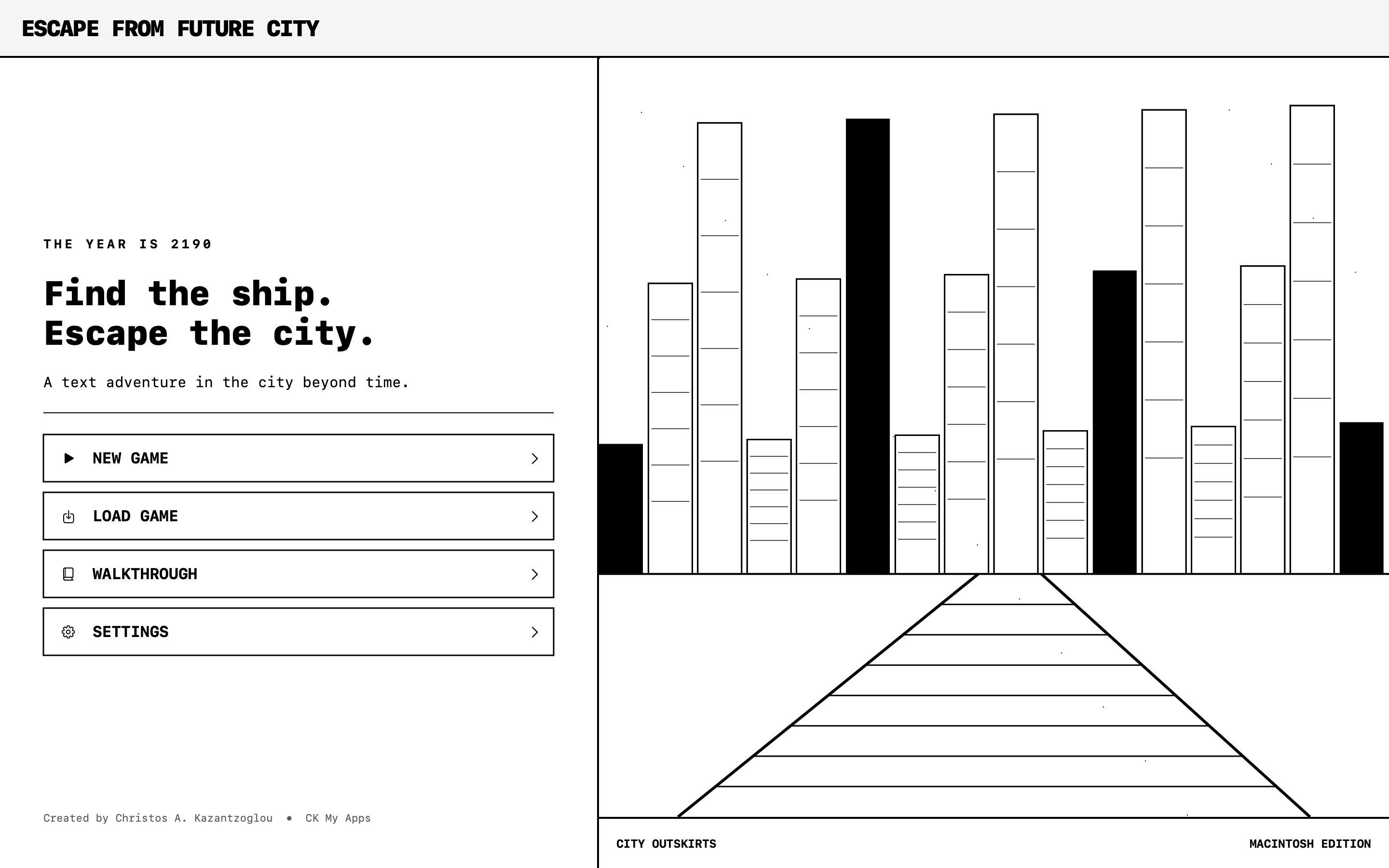
I'm excited to announce the release of Escape from Future City, a retro-inspired science-fiction text adventure for macOS, now available on itch.io!

Set in the year 2190, the game places you inside a mysterious futuristic city controlled by intelligent machines. Your mission is to explore its corridors, collect useful objects, solve puzzles, outsmart robotic guardians, and find your missing spaceship.

Inspired by Forbidden City (1981), later released as Futuria (1985), this modern adaptation celebrates the simplicity and imagination of classic computer adventures.

Features include:

  • Classic command-based exploration and interactive puzzles
  • Retro monochrome graphics
  • Native macOS interface for Intel and Apple silicon
  • Atmospheric electronic soundtrack
  • Five save slots and UNDO functionality
  • Built-in walkthrough
  • Illustrated four-page PDF instruction manual
  • Offline single-player gameplay

The game is available for €5.00, with no advertisements, subscriptions, or in-app purchases.

I'd love to hear your thoughts, especially if you're a fan of classic Macintosh games, interactive fiction, or old-school text adventures.

Play Escape from Future City:
https://ckmyapps.itch.io/escape-from-future-city

Created by Christos A. Kazantzoglou — CK My Apps