
Indie game storeFree gamesFun gamesHorror games
Game developmentAssetsComics
SalesBundles
Jobs
TagsGame Engines

geeke

14
Posts
4
Topics
A member registered Mar 27, 2026

Creator of

Recent community posts

Thanks for the detailed breakdown! I'm actually using a mixture of setups depending on the day.

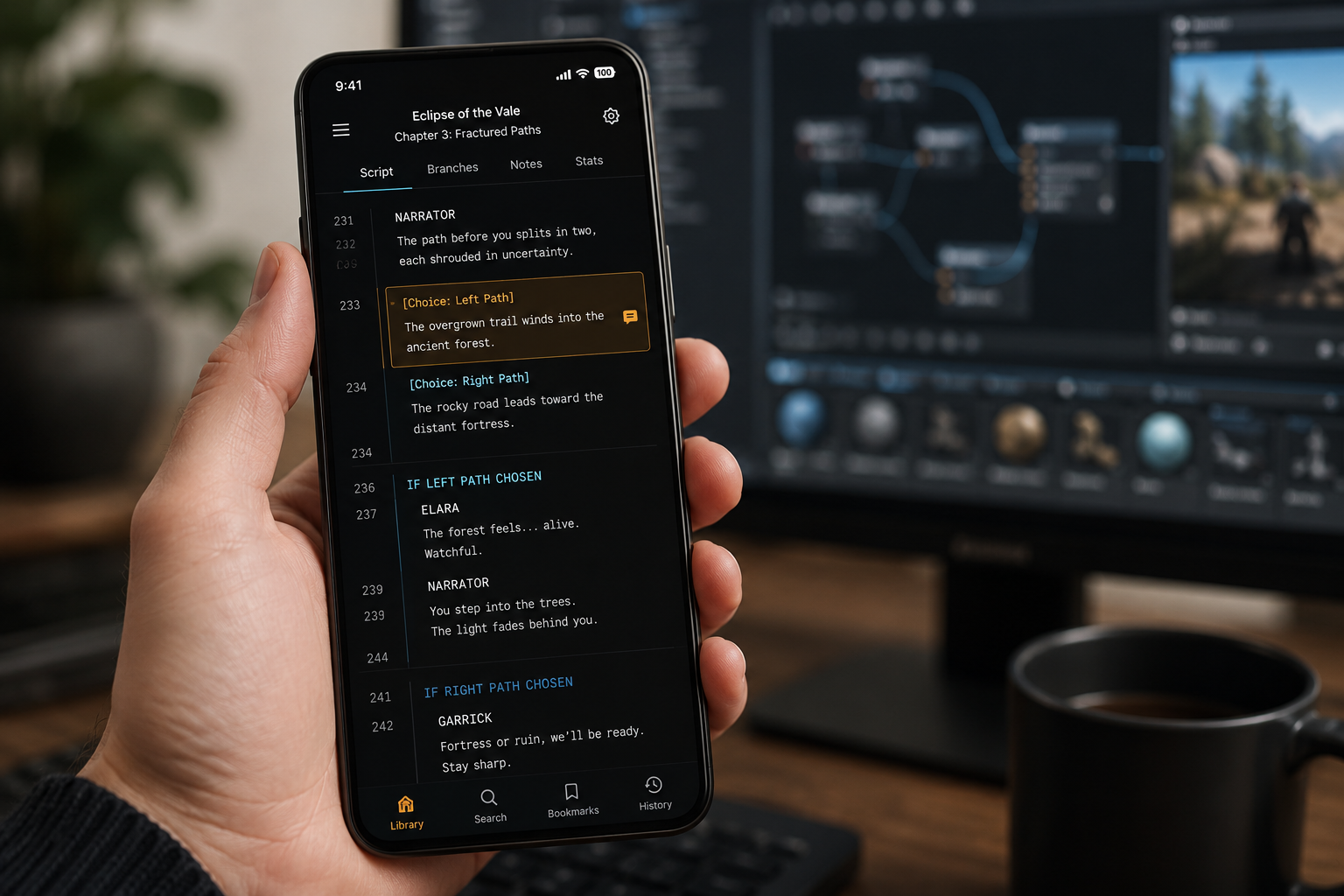
For heavy lifting, I'm on a Windows laptop with a dual-monitor setup that is one screen for my game engine (Godot) and the other for my sprawling Google Docs full of lore. But for editing on the go, I've been relying on an older iPad Air. It's reliable, but honestly, the default Apple Books app is terrible for reading script drafts it constantly reflows my formatting in weird ways and breaks my action lines.

Your mention of EPub Reader Pro handling indentations and keeping the EXT. format intact is a huge selling point for me. I'm currently wrestling with a 200-page visual novel script, and half my editing time is just fighting formatting wars instead of actually fixing dialogue.

I also love that you mentioned syncing between devices. I tend to switch between my iPad and my phone when I'm commuting, so seamless sync is basically a requirement at this point. Does it have cloud sync built-in, or do you manually transfer files?

I might have to give this a shot this weekend. Thanks for sharing your workflow which it's always cool to see how other narrative devs tackle the same headaches!
(2 edits)

Hey everyone,

I’ve been deep in the trenches of a narrative-heavy project lately (lots of branching dialogue and lore). While I love working on my desktop, I find that my best "flow state" for editing and proofreading happens when I step away from the desk, usually with my tablet or phone.

The biggest pain point I’ve been running into isn't just reading the files; it’s organizing them. When you have a folder full of script drafts, world-building bibles, and assets, it gets messy fast.

I’ve been testing out a workflow that has actually made a huge difference, and I wanted to share it because I know a lot of us here are juggling huge text files.

The Issue: PDFs are great for final drafts, but they are a nightmare for editing on a small screen. Word docs are heavy. I needed something lightweight that could handle multiple formats (EPUB, MOBI, PDF) without crashing my device.

The Solution I'm testing: I started using EPub Reader Pro to convert all my rough drafts into EPUB format. It’s been a game-changer for a few reasons:

  • True Dark Mode: Unlike a lot of default readers, the dark mode here actually looks like e-ink, making it easier to read 50+ pages of dialogue without frying my eyes.
  • Text-to-Speech: I use this to listen back to my dialogue. Hearing the lines spoken out loud helps me catch clunky phrasing way faster than reading it silently.
  • Annotation: I can highlight parts of the script that need rewrites or leave notes for myself directly on the "page," which syncs back to my main PC.

How it fits into my Jam workflow: If you are working on a Visual Novel or a TTRPG supplement, try converting your script.txt or story.epub to this format. It makes reading while commuting or lounging actually productive, rather than just "scrolling."

I’m planning to write a full workflow guide soon on how I handle large scripts, but in the meantime, if you want to check out the tool I’m using, here is the link: https://www.epubreaderpro.com

A quick question for the community: How do you guys handle reading and editing your game scripts when you aren't at your main workstation? Do you prefer printing things out, or are you using a specific tablet setup? I’d love to hear how others are tackling the "editing on the go" problem.

Cheers and good luck on your current projects!

I suggest you to play tag after school game. It is the adult video game for android

You can try Fl Studio For PC to learn and make your own music. Free Source to download: https://flstudioz.com

Your Lazy Mean?

I and finding the best ebook reader platform to read ebooks. SO suggest me the best if you are digital books reader.

My Post also contain No Index Meta Tag which prevent indexing So, kindly remove meta tags

Ok I am trying to do something better according to indexing or ensure that content meets the rules and regulations

I also make music free from Fl Studio so you can also try it and make your own music free of cost.

Yeah, this confused me at first too — it looks like “POI” and “Features” are being used a bit interchangeably, but they’re not exactly the same thing.

From how I understand it:

  • POI (Point of Interest) in the Event table is more of a broad discovery trigger. It just means the party finds something notable in that hex.
  • The Features table (Terrain Generator) is what you actually use to define what that “something” is.

So in practice, when you roll a 6 → Discover POI, you would then: → Roll on the Features table to determine the specific type of POI (ruins, landmark, dungeon, etc.)
→ And if you hit that special case (like rolling a 6 again), you generate a settlement instead

That means settlements are basically a subset outcome of POIs, just handled with an extra rule.

So people aren’t really choosing between POIs vs Features — the Feature table is what fills in the POI result.

https://geeke.itch.io/tag-after-school
https://geeke.itch.io/worldbox-god-simulator
After some research on google, i found that these links contain no index meta tags or something like this (if am not wrong). So why these on my post. 

Ok Thanks Buddy , It will check

I recently add two post but does not show in google. I want to know , why. When I use different platform then these will show in google after 6 hours on itch still not find in google results.

I am new to itch and publish my game which show 'Post on Devlog' So anyone can tell me, is it imp to post on Devlog and what is devlog. 
This is my post: https://geeke.itch.io/tag-after-school