Indie game storeFree gamesFun gamesHorror games
Game developmentAssetsComics
SalesBundles
Jobs
TagsGame Engines

GICAVE

2
Posts
1
Topics
A member registered 8 days ago · View creator page →

Creator of

Recent community posts

Maker disclosure: I’m posting for SpriteParcel, a paid tool developed with AI assistance. This is a maker’s contribution, not an independent recommendation.

For a small batch of separate PNG sprites, one useful check is whether your atlas exporter preserves the original canvas size and trim offsets. Packing only the visible pixels is fine, but placing every trimmed rectangle at its new centre can make an animation jump.

A quick check with SpriteParcel’s free demo:

  1. Download SpriteParcel-demo.html and open the saved file in current desktop Chrome or Edge. There is no ZIP to extract for this version.
  2. Click Load sample, then Build atlas. Try transparent-edge trimming, padding and edge extrusion; export the PNG and JSON.
  3. In the JSON, compare frame (packed rectangle), sourceSize (original canvas) and spriteSourceSize (trim placement). Your loader must use the offsets when reconstructing placement.

The demo accepts your own art: up to 8 PNGs / 1024px atlas, with usable exports. Processing stays local. The US$9 one-time edition raises those limits to 100 PNGs / 4096px. It uses shelf packing without rotation or multiple atlases; engine integration needs checking with your loader. No animation editor or Unity/Godot importer is included.

Try the free SpriteParcel demo. If you already have a packer that handles your workflow, there is no need to buy another.
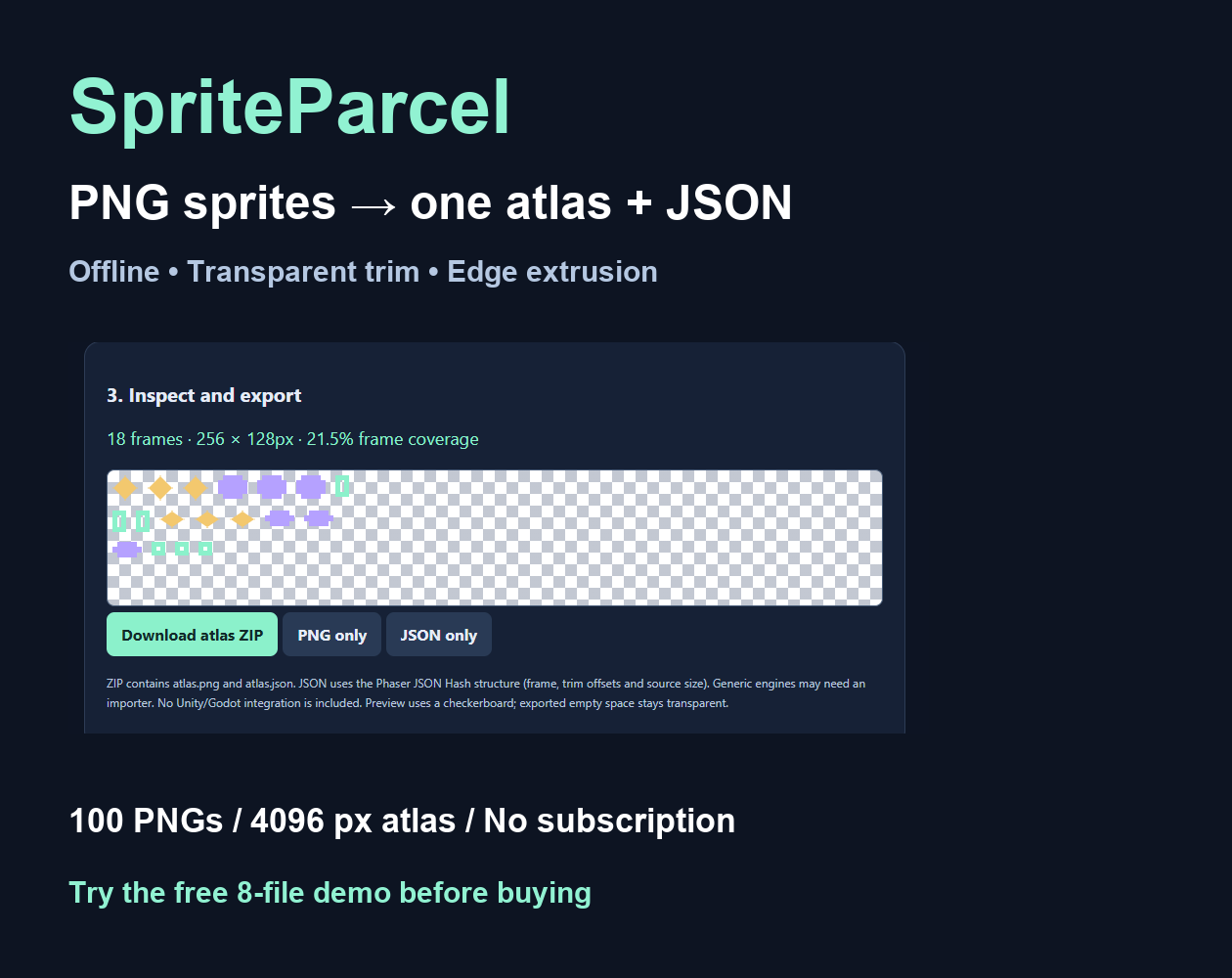
SpriteParcel 1.0 is a small downloadable utility for indie developers who have loose PNG sprites and need one atlas image plus a JSON frame map. It runs locally in current desktop Chrome or Edge; your artwork is not uploaded to a server.

Try the free demo: https://gicave.itch.io/spriteparcel?utm_source=itch_community&utm_medium=organic...

The demo packs up to 8 PNGs into a 1024px atlas and exports usable PNG + JSON files. The full edition costs US$9 once and supports up to 100 PNGs and a 4096px atlas. Both use the same packing method.

Features: transparent-edge trimming with original size/offset metadata, adjustable transparent padding, edge extrusion, optional power-of-two dimensions and ZIP export. A procedural sample is included so you can inspect the workflow without importing art.

Limits: deterministic shelf packing, no rotation, no multi-atlas output and no animation editor. JSON follows the Phaser JSON Hash structure; verify it with your engine loader. No Unity/Godot importer or mobile support is included.

Code and documentation were developed with AI assistance. This is an independent product, not affiliated with Phaser or itch.io. The free demo lets you test your actual PNGs before deciding whether the higher limits are useful.