











I will take a look into this! I will let you know from here.
A member registered Sep 03, 2018 · View creator page →
Creator of
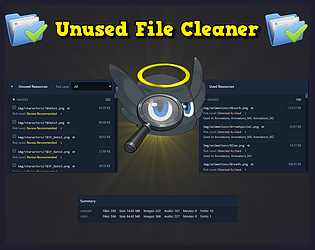
The ultimate version of "Excluded unused files" for RPG Maker MV/MZ
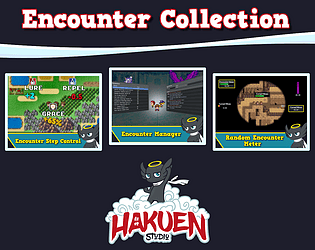
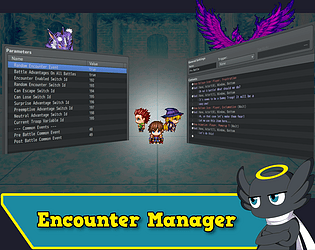
Improves a lot of settings and features of the random encounter system!
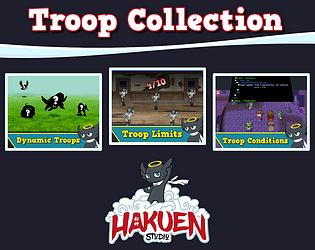
Expand your control over how battle troops works in RPG Maker MZ!
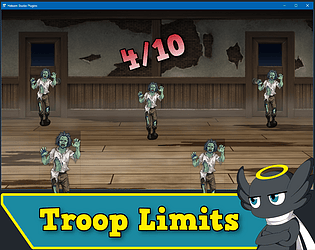
Set troop limits(Global and map based) for random encounters!
Gives you more control over a lot of aspects of the random encounter feature!
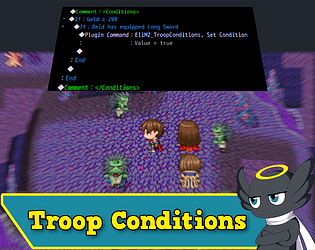
Adds custom troop encounter conditions with default event commands on troop pages!
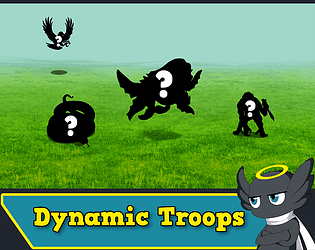
Adds new enemies to troops before or during battle!
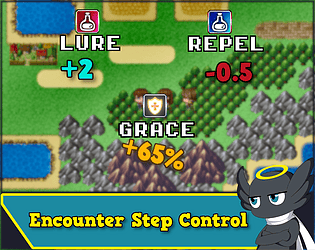
Adds grace steps, lure, and repel effects to better control random encounters!
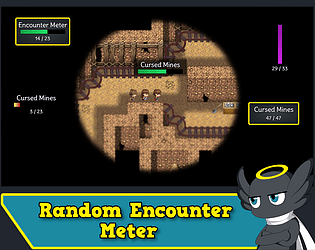
Adds a visual encounter meter for random encounters!
Sometimes the hero isn’t the dreamer. It’s the one who protects the dream.
Adventure
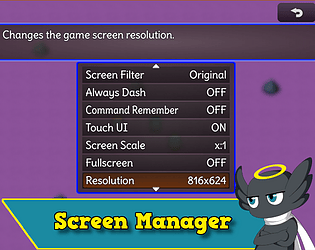
Manage screen resolutions, screen scales and fullscreen on your game!
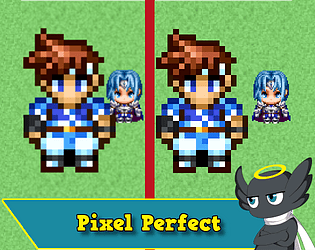
Adds pixel perfect rendering for your rpg maker mz game!
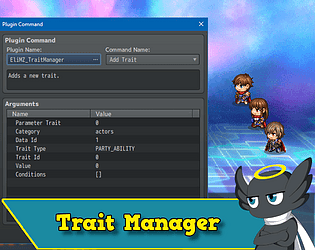
Add, modify and set conditions to traits during gameplay!
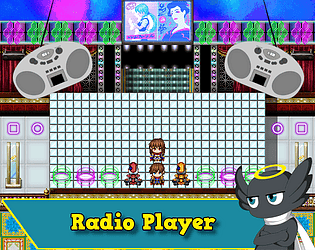
Adds a radio system to RPG Maker MZ, similar to games like Fallout 3!
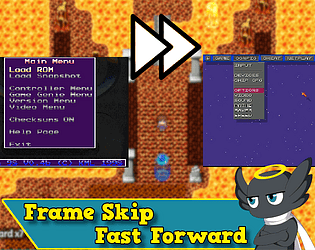
Implements frame skip or fast forward on RPG Maker MZ just like game emulators!
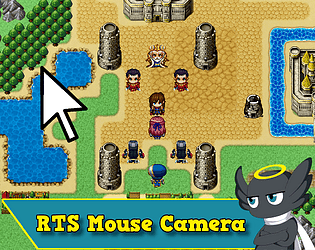
Implements an RTS Mouse camera to RPG Maker MZ!
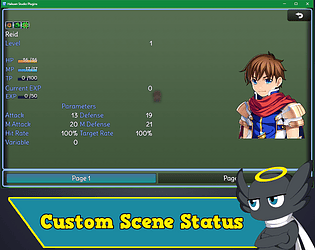
Create a custom status menu highly customizable!
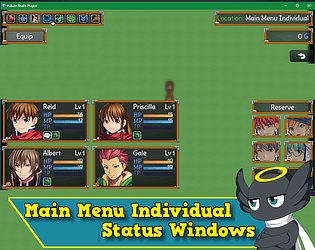
New custom main menu layout with individual status windows!
All Hakuen Studio MV Plugins! For free!
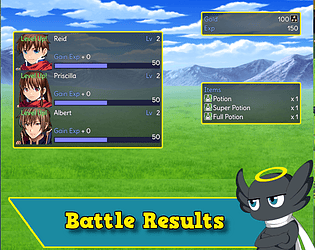
Shows a battle results scene after the battle is won!
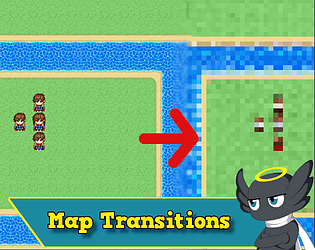
Adds new Map Transitions for RPG Maker MZ!
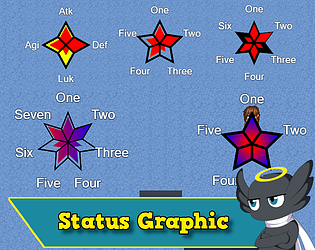
Let you create a star graphic to represent actor parameters or any other values!
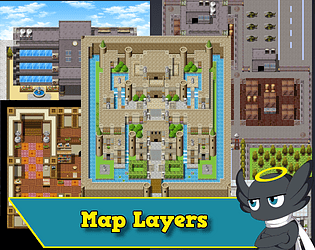
Let user create several map layers with static or parallax images
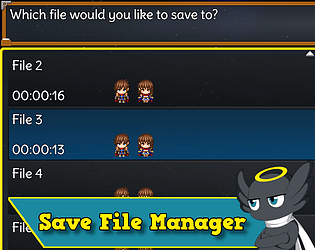
Provides commands to copy and delete save files!
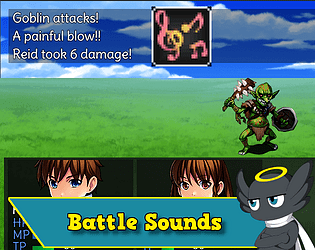
Play custom sounds for battlers and skills! Hurt, Collapse, Hit, Evasion and Miss!
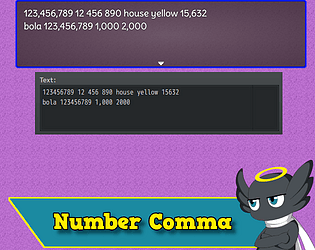
Adds a comma for every 3 numbers!
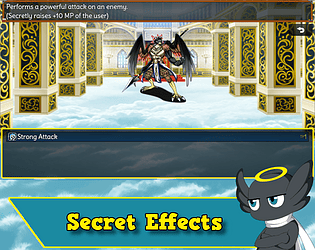
Changes the target of skills/item effects and apply them in secret!
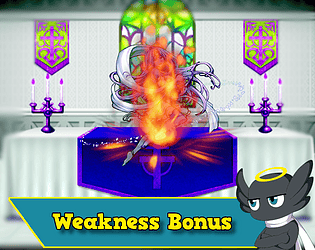
Battlers can receive specific states when hit a target that is weak to his skill element!
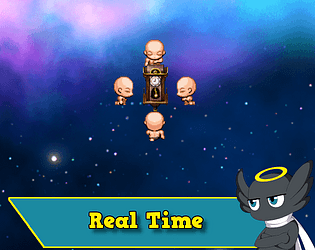
Tracks real time and let you compare with the time on the save files!
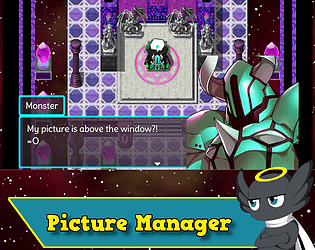
A new and powerful picture system for RPG Maker!
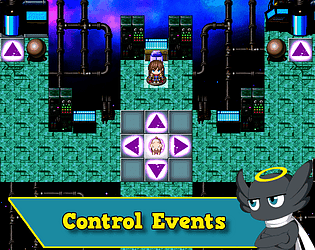
Control events, followers, and vehicle using arrow keys!
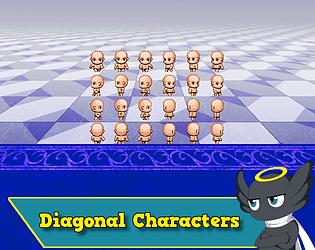
Adds diagonal movement and diagonal sprites support!
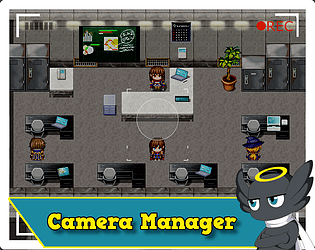
Enhances the camera system of RPG Maker MZ, including easing effects for scrolling!
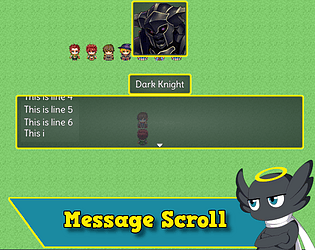
Scroll the text on the Message Window like Shining Force 1!
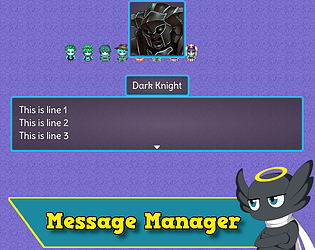
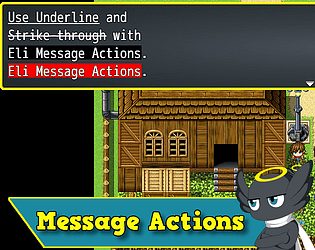
Improves the Message System with several changes!
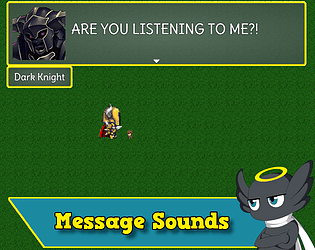
Play talk sounds on the show text command!
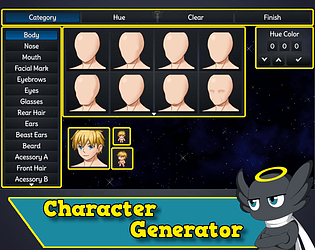
A new scene to create your own characters graphics!
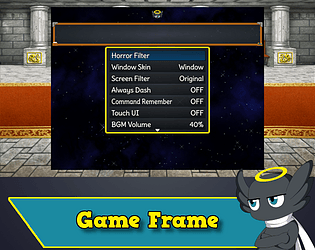
Add a frame image for your game, like the retro Castlevania games!
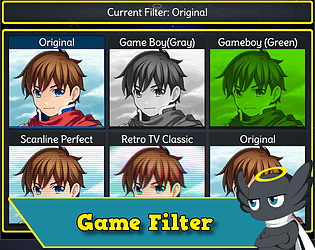
Aplly a filter on the entire screen, on all scenes!
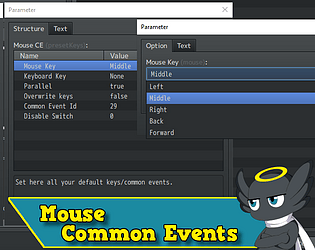
Bind common events to mouse buttons!
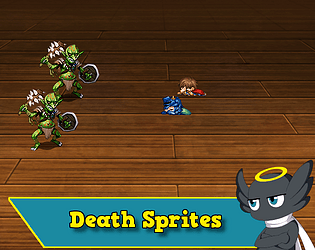
Adds death animated sprites for battlers!
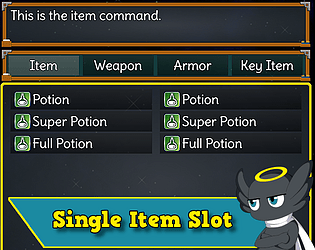
Each item has a single slot for it!
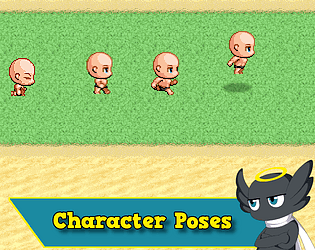
Add Idle, Walk, Dash, and Jump poses to characters!
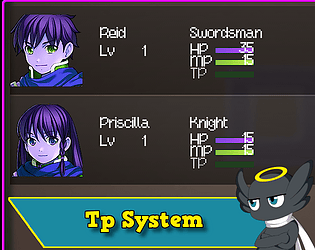
Better customize how the TP system works!
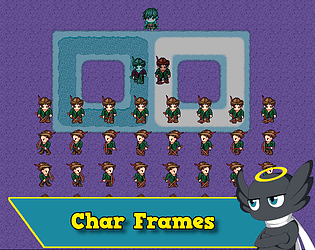
Increase the number of frames for character sprite sheets!
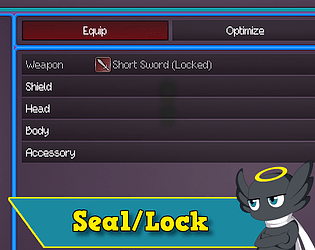
Lock, Unlock, Seal, Unseal equipment types with plugin commands!
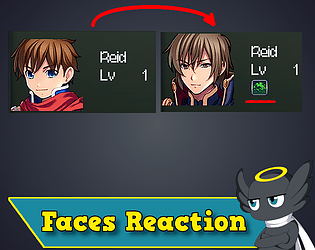
Change Actor faces according to states and battle actions!
Add Horror effects to your game! Including a in-game horror filter editor!
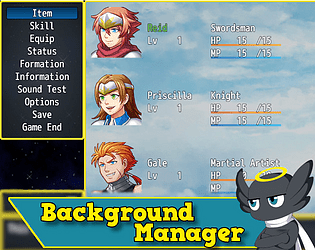
Create customized backgrounds for scenes and windows!
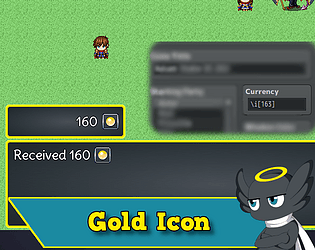
Replace the currency unit with an icon!
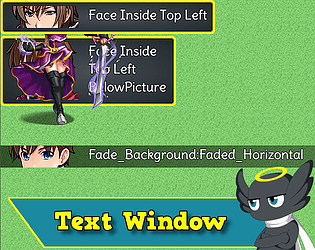
Show multiple text windows on screen!
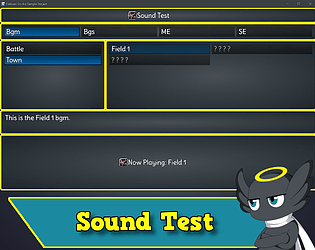
Creates a sound test scene for your project! Unlock new sounds as you play!
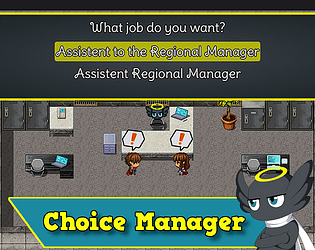
Implement improvements in the choice system.
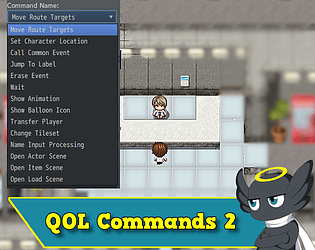
Add enhanced versions of the default event commands!
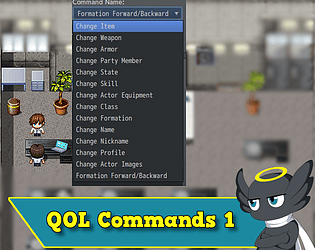
Add enhanced versions of the default event commands!
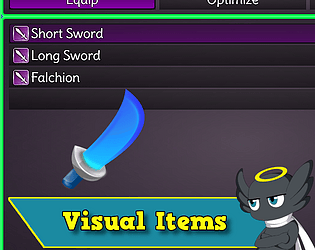
Show pictures of Items, Skills, or Equipment in the menu windows!
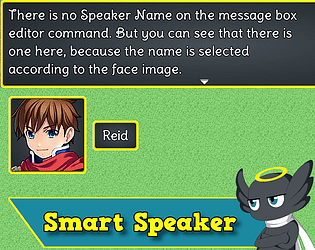
Automatically set a speaker name through face message or vice versa!
Use multiple fonts in your game!
Create a book, a message log, in-game tutorials, and much more!
Game made for the oficial event Boss Battle Build Bout of RPG Maker.
Automatically add common events before and after every show text command!
The project used to build all Hakuen plugins
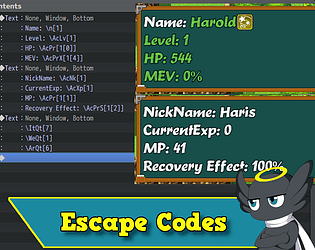
Add several new escape codes to the windows!
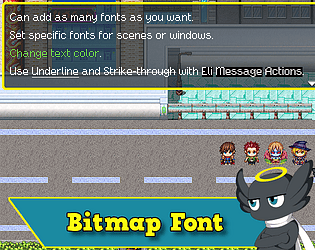
Bitmap fonts for RPG Maker!
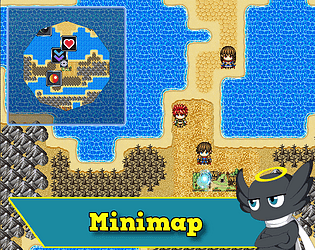
Creates a minimap for your game!
100% discount!
60% discount!
35% discount!
100% discount!
20% discount!
10% discount!
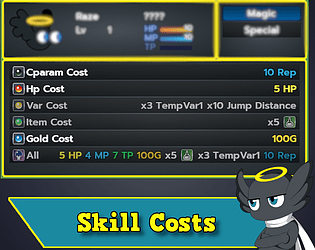
Add several new cost types to your skills!
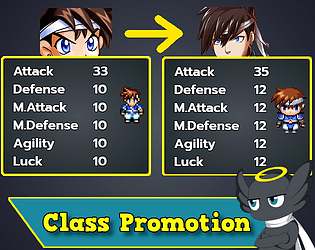
Promote your actors to a different class and earn bonus points on each parameter!
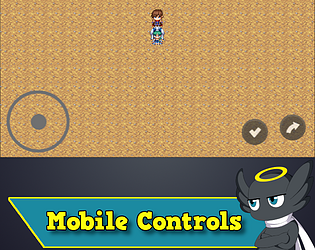
Add responsive mobile controls for Rpg Maker!
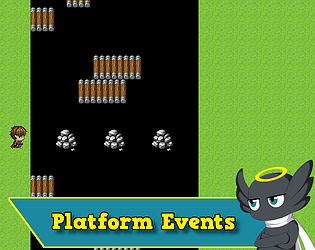
Turn events into platforms that the player can walk/jump over it!
Change colors, scale, offset, and much more of the character sprites!
Add parameters dynamically to battlers through states or equipments note tags!
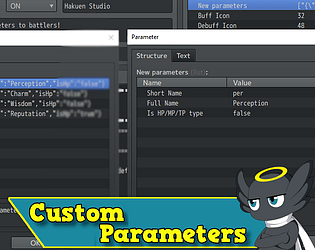
Add new custom parameters to battlers (Actor and Enemy)!
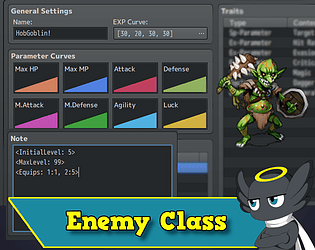
Assign class, exp, level and equipment to enemies!
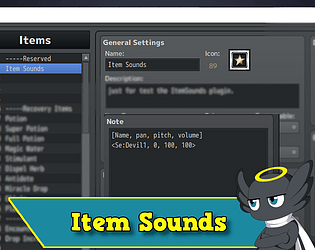
Different sounds for different items and equipments!
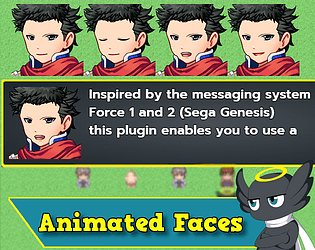
Show animated faces on the message box!
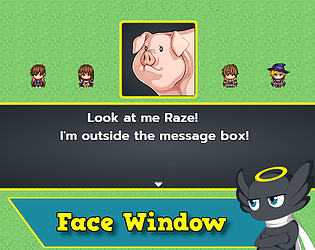
Show the face image of the message box in a different window!
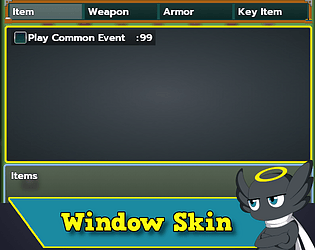
Change the window skin of any window(or all windows)!
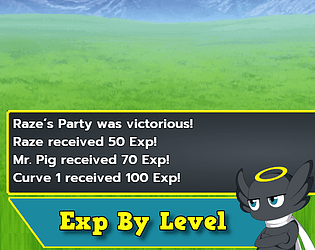
Actors receive exp according to their levels!
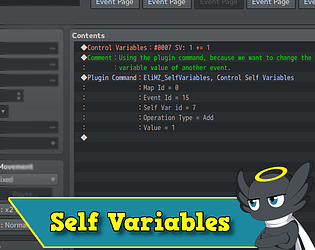
Fully integrated Self Variables with the default event commands!
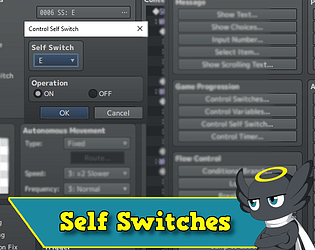
Add more self switches to events!
Adds plugin commands to make complex events with pictures!
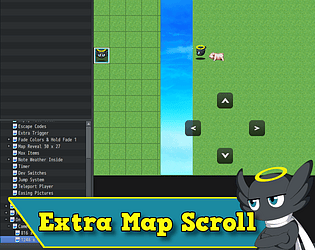
Adds extra screen space on screen. Nice for huds!
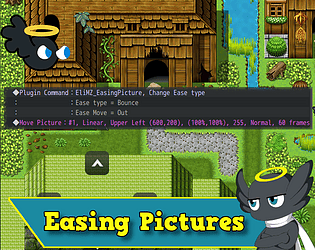
Adds new animations type for the move picture command!
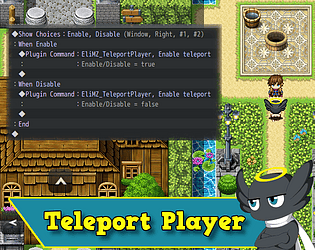
Teleport the player when clicking on the screen
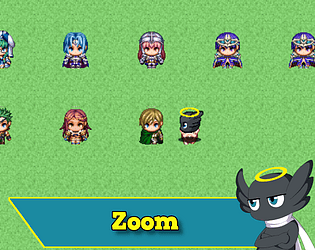
Add a plugin command to use the default zoom feature of MZ.
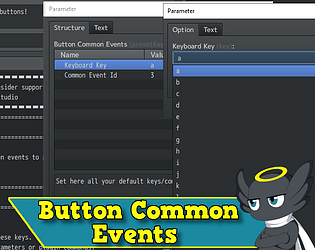
Bind keyboard keys to common events!
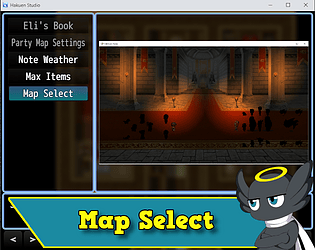
Add a map select scene for fast travel systems!
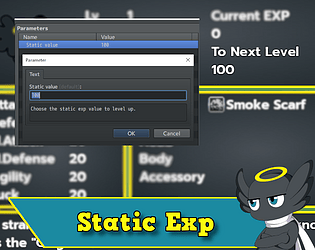
Set a static exp value for every level up.
Stops the automatically fade in when transfer maps.
Controls how the actor can overflow his max parameters! (Eli Class Curves Extension)
Show automatic pictures for each choice!
Colorful fade In/Out when transfer map!
Qol for some mappers but also good for retro graphics, like game boy!
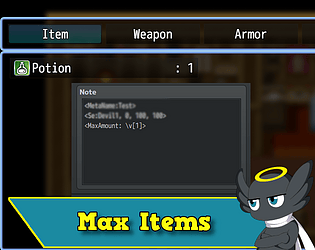
Choose a maximum quantity for each item through the notes field!
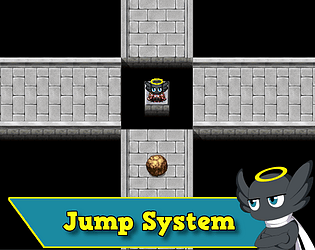
A jump system with flexible conditions for enable/disable the jump!
Show almost everything from database using escape codes!
Use escape codes on every Window!
A plugin that replicates the feeling f the retro game's title screens!
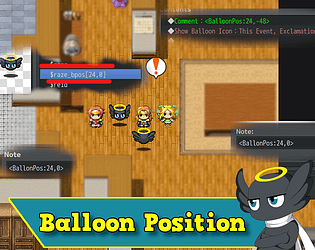
Easily configure your balloon positions for custom characters!
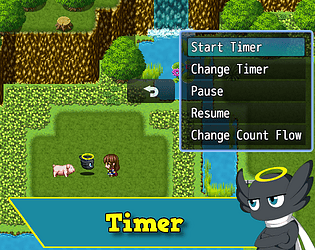
Gives you more control over your timer!
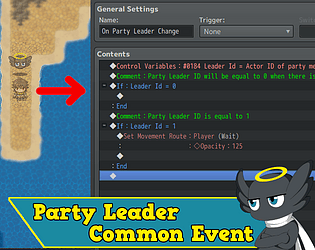
Run a common event or custom code everytime the leader changes!
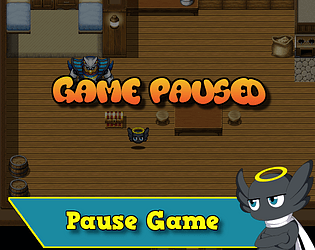
Pause your game like in the old retro games!
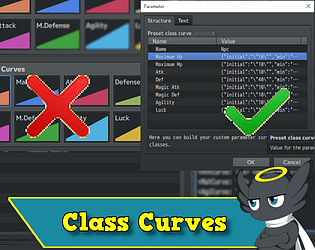
A new way to build class stats on RPG Maker MZ!
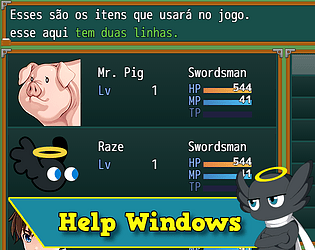
Let's you choose to add Help Windows to all scenes in RPG Maker MZ/MV!
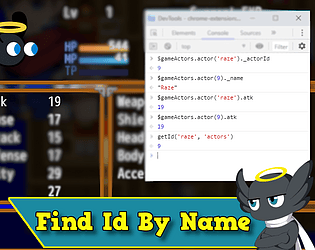
A plugin that let's you find the ID from anything of the database through it's name!
A plugin that let you cover a map and reveal it as player walks!
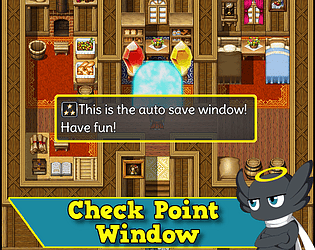
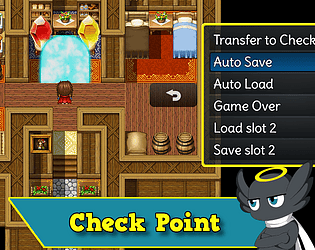
Adds sliding confirmation windows for the checkpoint system!
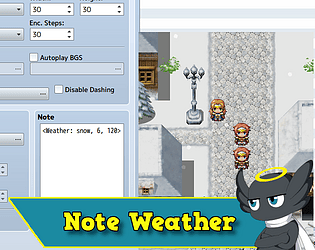
Easy weather management via map note tags!
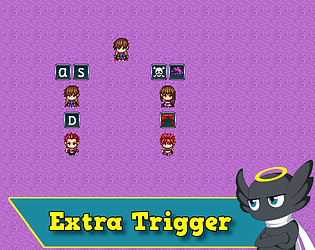
Adds an extra action button and a distance action button to activate events that can execute different commands!
Nice for working with evented intro's before title screen!
Essential plugin for all Eli plugins in RPG Maker MV/MZ!
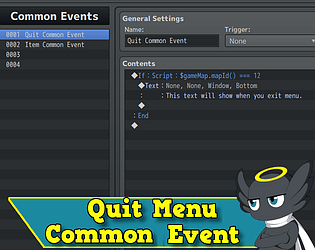
Play a common event every time the players close/exits the menu.
Rpg Maker plugin that adds Autosave/Autoload feature.
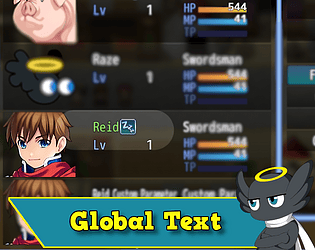
Global Switches and advanced Switch operations!
Recent community posts
Hakuen Studio Custom Parameters for RPG Maker MZ community · Posted in CParam and Visustella keeps crashing?
Ops, no need! I just found out the issue and manage to fix it.
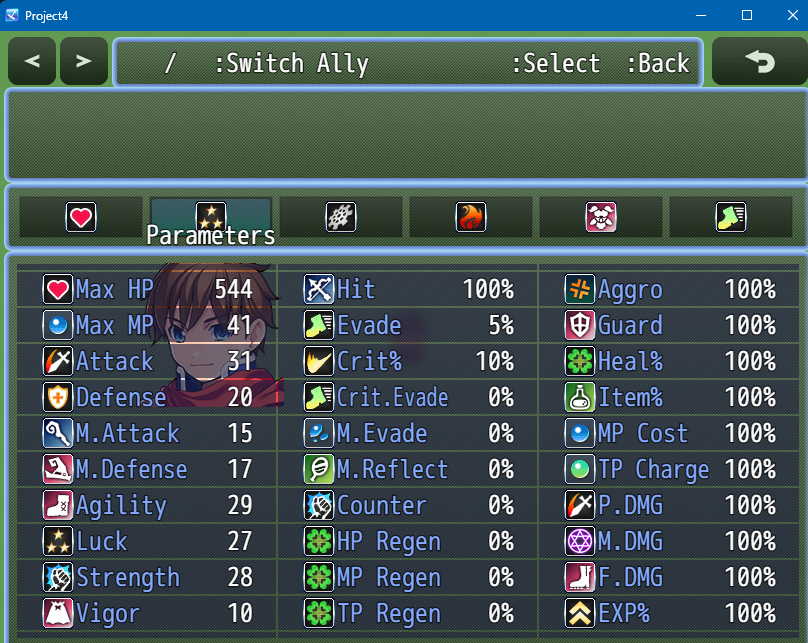
The thing is on Visustella Menu Core, you need to register the custom parameter you created from my plugin. But their abbreviation names cannot be the same. So if you created "vig" on my custom parameter plugin, on visustella engine you need to set the Abbreviation with any name you want. But not "vig".
For example: VisuVig
The JS Values, can still remain the same:
// Declare Constants
const paramId = Eli.CustomParameter.findCParamId("vig")
// Calculations
return this.cparam(paramId);
Then, on the Element Status core, you go to the parameter Status Menu Settings > Displayed Parameters
There you you can decide on what column you want to display the custom parameter. But you will not use vig. You will use VisuVig.
Techically speaking, if Abbreviation and Short Name are the same, Visustella will overwrite the shortName from the battler, and it will not work. But if they are different, the Abbreviation will need to be used to reference the custom parameter. Therefore, on visustella menus, you do not use the custom parameter short name, but the Abbreviation name that has the JS values for the short name/custom parameter you want
Let me know if you manage to make it work!
Hakuen Studio Map Transitions for RPG Maker MZ community · Replied to NewQuestGaming in First try fails. Need to know file dependency
No need be defensive, it was a genuine question. I didn't understand why you didn't download the EliMZ_Book 6.1.2 before sent me the the project, since I had told you about it before. But it is all good things like that can happen ^^
By the way, version 3.3.2 was 5 years outdated o.O

I grabbed the new file and did some testing. After selecting to use Pixelated as the type (not 5) then it worked.
- Nice you manage to make it work! Have fun :)
Sorry for the trouble. Lesson learned. when using any of your plugins, go get the new ones, not the ones already downloaded.
- No need to be sorry, I'm also here for that kind of stuff ^^. By the way, you may not need to manually look for the updates version of my plugins anymore, because EliMZ_Book 6.1.2 now has a feature that will let you know when a plugin update is released(as long as you have internet connection when playtesting your project)
If you need anything else, let me know :D
Hakuen Studio Map Transitions for RPG Maker MZ community · Replied to SorbetInAPie in Is it possible to make a jump cut transition?
Hmm! I guess I can try to add this. The thing is, it may be impossible for it to be like one frame. The other map needs to be loaded, needs to drawn the tilemap etc. From one map to another, it always have some loading. Sometimes is too fast that we can notice, but depending on the map, it could take a while. That is why usually it has a fade transition.
You can try use the "None" transition type to see if it works the way you want.
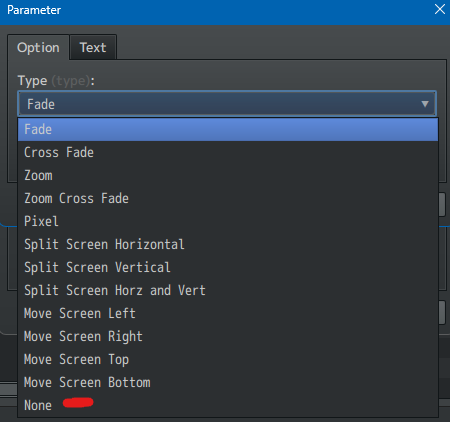
You can also try to use "Fade" with a duration of 1 frame.
Another attempt would be to try the Zoom. Set the Zoom Target Value to 1, Zoom Duration to 1, Fade duration to 1.
Let me know if any of that works.
Hakuen Studio Map Transitions for RPG Maker MZ community · Replied to NewQuestGaming in First try fails. Need to know file dependency
I copy and pasted the audio and image folder from a new project. then I opened the project, and opened the plugin manager and saw this:
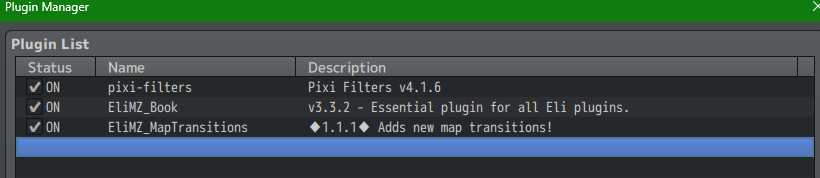
EliMZ_Book version 3.3.2. Why didn't you follow my instructions before? I said to you:
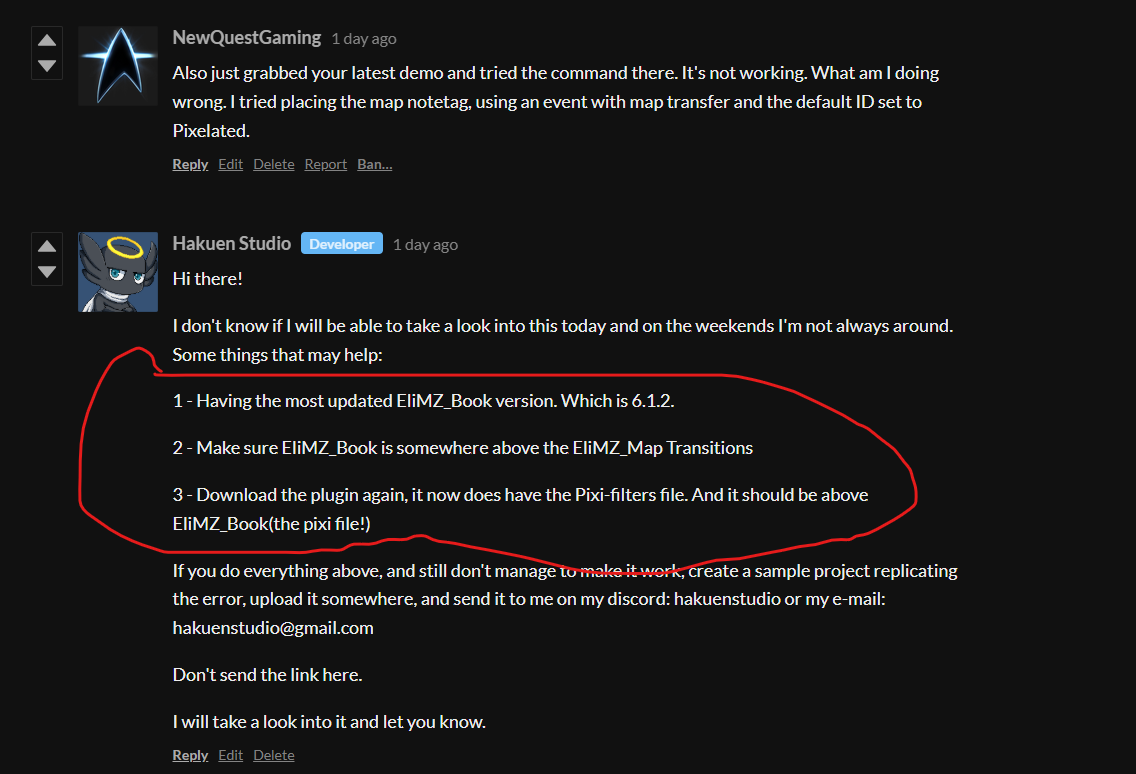
You should have sent me the sample project after you did those 3 steps and it didn't worked. Will wait for you to do that.
Hakuen Studio Dynamic Parameters for RPG Maker MZ community · Posted in Question about changing stats mid-game
Hi!
I didn't understand exactly how are you applying a personality to an actor. If it is through another plugin, or through a class ID. I will assume that you use a variable to set a personality to an actor, but let me know how you are doing that.
Either way, I think you can use one single variable id per actor, that stores their personality.
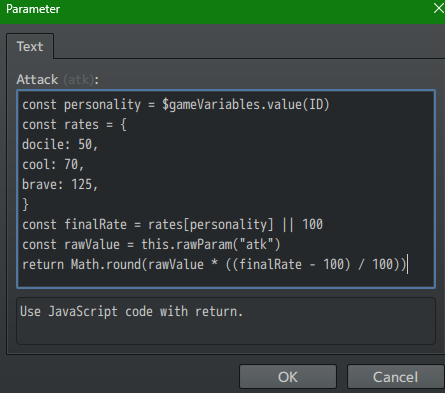
const personality = $gameVariables.value(ID)
const rates = {
docile: 50,
cool: 70,
brave: 125,
}
const finalRate = rates[personality] || 100
const rawValue = this.rawParam("atk")
return Math.round(rawValue * ((finalRate - 100) / 100))
Basically, if you change that variable value inside your game, you automatically changes the actor personality and the template will reflect those changes.
You can add multiple personalities inside the brackets, following the pattern already set.
If your attack is 200:
- docile = 50% of ATK base = 100
- cool = 70% of ATK base = 140
- brave = 125% of ATK base = 250
- personality not found = 100% no changes = 200
Conclusion
You will have the work to copy and paste that formulas inside each parameter field on a template, and change the parameters ID or short name ("atk", "def", etc...).
Let me know if it helps.