
Indie game storeFree gamesFun gamesHorror games
Game developmentAssetsComics
SalesBundles
Jobs
TagsGame Engines

Kweepa

246
Posts
445
Followers
A member registered Jun 14, 2020 · View creator page →
Creator of

Recent community posts

I should note that 90% of the game was not AI assisted - the game was completable and fully arted before AI got involved. I just used it late in the project to add keyboard and mouse support, and to fix some bugs.

(1 edit)

Fixed this - changed it to an actual monster closet (this was a left over from before I created a monster closet sector type that opens and stays open). v1.12.

Yes, the idea is good but taking sounds from Grey would be rude since it’s a recent 3d shooter

Thanks! There is support for SuperCPU - the player moves a little faster when the CPU is accelerated, and everything moves and behaves taking the frame rate into consideration.

(2 edits)

Oh, interesting, that's the monster closet over there. I'll see if I can repro and then see if I can fix it, thanks! It's possible all the monster closets are bugged in a similar way, and if so it would be important to fix!

Fixed in v2.1.

It's likely the lighting since there are a ton of lights generated around lava to give it a nice glow. The lighting is deferred so it shouldn't be super expensive, but I have no idea what this Proton thing is or what it's using by default instead of D3D.

Fixed the LMB issue and added continue from the main menu. v2.1.

Ah, I remember that bug on Doom too, will fix.

Good suggestion on the journey onward option.

It's 60 degrees vertical and 16x9, so about 100 degrees horizontal.

(1 edit)

Yes, absolutely. I'm not working on it anymore, but perhaps Massimo will be interested in taking a look.

The problem with tweaking it yourself (open Unity, open the Player prefab, and adjust the FOV in the Camera component) is that the open source data doesn't include some particle effects and textures.

You can make it as wide a FOV as you like by going windowed and stretching the window. The vertical FOV remains constant and the horizontal changes to match. Will that work for you?

Thanks to everyone who has contributed!

I wouldn't say necessary - but that would be one way to do it, sure.

I did something a little different for this - when the framerate is high, automatically double the player speed - in the latest version (v1.10.0).

Added quicksave/load (F5/F7) and removed some item clutter in the latest version (v1.10.0).

Fixed both these issues (mouse sensitivity and RMB to use) in the latest version (v1.10.0).

Thanks for the notes. I've fixed the RMB and tweaked the sensitivity. I'll get a new build out when I fix the quick save functionality.

Not even remotely. The Vectrex has a 6809 so it can do hardware multiplies. But that Doom port is using a Raspberry Pi as the computer and the Vectrex just as a display. My Quake port draws about 30 lines at 5fps, not full screen.

"real-world minecraft" ha ha hah!

Ah, sorry about that - you need to click exactly on the pip, not just on the item. Perhaps something to improve.

Go on, give it a play! It's not so difficult. You finished UW2 so you have the skillz (taking notes :) )

I think I have room to add quick save and quick load like I did in Wolf64.

Not sure about removing the props; those are part of what makes Doom Doom. I know what you mean though, they are hard to differentiate (and the tall ones are very ugly). I'll have a think about that.

Thanks for the feedback!

Yeah, if I have to update it I’ll add shift to run.

It’s raycasting, but the tiles belong to convex sectors so I can quickly check if a height change occurred at each ray step. Then the height changes are stored in AA array for each screen column so the items can use them as a series of clips. The last rendered enemy per column is stored for hitscans.

Which disk did you try?

(1 edit)

Oh, I don't know, it's just been tested on PAL.

I just tried it on NTSC in VICE and it worked fine...

How are you trying to run it? Emulation (which emulator) or original hardware (what peripherals)?

Hired? For what? :)

I'm not a sid expert and I haven't received any sid contributions. (The music would have to be 2-channel only to allow for the sound effects to play independently, so I can't just take an existing track, even if it was freely available.)

You are welcome! And thank you! :)

Ok, got them. I don't really like the look - it just looks like an upscale filter in most cases, and like a blur in the worst cases. The bigger issue is that it is clearly the original textures so I wouldn't be able to ship those since that's original game data.

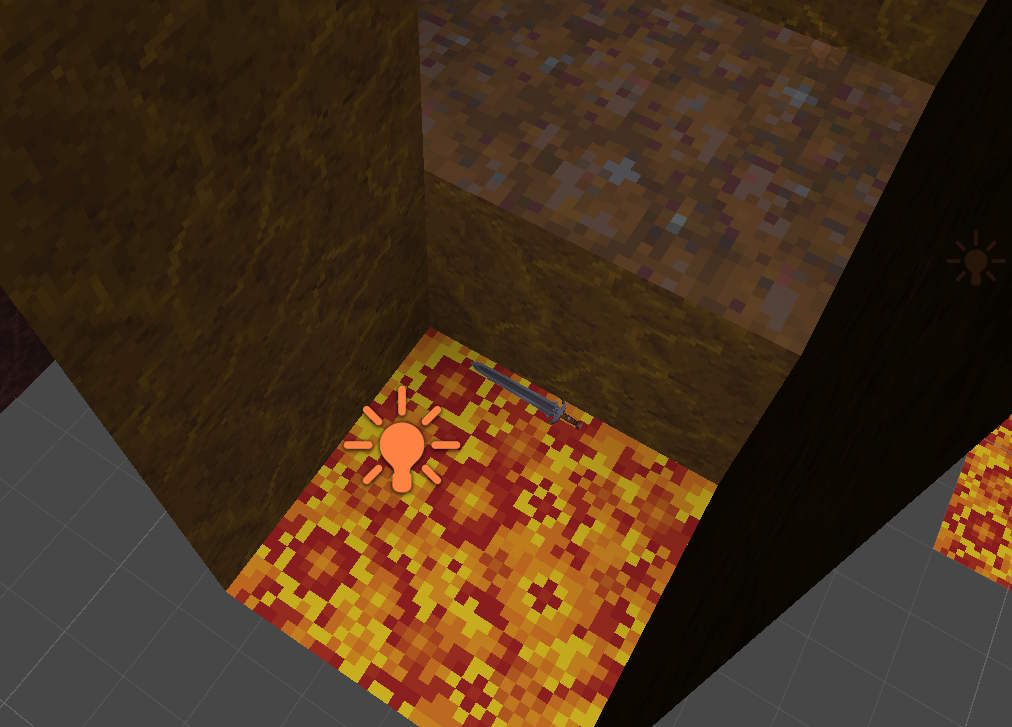
That's weird, I can walk up to it and it is resting there on the lava. If I pick it up and drop it, it falls into the lava and sinks. I'll just try moving it a little on spawn. It won't help you if you have a save where the sword has already been consumed by the lava of course.

I tried unzipping that and the password was wrong. Can you post a few examples here in the comments? So I can see if it's the right direction?

It didn't sink in the lava, but it does appear to have fallen into the little lava pit... unless it's supposed to be down there? 

Yeah, sounds like from reading through the PRs that you have a great grip on what needs fixing and how to handle it. Invite sent.

The other alternative is to turn true drive emulation on and virtual device traps off. I can add a couple of batch files to make this more obvious.

I haven't forgotten about these. I just have some other things to do first.

I was kind of hoping I could open source this and then pass off the development to someone else...

If it’s crashing there you need to run the other d64… it’s a bit of a pain, I know…

Here, yes. You can get a WIP from my GitHub page: https://github.com/Kweepa/SquareDoom

Thanks for those. When I remind myself how to take a PR I'll fold those in.