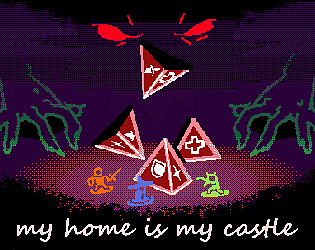
On the left – your characters, on the right – enemies. The triangles at the bottom are dice. There are 4 types of dice: attack, defense, heal, and buff.
To use defense, click on the die, then on one of your allies.
To use attack, click on the die, then on the ally you want to attack with, and with the third click, select an enemy.
To use heal or buff, click on the die, then on the ally you want to act with, and with the third click – choose which ally to heal (you can heal yourself).
If you don’t like the die result, you can reroll it. Only 1 reroll per turn is allowed.
After using all dice, press the "end turn" button.
Turn order:
At the start of the turn, you can see the enemies intentions and act accordingly. After pressing "End Turn," allies act first, then act enemies (exception - enemy heals or defends).
After everyone performs their actions, a new turn begins.