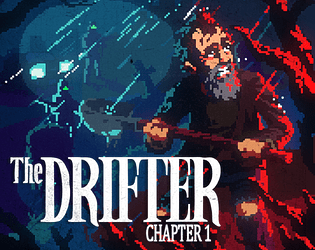


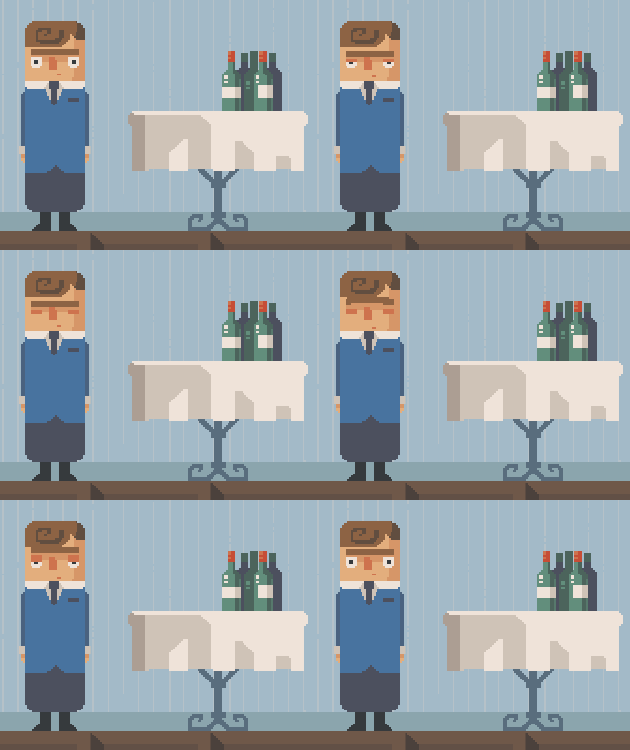
The design on this is so tight! The crunchyness of the art and audio make it extremely satisfying when you clear a bunch at once. Veeery fun :D

Powerhoof
Creator of
Recent community posts
EDIT: Fix is available now in 1.8.1
Ah found it. I accidentally #def'd out my fix when trying to add back-compatibility to unity 5 :P
I had #if UNITY_2018_OR_NEWER instead of #if UNITY_2018_1_OR_NEWER ;)
I'll post an update on Monday but you can search replace the code to fix that if you wanted to test it sooner.
Yeah that was by design originally so you're back at the start ready to play again, though maybe there's an option I could add easily to toggle it since I can see the benefit of what you're saying. I definitely find myself duplicating that last frame or making it longer when previewing certain animations too.
Yeah I've never been sure about adding that as a standard template since games all implement it quite differently. Plus there's like 3 different input systems people choose from for controllers in unity too (including popular assets)... So it's felt limiting to just implement 1 way, the way I'd do it is different than others.
Quite a few people have done their own it on the discord now though if you're looking to get help implementing yourself.
It's a more advanced function so not so simple, but off the top of my head you can do PowerQuest.Get.GetCharacters() to get them all. Something like that anyway. It might have _saveNotDirtied or something in the function name, which indicates if you make changes you have to set the Dirty flag so changes will be saved.
Adjust, once you have the character you can check each one's VisibleInRoom property.
All Start/EndCutscene() does is set the place that pressing the "Skip cutscene" button will skip to. So if you have particularly long ones you want the player to be able to skip, etc. It doesn't disable any input or anything.
All "blocking" scripts are basically an uninteractive cutscene already. So just remove the Start/EndCutscene() functions so that you can't skip them ;)
Yeah GUI clicks are blocking so should be fine. Surprised the Update Blocking code didn't work, but I didn't test it so probably just a dumb mistake on my part ;)
Btw if you use discord it's a *lot* more active than these itch forums, and easier to post code there too to get help when something's not working.