

Let me know if you find any other issues, since I'm still not using URP myself day to day ;)
the main preview window seems to work much better now. it seems like maybe the timeline preview is incorrect however
here you can see in the main window the kind of uh 'diamond' shaped small red blob, which is indeed the first frame's Sprite.
to me, its thumbnail preview looks like a it's not clearing previous things
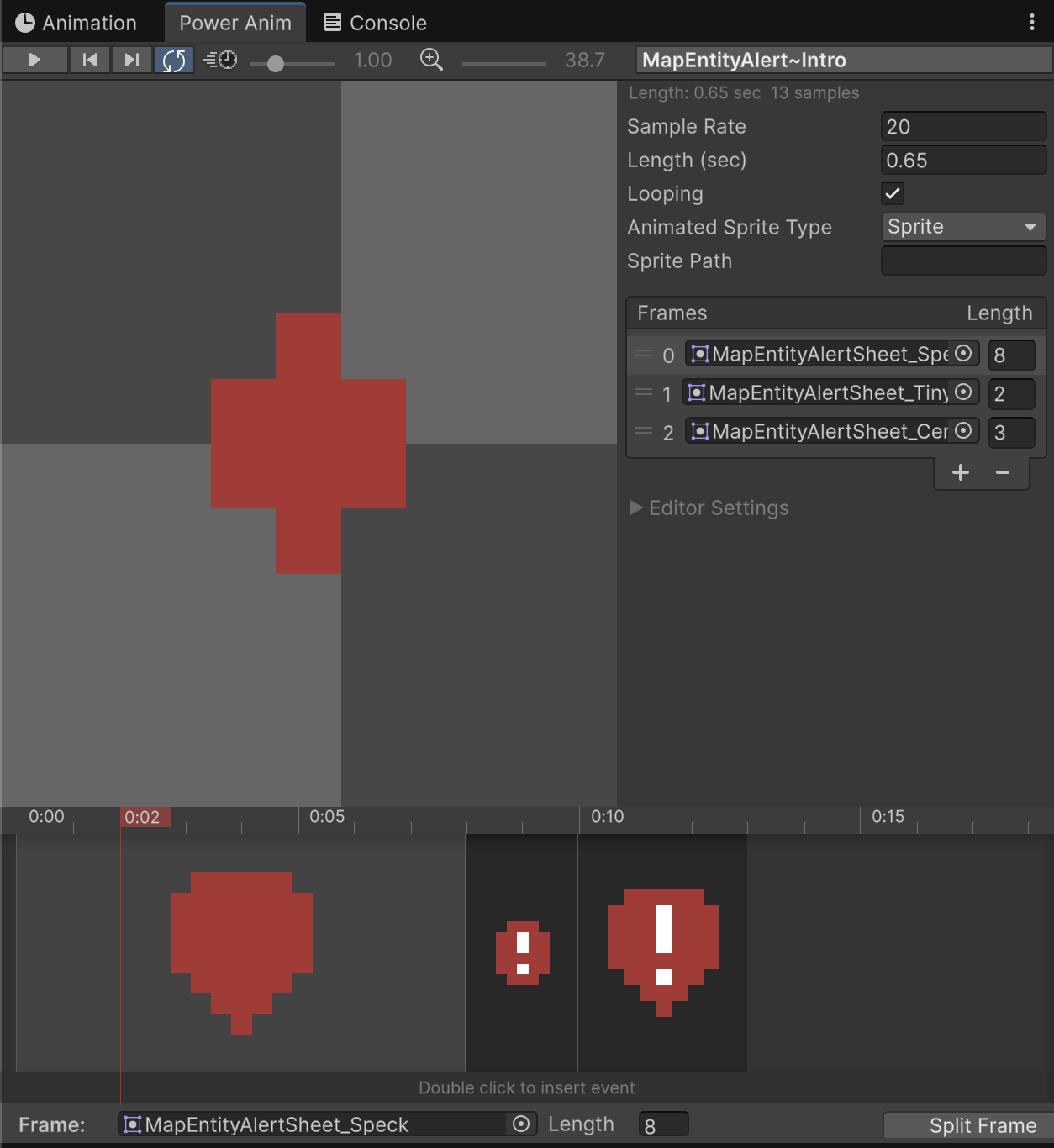
which seems further confirmed if I drop in a more obviously different texture into the animation
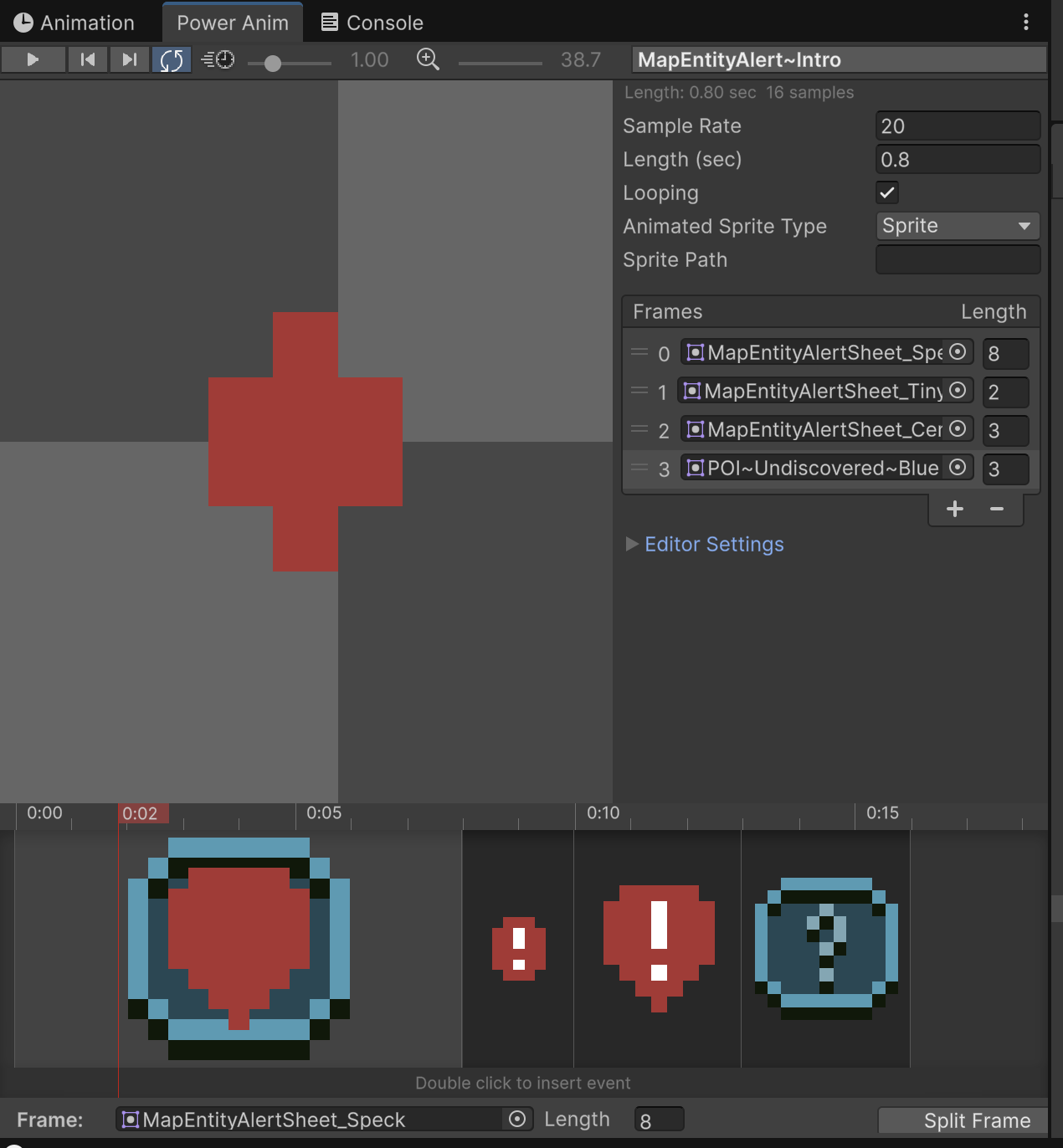
It seems like it's always the first frame's preview that is messed up! Not a huge deal to me at the moment 8)
EDIT: Fix is available now in 1.8.1
Ah found it. I accidentally #def'd out my fix when trying to add back-compatibility to unity 5 :P
I had #if UNITY_2018_OR_NEWER instead of #if UNITY_2018_1_OR_NEWER ;)
I'll post an update on Monday but you can search replace the code to fix that if you wanted to test it sooner.
I'll throw one more bug (?) report in, but I'm not sure if it's a new issue.
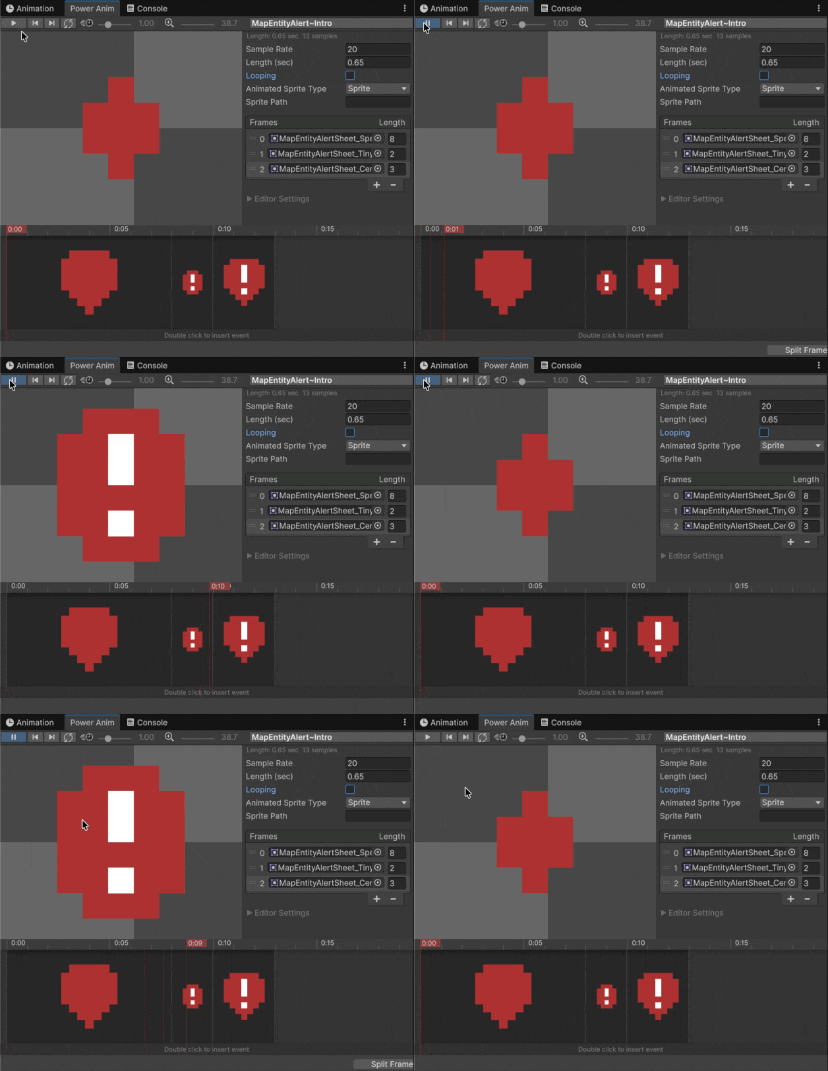
Trying to make a non-looping animation. In the Power Anim window, when you hit play, when it finishes playing, it immediately loops back to the first frame.
in this particular case, it's not ideal - I'd prefer it hang on the last frame of the animation when previewing it
It's easy enough to work around if I just bump the length of the last frame way up, but that might create some downstream problems if it's not reset before saving.
Thanks for keeping this up to date over the years, I really like the simplicity and power of this tool a lot :)
Yeah that was by design originally so you're back at the start ready to play again, though maybe there's an option I could add easily to toggle it since I can see the benefit of what you're saying. I definitely find myself duplicating that last frame or making it longer when previewing certain animations too.