
On Sale: GamesAssetsToolsTabletopComics
Indie game storeFree gamesFun gamesHorror games
Game developmentAssetsComics
SalesBundles
Jobs
TagsGame Engines
(1 edit)

the main preview window seems to work much better now.  it seems like maybe the timeline preview is incorrect however

here you can see in the main window the kind of uh 'diamond' shaped small red blob, which is indeed the first frame's Sprite. 

to me, its thumbnail preview looks like a it's not clearing previous things
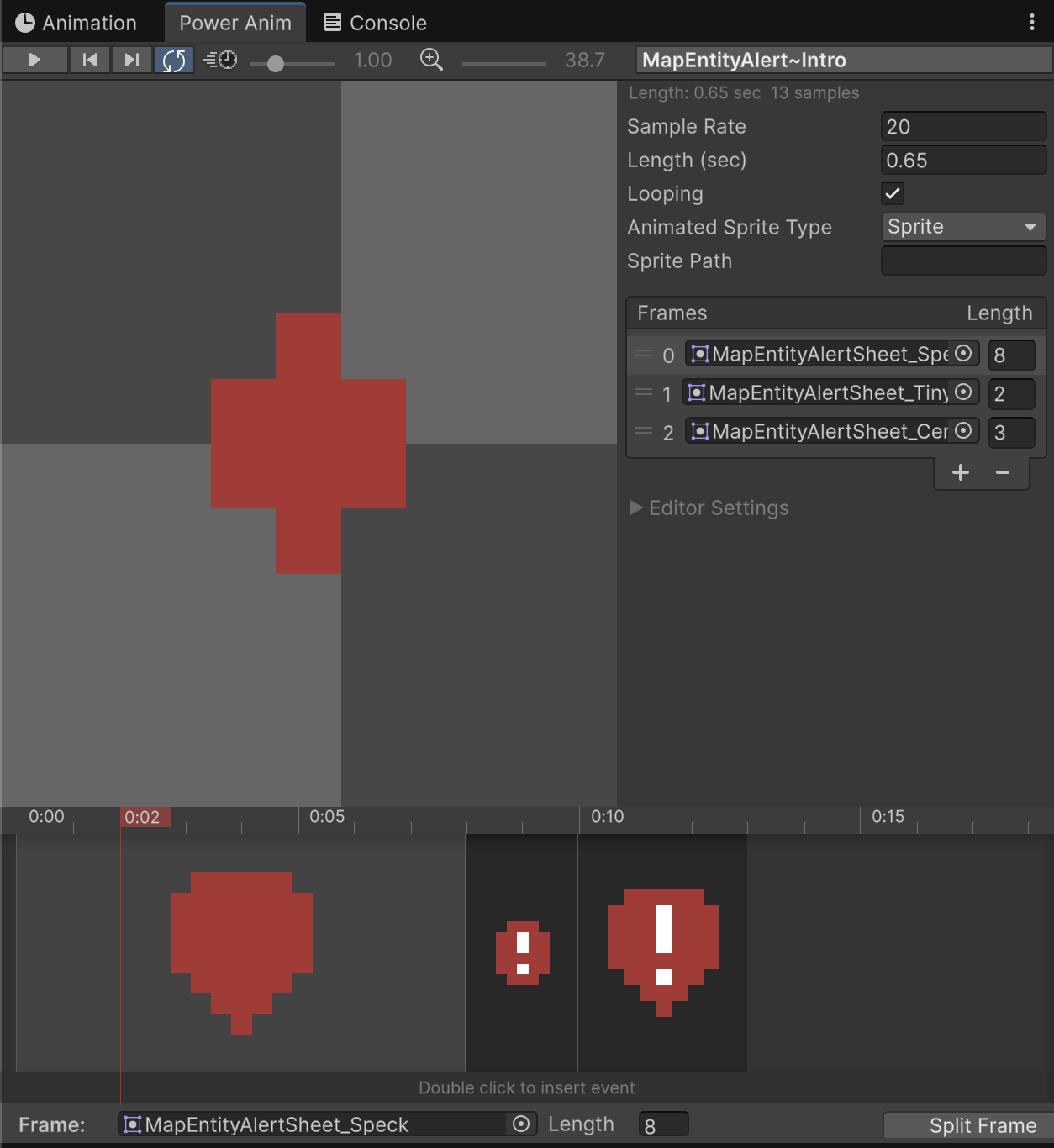
which seems further confirmed if I drop in a more obviously different texture into the animation
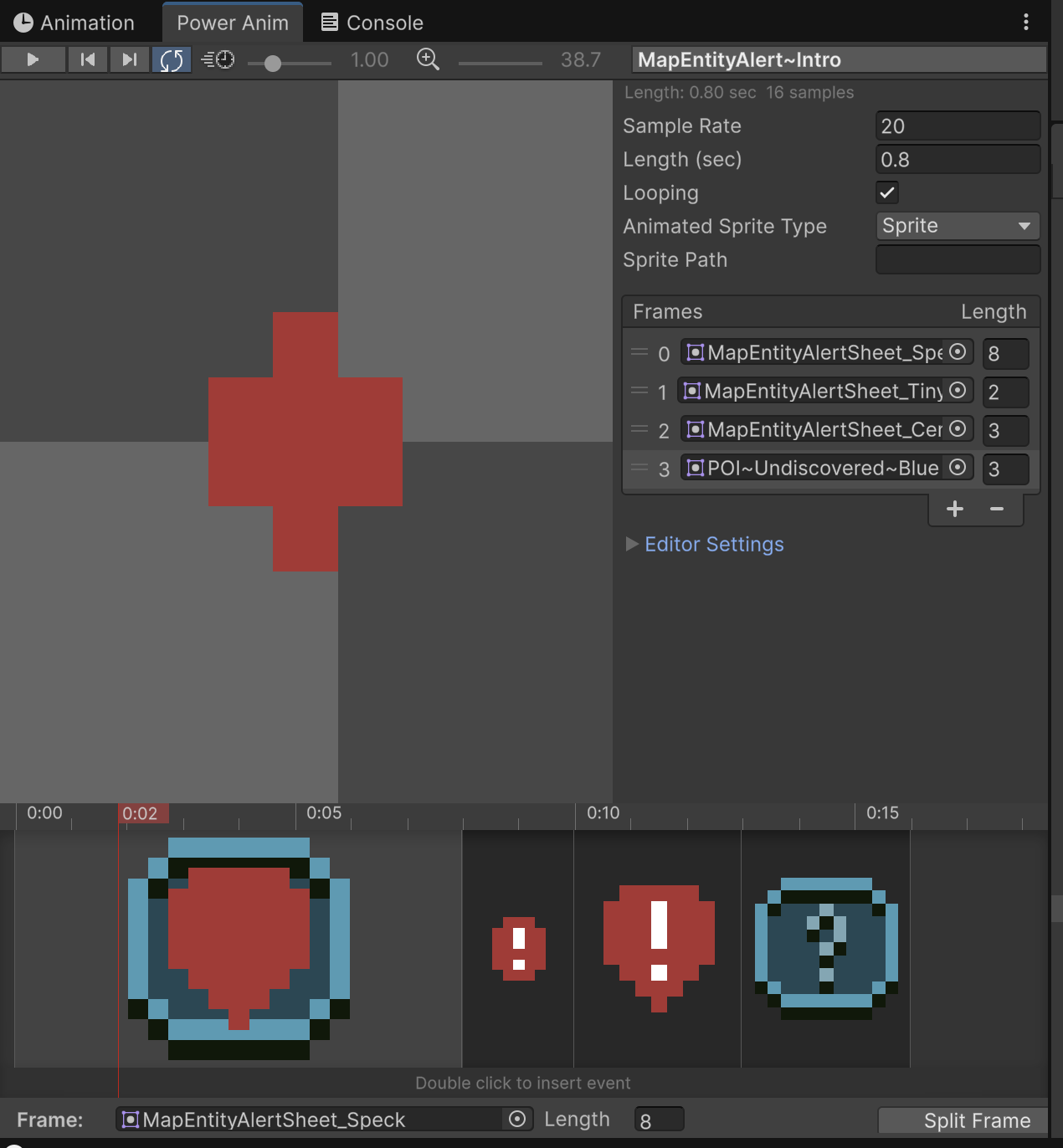
It seems like it's always the first frame's preview that is messed up!  Not a huge deal to me at the moment 8) 

Deleted 7 days ago
(1 edit)

EDIT: Fix is available now in 1.8.1

Ah found it. I accidentally #def'd out my fix when trying to add back-compatibility to unity 5 :P

I had #if UNITY_2018_OR_NEWER instead of #if UNITY_2018_1_OR_NEWER ;)

I'll post an update on Monday but you can search replace the code to fix that if you wanted to test it sooner. 

Fix is in now if you update now. 

I tried out pausing at the end of animation too in this version, will have to see if there's any usability issues I'm missing, but I think it's ok like this.