




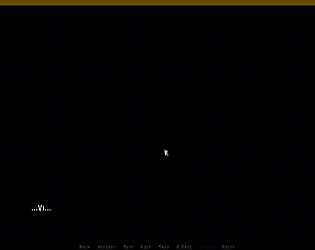
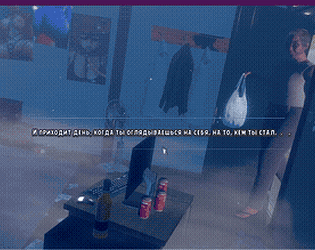
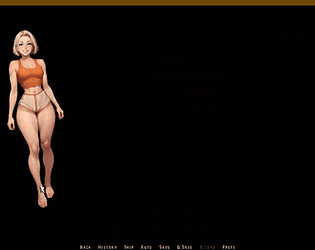
It’s all about the init python priority here, since
I personally keep the file in the libs folder for preloading.
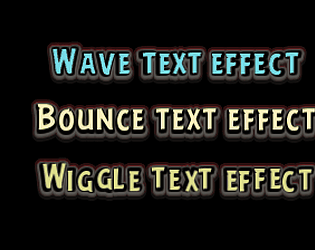
Other than that, it’s a basic way to use text shaders
through a single text tag ^^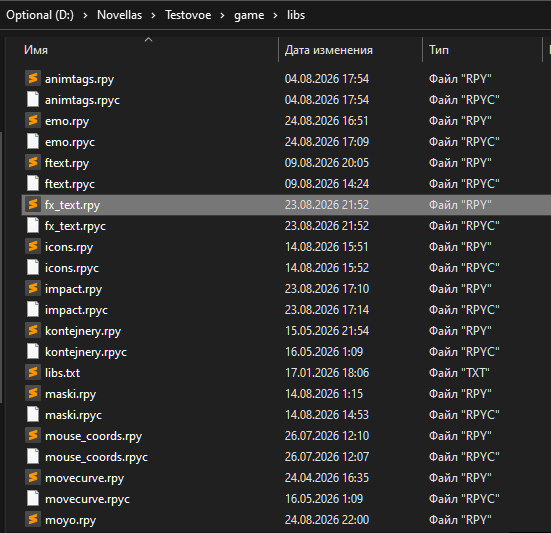
A member registered Feb 20, 2026 · View creator page →
Creator of
Transition Masks
Event & Char Ren'Py
Animated Presplash & Main Menu Skip
text shader factory
flexible_say_callback
Performance-focused falling particles with global wind simulation
12 optimized animated text effects for Ren'Py. A subtle storytelling tool to emphasize mood and emotion in dialogue.
Ruby/Furigana Text Tag for Ren'Py
A simple light-switching transition for Ren'Py. No extra assets needed — just plug in and use.
Recent community posts
itch.io Community » General » Release Announcements · Created a new topic Flexible Stage Manager for Ren'Py

✨ Advanced Inline Sprite Control
Tired of the limitations of image_tag?
Standard Ren'Py auto-highlighting can be rigid and hard to customize.
This toolkit offers a highly controlled alternative. Instead of relying on automatic logic, it gives you a clean, high-level syntax to manage focus, transitions, and sprite states directly within your dialogue lines.
Why use this instead of standard image_tag?
— Total Control: You decide exactly which sprites are part of the "scene focus" and when.
— Multi-Character Focus: Easily highlight two people at once or dim everyone for a dramatic pause.
— Dynamic Transforms: Pass custom parameters (like xalign, xoffset, or duration) to your shows and hides without leaving the dialogue string.
— Cleaner Script: No more jumping between show statements and dialogue. Your stage directions live inside your lines.
itch.io Community » General » Release Announcements · Created a new topic Lightweight Particle System for Ren'Py
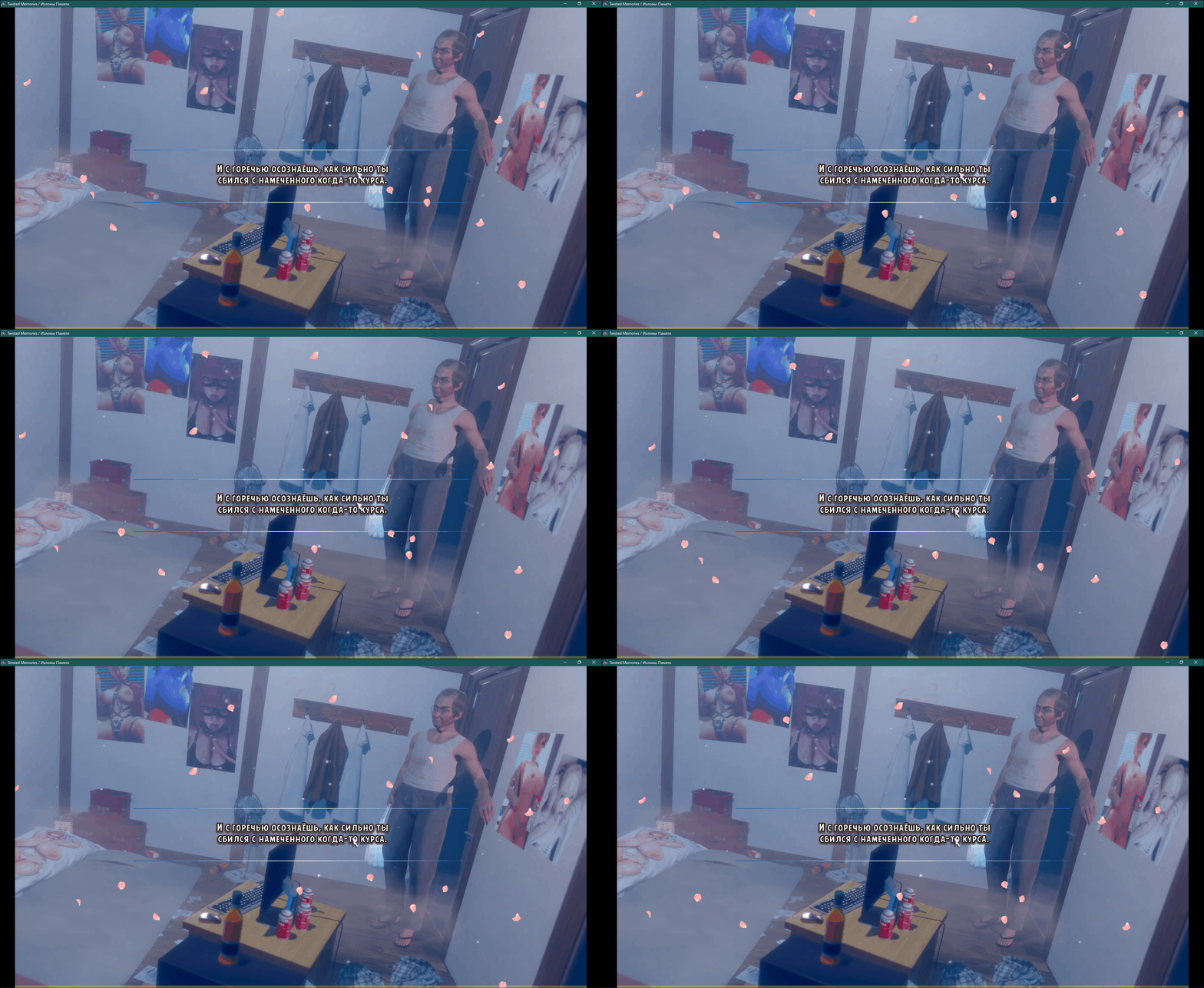
A simple and performance-optimized particle system for Ren'Py visual novels,
designed for falling effects like sakura petals, snow, leaves, and dust.
## ✨ Key Features
- **High Performance** — 160+ FPS on 2010-era hardware in windowed mode
- **Global Wind System** — All particles react to shared wind with gusts and waves
- **Ready-to-Use Configs** — Sakura (gentle/normal/storm), snow, and dust presets
- **Easy to Extend** — Clean, readable code with a simple particle config system
- **Minimal Setup** — Just drop in the file and use `image sakura = ...`
itch.io Community » General » Release Announcements · Created a new topic Animated Text Tags for Ren'Py
# Animated Text Tags for Ren'Py
A collection of **12 optimized animated text effects** for your Ren'Py visual novel projects.
https://sveteek.itch.io/animated-text-tags-for-renpy




itch.io Community » General » Release Announcements · Created a new topic Animated Ruby/Furigana Text Tag for Ren'Py
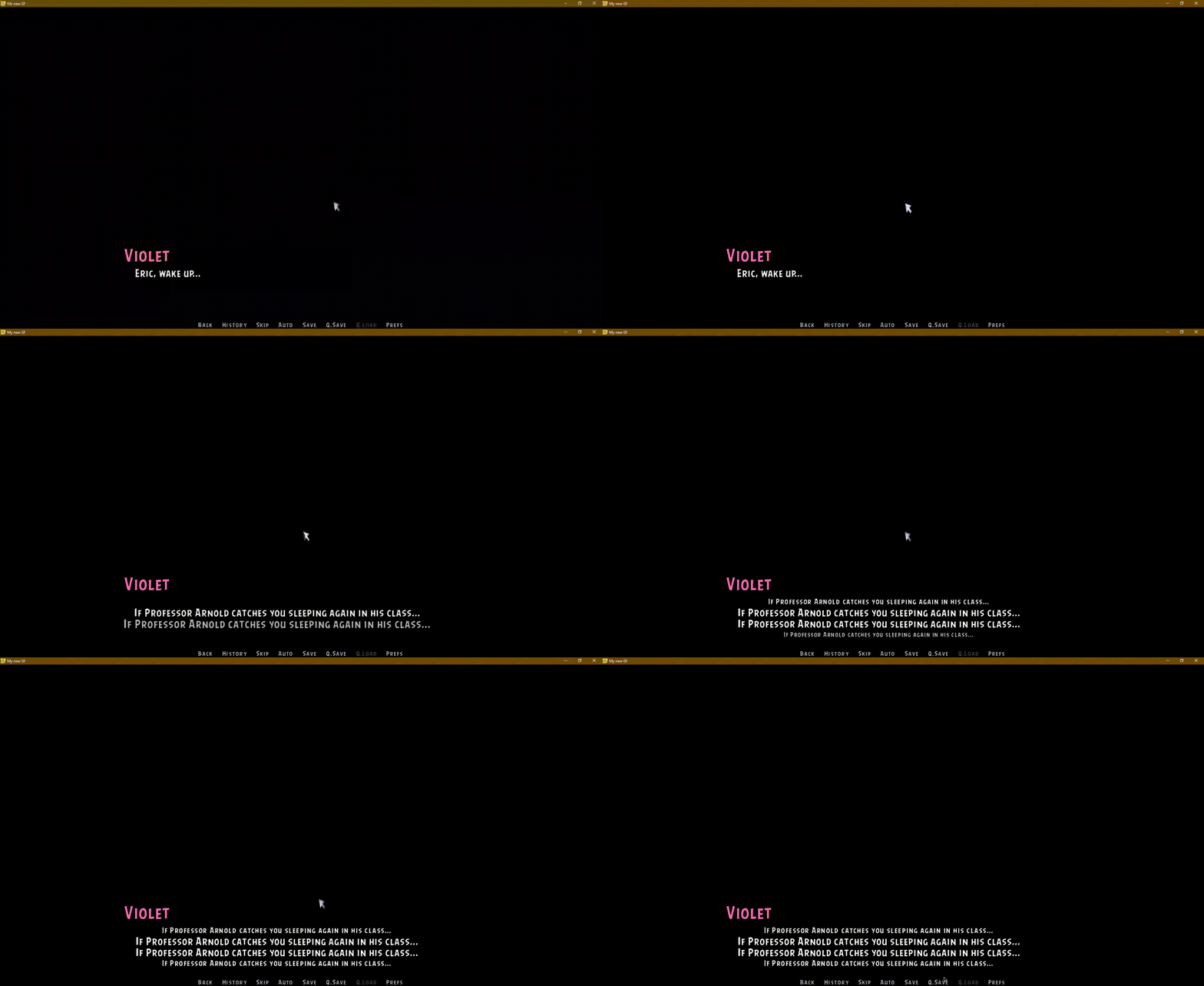
A custom text tag system for Ren'Py that adds animated ruby (furigana) annotations above or below text. Perfect for visual novels with Japanese text, translations, character thoughts, or any text that needs contextual annotations.
Unlike the built-in Ren'Py ruby implementation, this system features smooth animations, customizable effects, and proper visual separation with background styling.
https://sveteek.itch.io/rubytext-animated-rubyfurigana-text-tag-for-renpy
itch.io Community » General » Release Announcements · Created a new topic Light On — Shader Transition for Ren'Py
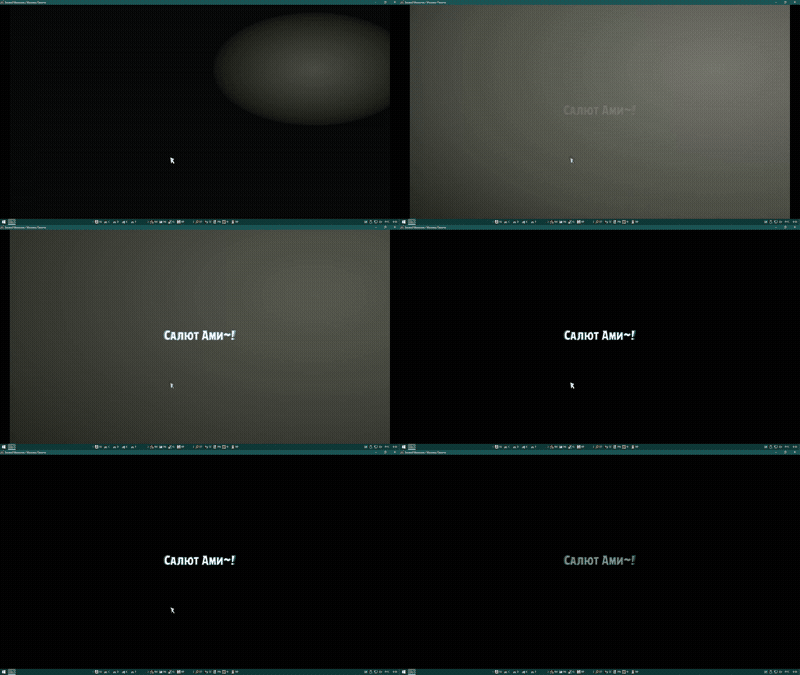
A simple light-switching transition for Ren'Py.
No extra assets needed — just plug in and use.
https://sveteek.itch.io/light-on-shader-transition-for-renpy
itch.io Community » General » Release Announcements · Created a new topic Curve — Spline Motion Statement for Ren'Py