
Indie game storeFree gamesFun gamesHorror games
Game developmentAssetsComics
SalesBundles
Jobs
TagsGame Engines

RPG Maker To Phone - A Tool for RPG Maker MV/MZ

Securely and easily port your RPG Maker MV/MZ game to Android. · By Sang Hendrix

[SOLVED] Aspect Ratio/Screen size

A topic by JongGames created 24 days ago Views: 101 Replies: 5
Viewing posts 1 to 5
(1 edit)

Hi there,
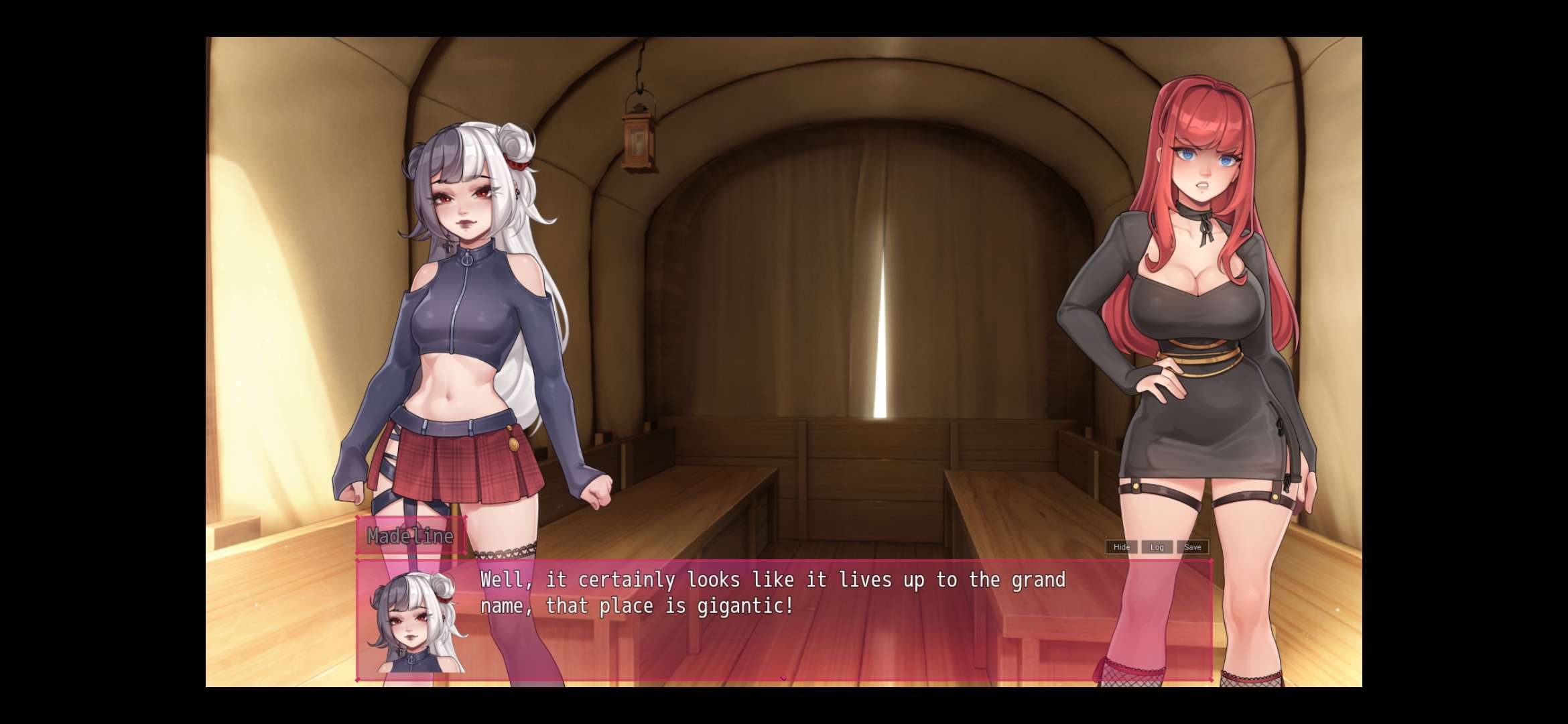
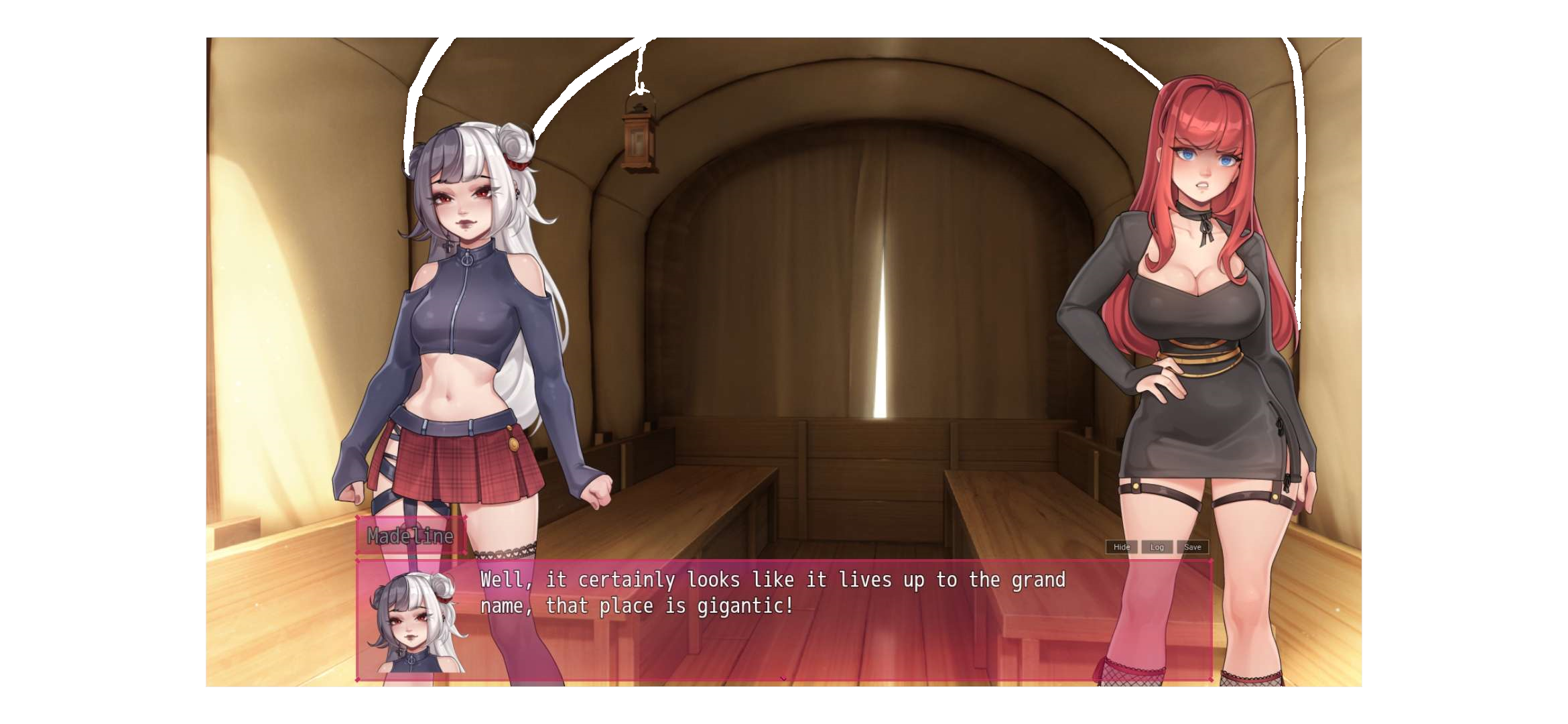
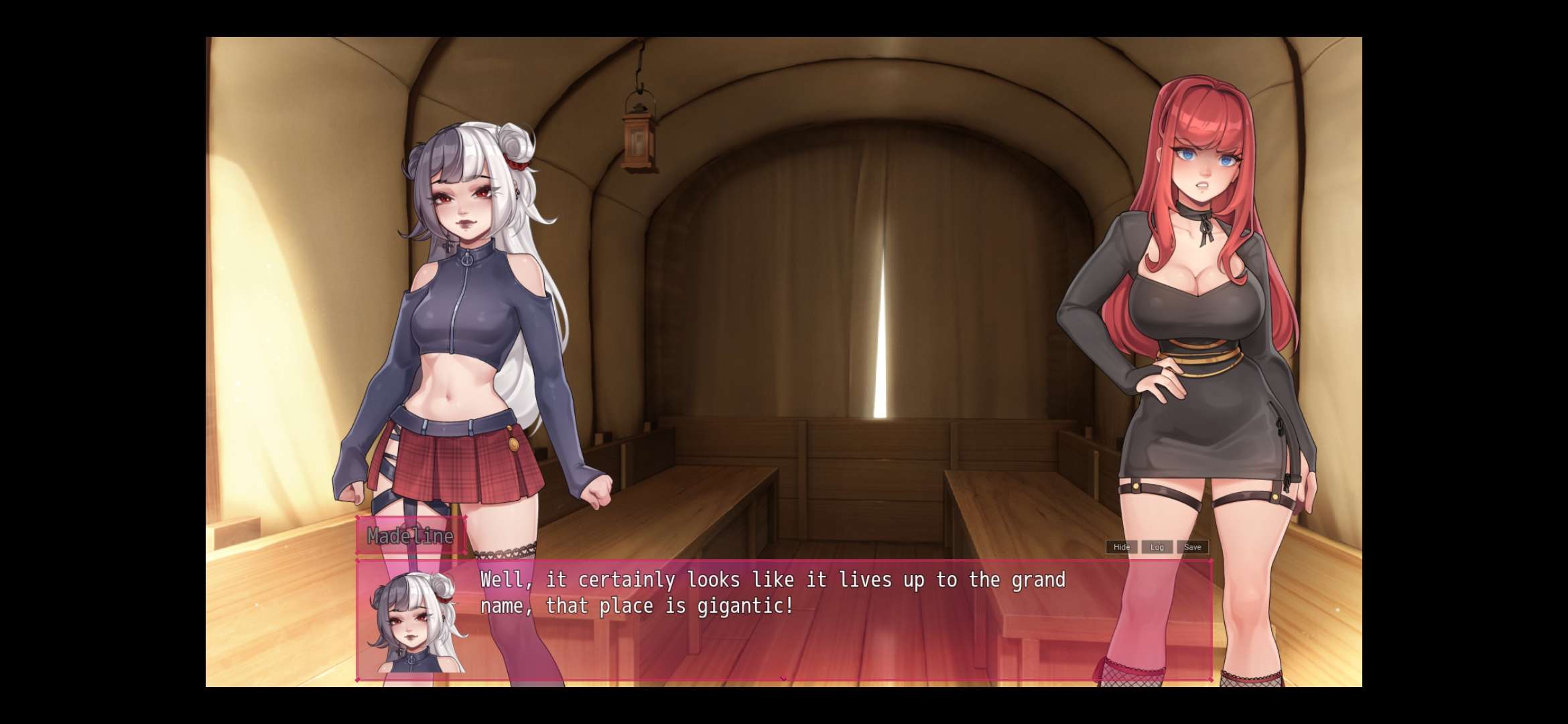
Giving this a go with my new game. This is how it looks on the phone, it has a lot of dead space(Shown in both black and white). I expect it on the sides based on the different screen sizes but not sure why the height it restricted? The screen size is 1600*900 on PC. Is there a setting I can adjust to have this better fit the screen?

Developer

Hi. The tool only support porting your game to phones.  Game resolution is a diferent aspect. You'll need to change your game resolution aspect ratio to match common phone devices nowaday.

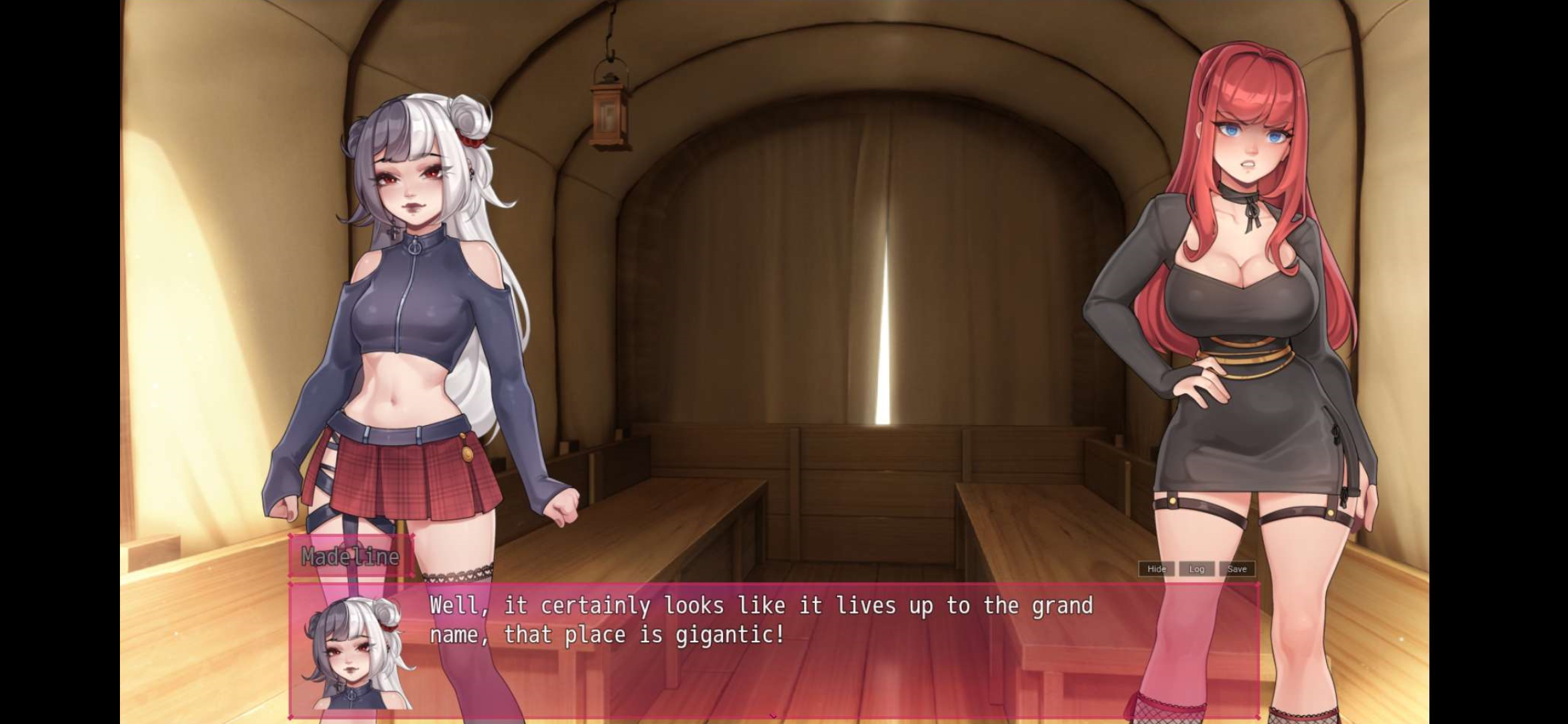
The game should still fit to the screen though. It's added black bars above and below and shrunk it. It should look like this, it's still got the boxes on the side because of the aspect ratio but it fills the rest of the screen.

Developer (2 edits)

Ah I understand now. Please stay tuned for the next update, I'll make the game screen height fit the screen.

Developer

Hi, your update is ready, do give it a try!

https://sanghendrix.itch.io/rpg-maker-to-phone-mv-mz-a-tool-for-rpg-maker-mv-mz/...

(+1)

Yes that new update has sorted it! Thank you