


Yeah the game broke for me. There's a white screen when ever you open a new level. It also doesn't run that well for me.
Play game
Escape desert Island's itch.io pageResults
| Criteria | Rank | Score* | Raw Score |
| Visuals | #1964 | 2.762 | 3.444 |
| Audio | #2179 | 2.316 | 2.889 |
| Seriousness | #2586 | 2.494 | 3.111 |
| Overall | #2866 | 2.138 | 2.667 |
| Creativity & Theme | #3173 | 1.871 | 2.333 |
| Enjoyment | #3382 | 1.247 | 1.556 |
Ranked from 9 ratings. Score is adjusted from raw score by the median number of ratings per game in the jam.
Game Engine
Unity
Comments
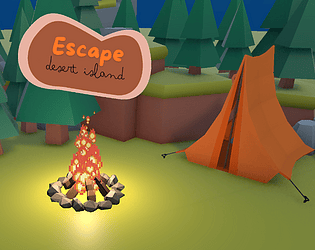
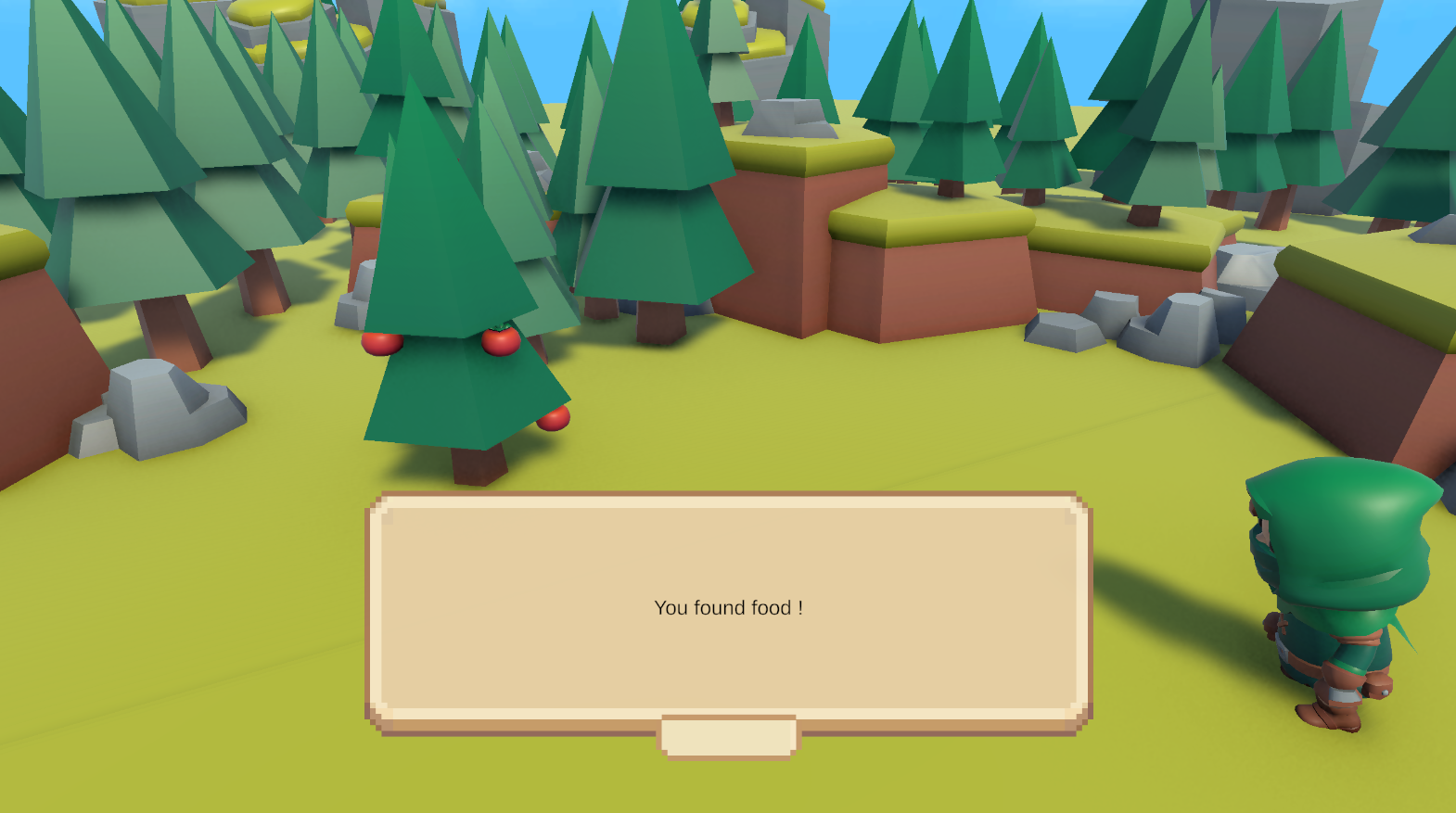
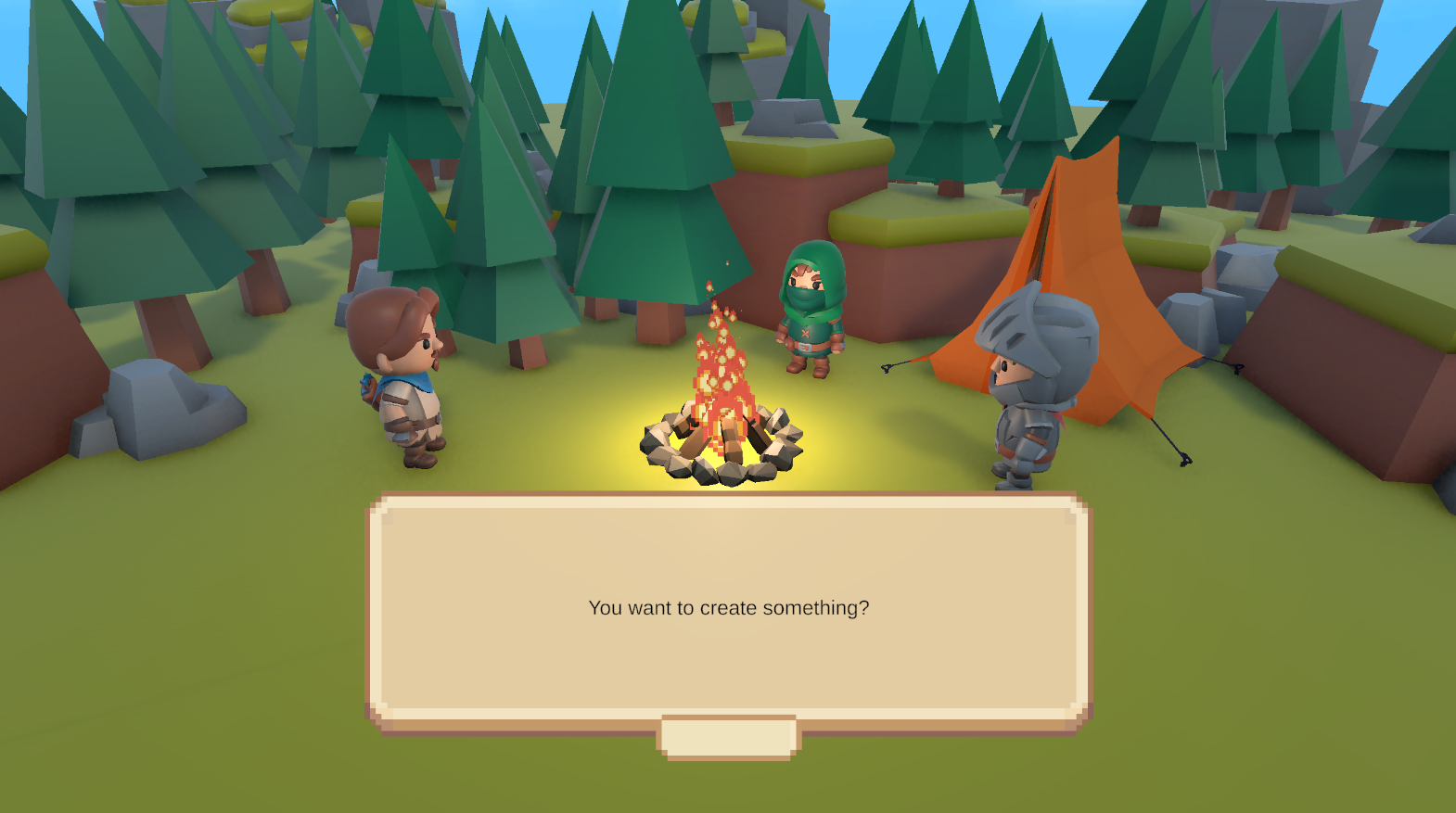
This game looks so cute and cosy, I was looking forward to it! Unfortunately, something seems to be broken as no input seems to work past the main menu. The screenshots and main menu are lovely though lol
Submitted
Water LockedHi! Sorry you couldn't play it :(
It's not really "broken", it's just that my control scheme is really bad (I just changed the keys from something I made with a controller in mind). Basically, Q and E act like bumpers on a controller that you need to press in order to move diagonnaly. The moveset is: Q+W (Q first, then W while still pressing Q) to go up left, E+W (same E first) to go up right, etc.
I guess it shows that I need to let other people test what I do sooner, to be sure that it's not too strange :)
thanks for your compliments on the menus though X)
The game is very cute and seems fun. I had a really tough time with the controls. I tried for quite a while and I never felt like I really got them. I understood the combos but they were so unintuitive that I kept forgetting/had to check. I'm guessing this is a problem with layouts? I am on QWERTY.
Submitted
Drill GameYeah, I re-used a system I built for controllers but I did a poor job adapting it to a keyboard. Technically, Q and E are acting like bumpers that you need to press for moving up and down (as there is 2 tiles above and below you).
I guess it shows how feedbacks can help make more intuitive systems :)
Thanks for trying the game!
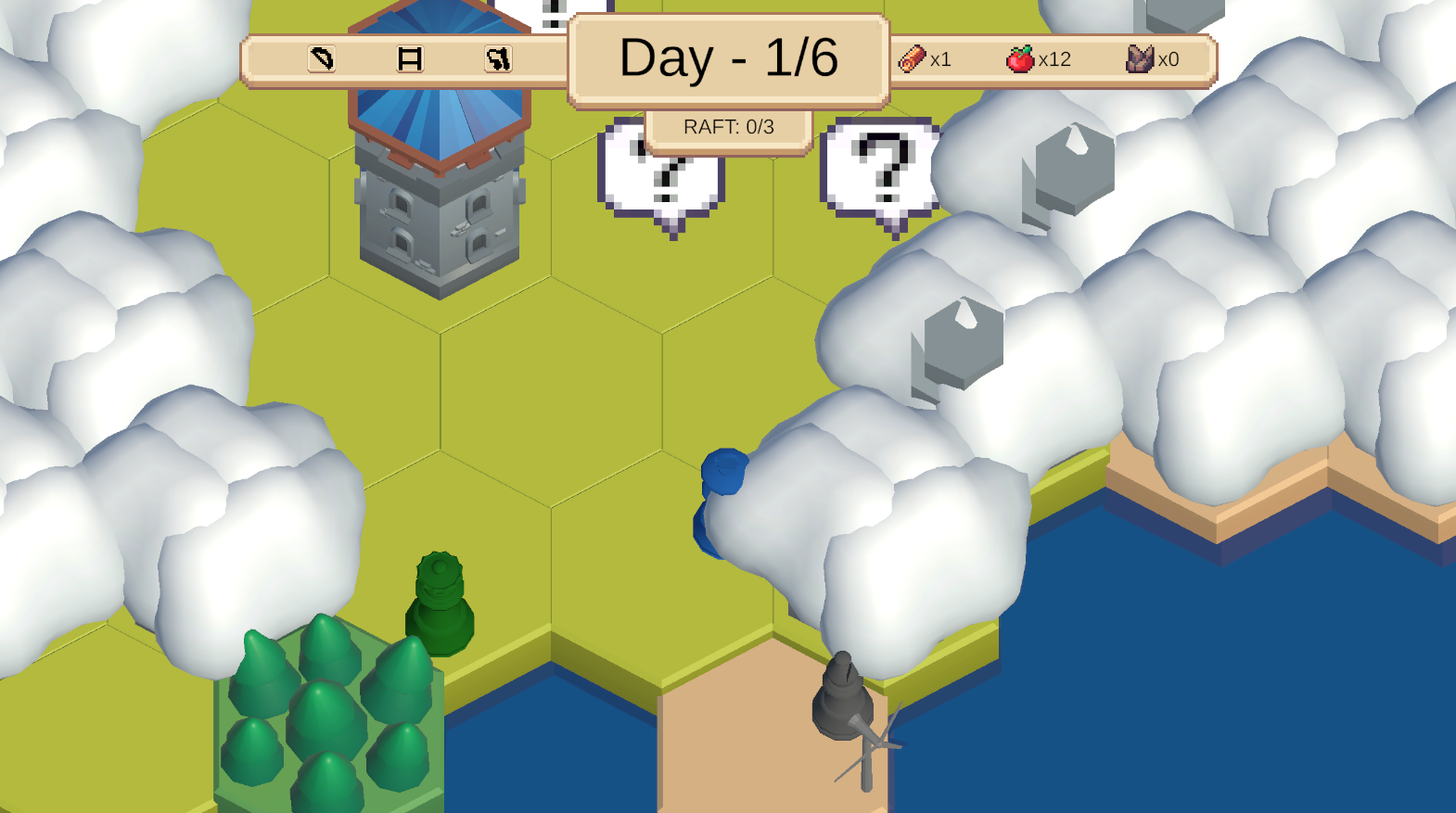
Cute idea but for me it was unplayable. I could only move 2 tiles (back and forth) after jamming the movement controls in all sides. I also checked the tutorial and followed the instructions, including playing in fullscreen. Also, the hexagon yellow highlight around the tiles seems to be a bit unaligned with the actual tile.
Submitted
Spin for SpeedOh, that's strange! I'm sorry that you weren't able to play it :(
I'm not surprised though, as a French using QWERTY, AZERTY (and these days, German QWERTY) I probably messed up the control scheme... It seems to work on my side, do you press (assuming that you are on qwerty) Q + W (at the same time but Q first), then Enter? I can't debug it more than that as my workstation is... at work. So sorry!
Regarding the highlight the shader highlights the entire tile (including the "bottom" part).
Ok, so if I hold down Q/E FIRST when trying to go diagonally it works. I suggest you might want to make the controls a bit clearer just in case people might be confused. It would be a shame to not have your game played because of that. Now that I tried it, I can say it's really cute and you can build on this idea further!
I don’t know if something is up with the browser build on my end, but the WASD keys aren’t working and I can’t do anything with the game. It’s really sad, because it looks to promising and it’s exactly my type of game (cozy resource-management and survival).
I hope you can figure out what’s wrong and fix it so I can play it.
Submitted
Tiny OrchestraOh, that's strange! I'm sorry that you weren't able to play it :(
I'm not surprised though, as a French using QWERTY, AZERTY (and these days, German QWERTY) I probably messed up the control scheme... It seems to work on my side, do you press (assuming that you are on qwerty) Q + W (at the same time but Q first), then Enter? I can't debug it more than that as my workstation is... at work. So sorry!
Leave a comment
Log in with itch.io to leave a comment.