Indie game storeFree gamesFun gamesHorror games
Game developmentAssetsComics
SalesBundles
Jobs
TagsGame Engines
A jam submission

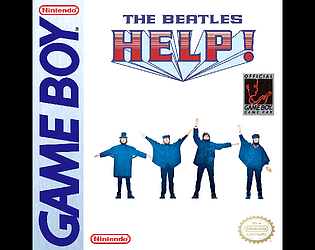
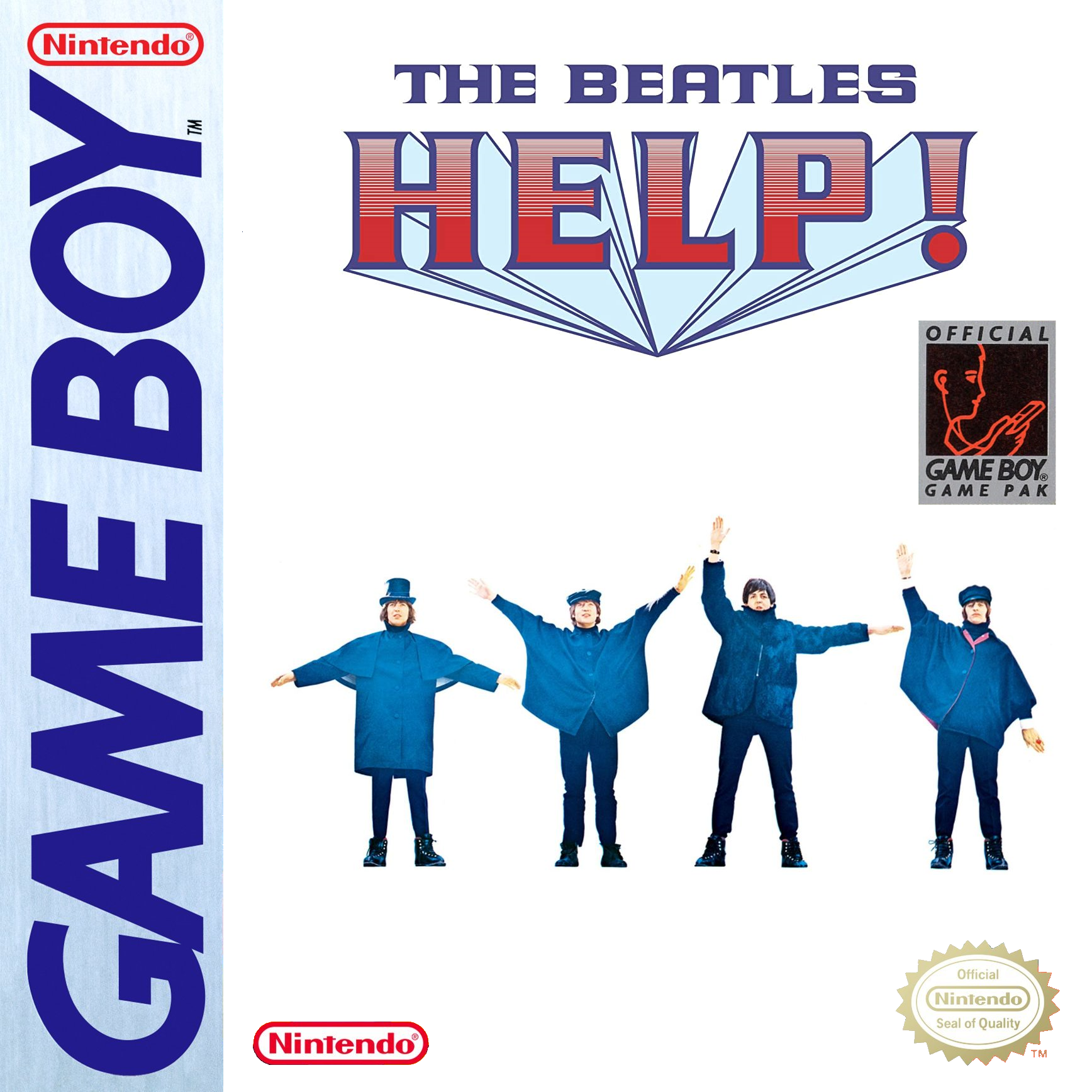
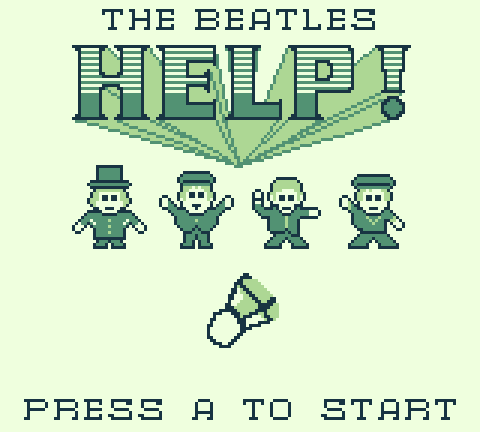
The Beatles Help! - DEMOView game page

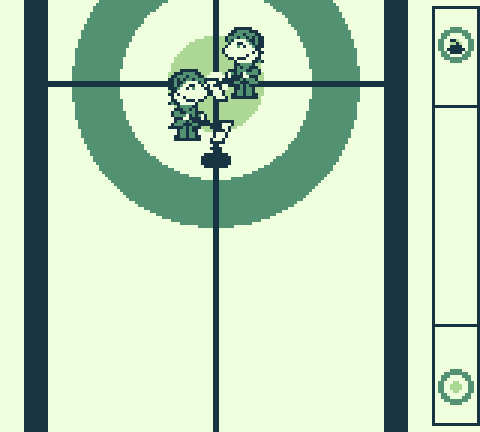
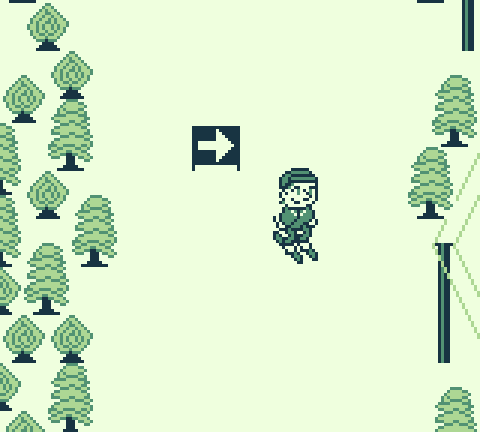
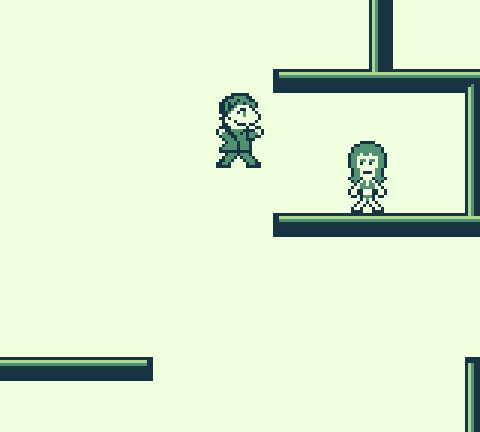
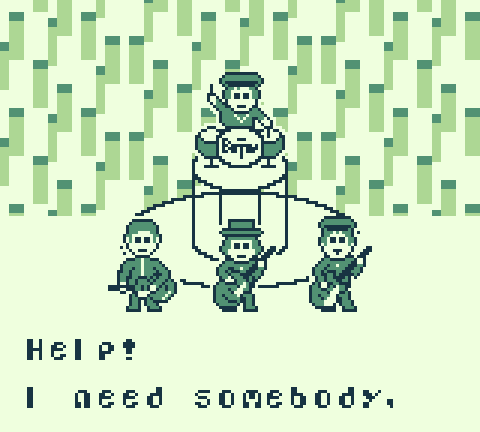
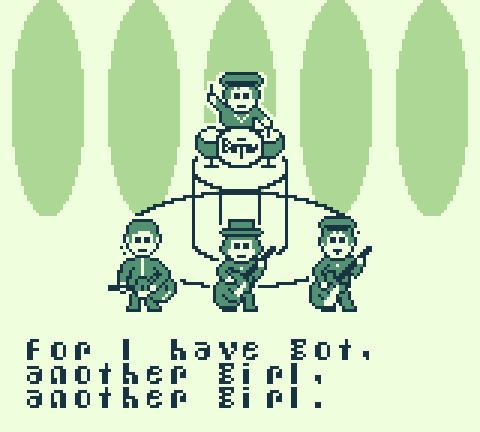
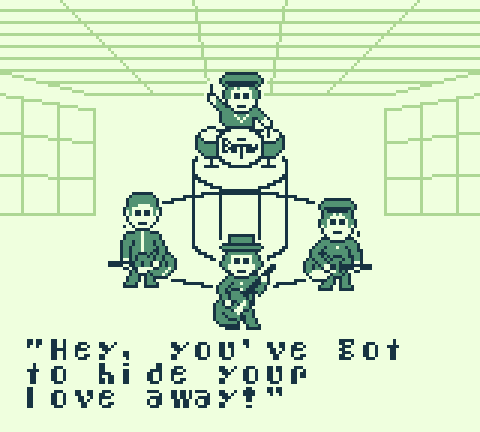
A collection of mini-games based on Help!
Submitted by The Great Foohachi — 6 hours, 38 minutes before the deadline
Add to collection

Play game

The Beatles Help! - DEMO's itch.io page

Results

CriteriaRankScore*Raw Score
Visuals#632.2942.750
Audio#662.0852.500
Overall#752.2422.688
Сreativity#782.2422.688
Theme#842.3462.812

Ranked from 16 ratings. Score is adjusted from raw score by the median number of ratings per game in the jam.

Controls
A (on a Game Boy), Z (on a PC), J (on a Mac)

Leave a comment

Log in with itch.io to leave a comment.

Comments

Submitted(+1)

Such a cool game! The last level also took me a long time haha. I LOVED the music level! It was fun to have such unique dynamics for each mini-game. 

*Heads Up* on my mac, the only key that worked for the game was "J" (just in case anyone else had the same bug)

Developer

So glad you liked it. I really wanted to show off the versatility of using a single button and wish I had more time to make more levels as I still have plenty of ideas for single button mini-games. 

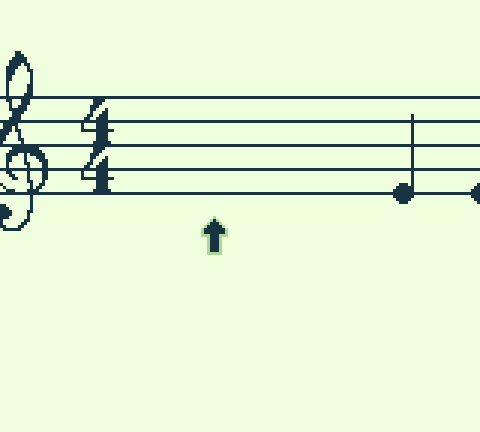
The Ode to Joy level was a lot of fun making and I still need to work on it a lot to get it truly up to my standards. I’ve made rhythm games before for Game Boy (Game Boy Hero 1 and 2) but the one button requirement meant I needed a completely different engine for this game. 

Thanks for sharing how to play it on a Mac as I don’t have access to one. 

Submitted(+1)

Its pretty cool, but it doesnt hold hands at all, straight up throws you into the gameplay after a very short description. If it was supposed to be a hard game, that would've been fine, but from the visuals and theme I assume its not inherently supposed to be a hard game, thats why the difficulty felt a bit off. Great visuals though

Developer(+1)

Thanks for the feedback. The last thing I did was add the countdowns on the first two levels so that you aren’t just launching out the gate, and I need to add this to the other levels still. But I agree that there is a learning curve to the game. But once you know what to expect, replays do become easier. Ode to Joy is also a work in progress as I need to account for lag on a Game Boy. I actually just came up with a plan for tackling this problem last night right before I went to sleep. 

Submitted(+1)

Yeah exactly. Also what would be the plan, if you dont mind sharing ?

Developer(+1)

My plan is for testing purposes only is to add a ruler to the background so I can measure exact pixels. Then change the visual feedback icon so it updates when the button can be pressed instead of when it is pressed. I can then take a video of me playing the game like this, still pressing A (doing so adds about 10 pixels of lag from start to finish). Then I can go thru that video and see where exactly I need to place the notes.

I also plan to have the camera only move 4 bars at a time (currently it just runs to the end of the song). Every 4th bar ends in a half note, so I’ll have time to then have the camera jump to a new position and start moving again so that the next 4 bars have better accuracy in case you messed up on the previous 4 bars. This should help a lot with the third section where you have the sets of eighth notes as they create a ton of lag. 

Of course I should note that all of this will only work properly on either an actual Game Boy or an FPGA device like the Analogue Pocket. Emulators simply can’t match the lag of original hardware, and everyone of them is different. 

Submitted(+1)

This worked for me on the computer. I just had to use Z instead of A. Pretty cute!

Developer

That makes sense, I also need to use Z when testing in the GB Studio emulator. I’ll add that to the jam description. Thanks!

Submitted(+1)

the game didn't work with keyboard or mouse (for me at least) on the web version. i was able to use an xbox controller to play, but that could make this inaccessible for some people to play. the game boy authenticity was cool to see though!

Developer

Yeah, I’m never able to get GB Studio games to play on a computer browser. However, if you play it on your phone it will actually give you a Game Boy controller beneath the screen so that it looks and almost feels like an actual Game Boy. 

To play on a computer you would have to download the .gb rom and play in an emulator. 

Developer

For those of you who want to see the music videos, or if there is a particular level you want to play again, simply enter BEAT in morse code on the title screen.

_... . ._ _